How to Sell Clothing on Instagram: 12 Practical Steps

To sell clothing on Instagram, give shoppers a clear route from a post to checkout and publish enough information for them to judge fit, fabric, colour and condition. Make sizing, stock, delivery and return information easy to find, then answer questions consistently when someone is close to buying.
Eligible businesses can connect a product catalogue and use shopping features, but availability depends on the account and country. Meta requires businesses using its commerce surfaces to meet its commerce eligibility requirements, represent their business and domain accurately, and comply with applicable policies.
Can you sell clothing directly on Instagram?
You can use Instagram to help people discover and evaluate clothing, tag approved catalogue products where the feature is available, and send shoppers to a website to complete their purchase. The exact shopping surfaces differ by country and account, so check Meta’s current Shops information before planning the selling route.
A product tag is helpful, but it is not a complete sales system. The product page, checkout, inventory, delivery process and return policy still need to work. If Instagram Shopping is unavailable, a professional profile can direct visitors to accurate website product pages through the profile link, Stories or approved advertising and messaging routes.
The general guide to selling products through Instagram explains the wider platform choices. This guide focuses on what clothing sellers need to do differently.
Step 1: Choose your clothing-selling model
The operating model determines what customers need to know and how quickly you can fulfil an order.
| Model | Inventory approach | Information buyers need most | Main operational risk |
|---|---|---|---|
| Brand or boutique | Owned or sourced stock with variants | Fit, size range, fabric, stock and returns | Variant errors and unsold inventory |
| Handmade or made to order | Produced after purchase or in small batches | Measurements, materials, customisation and lead time | Promising a completion date that cannot be met |
| Vintage or second-hand | Usually one item in one size or condition | Garment measurements, condition, flaws and authenticity | A vague description that creates disputes |
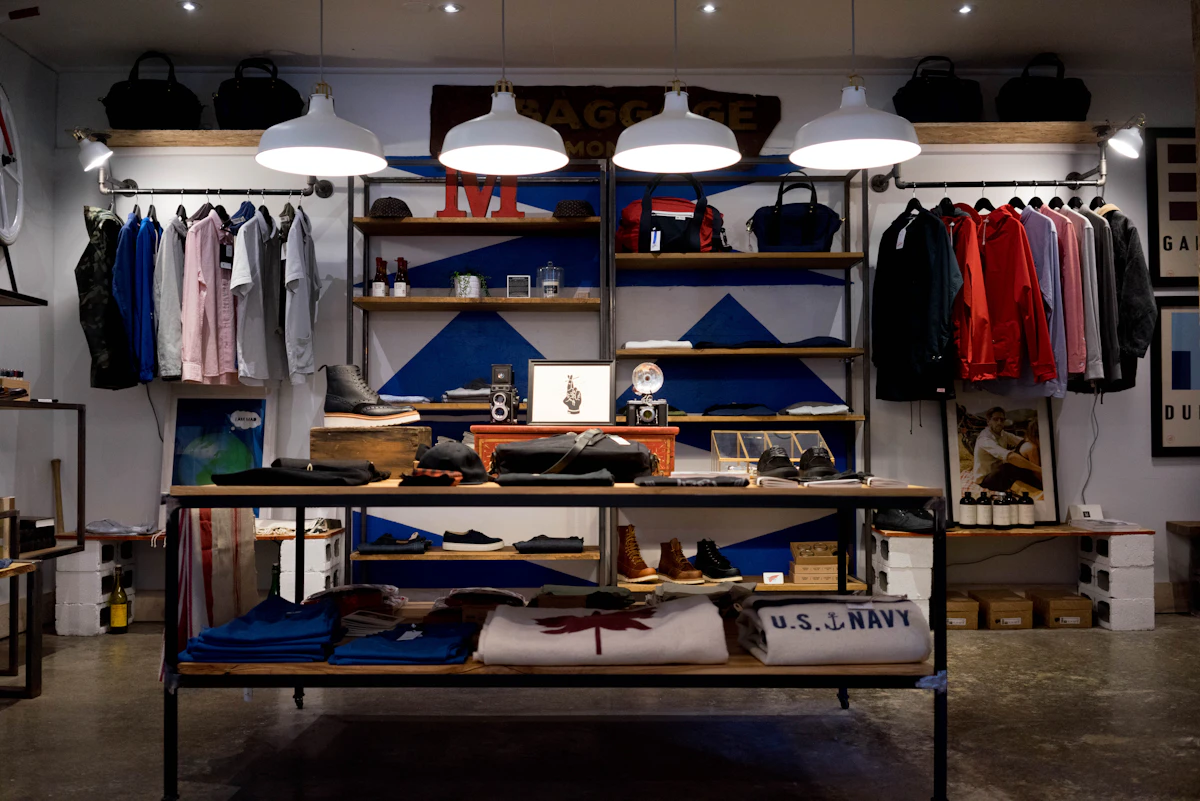
A brand with a full size run should make variant selection and stock synchronisation reliable. A resale seller may need fewer systems but more detailed condition photographs. A made-to-order business needs clear production and alteration terms.
Do not describe a one-off vintage garment using only the size printed on its label. Sizing changes between brands and periods. Garment measurements give the buyer better evidence.
Step 2: Define the customer and clothing niche
“Women who like fashion” is too broad to guide useful content. Define:
- the garment category;
- style and occasion;
- price range;
- size range;
- customer location;
- expected delivery time;
- why the product is different; and
- the buying concern most likely to stop the sale.
For example, an occasionwear shop may need content about fit, length, fabric movement and delivery before an event. A workwear brand may focus on repeatable sizing, care, pockets and outfit combinations. A vintage seller may prioritise condition, era and exact measurements.
This definition affects photography, captions, creators, posting times and the product questions your team should be prepared to answer.
Step 3: Set up a professional Instagram profile
Use an Instagram business account for a clothing business. Make it easy for a first-time visitor to understand what you sell and where you deliver.
Check:
- The account name and profile image are recognisable.
- The bio states the clothing category and important geographic limitation.
- The profile link opens the most relevant mobile shopping destination.
- Contact information is current.
- Highlights answer recurring buying questions.
Useful Highlights include:
- New arrivals
- Size and fit
- Delivery
- Returns
- Care
- Reviews
- Restocks
A Highlight should not be the only place a material policy exists. Keep the website version current and use the Highlight as a clear route to it.
Step 4: Prepare the website, checkout and policies
Instagram can create interest quickly. A slow, confusing or incomplete product page can lose it just as quickly.
Each product page should show:
- current price and availability;
- size or variant selector;
- garment measurements or an appropriate size guide;
- fabric and care information;
- useful photographs;
- delivery estimate or dispatch information;
- return and exchange terms; and
- a mobile checkout that has been tested.
Keep stock accurate across Instagram, the website and any physical selling channel. If a product is sold out, update or remove misleading tags and provide a legitimate restock option instead of taking payment for uncertain stock.
For a growing seller, taking every order through DMs creates avoidable risk. Addresses, payments, variant choices and fulfilment notes can become scattered across conversations. Use a proper checkout whenever possible and reserve DMs for questions that help the customer decide.
Step 5: Create or connect a product catalogue
Eligible businesses can create a catalogue in Meta Commerce Manager or connect one from a supported ecommerce platform. The catalogue supplies product titles, images, prices, variants, availability and website URLs.
Before submitting it:
- remove broken product links;
- use the same currency as the destination page;
- map colours and sizes consistently;
- check variant images;
- confirm stock;
- keep product titles understandable; and
- ensure the item complies with Meta’s policies.
The Instagram Shop setup guide covers Commerce Manager, catalogue connection and product tagging in detail. Follow that process instead of rebuilding the same instructions here.
When shopping features are unavailable, keep the catalogue and website accurate anyway. They remain the source of truth for links, advertising and customer-service answers.
Step 6: Create a clothing product-information standard
A good clothing post reduces uncertainty. It does not simply announce that an item is available.
Use this information standard for every garment:
| Information | What to provide | Why it matters |
|---|---|---|
| Labelled size | The size printed on the garment or variant | Gives the customer the seller’s standard reference |
| Garment measurements | Relevant flat or circumference measurements with method | Helps compare the item with clothing the customer owns |
| Model information | Model measurements and size worn, with consent | Provides fit context without promising the same result |
| Fit description | Fitted, relaxed, oversized, cropped or longline | Explains the intended silhouette |
| Fabric | Composition, weight, stretch, lining and texture where relevant | Helps the customer judge feel and movement |
| Colour | Plain-language colour plus a screen/lighting caveat | Reduces surprises caused by displays and photography |
| Condition | Wear, repairs, marks or faults for resale items | Builds trust and reduces disputes |
| Care | Washing and storage instructions | Helps the customer assess ongoing use |
| Fulfilment | Stock status, dispatch time or production lead time | Sets a realistic delivery expectation |
| Returns | Clear route to the applicable policy | Lets the buyer assess the risk before purchase |
Use one measurement method consistently. Explain whether measurements were taken flat and whether a stretch range is approximate. Avoid claiming that measurements guarantee fit.
Step 7: Photograph clothing so buyers can judge it
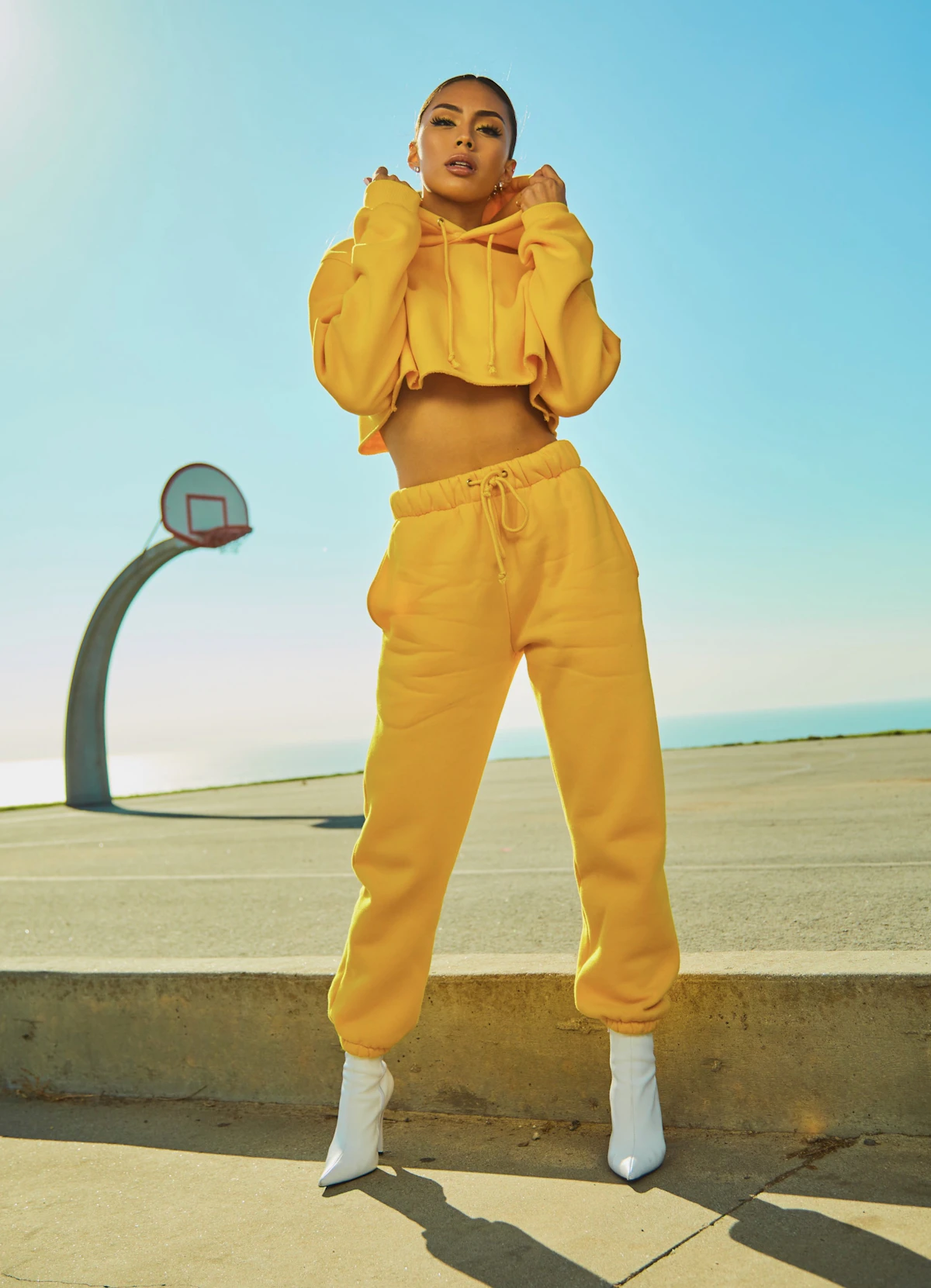
Clothing photography needs to show shape, construction and condition, not only mood.
Capture:
- A clear full front view.
- A full back view.
- A side, walking or movement view.
- A close-up of the fabric and important construction.
- The garment worn or shown on an appropriate form.
- Labels, closures and condition details.
- A measurement reference when it would help.
Use consistent light and a neutral colour reference where colour accuracy matters. Do not remove marks or alter the garment’s shape during editing. Styling can show possibility, but at least one image should let the item be assessed without distracting props.
For video, demonstrate:
- movement;
- fabric drape;
- stretch;
- fastening;
- pocket depth;
- layering; or
- the difference between two sizes.
If the item is pinned, clipped or altered for the shoot, disclose it. The buyer should not infer a fit that the garment does not naturally have.

Step 8: Match the Instagram format to the buying question
Use each format for a specific customer need.
Reels for movement and styling
Show how fabric moves, how a garment can be styled or how two sizes fit differently. Keep important product information visible in the caption or destination page; not every viewer will hear the audio.
Carousels for detail and comparison
A carousel can move from the full garment to fit, fabric, measurements, colour and care. It is useful when the customer needs to compare rather than simply watch.
Stories for launches and restocks
Stories can announce stock changes, answer questions and remind customers before an offer ends. Save durable information such as sizing and returns to an organised Highlight.
Live video for deeper explanation
Live content can work for try-ons, collection previews and real-time questions. Avoid making unverified promises under pressure. If a delivery deadline or alteration request needs checking, follow up after confirming it.
Feed posts for durable product and brand information
Use feed posts for products, collections and explanations worth finding later. Do not turn the feed into a grid of near-identical catalogue images. Include demonstrations, comparisons, care information and credible customer proof.
The wider Instagram marketing strategy for ecommerce can help balance these formats across the customer journey.
Step 9: Write captions that remove buying uncertainty
A clothing caption should help the reader understand the item and take the next step.
Include:
- what the garment is;
- its material and fit;
- available sizes or the route to current stock;
- an important detail that is not obvious in the image;
- price or launch information when appropriate;
- delivery or production context; and
- the correct product or checkout action.
For a resale item, include condition and measurements. For made-to-order clothing, state the production lead time and what can be customised. For a limited promotion, explain the end time and time zone.
Avoid vague captions such as “Your new favourite dress has arrived” without the facts needed to buy it. A strong caption still needs specific product information even when the image is attractive.
Step 10: Use product tags accurately
Where the account is eligible, tag the exact catalogue product shown. If a Reel contains several outfits, tag only the relevant items and keep the destination variants clear.
Before publishing:
- Open each product URL on a phone.
- Confirm the price and currency.
- Check that the shown colour and size can be selected.
- Verify stock.
- Place the tag without hiding a useful garment detail.
- Review the live post after publication.
Do not attach an unrelated bestseller merely to gain more product views. A misleading tag creates confusion at the moment the shopper expects certainty.
If the tagging control is missing, check commerce eligibility, country support, catalogue ownership and product approval. Feature availability can change, so use Meta’s current help documentation instead of an old interface screenshot.

Step 11: Handle size, stock and delivery questions consistently
Customer conversations reveal where the product information is weak. Record repeated questions and improve the product page, caption or Highlight instead of answering each one in isolation forever.
| Buyer question | Safe source for the answer | When a person should review it |
|---|---|---|
| “Will this fit me?” | Size guide, garment measurements and fit description | The customer requests a guarantee or has a complex fit need |
| “Is this colour accurate?” | Approved images and colour description | The customer needs an exact match for an event or another item |
| “When will my size return?” | Verified stock or restock information | The restock date is uncertain |
| “Can this arrive by Friday?” | Current dispatch and carrier information | A special delivery promise is requested |
| “Can I return a sale item?” | Published return policy | An exception, dispute or legal right needs assessment |
Do not guarantee fit from height and weight alone. Bodies, preferences and garment construction differ. Provide evidence and let the customer make the decision.
Use customer photographs only with permission and preserve any required disclosure. The guide to using customer content in ecommerce explains how to make social proof useful without treating it as free material.

How does AeroChat help clothing sellers manage Instagram questions?
AeroChat is an AI agent platform that helps Instagram business owners automate and scale customer conversations.
For a clothing business, AeroChat Instagram chatbot can use approved product, size-chart, stock, delivery and return information to answer suitable questions in relevant Instagram DMs and comments. It can keep conversations alongside other supported channels and pass cases requiring judgement to a human agent.
Best for: DTC and ecommerce brands handling frequent customer enquiries across Instagram and other channels.
AeroChat does not photograph clothing, create posts or guarantee that a garment will fit. Unusual delivery promises, return disputes and decisions that are not covered by an approved policy should move to a person.
It is generally a growth-stage support investment. A seller validating a few products may be better served by clear product information and disciplined manual replies until conversation volume becomes repetitive.
Step 12: Measure which clothing content produces sales
Followers and reach can indicate discovery, but they do not show whether the clothing information helped someone buy.
Track:
- product-page visits;
- product-tag or profile-link taps where available;
- qualified size, stock and delivery questions;
- add-to-carts;
- purchases;
- conversion by product or campaign;
- returns and exchanges by reason; and
- products that repeatedly generate confusion.
A post with moderate reach and strong product-page action can be more commercially useful than a widely viewed styling video with little buying intent. The guide to turning followers into customers explains how to connect content with the wider conversion path.
Review return reasons with care. A high level of “not as expected”, size-related exchanges or colour complaints may point to missing information, inconsistent measurements or unrealistic imagery.
A weekly workflow for selling clothes on Instagram
Use a repeatable process instead of planning content separately from stock and customer service.
1. Review stock and the commercial calendar
List new arrivals, restocks, low-stock items, promotions and fulfilment limits.
2. Review customer questions
Find recurring concerns about fit, fabric, condition, delivery and returns. Use them to choose content.
3. Capture reusable product evidence
Photograph full views, details and movement in one organised session. Record accurate product notes while the garment is present.
4. Publish with verified information
Check captions, tags, links, prices and stock immediately before posting.
5. Respond and escalate
Answer from approved information. Send unusual promises, disputes and exceptions to the appropriate person.
6. Update the source material
If five people ask the same question, improve the product page, size guide, Highlight or policy before the next post.
7. Review product actions
Compare visits, conversations, purchases and return reasons. Continue formats that improve buying confidence, not only those that attract attention.
What mistakes stop clothing sellers converting Instagram interest?
Showing style without product evidence
A campaign image can attract attention, but buyers still need to judge fit, fabric and condition.
Using inconsistent size information
Changing measurement methods between products makes comparison difficult. Define one method and explain it.
Hiding delivery and return terms
Customers should not need a private conversation to discover a material purchase condition.
Leaving sold-out products tagged
Outdated tags waste high-intent visits. Synchronise or review stock frequently.
Treating DMs as the order database
Important details can be missed or changed. Use a proper checkout and order record.
Reusing customer or creator content without permission
Ask for permission, preserve attribution and apply required advertising disclosures.
Measuring followers instead of decisions
Track the actions that indicate a buying decision and the post-purchase evidence that the item met expectations.
Final checklist for selling clothing on Instagram
- Define the clothing model, niche and delivery market.
- Set up a professional profile with a clear checkout route.
- Prepare mobile product pages and transparent policies.
- Connect an accurate catalogue where eligible.
- Standardise size, measurement, fabric, colour and condition information.
- Capture photographs that show the garment honestly.
- Match Reels, carousels, Stories and Lives to customer questions.
- Write captions with useful product facts and a clear action.
- Keep tags, prices, variants and stock current.
- Answer from approved information and escalate exceptions.
- Measure product actions, purchases and return reasons.
- Use repeated questions to improve the next product page and post.
Instagram can be a strong discovery and conversation channel for clothing, but the sale depends on the evidence and buying process behind the post. Help the customer judge the garment accurately, then make the route to purchase dependable.
Selling clothing on Instagram relies on the same fundamentals as any visual product: consistent content, strong imagery and a conversion path from post to DM to purchase. The captions that convert guide covers the copy side of that, and the best posting times for Instagram sales covers the distribution question. For growing a following before relying on it for revenue, Instagram follower growth for businesses covers the organic approach that works for fashion brands.