Best Instagram Marketing for Ecommerce in 2026: A Step-by-Step Strategy

Instagram marketing for ecommerce means using content, creators, shopping features, paid distribution and customer conversations to move relevant people from discovery towards a store visit or purchase. It works best when every post has a clear job in the buying journey—not when a brand publishes simply to keep its feed active.
A useful strategy starts with the customer questions your store already receives. Those questions reveal what people need to see before buying: how a product works, who it suits, what makes it different, how quickly it arrives and what happens if it is not right.
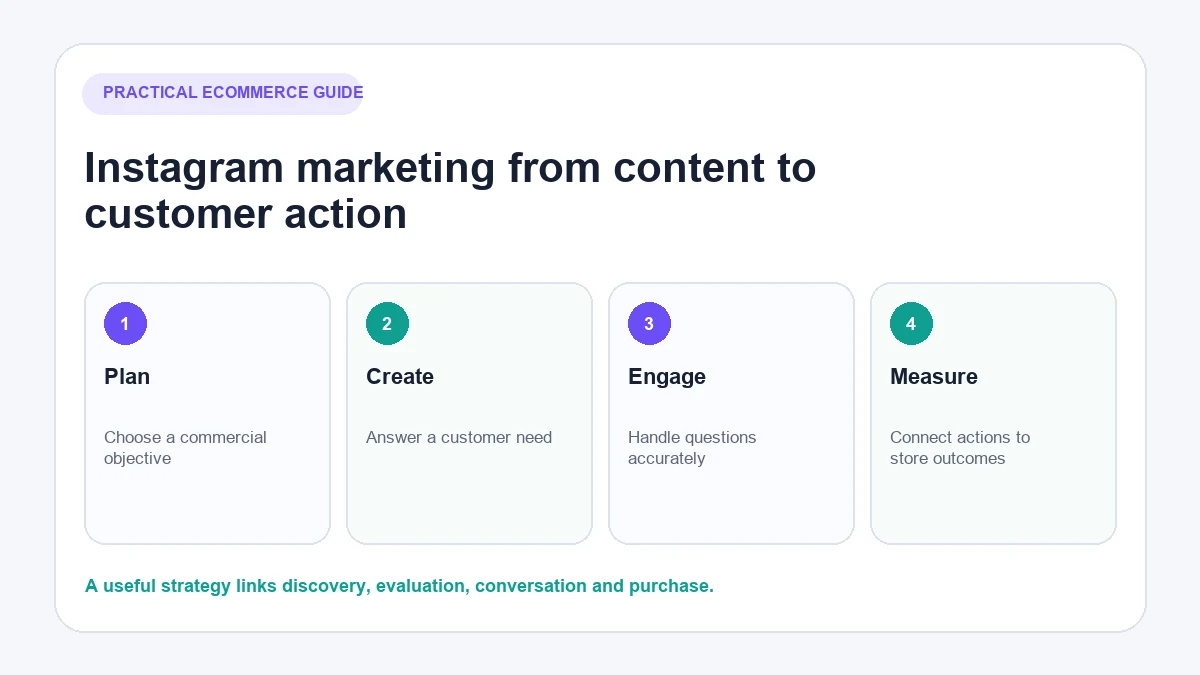
This guide shows how to turn those inputs into a practical Instagram marketing system. It also explains where product tags are available, how to measure progress and what to do when posts begin generating comments and direct messages.
What is Instagram marketing for ecommerce?
Instagram ecommerce marketing uses Instagram to attract potential customers, help them understand a product and give them a sensible next step. That next step might be viewing a product page, asking a question, saving a guide, joining a launch list or buying.
The system has five distinct parts:
- Organic content demonstrates products and builds familiarity.
- Creators and customer content provide another perspective and credible product use.
- Shopping features can reduce the distance between discovery and a product page where the account and country are eligible.
- Paid distribution puts selected content in front of a defined audience.
- Customer conversations answer the questions that remain before and after purchase.
Not every store needs to use all five immediately. A new business with limited creative capacity may learn more from a focused organic programme before committing significant money to ads or creator partnerships.
Set a commercial objective before planning content
“Grow Instagram” is not a useful commercial objective. Decide what customer behaviour would indicate progress, then build content for that behaviour.
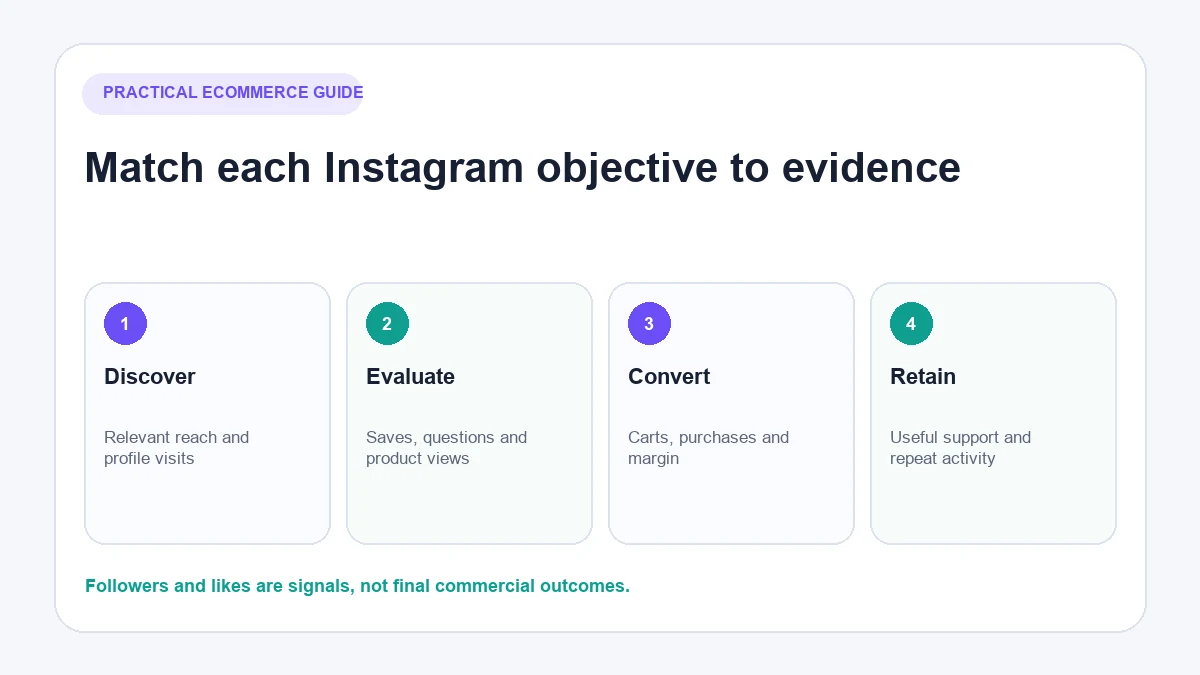
| Objective | Content job | Useful customer action | Metrics to review |
|---|---|---|---|
| Increase relevant discovery | Introduce the product problem or use case | Watches, profile visits, shares | Qualified reach, profile visits, watch behaviour |
| Help shoppers evaluate | Explain features, fit and trade-offs | Saves, product questions, product-page visits | Saves, replies, website taps, engaged sessions |
| Generate sales | Present a suitable product and clear offer | Product-page visit, add to cart, purchase | Attributed sessions, carts, purchases, contribution margin |
| Support launches or restocks | Make timing and availability clear | Reminder, waitlist action, DM or purchase | Replies, link visits, sign-ups, sales |
| Strengthen retention | Help customers use what they bought | Saves, shares, repeat questions, repeat visits | Returning engagement, support themes, repeat orders |
Record a baseline before changing the strategy. Use the metrics already available in Instagram and your ecommerce analytics: profile visits, website taps, Instagram-referred sessions, enquiries, add-to-carts and purchases. This gives you something more useful than comparing the store with an unrelated industry benchmark.
Prepare your Instagram profile to convert interest
A post can earn attention and still fail commercially if the profile leaves shoppers unsure what the business sells or where to go next.
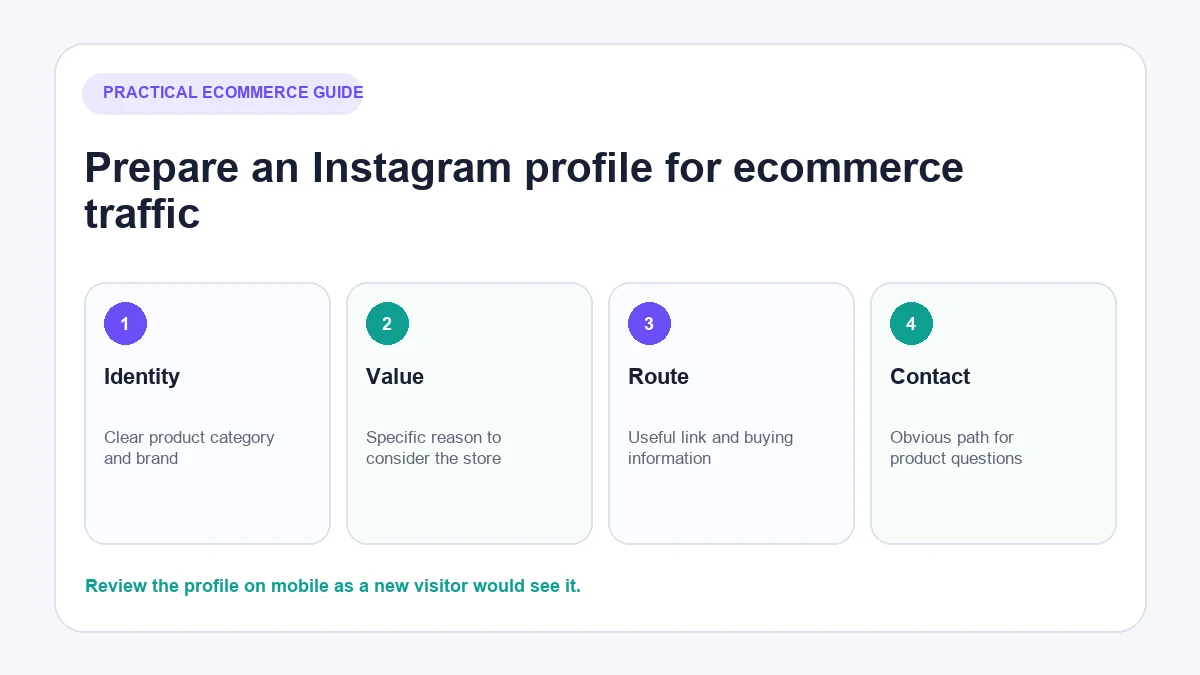
Check these elements:
- Account type: Use an appropriate professional account so the business can access relevant business tools and insights.
- Profile identity: Use a recognisable name, image and description. A shopper should understand the product category quickly.
- Value proposition: Explain the practical reason someone would choose the store. Avoid slogans that only make sense to existing customers.
- Link destination: Send people to the most useful current destination—a collection, campaign page or organised link page—not automatically to the homepage.
- Highlights: Group lasting buying information such as sizing, delivery, returns, product use and customer examples.
- Contact route: Make it clear how someone should ask a pre-purchase question.
View the profile on a mobile device while signed out of the business account. This makes it easier to spot internal language, unclear links or missing context that the team has stopped noticing.
Build five ecommerce content pillars
Content pillars prevent the feed becoming a succession of similar product photographs. They also make planning easier because each pillar answers a different customer need.
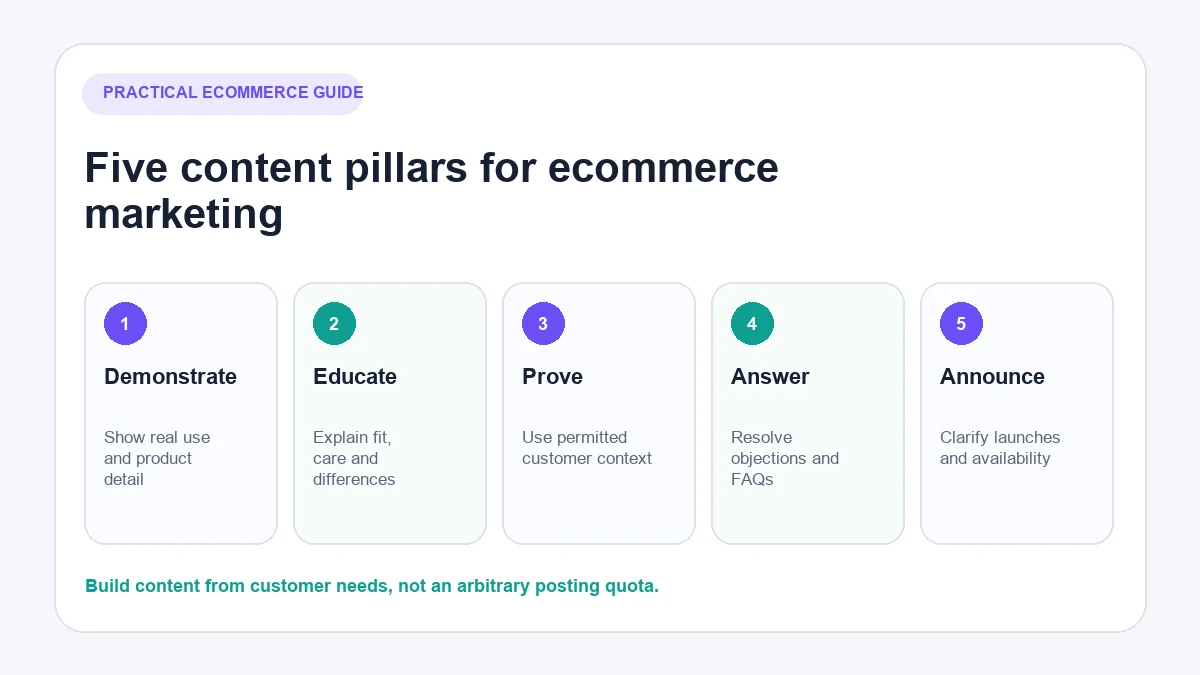
1. Demonstrate the product
Show the product being used in a realistic situation. A clothing store might demonstrate fit and movement; a homeware brand might show scale within a room; a technical-accessory seller might show installation and compatibility.
Demonstration content is most useful when it reduces uncertainty. Focus on what a shopper cannot learn from a polished pack shot alone.
2. Educate the buyer
Explain materials, care, sizing, ingredients, setup or the differences between similar options. Educational posts can attract people earlier in the buying process while still helping existing followers make a decision.
3. Show credible customer proof
With permission, show how customers use the product and what specific problem it addressed. Do not turn a vague compliment into a performance claim. Keep the context that makes the example believable.
4. Answer objections and questions
Review comments, DMs, support tickets and search terms. If customers repeatedly ask whether an item fits a certain device, arrives before a specific occasion or can be returned after opening, the answer deserves more than a private reply.
5. Announce launches, restocks and promotions
Commercial posts are necessary, but they should be precise. State what is available, who it suits, when the offer ends and where conditions apply. Avoid artificial urgency or hiding material limitations in small text.
Choose the right Instagram format for the job
No single format is always best. Choose the format that communicates the idea with the least friction.
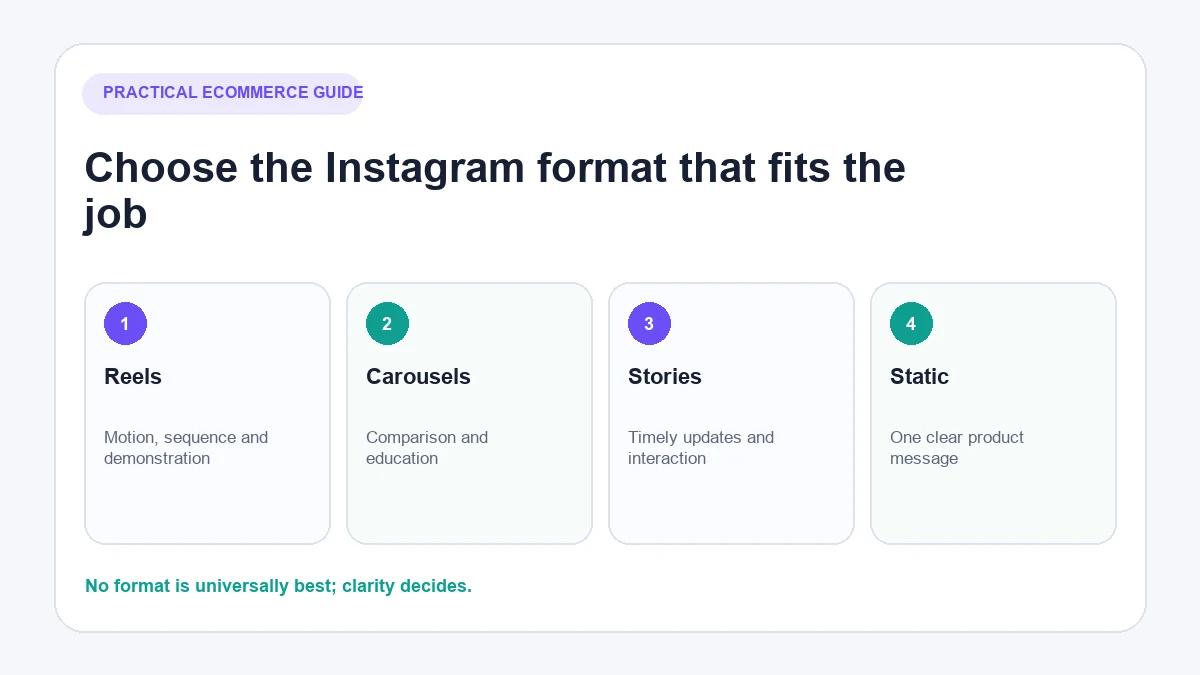
Reels for demonstrations and discovery
Use Reels when motion, sequence or personality improves the explanation. Product assembly, fit, texture, packing, transformations and comparisons often benefit from video.
Open with the useful point rather than a long logo animation. Add captions where speech carries important information, and make the product clear without depending on audio.
Carousels for comparisons and education
Carousels work well when a shopper needs several related points: choosing a size, comparing models, following a short process or reviewing product details. Each slide should advance the explanation rather than restating the headline.
Stories for timely interaction
Stories can support launches, stock updates, reminders, polls and behind-the-scenes context. Save genuinely useful recurring information to Highlights so it does not disappear from the buying journey.
Static posts for one clear message
A strong product photograph, customer image or concise announcement may need only one frame. Do not stretch a simple idea into a carousel merely to follow a trend.
Live content when real-time explanation matters
Live sessions can help with launches, demonstrations and detailed questions, but only when the audience benefits from real-time interaction. A recorded, edited demonstration may be more useful when clarity matters more than immediacy.
Use Instagram Shopping and product tags where available
Product tags can connect content with catalogue items, but availability depends on the business, commerce account and country. Meta requires businesses to meet its commerce eligibility requirements. Its supported-country guidance also distinguishes full, beta and limited Shops functionality.
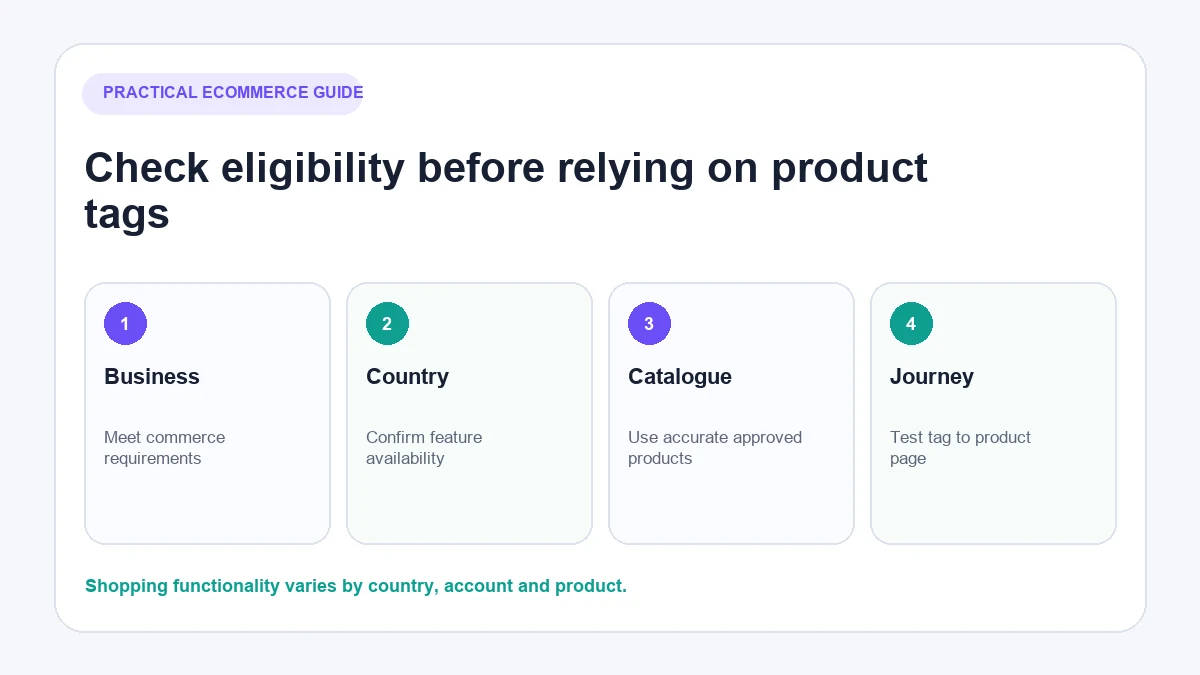
Before building a campaign around tags:
- Confirm that the business and commerce account are in an eligible location.
- Check that the account represents the business and its domain accurately.
- Review the product catalogue for correct titles, prices, images, availability and destinations.
- Confirm that the relevant products have been approved.
- Test the customer journey from the published content to the correct product page.
Meta currently documents product tagging in Reels for approved businesses with an Instagram shop, but platform features and menu paths change. Check the live Instagram product-tag instructions before publishing a process internally.
Shopify merchants can follow the separate guide to connect Instagram to Shopify. Keep the marketing plan useful even if product tags are unavailable: a clear profile link, campaign landing page and well-managed DMs can still create a conversion path. If those DMs generate repeated product, delivery or order questions, a Shopify chatbot can answer from approved store information and pass exceptions to a person.
Create a realistic weekly Instagram workflow
Consistency comes from a repeatable operating process, not from promising to post a fixed number of times forever.
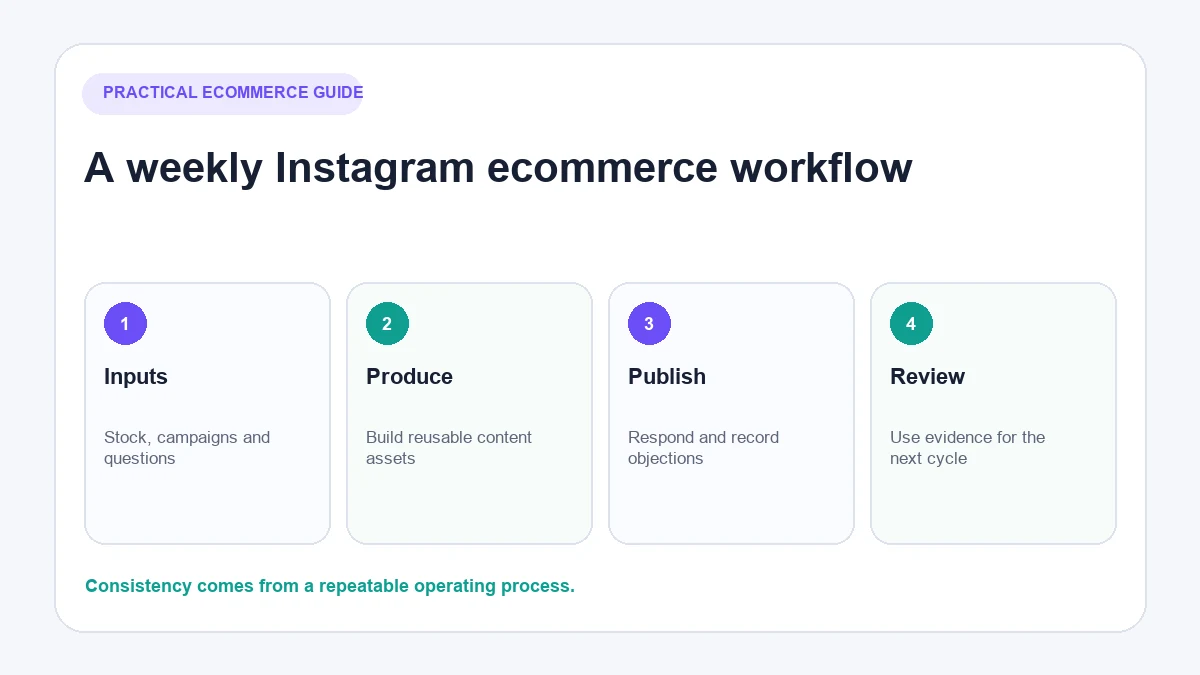
Gather commercial and customer inputs
Start with stock levels, launches, promotions, seasonal demand and the questions customers asked during the previous week. This prevents the content team promoting unavailable products or repeating messages that no longer match the store.
Build a small batch of adaptable assets
One product demonstration can produce a Reel, a still image, a Story sequence and a short buying guide if each version is edited for its format. Reuse the underlying insight, not the identical asset everywhere.
Publish and participate
Check comments and DMs after publishing. Respond to genuine questions, correct misunderstandings and record new objections. Avoid automated likes, follows or generic comments designed to simulate engagement. The safe Instagram automation guide explains the difference between useful workflow support and risky account activity.
Review and adjust
At the end of the cycle, identify which content attracted the intended audience and which content helped them take the next step. A post with modest reach but several qualified product questions may be more commercially useful than a widely viewed post that attracts the wrong audience.
Work with creators and customer content responsibly
Choose creators based on the overlap between their audience, subject matter and the product—not follower count alone. Review their previous partnerships, comment quality and ability to explain products accurately.
Agree in writing on deliverables, usage rights, deadlines, review boundaries and disclosure. Meta says branded content and partnership ads must meet its eligibility requirements. Advertising and endorsement rules also vary by country, so obtain appropriate local guidance for priority markets.
When a customer posts about a product, ask permission before reusing the content. Permission to be tagged is not automatically permission to use the image in an advertisement, email campaign or product page.
How AeroChat handles Instagram enquiries after you post
Publishing is only the start of the customer interaction. Product posts often generate questions about availability, delivery, returns, compatibility or opening hours in comments and DMs.
AeroChat is an AI agent platform that helps Instagram business owners automate and scale customer conversations. Its Instagram integration can answer inbound DMs and public comments on the business’s posts using approved knowledge or connected store information. Conversations enter a shared inbox, and human handover is available when a person needs to take over.
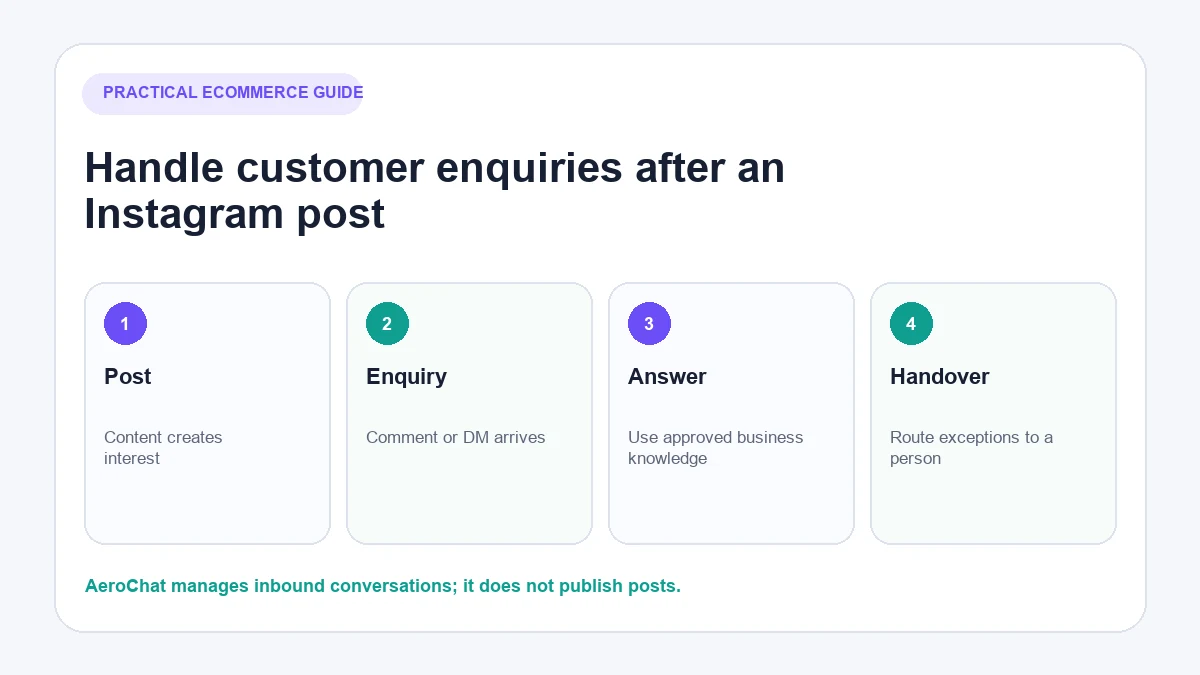
AeroChat does not create, schedule or publish Instagram posts. It becomes relevant after content starts generating more repetitive customer questions than the team can answer consistently. Businesses considering automated public responses should test the process on a limited post and review the Instagram comment automation workflow before expanding it.
Best for: DTC and ecommerce brands handling frequent customer enquiries across Instagram and other channels.
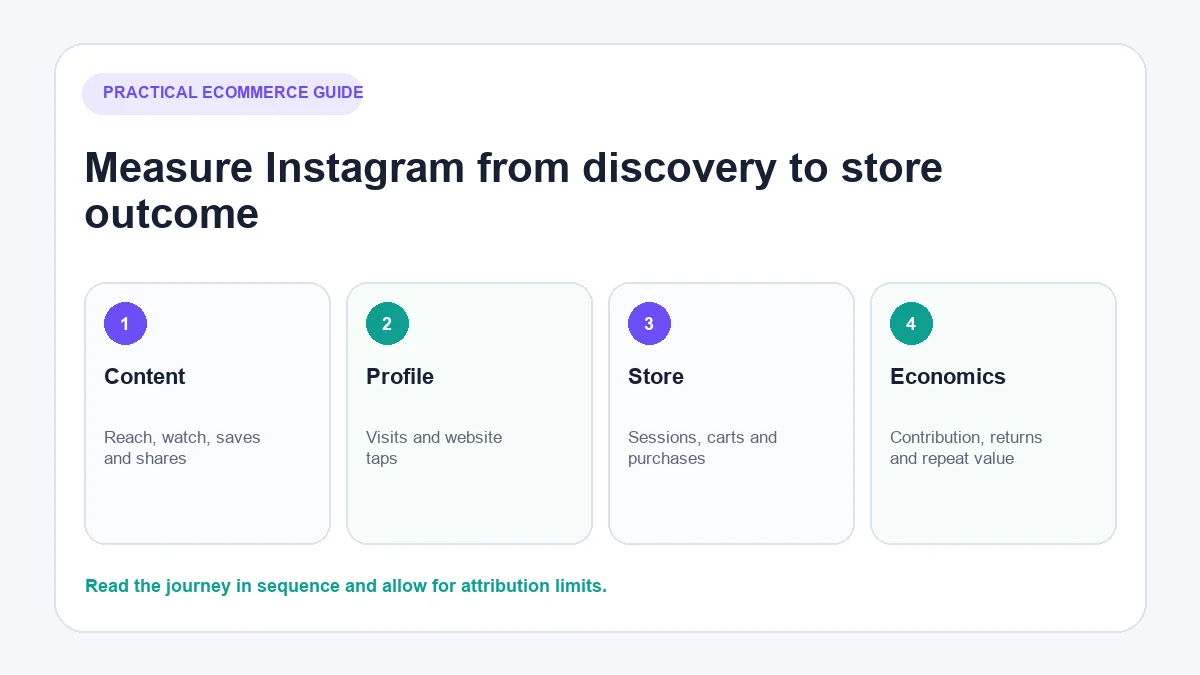
Measure the journey from content to revenue
Instagram Insights and store analytics answer different questions. Use them together rather than forcing one dashboard to explain the entire journey.
Content and discovery
Review reach, watch behaviour, shares, saves and profile visits. Interpret them in context. A save can suggest future intent, but it is not a sale.
Profile and website actions
Measure website taps and Instagram-referred sessions. Use consistent campaign parameters where appropriate so different launches and content themes can be compared.
Conversations
Track the questions generated, how often the team can answer them, when a person is required and which questions reveal missing product-page information. Conversation volume alone is not success if the questions come from unclear content.
Store outcomes
Review product views, add-to-carts, completed purchases, order value and contribution margin for Instagram-referred traffic. Attribution will not be perfect: people may discover a product on Instagram and return through another channel. Use the data as decision support, not as an exact account of every customer journey.
A 30-day Instagram marketing plan for an ecommerce store
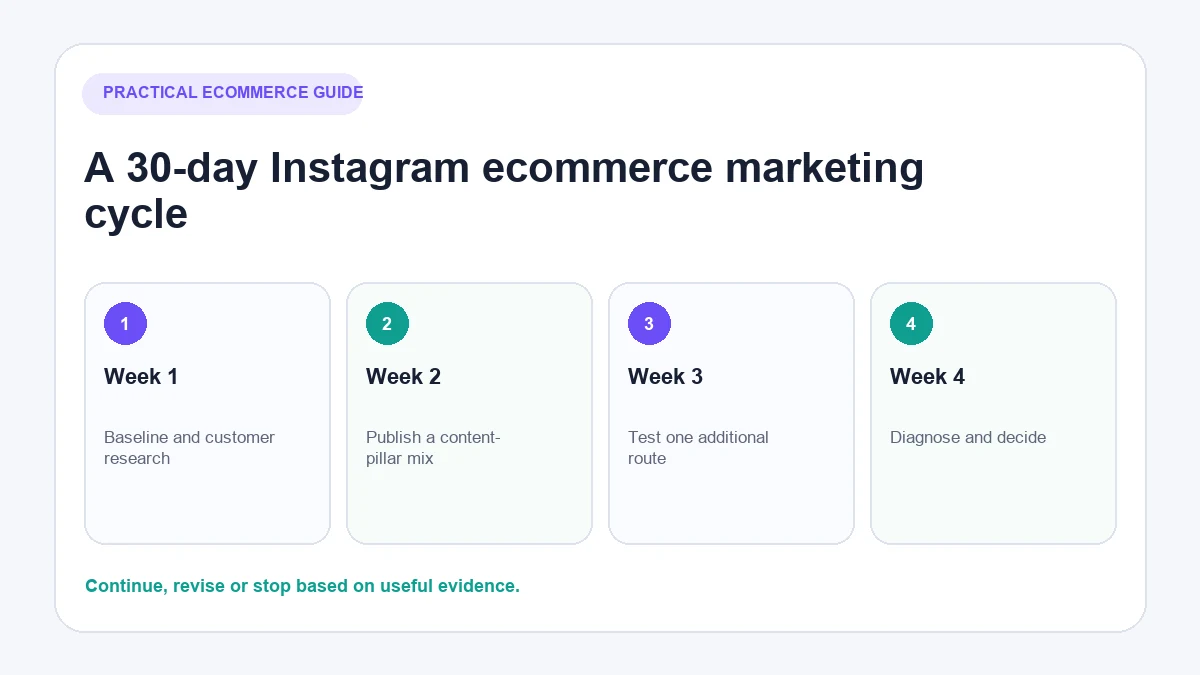
Week 1: establish the baseline
- Review the profile and mobile link journey.
- Gather common questions from support, comments and DMs.
- Define one primary commercial objective.
- Record current content, traffic, conversation and store metrics.
Week 2: publish the first content-pillar mix
- Create content from at least three different pillars.
- Use the format that best explains each idea.
- Record questions and objections generated by the posts.
Week 3: test one additional route
Depending on eligibility and resources, test a product tag, a small creator collaboration, customer content with permission or paid distribution of an already useful post. Change one meaningful variable at a time.
Week 4: diagnose and decide
- Identify content that attracted relevant attention.
- Find where people stopped between profile, site and checkout.
- Improve weak product information and repeated answers.
- Decide what to continue, revise or stop during the next month.
Common Instagram ecommerce marketing mistakes
- Posting without a customer action: Attention has nowhere useful to go.
- Turning the feed into a catalogue: Shoppers see products but learn little about fit, use or differentiation.
- Assuming shopping features are universal: Country and account eligibility can break the intended journey.
- Copying trends without relevance: The format may perform while the product message disappears.
- Ignoring comments and DMs: The brand loses both customer insight and potential sales conversations.
- Optimising only for followers: Audience size can grow without qualified store activity.
- Automating indiscriminately: Generic public replies and risky engagement behaviour can damage trust.
Final Instagram ecommerce marketing checklist
- Set one commercial objective and baseline.
- Make the profile and destination clear on mobile.
- Build content from real product questions and customer needs.
- Choose formats for the message, not fashion.
- Confirm country and account eligibility before relying on product tags.
- Obtain permission and use required disclosures for creator/customer content.
- Respond to comments and DMs with accurate information.
- Measure the journey from content to store outcomes.
- Review the system monthly and change it based on evidence.
Instagram can support discovery, evaluation and customer relationships, but it should not operate as an isolated content machine. The strongest strategy connects what the store publishes with what customers ask and what they do next.