



How to Automate Instagram Comment Replies Safely

An Instagram auto-comment tool can respond to comments on your own posts, acknowledge a keyword request or move an appropriate conversation into a private reply. That can be useful when a business repeatedly receives questions about products, delivery, availability or opening hours.
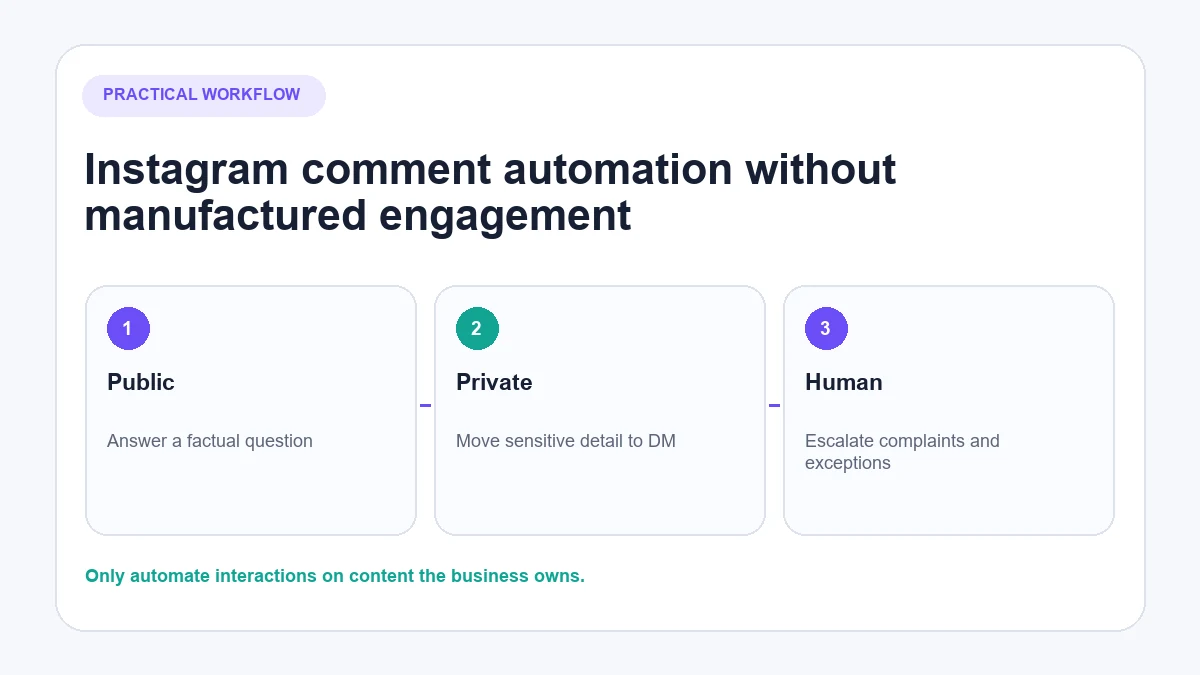
It should not be confused with a bot that leaves generic promotional comments across other people’s accounts. This guide focuses on replies to people who have interacted with content the business owns—not manufactured engagement.
What does “Instagram auto comment” mean?
The phrase can describe four different activities:
- Public auto-reply: the business replies beneath a comment on its own post.
- Private reply after a comment: an appropriate response is sent privately after the user comments.
- Comment moderation: unwanted or abusive comments are filtered, hidden or routed for review.
- Automated commenting on other accounts: software posts comments to attract attention or imitate engagement.
The first three can have legitimate business uses when they rely on supported features, appropriate permissions and sensible controls. The fourth is not recommended. Instagram’s Terms of Use restrict automated access without permission, while the Community Guidelines prohibit spam.
Public auto-reply versus comment-to-DM
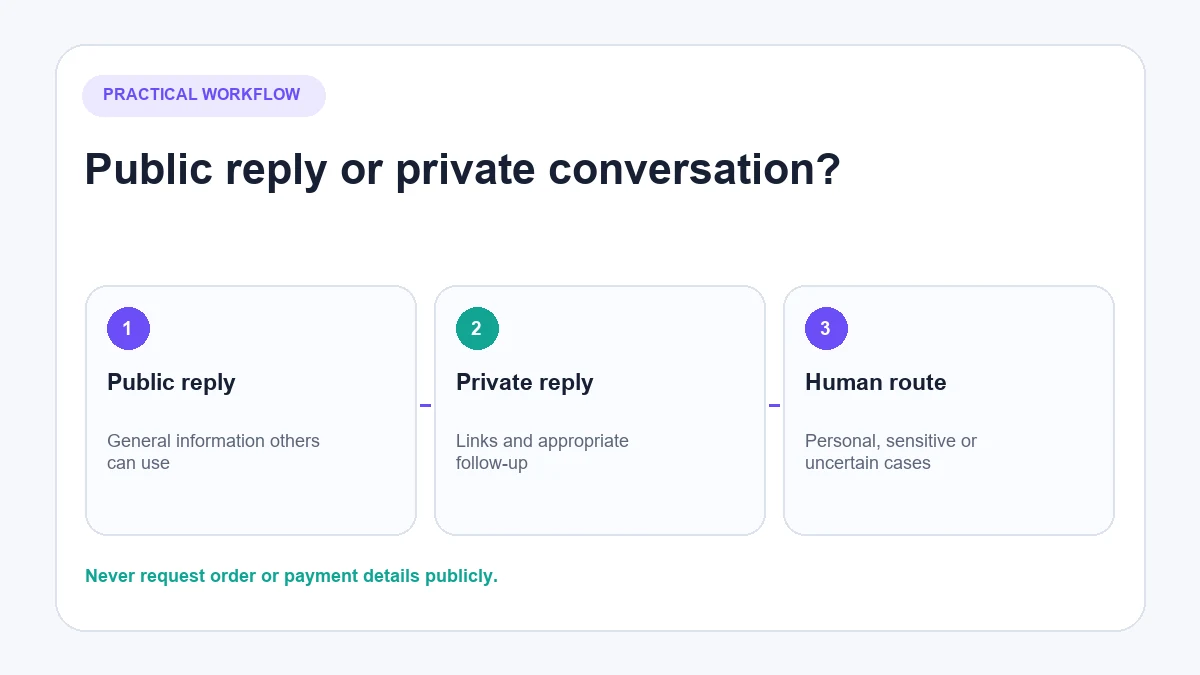
Public and private replies are not interchangeable.
| Question | Public reply | Private reply or DM |
|---|---|---|
| Who can see it? | Anyone viewing the comment thread | The commenter and the business |
| Best for | Opening hours, general availability, simple policy information | Links, follow-up questions and information that should not sit publicly |
| Main benefit | Other readers can see the answer | The conversation can continue with more context |
| Main risk | Accidentally exposing personal information or posting a wrong answer publicly | Sending an unexpected or overly promotional message |
| Human role | Review sensitive, hostile or ambiguous comments | Take over complaints, exceptions and decisions |
Meta’s official Instagram API documentation describes private replies as a permission-controlled feature with timing and conversation constraints. Those rules can change, so check the current Meta Instagram Private Replies documentation before building or publishing a technical setup guide.
When should you automate Instagram comment replies?
Automation works best when the question repeats, the answer comes from a reliable source and the cost of a mistake is limited.
Good candidates
- Current opening hours
- Whether delivery is available in a particular country
- A straightforward returns-policy question
- Product availability when live catalogue data is connected
- A campaign keyword requesting a specific guide or link
- Routing a customer who asks to speak to a person
Keep a person involved
- Complaints, charge disputes and refund exceptions
- Comments involving personal or order information
- Questions where the answer is missing or uncertain
- Sarcasm, threats, abuse or reputational issues
- Medical, legal, financial or safety-sensitive questions
- Negotiation or judgement about an unusual customer situation
The aim is not to reply automatically to every comment. It is to answer suitable questions well and make sure the rest reach the right person.
A four-lane decision model for Instagram comments
Use the content of the comment—not simply its presence—to decide what happens next.
1. Public factual question
Example: “Are you open on Sunday?” If current opening hours exist in the approved knowledge, a concise public answer helps both the commenter and other readers.
2. Keyword request
Example: “GUIDE”. A fixed trigger can acknowledge the request and deliver the promised resource through the permitted private-reply route. Do not turn one requested link into an unrelated sequence of promotional messages.
3. Sensitive or personal issue
Example: “Why was I charged twice?” Do not ask for payment or order details publicly. Acknowledge the issue and route it privately or to a person.
4. Spam, abuse or unsafe content
Moderate or review it. Automatically arguing with abuse creates more risk than value. Instagram also provides native controls for hiding unwanted comments and message requests.
How to set up Instagram comment automation with AeroChat
AeroChat is an AI agent platform that helps Instagram business owners automate and scale customer conversations. Its current Instagram integration can answer public comments on the business’s own posts and handle DMs using approved knowledge or connected store data.
The following process reflects the documented connection flow. Interface labels and permissions should be checked against the live product before publication.
1. Confirm that the account is eligible
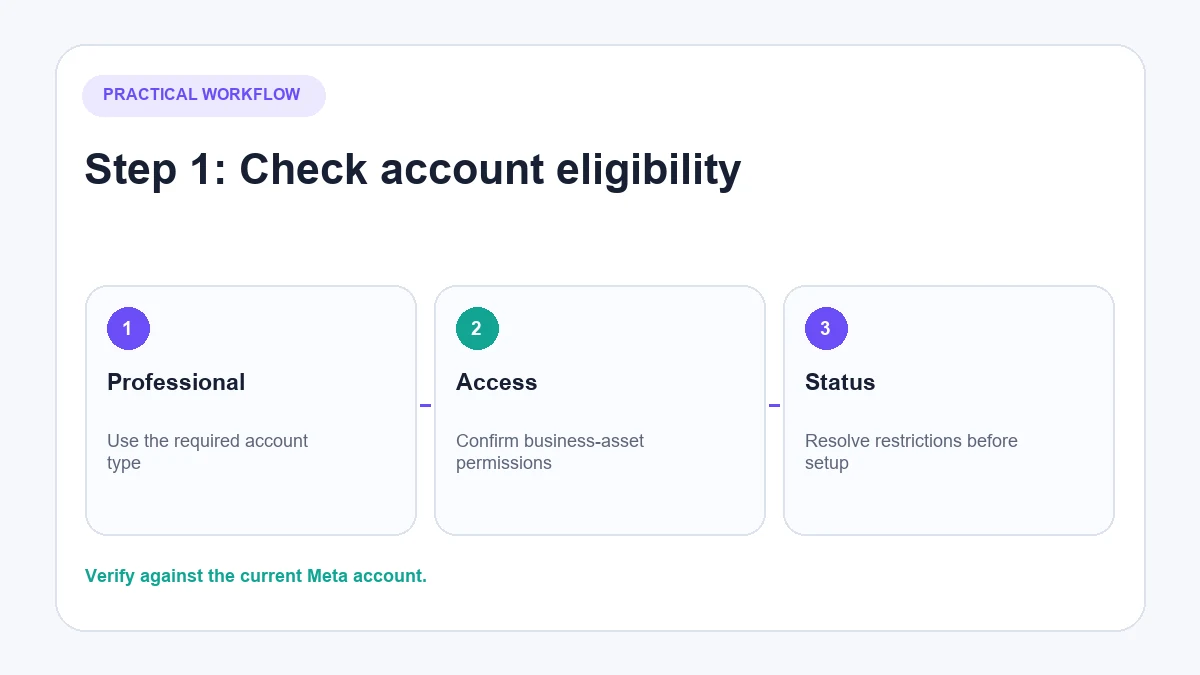
Use an Instagram professional account and confirm that the person connecting it has the necessary access to the related Meta business assets. If the account is not configured correctly, third-party permissions may not appear or may fail later.
2. Connect Instagram through Meta authorisation
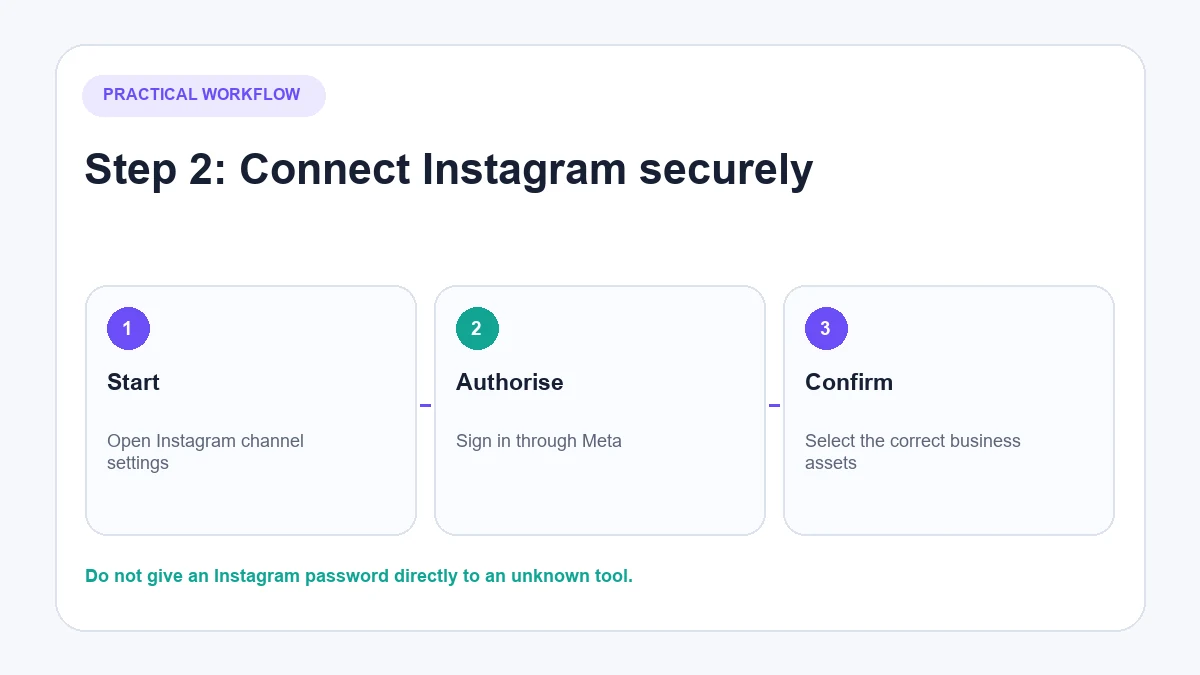
In AeroChat, go to the Instagram channel settings and start the connection. Sign in through the Meta authorisation screen, select the correct business assets and grant only the permissions the integration requires.
Do not give the Instagram password directly to an unknown service. The AeroChat Instagram connection guide provides the current product-specific sequence.
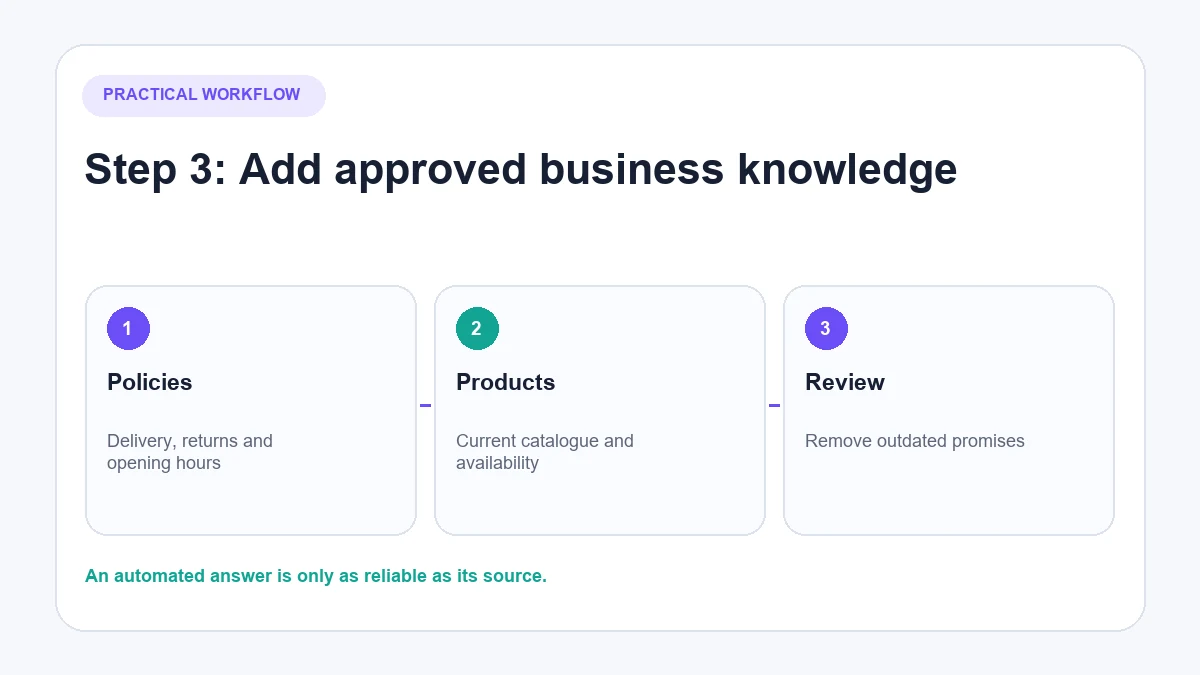
3. Add approved business or store knowledge
The quality of an automated answer depends on its source. Add current opening hours, delivery information, returns rules, FAQs and other relevant content. Ecommerce businesses can connect supported store data when they need answers about products, stock or policies.
Do not add claims, promotions or delivery promises that staff would not be allowed to make.
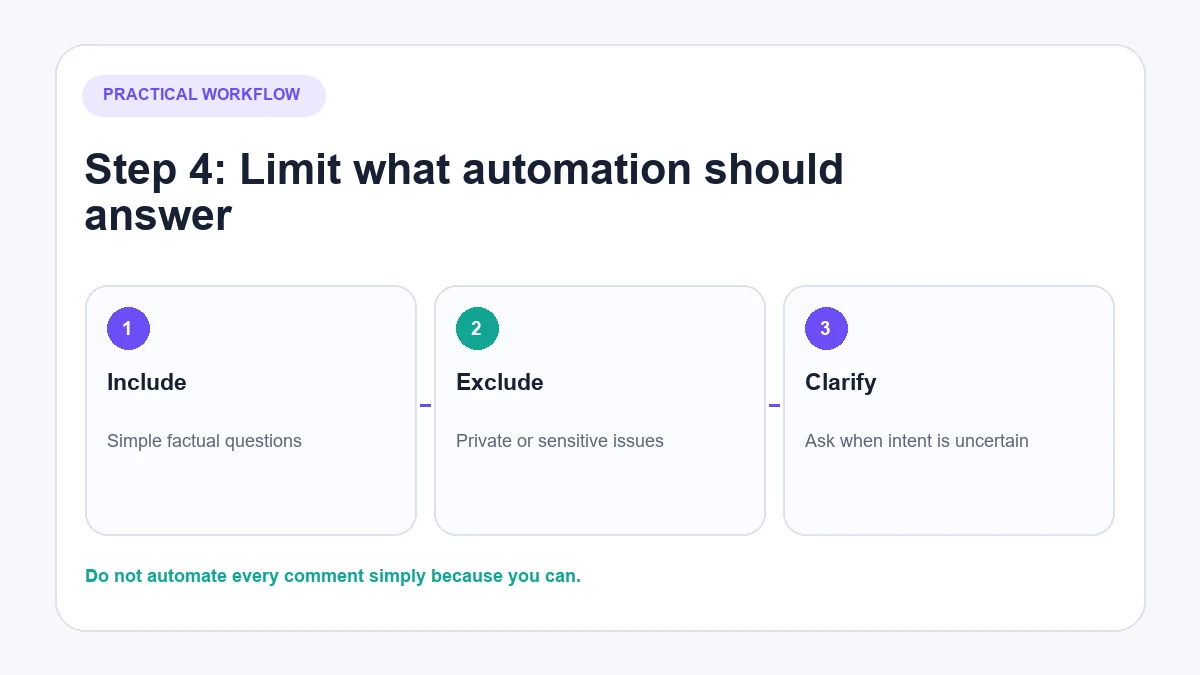
4. Define which comments are suitable for automation
Start with factual questions that can be answered safely. Document exclusions: complaints, personal information, uncertainty and any topic requiring judgement.
AeroChat’s verified integration uses AI to answer public comments; it should not be described as offering per-post keyword rules or a particular workflow-builder control unless that setting is confirmed in the current account.
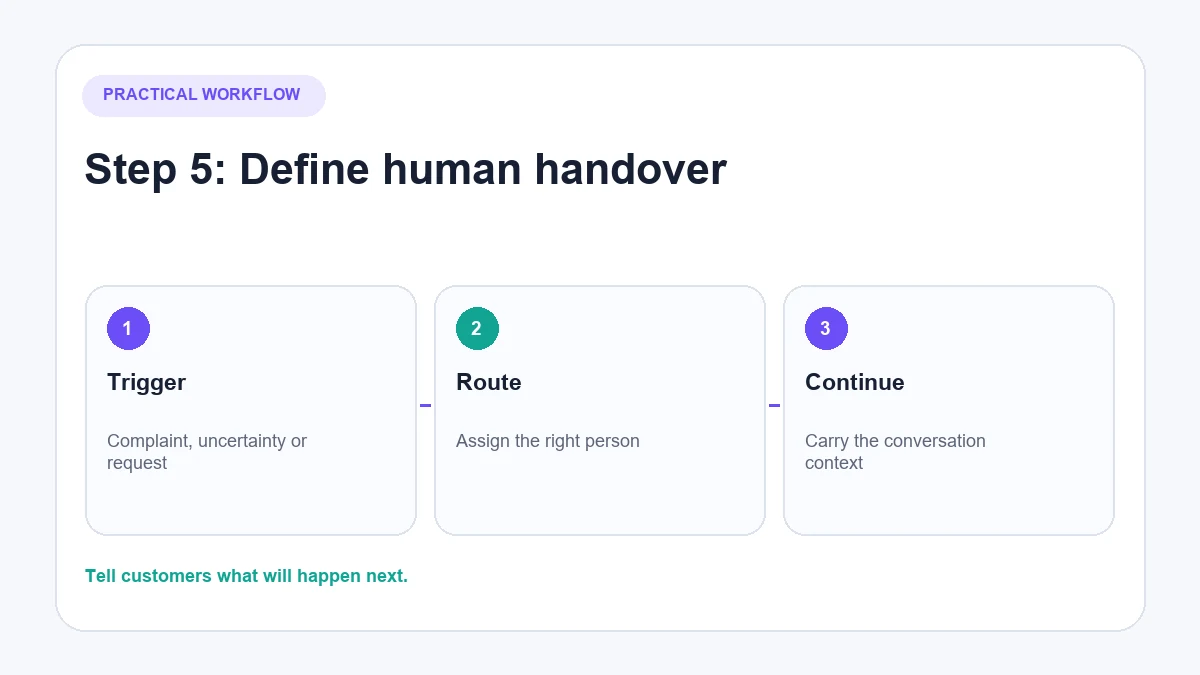
5. Configure human handover and monitoring
Decide who owns transferred conversations, when staff are available and how the customer is informed outside those hours. AeroChat’s human handover can carry conversation context to a team member when the AI lacks confidence or the customer asks for a person.
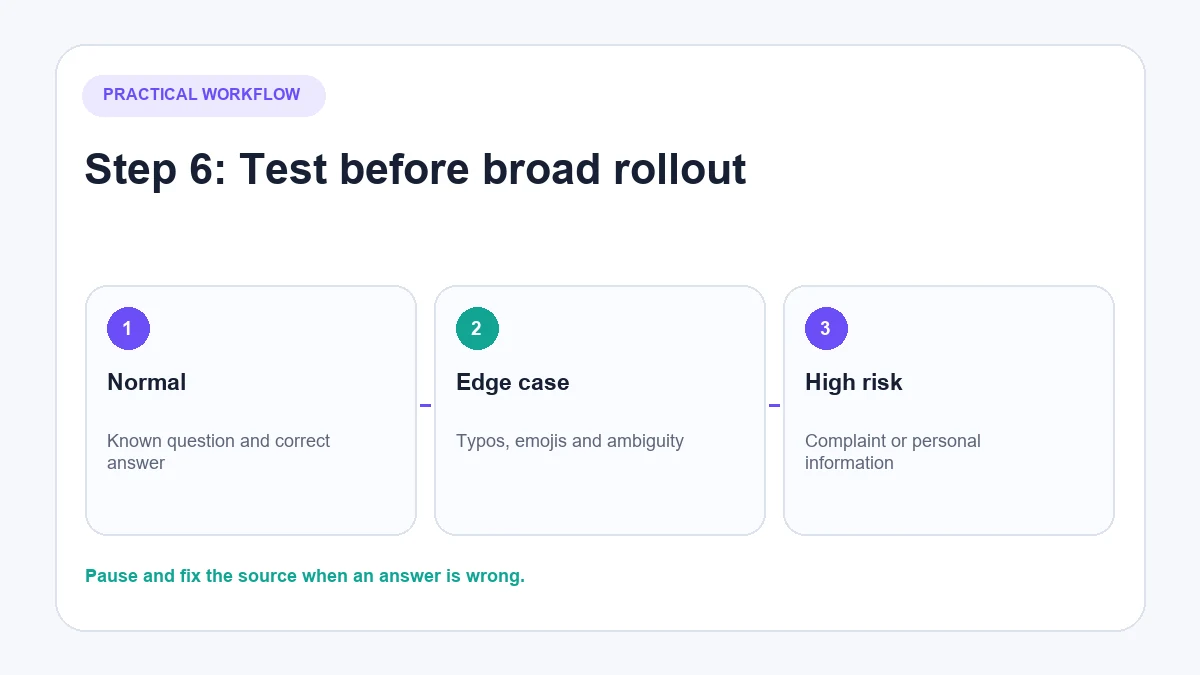
6. Test before broad rollout
Test the Instagram chatbot on a test post or within a limited scope. Check what appears publicly, what enters the shared inbox and what happens when the AI cannot answer. Repeat the test after changing important knowledge or permissions.
Build replies that help rather than spam
Answer the question first
If someone asks about opening hours, give the hours. Do not lead with a discount or force the customer through several buttons to reach a simple answer.
Keep private information private
Never publish an order number, email address, delivery address or account detail in the comment thread. Move order-specific help to a verified private conversation.
Use current information
An automated stock answer is only useful if the data is current. If the system cannot confirm availability, it should say so or involve a person rather than guess.
Avoid repetitive public wording
Do not fill a thread with identical promotional responses. Where the answer genuinely differs, let the response reflect the question. Where a fixed acknowledgement is required, keep it brief.
Make uncertainty visible
“I don’t have enough information to confirm that” is safer than a confident but invented answer. The next step should be clear: ask a follow-up or offer a human handover.
Test Instagram auto-comment replies before launch
| Test comment | Expected route | What must not happen |
|---|---|---|
| Exact factual question | Accurate public answer | Inventing missing details |
| Spelling variation | Same intent recognised or safely handed over | Irrelevant canned response |
| Emoji only | No answer or sensible clarification | Promotional message with no context |
| Repeat comment from one user | Controlled response | Repeatedly sending the same DM |
| Complaint | Human/private route | Public argument or discount script |
| Order-specific question | Private verification route | Asking for order details publicly |
| Unsupported language | Correct language handling or handover | Guessing the meaning |
| Ambiguous question | Clarification | Pretending certainty |
| Sudden high volume | Stable queue and monitoring | Duplicate, delayed or conflicting replies |
What happens when an automated comment is wrong?
Pause the relevant workflow if the problem could repeat. Correct the public information where appropriate, but move personal or sensitive detail into a private channel. Record why the answer failed: outdated knowledge, missing data, incorrect routing or an unsuitable task.
Then update the source information and test similar wording before restarting. Deleting one bad reply without fixing the cause leaves the same failure ready for the next customer.
How to measure comment automation
Track measures that reveal quality as well as volume:
- Relevant comments receiving a useful response
- Comments left unanswered
- Answers corrected by staff
- Conversations transferred to a person
- Time to resolve transferred cases
- Repeated missing-information topics
- Complaints or opt-outs linked to automated replies
- Conversions attributed to conversations, where reliable tracking exists
Do not reuse vendor conversion percentages as if they apply to every account. Results depend on the audience, offer, product, comment intent, message quality and attribution method.
Where AeroChat fits
The AeroChat Instagram integration is relevant when a business wants to answer recurring comments and DMs from its own knowledge or ecommerce information, then manage those conversations alongside other supported channels.
It is not a tool for automatically commenting on other people’s posts or creating artificial engagement. For broader planning, see the practical Instagram automation guide. For private-message workflows beyond comments, use the Instagram DM automation guide.
Best for: DTC and ecommerce brands handling frequent customer enquiries across Instagram and other channels.
The best Instagram auto-comment setup is deliberately limited: answer what is known, protect private information, hand judgement to people and review the output regularly.



