Instagram Automation in 2026: 6 Low-Cost Practical Guide for Businesses

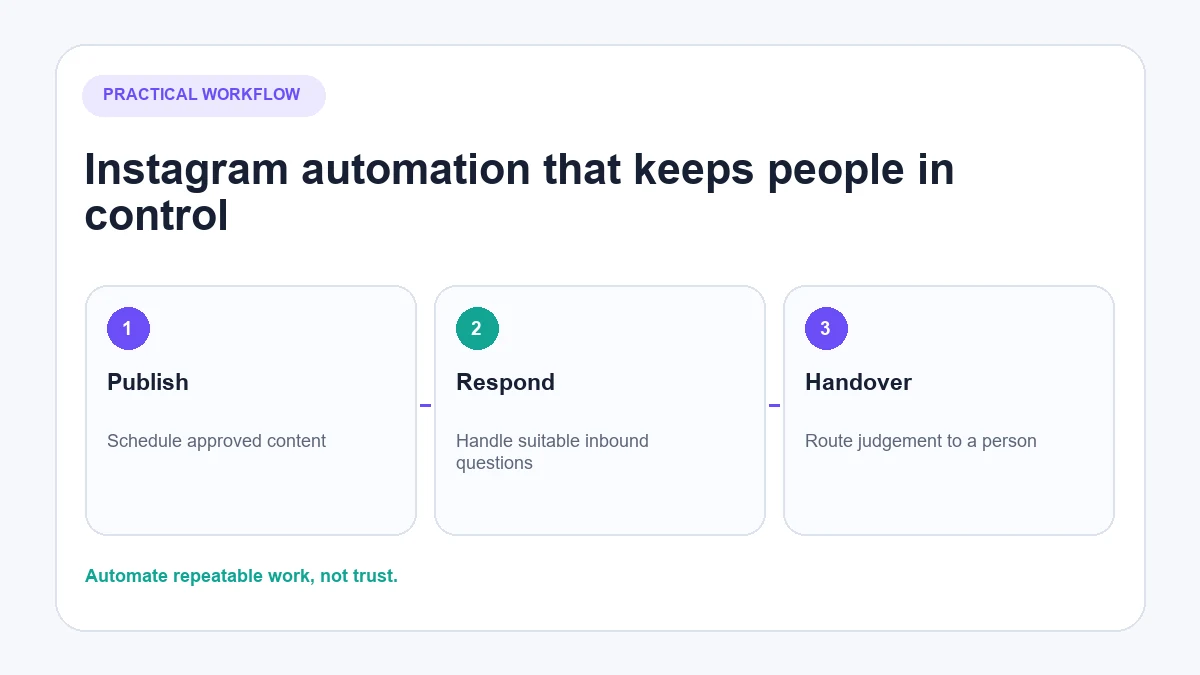
Instagram automation uses built-in Instagram features or authorised connected tools to handle repeatable work such as scheduling content, monitoring activity and responding to inbound customer conversations. Used carefully, it can reduce manual workload without making the account feel mechanical.
It is not the same as using bots to follow accounts, manufacture likes or leave promotional comments across other people’s posts. Those practices create a poor customer experience and can conflict with Instagram’s rules. The useful question is therefore not “Can this be automated?” but “Should this task be automated, and what happens when the automation is wrong?”
What is Instagram automation?
Instagram automation is the use of software to complete a defined Instagram task with limited manual input. The task might be simple, such as scheduling an approved post, or conversational, such as answering a delivery question sent to a business account.
The term covers several different systems:
- Native Instagram and Meta tools, including publishing, scheduling, inbox and moderation functions
- Rules-based tools, which perform a fixed action after a defined trigger
- AI customer-service tools, which interpret an inbound question and answer from approved business information
- Analytics and reporting tools, which collect permitted data for review
- Unauthorised bots, which imitate clicks, scrape information or access accounts in ways Instagram has not permitted
That final category should not be grouped with ordinary business automation. Instagram’s Terms of Use prohibit automated access or information collection without express permission. Its Community Guidelines also tell users not to spam people.
What can a business automate on Instagram?
The safest starting points are repetitive tasks connected to content the business owns or conversations a customer has initiated.
| Task | Typical method | Human oversight still needed | Main limitation |
|---|---|---|---|
| Publishing and scheduling | Instagram, Meta Business Suite or an authorised scheduler | Content approval and final checks | Features vary by account, post type and rollout |
| Comment monitoring | Native inbox, filters or authorised integration | Complaints, abuse and ambiguous language | Automation can misread context |
| Replies on the business’s posts | Fixed rules or knowledge-based AI | Sensitive or unusual questions | Permissions and source accuracy |
| Inbound DMs | Rules, saved replies or an AI agent | Exceptions, disputes and judgement | Messaging rules and user initiation |
| Analytics and reporting | Native reports or authorised API access | Interpretation and decisions | Attribution and reporting windows |
| Customer-service routing | Intent detection, shared inbox and handover rules | Final ownership by the team | Poor routing creates delays rather than removing them |
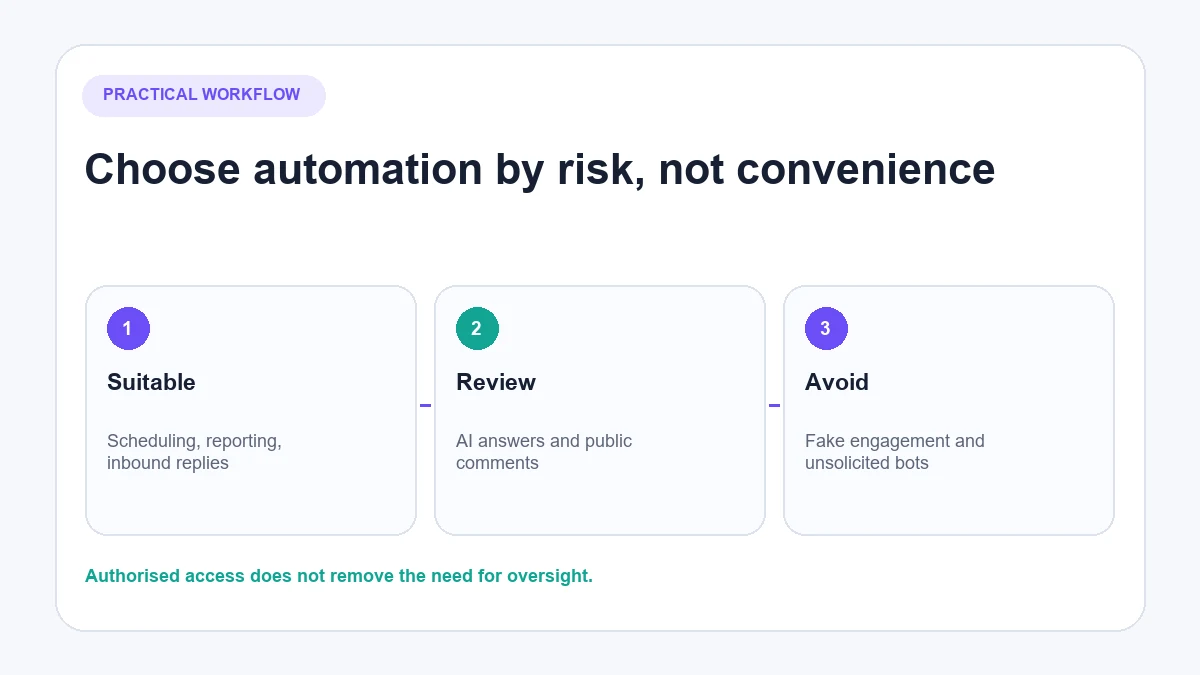
An authorised connection is necessary, but it is not a promise that every automated action is appropriate. Account status, message quality, frequency, customer expectations and future policy changes still matter.
Instagram automation that creates unnecessary risk
Avoid tools or services built around:
- Automatically following and unfollowing accounts
- Automatically liking posts to simulate interest
- Leaving generic comments on other people’s content
- Sending unsolicited bulk DMs
- Scraping profiles, comments or contact data without permission
- Buying followers, likes or comments
- Asking for the Instagram password instead of using the expected Meta authorisation flow
- Promising guaranteed followers, reach or sales
These activities are different from responding to a genuine question on your own post. They manufacture activity rather than improve customer service.
Be cautious with the phrase “Meta-approved”. A provider may use an official API or complete an app-review process for specific permissions. That does not mean Meta endorses every marketing claim made by the provider, nor does it guarantee that an account will never be restricted.
How to choose what to automate first
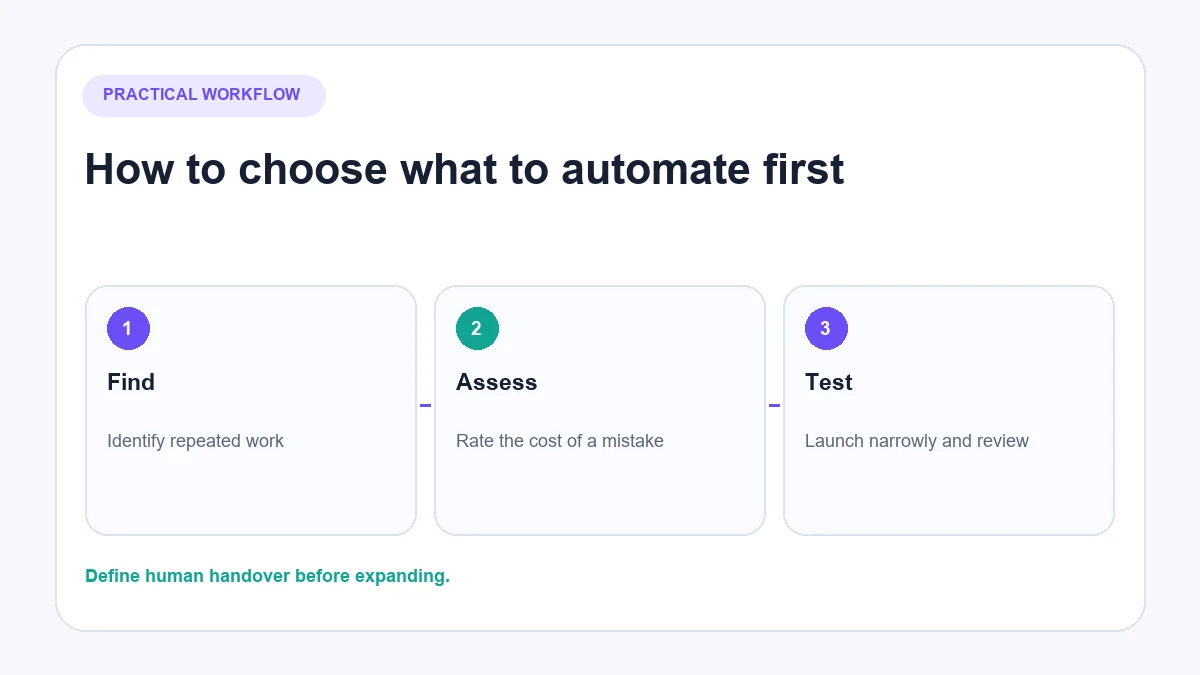
Do not begin by connecting every available feature. Start with one repetitive problem whose failure can be detected and corrected.
1. List the work that repeats
Review a typical week of comments, DMs, publishing and reporting. Count repeated questions rather than relying on memory. Common examples include opening times, product availability, delivery coverage, returns and requests for a link.
2. Separate inbound from outbound activity
An inbound enquiry gives the business a clear reason to respond. Automated outreach to people who have not contacted the business has a different consent and policy profile. Treat the two as separate projects.
3. Rate the cost of a wrong action
A wrong opening-time answer is inconvenient. A wrong refund decision, medical statement or public response containing customer details can be much more serious. High-consequence tasks need human review or direct handover.
4. Choose rules, AI or a human queue
Use a fixed rule when the trigger and answer are both predictable. Use an AI agent when customers express the same need in varied language and the answer exists in approved knowledge. Keep a human queue for judgement, negotiation, complaints and missing information.
5. Define handover before launch
Decide what should happen when the system is uncertain, the customer asks for a person or the conversation becomes sensitive. A useful automation does not trap the customer inside a loop.
6. Test a limited workflow
Run normal questions, spelling variations, emojis, unsupported languages, complaints and deliberately ambiguous messages. Review the public and private output before expanding coverage.
Rules-based automation versus AI conversations
Rules and AI solve different problems.
| Approach | Best suited to | Example | Main weakness |
|---|---|---|---|
| Fixed reply | One predictable trigger and response | “HOURS” returns current opening times | Misses unexpected wording and context |
| Workflow builder | A known sequence of choices | Choose service, location and preferred time | Customers can leave the designed path |
| Knowledge-based AI | Varied product or policy questions | “Will this fit a 15-inch laptop?” | Quality depends on current source information |
| Human response | Exceptions and judgement | Complaint about a damaged order | Slower and more expensive for repetitive questions |
The strongest setup often combines them. A rule can identify a campaign keyword, AI can answer a related follow-up, and a person can take over when a decision requires judgement.
Practical Instagram automation workflows
Product question in a comment
A customer asks whether a product is available in a particular size. If the business has current product data connected, an AI system can answer publicly. If identity or order information is required, it should move the conversation away from the public thread.
Delivery question in a DM
A customer asks whether the business ships to Canada. The automation can answer from the approved delivery policy and provide the relevant conditions. It should not invent a date for a particular order without verified order information.
Keyword request
A post invites users to comment “GUIDE” for a resource. A fixed trigger can acknowledge the comment and send the permitted private response. The message should deliver what was promised rather than add an unrelated promotional sequence.
Complaint requiring a person
A customer says an order arrived damaged. Automation can acknowledge the issue and collect only the information needed for routing, but a person may need to assess evidence, approve a remedy or handle an upset customer.
Scheduled publishing
A team prepares content on desktop, reviews it and schedules it through an appropriate publishing tool. Scheduling reduces manual posting work; it does not remove the need to check the finished post or monitor the resulting conversation.
How AeroChat fits Instagram automation
AeroChat is an AI agent platform that helps Instagram business owners automate and scale customer conversations.
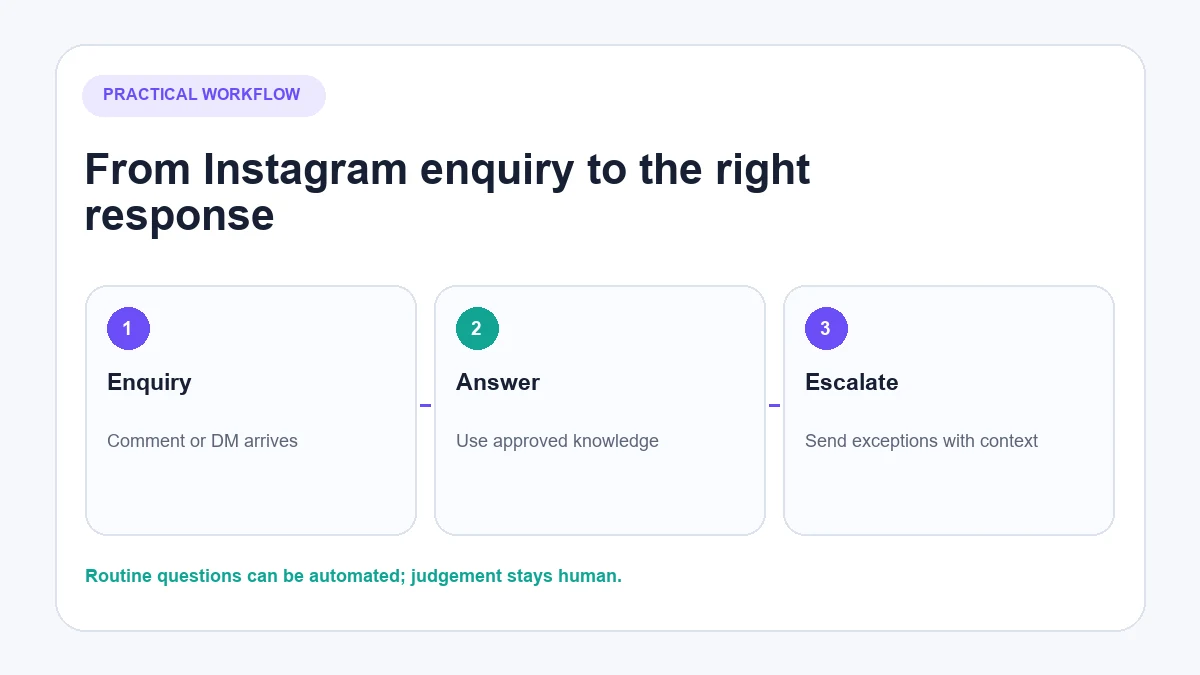
Its current Instagram integration is designed for inbound DMs and public comments on the business’s own posts. Its Instagram chatbot can answer using the organisation’s knowledge and connected store data, bring conversations into a shared inbox, and transfer them to a person when human support is needed.
For example, an ecommerce customer might ask about stock in a comment, then ask a delivery question in a DM. The answer should come from current catalogue and policy information, not a generic sales script. If the conversation becomes a complaint or the AI lacks confidence, human handover lets the team continue with the context already available.
This is customer-conversation automation, not a follower, like or outbound-comment bot. Businesses comparing different categories of software can use the Instagram automation tools, while ecommerce teams focused specifically on private messages can read the Instagram DM automation guide.
Best for: DTC and ecommerce brands handling frequent customer enquiries across Instagram and other channels.
How to measure whether Instagram automation is helping
Measure the workflow against its purpose. Useful operational measures include:
- Percentage of relevant inbound conversations receiving a response
- Unanswered-comment and unanswered-DM rate
- Percentage transferred to a person
- Time until a human resolves transferred conversations
- Accuracy from a regular quality-review sample
- Repeated knowledge gaps
- Complaints or opt-outs caused by irrelevant messages
- Conversions attributed to a conversation, where reliable tracking is configured
Do not judge success only by the number of automated messages sent. A system that sends more low-quality replies can create more work and less trust.
Instagram automation checklist
Before going live, confirm:
- The tool uses the expected Meta authorisation process.
- The Instagram account and connected assets are eligible for the required feature.
- The automation acts only in the intended situations.
- Product, policy and business information is current.
- Public replies never expose private customer information.
- Complex or sensitive conversations have a human route.
- The team can pause the automation quickly.
- Test cases include normal, ambiguous and hostile inputs.
- Performance is reviewed for quality, not just volume.
- Policies and permissions are checked again when the platform changes.
Instagram automation is most useful when it removes predictable work while leaving people responsible for judgement. Start with one narrow workflow, prove that the answers are accurate, then expand only where the evidence supports it.