Best AI Tools for Shopify Store Owners in 2026

The best AI tool for Shopify is the one that removes a measured bottleneck without duplicating a feature you already pay for. Start with Shopify's included tools: Sidekick for store administration, Shopify Magic for content assistance, Inbox for live customer conversations, and Search & Discovery for onsite product discovery. Add a specialist only when the native option cannot meet a clear requirement.
For specialised work, AeroChat fits multichannel ecommerce customer service, Klaviyo fits lifecycle marketing, Rebuy fits advanced personalisation, Photoroom fits product-image production, Runway fits video, Prisync fits competitor price monitoring, and Triple Whale fits cross-channel ecommerce analytics. There is no sensible “best overall” tool across all those jobs.
This guide was researched from official product, pricing and Shopify App Store information on 10 August 2026. Features and prices change, so verify the final shortlist before installing it.
Which Shopify AI tool is best for each business task?
AeroChat is the specialist choice for automating repetitive Shopify customer-service conversations across supported channels. Shopify's native tools are the better starting point for store administration, first-draft content, workflow rules and basic live chat, while the other products below solve narrower marketing, creative, pricing and analytics jobs.
| Business task | Tool | Shopify connection | Free option | Best fit | Important limitation |
|---|---|---|---|---|---|
| Store administration | Shopify Sidekick | Native | Included with Shopify plans | Merchants who need help inside Shopify admin | Output and actions still require merchant judgement |
| Product and marketing copy | Shopify Magic | Native | Included with Shopify plans | First drafts inside Shopify | Generic source data produces generic copy |
| Workflow automation | Shopify Flow | Native app | Free on eligible plans | Rule-based store operations | It is deterministic automation, not an autonomous decision-maker |
| Live store chat | Shopify Inbox | Native app | Yes | Small stores with staff available | Suggested replies are not full autonomous support |
| Omnichannel customer service | AeroChat | Shopify integration | Seven-day free trial | Growing stores with repeat enquiries across channels | Growth-stage expense; not required for a low-volume launch |
| General writing and analysis | ChatGPT | No native store control by default | Yes | Flexible research, drafting and analysis | Requires careful data handling and factual review |
| Brand content workflows | Jasper | App/workflow dependent | Trial | Marketing teams managing brand voice | Expensive if Shopify Magic covers the real need |
| On-page content optimisation | Surfer | Workflow dependent | No permanent free tier | Teams with an established SEO process | A content score does not guarantee useful or accurate copy |
| Email and SMS marketing | Klaviyo | Native Shopify integration | Yes, with limits | Stores with lifecycle marketing data | Cost and complexity rise with contacts and channels |
| Product search | Shopify Search & Discovery | Native app | Yes | Most stores improving filters and recommendations | Less flexible than specialist enterprise search |
| Advanced personalisation | Rebuy | Native Shopify integration | Trial | Higher-volume stores with merchandising capacity | Requires enough traffic and governance to justify complexity |
| Product image production | Photoroom | Shopify workflow/app available | Yes | Removing backgrounds and producing catalogue assets | AI edits must be checked for product accuracy |
| Product video | Runway | Export-and-upload workflow | Yes, limited | Creative teams producing campaign video | Not a catalogue system or Shopify automation tool |
| Competitor price monitoring | Prisync | Shopify app available | Trial | Merchants with comparable products and pricing rules | Monitoring data can be noisy; dynamic pricing needs guardrails |
| Ecommerce analytics | Triple Whale | Shopify data integration | Entry options vary | Multi-channel brands needing one analytical view | Attribution outputs are models, not ground truth |
Before installing an AI app, identify the bottleneck
Write down one expensive or slow task in measurable terms. For example:
Once you know the job, where to find Shopify chatbot plugins covers the specific search and shortlisting process.
- “Publishing a new product requires 40 minutes of image cleanup.”
- “The team answers the same delivery questions across three channels.”
- “We cannot see which paid campaigns contribute to profitable orders.”
- “Shoppers search for product terms our catalogue does not recognise.”
Then record a baseline: time, error rate, cost, backlog or missed outcome. If you cannot describe the current problem, you will not be able to tell whether the tool solved it.
Avoid goals such as “use more AI” or “automate the store”. They encourage overlapping subscriptions and make weak output look like progress.
Use Shopify's included AI and automation first
Shopify now covers more jobs natively than many older tool lists acknowledge.
Shopify Sidekick for store administration
Sidekick is Shopify's commerce assistant inside the admin. Shopify describes it as able to provide guidance, generate content, analyse store data and help complete supported tasks in plain language. It is included with Shopify plans.
Use it for questions grounded in Shopify data, report exploration and supported admin work. Review proposed changes before they affect live products, discounts, themes or workflows. The strongest reason to start here is context: Sidekick already works inside the platform rather than requiring another app to read store data.
Shopify Magic for first drafts
Shopify Magic assists with product descriptions, email subject lines, replies and other content tasks across Shopify. It is useful for drafting and variation, not for inventing product facts.
Give it verified inputs: material, dimensions, fit, compatibility, care, shipping restrictions and brand tone. A polished description built on incomplete information is still a poor product page.
Shopify Flow for dependable rules
Flow connects triggers, conditions and actions. For example, it can tag a high-risk order for review or notify staff when stock falls below a threshold. This is rule-based automation: it is often safer than using generative AI for a process with a clear “if this, then that” definition.
Use AI where language, classification or summarisation adds value. Use Flow where the rule should execute the same way every time.
Shopify Inbox for an early support baseline
Inbox provides store chat, customer and cart context, instant answers and AI-suggested replies. Shopify says suggested replies depend on accurate store information and remain the merchant's responsibility to review.
It is a strong baseline for a small store with someone available to answer. Compare more advanced Shopify AI chatbots only when you can state what Inbox does not solve: autonomous coverage, additional channels, more specialised product guidance or a different handover model.
The 15 best AI tools for Shopify, reviewed by job
1. Shopify Sidekick: best native store-management assistant
Use it for: admin guidance, store-data questions, reports, content and supported actions.
Why it makes the list: it begins with Shopify context and does not require another vendor to become useful.
Watch for: an assistant can accelerate a decision but does not own its commercial or legal consequences. Verify significant changes.
2. Shopify Magic: best included content helper
Use it for: first drafts of product, email and customer-response copy.
Why it makes the list: it is already embedded in Shopify workflows and adds no separate AI writing subscription.
Watch for: repeated prompts can produce plausible but undifferentiated copy. Preserve precise product evidence and edit for real customer questions.
3. Shopify Flow: best for predictable store automation
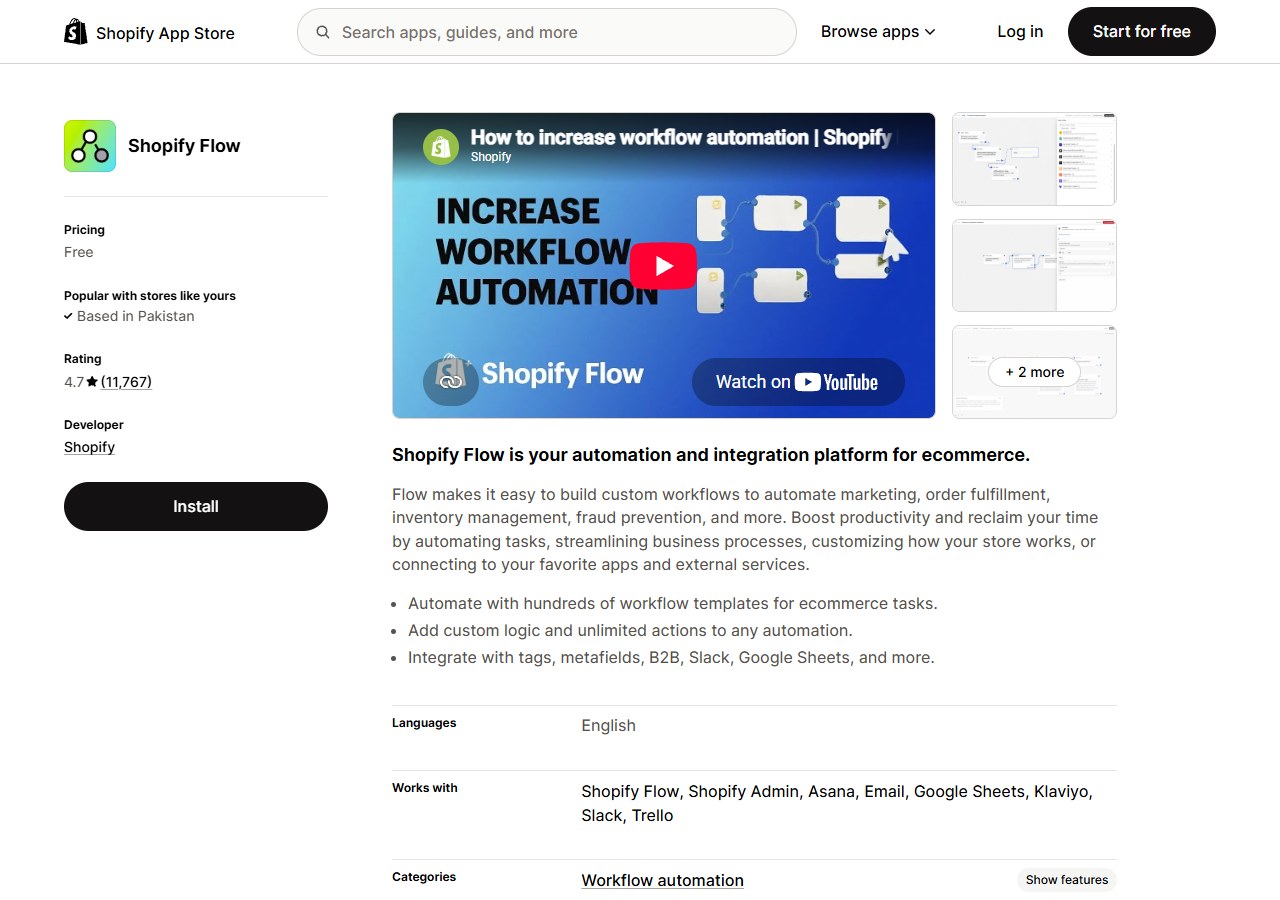
Use it for: tagging, notifications, routing and app-to-app workflows based on explicit conditions.
Why it makes the list: many tasks labelled “AI automation” are better handled by dependable rules.
Watch for: a poorly designed rule can repeat a mistake at scale. Test on a narrow condition and add an exception path.
4. Shopify Inbox: best free native customer messaging
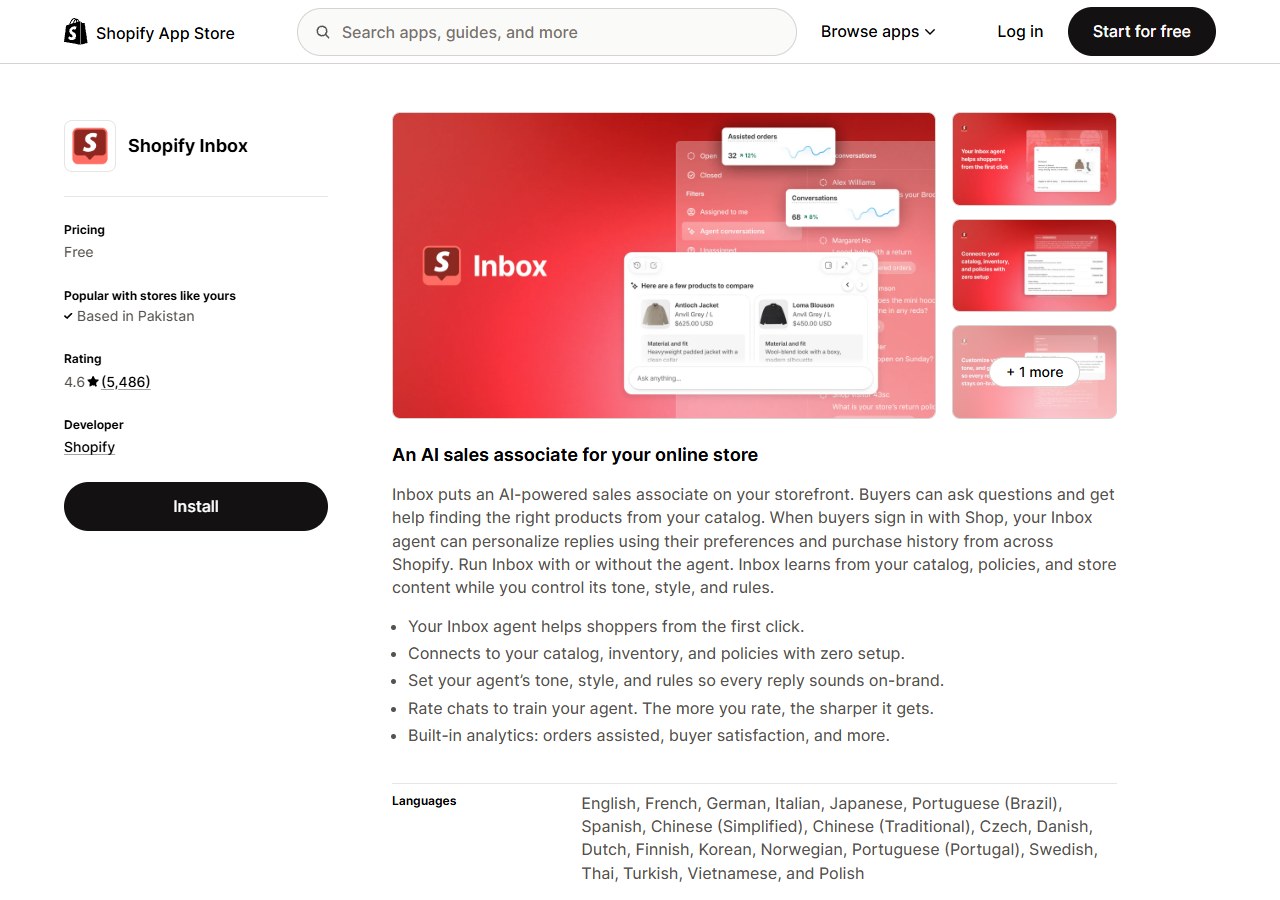
Use it for: live website conversations, reviewed instant answers and order-status self-service.
Why it makes the list: it gives small merchants a no-cost baseline with Shopify customer and cart context.
Watch for: AI suggestions that help an operator write are not the same as an autonomous service agent. Coverage depends on staff availability and configured answers.
5. AeroChat: best for omnichannel ecommerce customer-service automation

AeroChat is an AI agent platform that helps Shopify merchants run customer service on autopilot. It can answer common product, delivery, return and order-related questions across supported channels, recommend products and transfer a conversation to a human when it needs personal attention.
AeroChat's Starter plan currently has a seven-day free trial with no credit card required, allowing a merchant to test its knowledge, handover and Shopify workflows before choosing a paid plan.
Use it for: reducing repeated enquiries across website chat, WhatsApp, Instagram, Facebook Messenger, email and other supported channels.
Why it makes the list: it addresses the work that remains when a growing store needs more than staffed Shopify Inbox conversations.
Watch for: AeroChat is generally a growth-stage support investment rather than a launch requirement. First improve the store's product and policy information, then compare workload and plan limits. Review Shopify chatbot pricing against your actual AI-response volume.
6. ChatGPT: best flexible general-purpose assistant
Use it for: drafting, analysis, spreadsheet interpretation, research planning and idea development.
Why it makes the list: its broad capability can cover occasional tasks that do not justify a separate specialist subscription.
Watch for: it does not automatically know the latest or private store facts, and a normal chat is not a Shopify integration. Do not paste sensitive customer or business data without an approved data-handling process. Verify all product, regulatory and commercial claims.
7. Jasper: best for structured brand-content operations
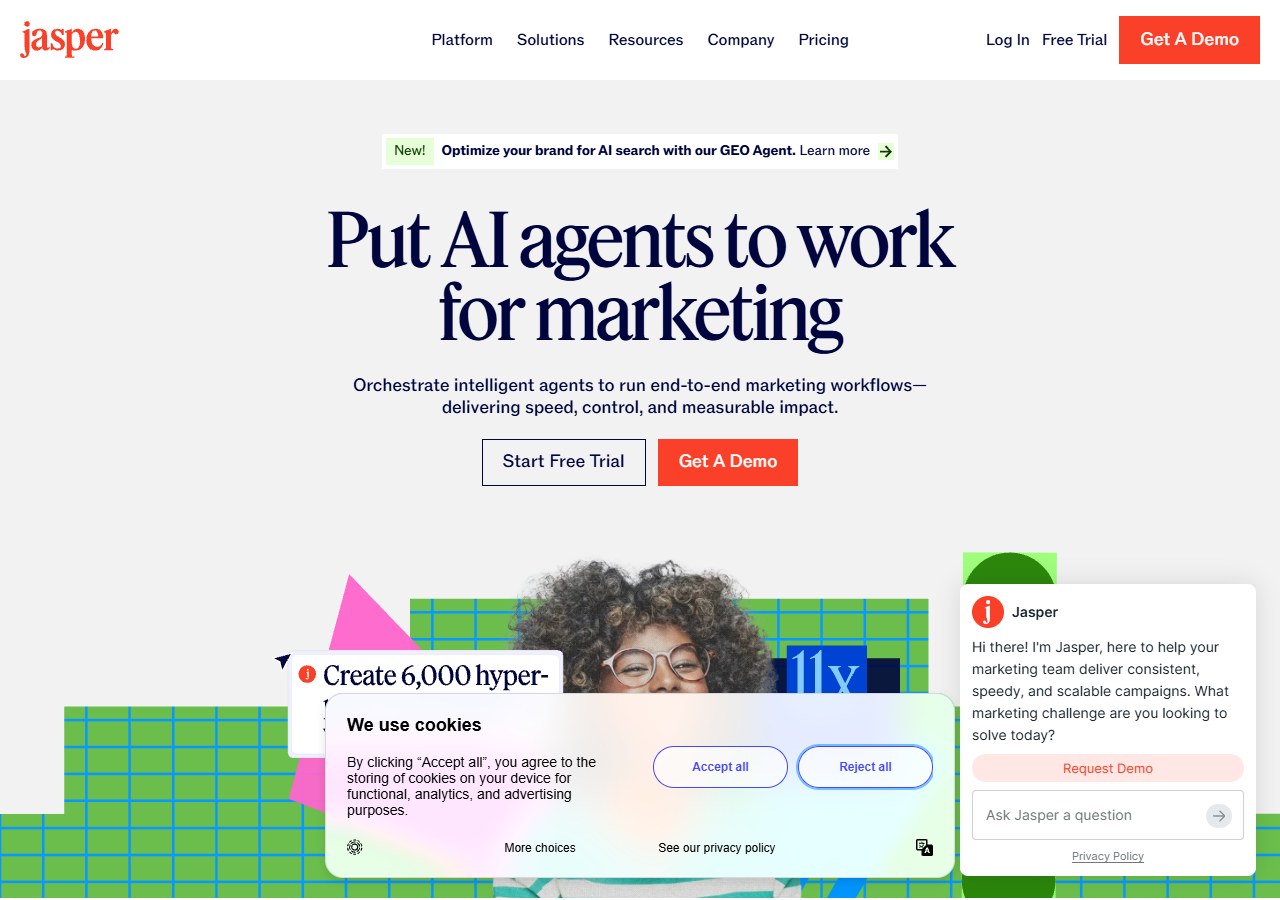
Use it for: campaign briefs, brand-voice controls, team content and repeatable marketing workflows.
Why it makes the list: it is designed around marketing-team production rather than a general chat interface.
Watch for: a small merchant may pay for workflow and governance it does not use. Compare it with Shopify Magic and ChatGPT on the same five real assignments before subscribing.
8. Surfer: best for an established SEO editing process
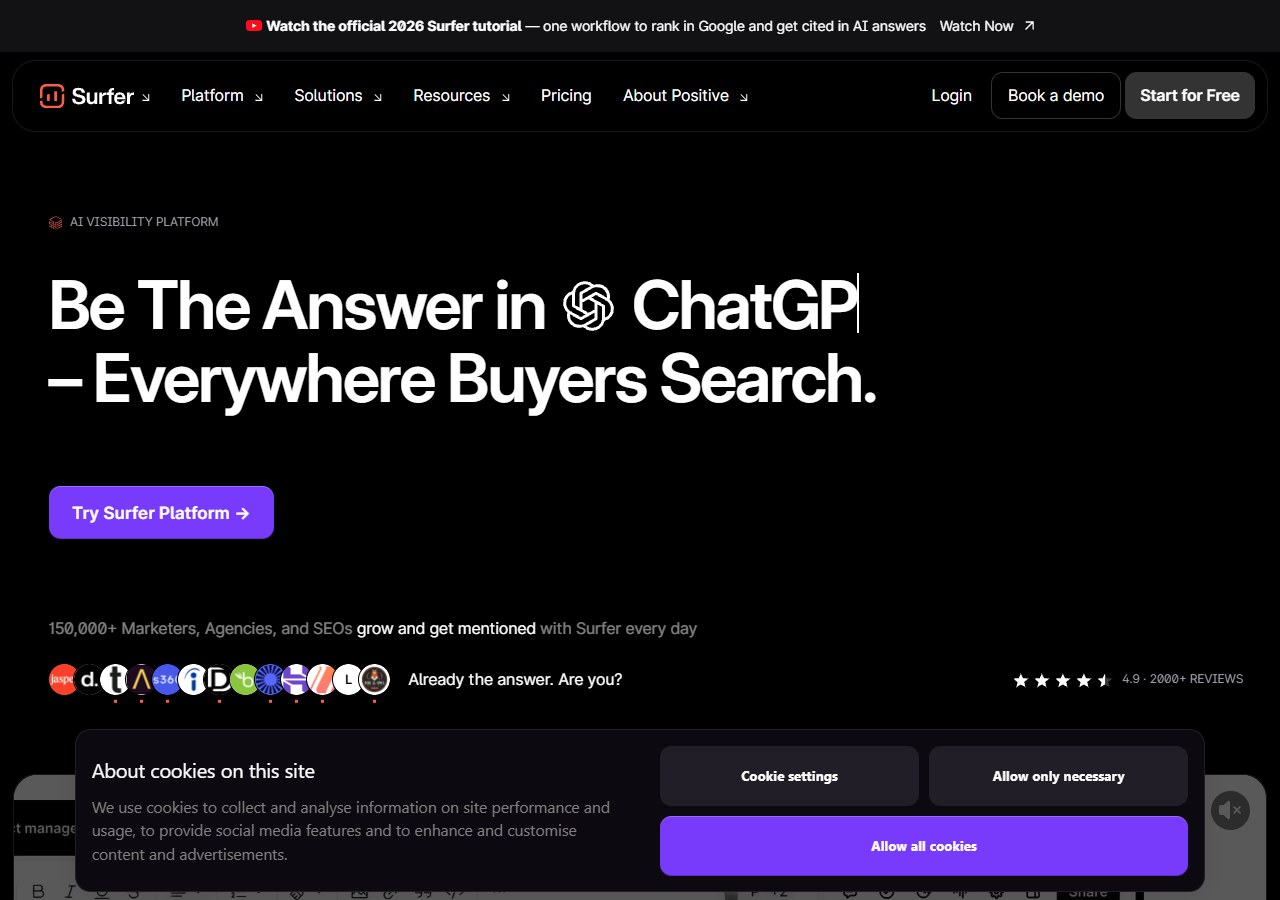
Use it for: content briefs, topical coverage review and on-page editing feedback.
Why it makes the list: it adds search-focused analysis around content production.
Watch for: optimisation scores reflect the tool's model, not a guarantee of rankings or reader value. Protect accurate, original evidence rather than adding terms merely to increase a score.
9. Klaviyo: best for lifecycle email and SMS
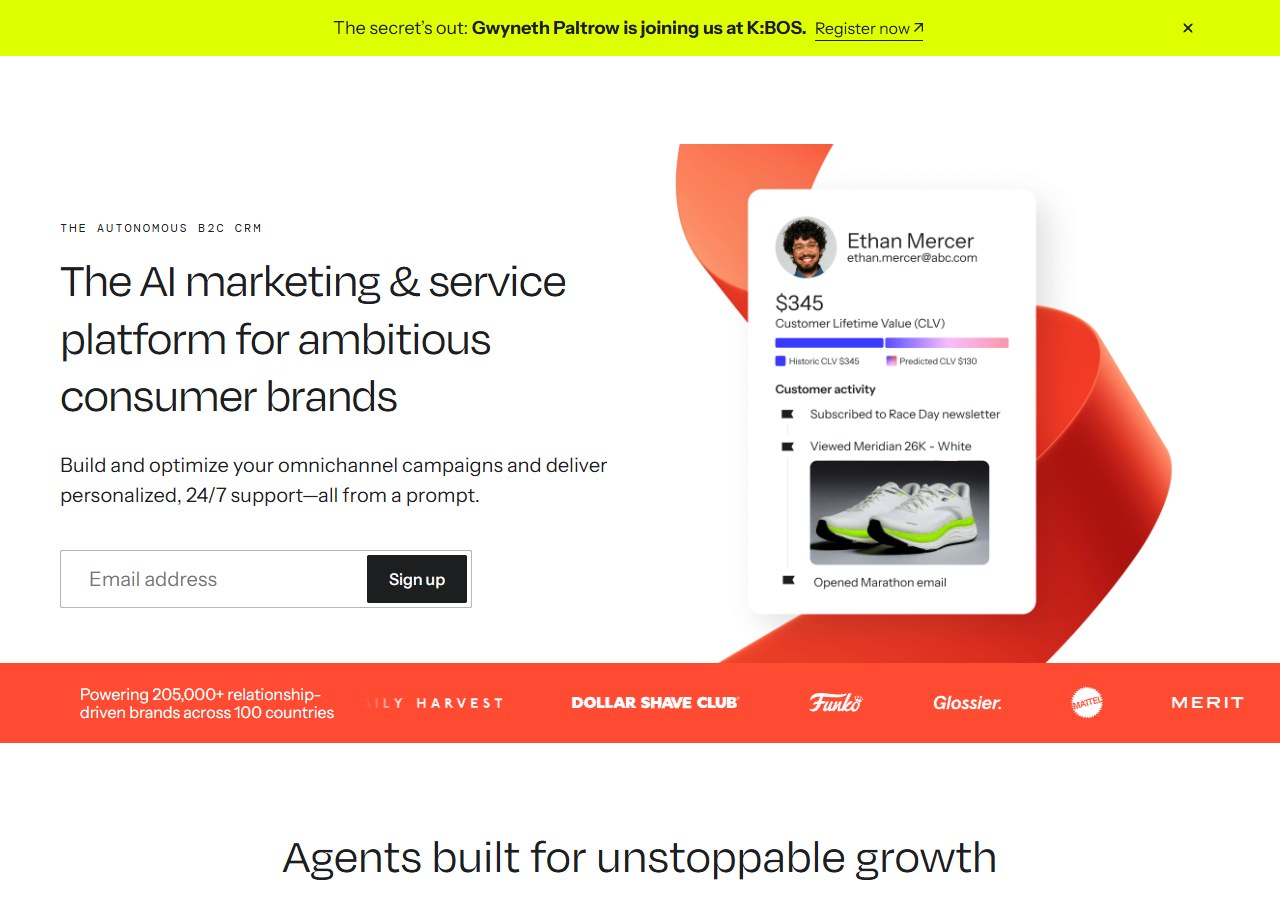
Use it for: segments, automated flows, campaign content and predictive marketing features based on customer behaviour.
For its chat-specific product compared directly to AeroChat, see Klaviyo Conversations vs AeroChat.
Why it makes the list: the Shopify integration connects marketing decisions to customer, catalogue and order data.
Watch for: contact count, messaging volume and additional channels affect cost. Audit duplicate flows and consent handling before migrating.
For the fuller comparison of Klaviyo against other lifecycle platforms, see customer lifecycle marketing software.
10. Shopify Search & Discovery: best free product-search baseline
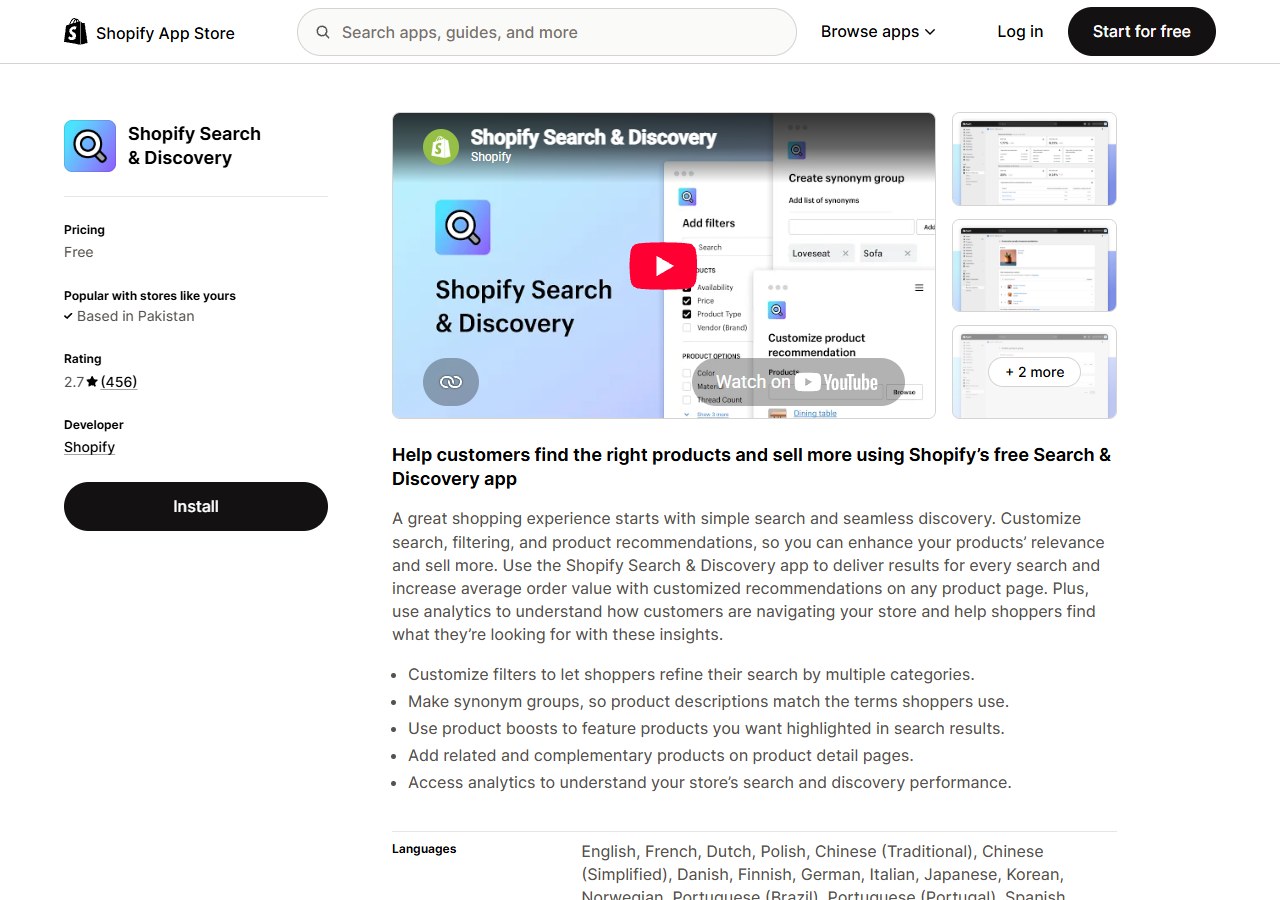
Use it for: filters, synonym groups, product boosts, related products and complementary recommendations.
Why it makes the list: it solves common product-discovery problems without a specialist search contract.
Watch for: analyse zero-result searches and poor queries before buying a replacement. A search tool cannot repair inconsistent product titles, tags and attributes on its own.
For conversational discovery rather than search results, see how a Shopify product-recommendation chatbot handles intent in dialogue.
11. Rebuy: best for advanced onsite personalisation
Use it for: data-driven product recommendations, merchandising rules, bundles and post-purchase offers.
Why it makes the list: it goes deeper than Shopify's free baseline for stores with enough traffic and merchandising capacity.
Watch for: personalisation can reduce trust if it produces irrelevant or overly aggressive offers. Run controlled tests and monitor profit, returns and customer experience, not only gross conversion.
12. Photoroom: best for fast catalogue-image production

Use it for: background removal, consistent product scenes, resizing and batch creative work.
Why it makes the list: it addresses a repeatable catalogue-production bottleneck and offers Shopify workflows.
Watch for: generated shadows, edges, scale and reflections can misrepresent the product. Compare the edited image with the physical item at full size and on mobile.
13. Runway: best for campaign video generation and editing
Use it for: concept footage, restyling, object edits, motion and campaign assets.
Why it makes the list: it provides specialist generative video capability beyond Shopify's native content tools.
Watch for: it is an external creative tool, not a catalogue-management system. Check rights, product fidelity, aspect ratios and compression before uploading finished assets.
14. Prisync: best for competitor price monitoring
Use it for: tracking comparable product prices and availability, alerts and rule-based repricing.
Why it makes the list: it turns a manual market-checking task into structured monitoring and has a Shopify app path.
Watch for: competitor matches can be wrong when pack size, variant, warranty or shipping differs. Review matches manually and set minimum margin and stock safeguards before enabling dynamic changes.
15. Triple Whale: best for multi-channel ecommerce analytics
Use it for: bringing Shopify, advertising and marketing performance into one analytical view.
Why it makes the list: it helps a scaling brand investigate performance without manually joining several exports.
Watch for: attribution is a model. Different tools can assign the same order to different channels. Use a consistent model for decisions, reconcile against Shopify and finance totals, and treat predictive output as an estimate.
The minimum viable AI stack by store stage
Adding all 15 tools would be a poor strategy. Use the smallest stack that solves today's constraints.
Launch stage
- Shopify Magic for first drafts;
- Sidekick for admin assistance;
- Search & Discovery for basic product findability;
- Inbox for low-volume customer conversations;
- Flow for one or two safe, explicit automations.
Do not add a specialised platform before there is enough work to evaluate it.
Growth stage
Add one specialist against the clearest bottleneck:
- AeroChat for repeat multichannel service questions;
- Klaviyo for lifecycle marketing;
- Photoroom for catalogue-image throughput;
- Rebuy for tested onsite personalisation;
- Prisync for a price-sensitive competitive catalogue.
Higher-volume operation
Add analytics and governance before more generation. Triple Whale or an equivalent analysis layer can improve visibility, but the business also needs named owners, permissions, testing rules and removal criteria for every app.
Check data access before installation
Shopify shows the data and permissions requested by an app. Review them before approving access, then repeat the review when the app adds features.
Ask:
- Which customer, order, product and store data can the app read?
- Can it write or delete data, publish content or change prices?
- Is access necessary for the job being purchased?
- Who inside the business can approve automated actions?
- What is retained after uninstalling?
- Which subprocessors or external AI providers receive data?
- Can the tool be tested with restricted data first?
The official Shopify app-permissions guidance should be reviewed alongside each vendor's privacy and security information.
Avoid paying twice for the same job
Create a simple overlap map before renewal:
| Job | Existing capability | Proposed tool | Keep both only if… |
|---|---|---|---|
| Product copy | Shopify Magic | Jasper or ChatGPT | Team workflow, quality or scale is measurably better |
| Customer chat | Shopify Inbox | AeroChat | Autonomous or multichannel coverage is genuinely required |
| Product recommendations | Search & Discovery | Rebuy | Advanced personalisation improves a defined business metric without harming margin |
| Reporting | Shopify Analytics | Triple Whale | Cross-channel analysis changes decisions and reconciles acceptably |
| Creative editing | Shopify image tools | Photoroom or Runway | Specialist production saves time while preserving product accuracy |
If two products cannot be assigned different jobs, pause one during the next test period.
Run a four-week keep, improve or remove test
Week 1: baseline and setup
Record the current time, cost, volume and error rate. Give the tool a narrow job and document required permissions.
Week 2: assisted use
Keep a person reviewing every important output. Label corrections, failures and work the tool creates for someone else.
Week 3: normal operating conditions
Use the tool through real variation: new products, campaign traffic, returns, mobile customers or a normal reporting cycle.
Week 4: decision
- Keep when it delivers a repeatable net benefit and fits the workflow.
- Improve when a fixable data, prompt, rule or training issue prevents value.
- Remove when output remains unreliable, the work is duplicated, usage is too low or total cost exceeds the benefit.
Include subscription, usage fees, review time, correction time and downstream errors. “Hours generated” is not useful if staff spend those hours fixing output.
How to choose your first specialist tool
Choose the bottleneck with the clearest baseline and lowest-risk test. For many new stores, the answer is no extra app: improve the catalogue and use Shopify's included tools. For a growing store, the best first specialist may be customer service, lifecycle marketing, creative production or analytics depending on where work is accumulating.
Shortlist no more than two products for one job. Test them with the same inputs, permission boundary and success measure. The best Shopify AI stack is not the one with the most logos; it is the smallest system that makes the store measurably easier to operate without weakening accuracy, customer trust or control.