



Shopify AI Chatbot Prices 2026: Compare 11 Tools and Billing Models
Shopify AI chatbot prices start at free and reach $699 per month before usage charges. The range makes direct comparison impossible without a shared unit: a $19 plan and a $49 plan can produce the same monthly bill if one charges per conversation and the other per AI response, depending on how your customers actually use the chat.
This comparison covers 11 tools, identifies the billing unit that controls each cost, and provides a calculation method based on your store’s real support volume. Prices were checked on vendor pages and Shopify App Store listings on 6 August 2026.
All amounts are in US dollars. Taxes, messaging-provider charges and individually negotiated enterprise contracts are excluded. Published prices and allowances can change.
Shopify AI chatbot pricing: all 11 tools compared
| Tool | Starting price | Trial | Billed per | Best for | Watch out for |
|---|---|---|---|---|---|
| ⭐ AeroChat | $49/month | 7 days | AI responses | Growing Shopify merchants handling sales and support across WhatsApp, Instagram, Facebook and email | One detailed exchange can consume several responses; advanced features need higher plans |
| Shopify Inbox | Free | No trial needed | No subscription | Shopify merchants wanting a free native starting point | Storefront only; not a full omnichannel support tool |
| Relish AI | From $9/month | Free plan | AI responses + product count | Smaller catalogues needing product and order assistance | $9 plan covers only 200 responses and 100 products |
| Moose | From $19/month | Free plan | Plan features, not reply quota | Merchants wanting an unlimited-reply offer | “Unlimited” does not cover every feature, channel or service level |
| Chatty | From $19.99/month | Free plan | AI conversations | Stores wanting a low entry price with defined conversation allowances | Overage is $0.40 per additional AI conversation |
| Rep AI | From $104/month | Free to install | Website visitors + product count | Stores focused on proactive product discovery | Visitors cost money even when they do not open the chat |
| Tidio | From $24.17/month | Free plan | Human convos, AI convos + flow visitors | Teams combining live support with AI in one workspace | AI conversations and support conversations are separate meters |
| Re:amaze | From $29/user/month | None listed | Seats + AI resolutions | Multi-channel support teams | Headcount drives the base cost; extra AI resolutions $0.85 each |
| Chatfuel | $59/month | 7 days | Conversations | Social sellers using WhatsApp automation | Not a full Shopify helpdesk; extra conversations $0.04 each |
| Gorgias | From $10/month | None listed | Tickets + AI resolutions | Established support operations | $10 plan covers only 50 tickets; AI Agent is separately $0.90/resolution |
| Gladly | Usage; $250 cap | 30 days | AI resolutions, assists + seats | Teams wanting pay-as-you-go AI support | $120 per team member is on top of resolution and assist charges |
The table above shows published starting points. The actual monthly cost depends on the billing unit, whether you exceed the plan allowance, and whether your store uses channels or features that carry additional charges.
Why two similarly priced plans can produce different bills
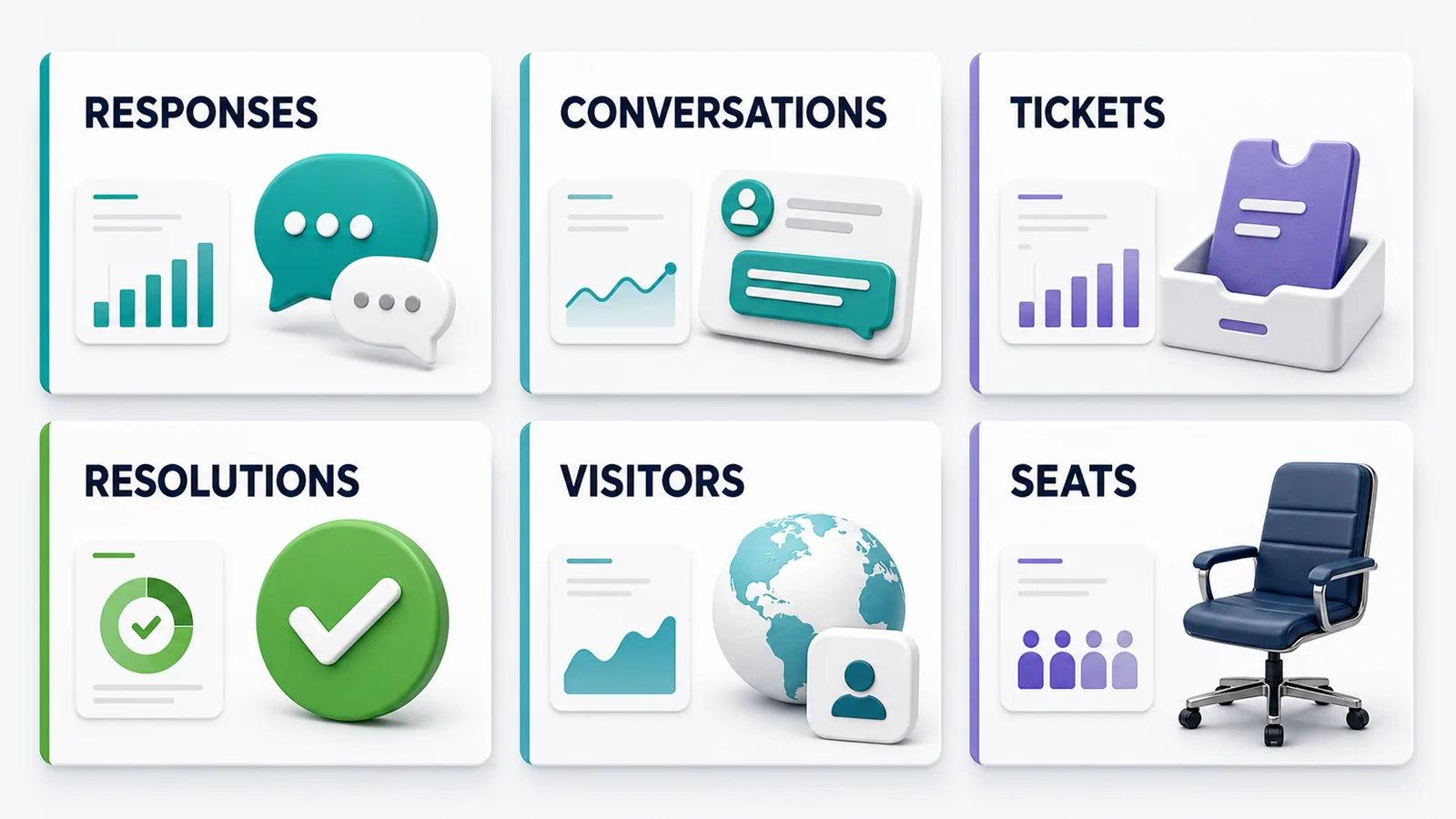
Most Shopify chatbot pricing surprises come from one misunderstanding: comparing plan prices without comparing the billing unit. A conversation on Tidio is not the same as a conversation on Chatty. An AI resolution on Gorgias is not the same as an AI response on AeroChat. Two platforms using the same word can charge for entirely different events.
AI responses
AeroChat and Relish AI charge per AI response. One customer question typically uses one response, but a conversation with three follow-up questions uses four or more. If your store handles multi-part product or returns questions, measure average responses per conversation before estimating your monthly bill. Ask whether automated welcome messages, fallback replies and test conversations count toward the allowance.
AI conversations
Chatty charges per AI conversation. A conversation is a session within a defined time window, so a long exchange may cost the same as a one-question chat. The key variable is when a new conversation begins: a returning customer who contacts you twice in 24 hours may create one billable conversation or two, depending on the platform’s rules.
Tickets and AI resolutions
Gorgias and Re:amaze separate inbound contacts (tickets) from automated outcomes (AI resolutions). You pay for tickets whether a human or the AI handles them, plus an additional charge when the AI fully resolves a case without a person. A store with 300 monthly support contacts may generate fewer than 100 AI resolutions if most enquiries still require human judgement. These two numbers must be forecast separately.
Website visitors
Rep AI charges by unique storefront visitors, not by conversations or support cases. The billing meter rises with site traffic regardless of support demand. A promotional campaign that doubles browsing traffic doubles the chatbot cost even if your support team receives the same number of questions.
Agent seats and channels
Re:amaze and Gladly include a per-seat component. The base cost grows with the number of staff who need inbox access. Several platforms also charge separately for WhatsApp messaging, SMS, or additional Shopify store connections. The absence of a seat fee does not mean every channel or team feature is included.
How to calculate what you will actually pay
You do not need a precise forecast. You need a number close enough to eliminate plans that are significantly over or under your budget.
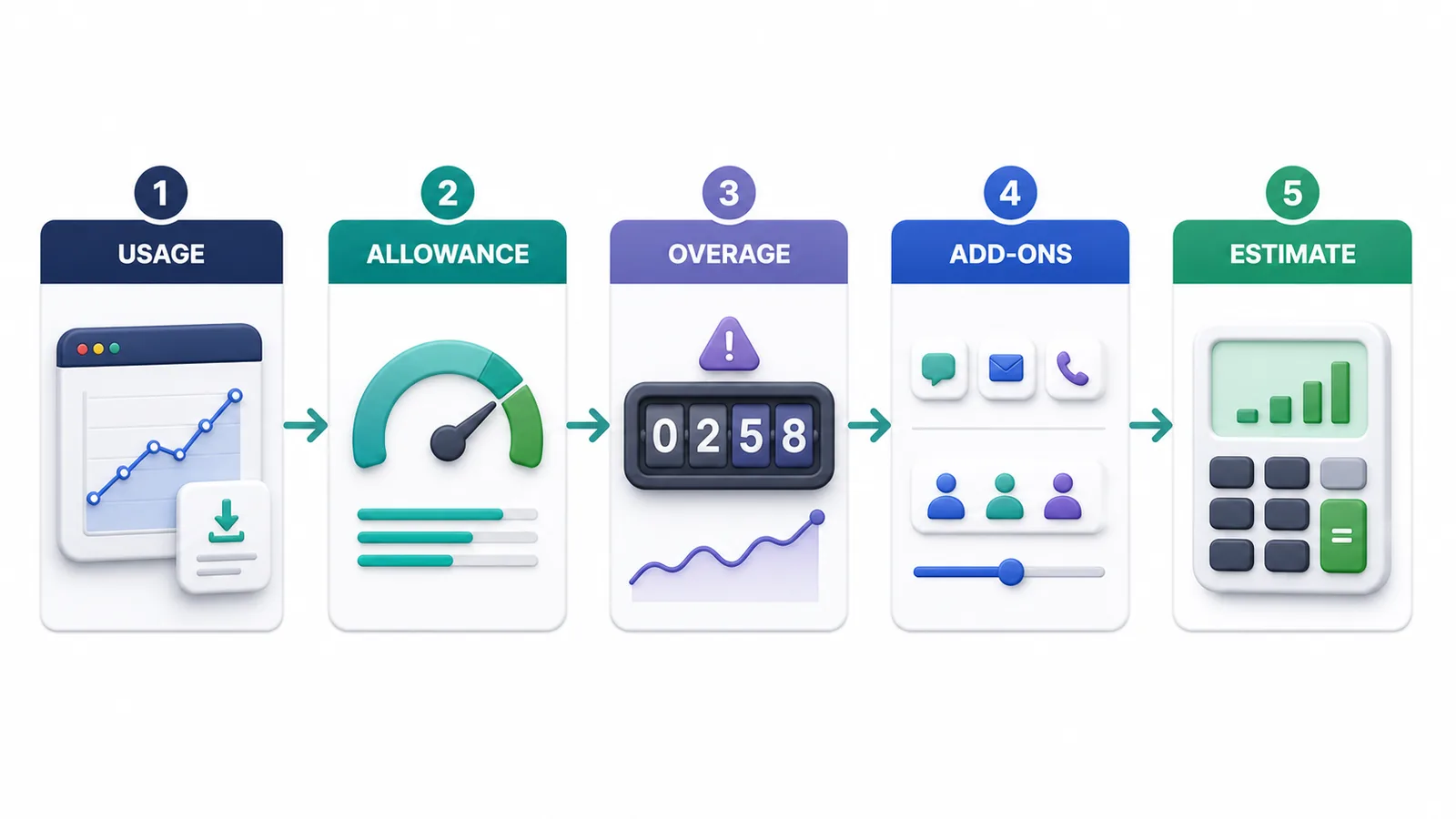
Step 1: Export 90 days of support data
Pull the metric that matches each shortlisted billing model:
- AI responses or automated message count
- Customer conversations and session count
- Support tickets opened
- Cases fully resolved without a human
- Unique website visitors in a typical month
- Staff members who need access to the support workspace
If you are moving from a shared inbox with no AI data, tag a sample of 50 recent conversations and count how many could be fully answered without human judgement. Do not apply a generic automation rate you read elsewhere.
Step 2: Calculate average and peak separately
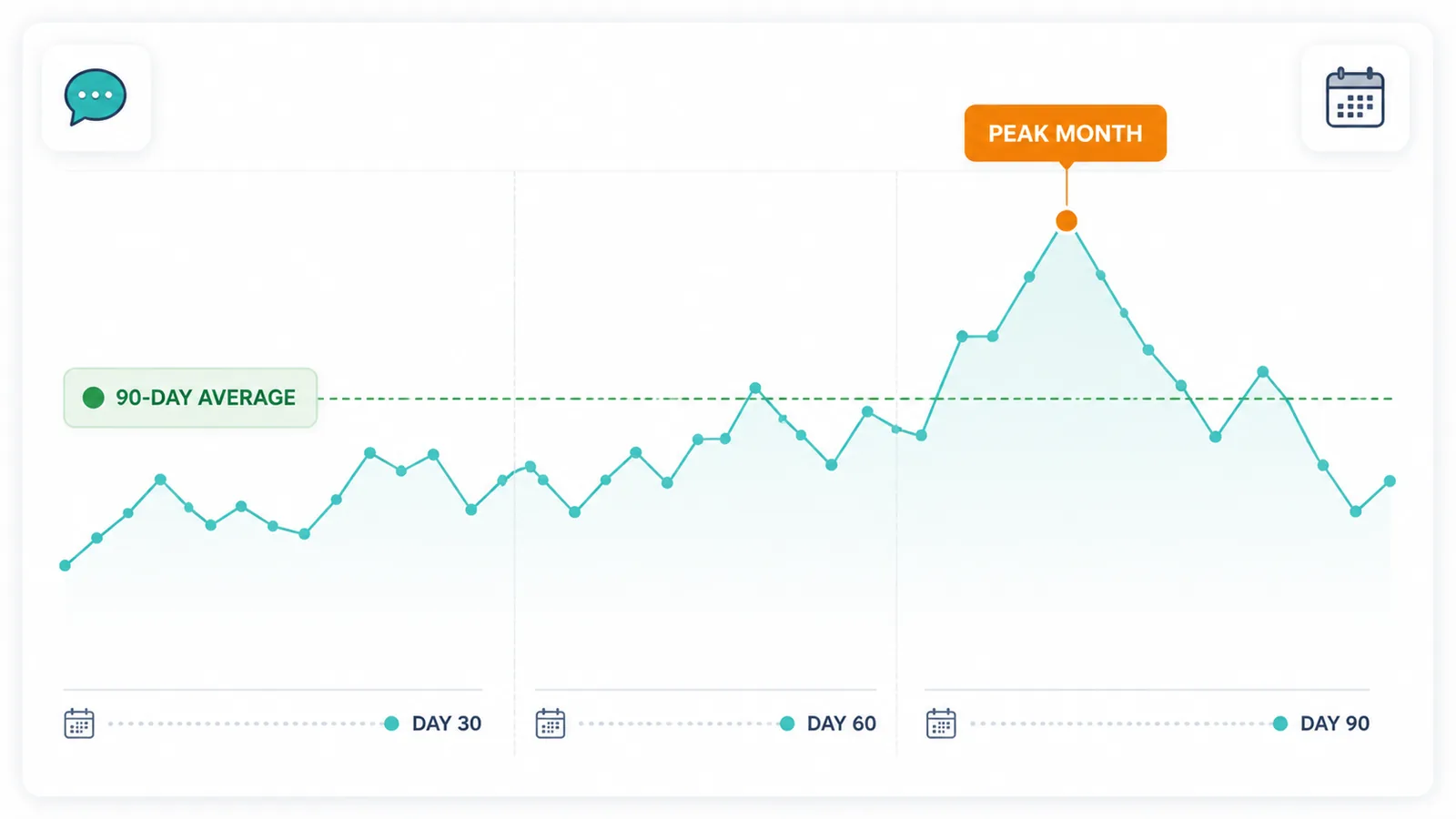
Your average month gives a baseline. Your busiest recent month shows whether the plan will survive a promotion, a product launch or a delivery delay that floods your inbox with order enquiries.
A store with 380, 490 and 950 relevant interactions across three months has a 607 monthly average and a 950 peak. A plan built around the average will produce large overages in the peak month.
Step 3: Apply the billing formula
| Pricing model | Planning formula |
|---|---|
| Response-based | Plan fee + (responses above allowance x overage rate) |
| Conversation-based | Plan fee + (excess conversations x overage rate) |
| Ticket + AI resolution | Helpdesk plan + (AI-resolved cases x resolution rate) + ticket overages |
| Visitor-based | Plan covering peak visitors + excess visitor blocks + product-limit upgrade |
| Seat-based | Monthly seat cost x staff needing access + AI usage + channel charges |
Step 4: Add channels, seats and extras
Confirm whether your estimate includes WhatsApp or SMS provider fees, additional Shopify store connections, extra product or knowledge-base capacity, support for more than one team member, and any conditions tied to annual billing.
Step 5: Trial before committing to an annual plan
An annual discount only saves money if the plan matches your usage pattern. Run a trial through real product, delivery, return and order questions. Measure how fast the allowance moves and whether the AI handles the questions your customers actually send.
Free and Shopify-native option
1. Shopify Inbox pricing
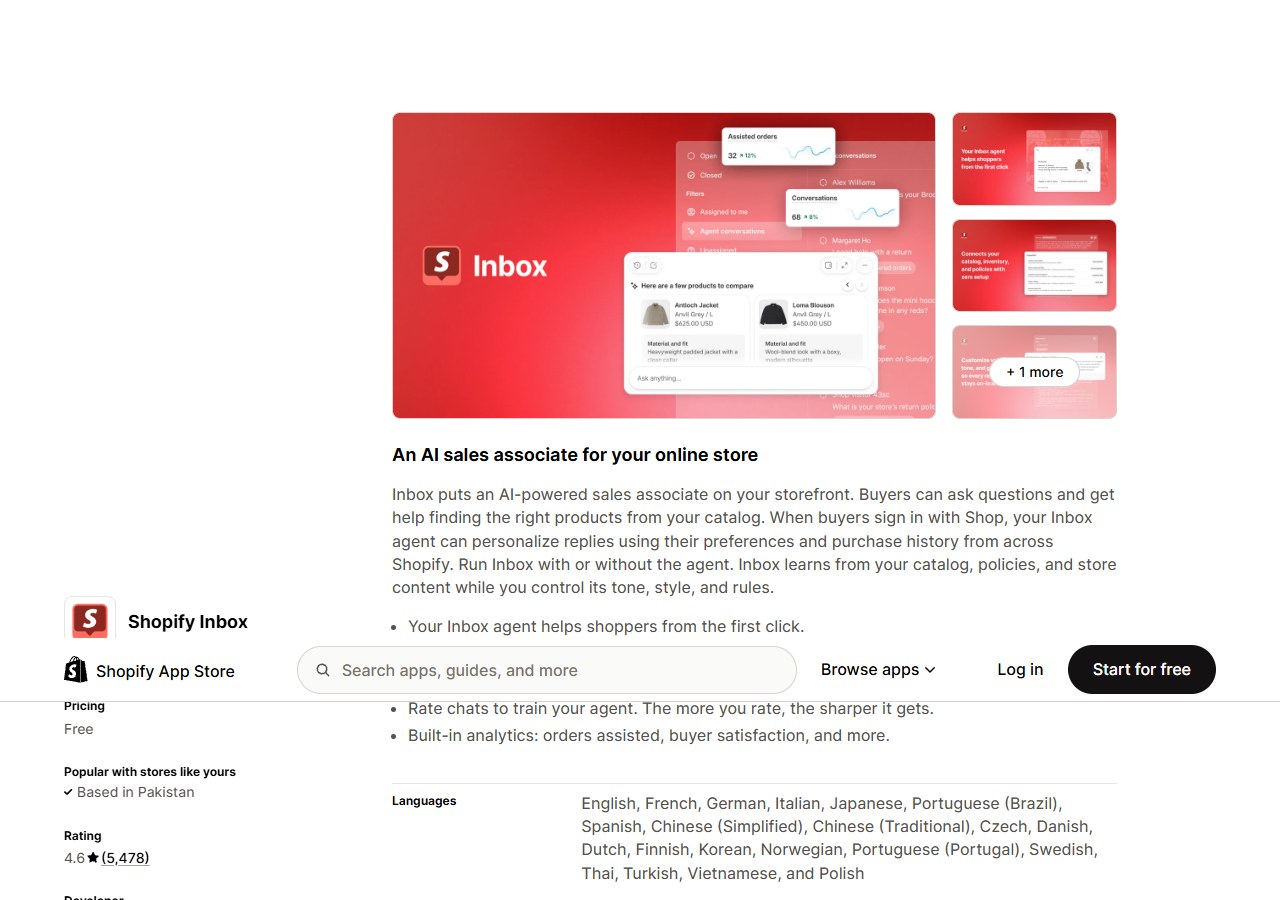
Published price: Free.
| Plan | Price | Key allowance | Notable feature |
|---|---|---|---|
| Free | $0 | No published response or conversation limit | Built into Shopify admin; no subscription required |
- No subscription required: Shopify Inbox is built into the Shopify admin with no separate app charge, usage fee or per-conversation cost.
- AI sales associate on your storefront: Uses your product catalogue, inventory, store policies and information pages to answer shopper questions automatically.
- Scope is limited to the Shopify storefront: Inbox is not designed for WhatsApp, Instagram, email or multi-agent support. When customers begin reaching you through those channels, you will need a separate tool.
Start with Shopify Inbox if your enquiries are primarily on-site and your support volume is modest. Move to a dedicated platform when customers are using channels Inbox does not cover, or when enquiry volume justifies a structured support operation.
Shopify-focused AI agents and shopping assistants
2. AeroChat pricing
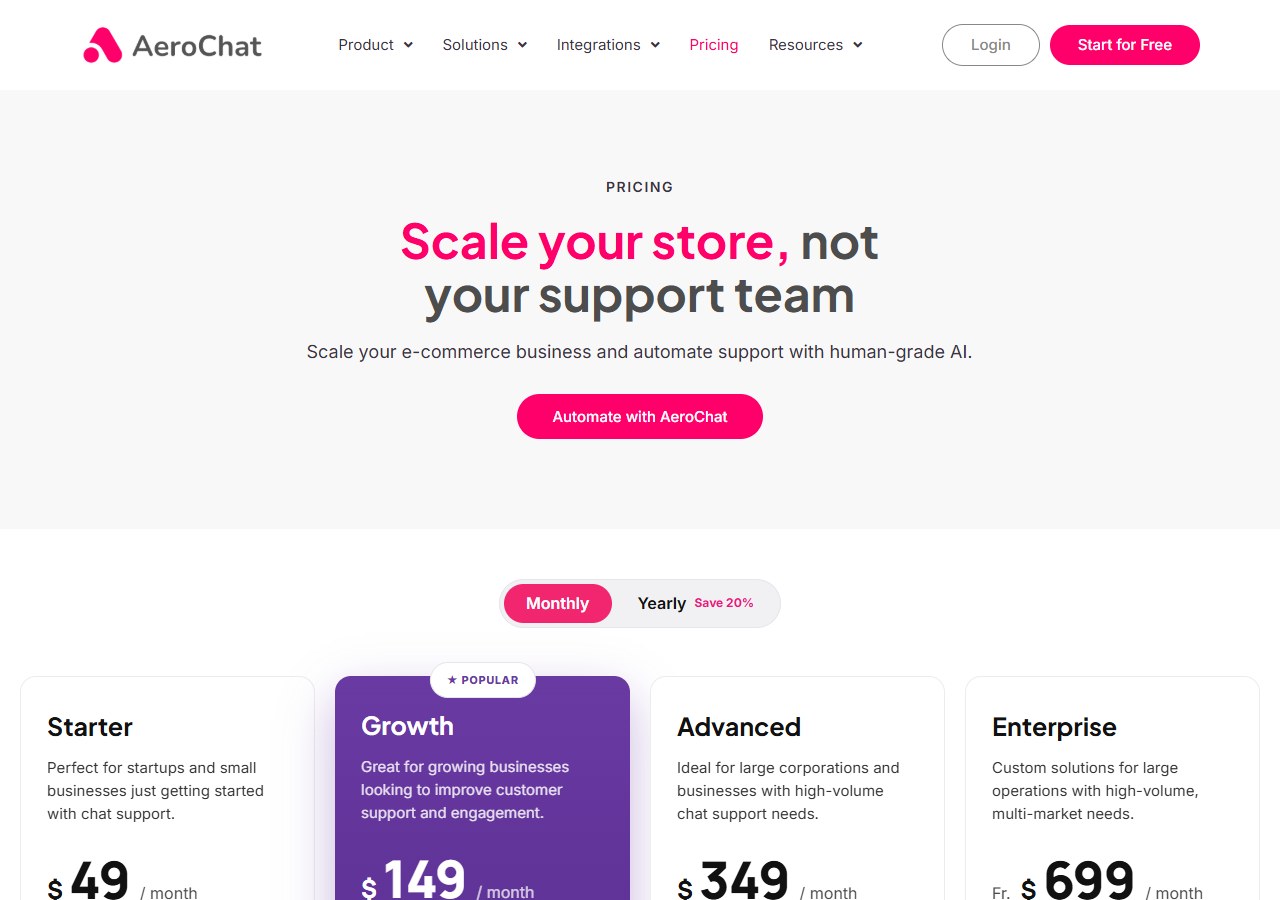
Published price: Starter $49/month; Growth $149/month; Advanced $349/month; Enterprise from $699/month. All plans include a 7-day free trial.
| Plan | Price | Key allowance | Notable feature |
|---|---|---|---|
| Starter | $49/month | 500 AI responses/month; up to 2,000 content pages | 7-day trial; Shopify, web, Instagram, Facebook |
| Growth | $149/month | 2,000 AI responses/month; up to 20,000 content pages | Adds WhatsApp broadcast campaigns and in-chat payment links |
| Advanced | $349/month | 5,000 AI responses/month; up to 100,000 content pages | Self-learning AI, auto-translation, conversion tracking |
| Enterprise | From $699/month | 10,000+ AI responses/month; 50GB+ knowledge base | Full API, white-labelling, dedicated account manager |
- Four paid plans, no free tier: Starter includes 500 AI responses per month. Growth includes 2,000. Advanced includes 5,000. Enterprise starts at 10,000 responses with custom allowances.
- Response-based billing: AeroChat charges per AI response rather than per conversation or per visitor. A multi-part enquiry uses several responses. Compare your weekly support message volume against the plan allowance, not your order count.
- Channels expand by plan: Starter covers Shopify, web chat, Instagram and Facebook. Growth adds WhatsApp broadcast campaigns and in-chat payment links. Advanced adds self-learning AI, agent auto-translation and conversion tracking. Enterprise adds full API access, white-labelling and a dedicated account manager.
- 7-day trial on all plans: Enough time to connect product and policy data, run real test enquiries, and measure how many AI responses a typical support week consumes before committing to a monthly plan.
AeroChat is relevant once enquiries span several channels, or once support volume justifies automating the response layer. A store receiving 400 support messages per month would comfortably fit the Starter plan’s 500-response allowance. For a broader Shopify AI chatbot comparison covering product recommendations, order tracking and human handover, the feature guide covers what each tool does beyond pricing.
Best for: Shopify merchants scaling customer service across web, WhatsApp, Instagram, Facebook and email from one workspace without increasing headcount.
3. Relish AI pricing
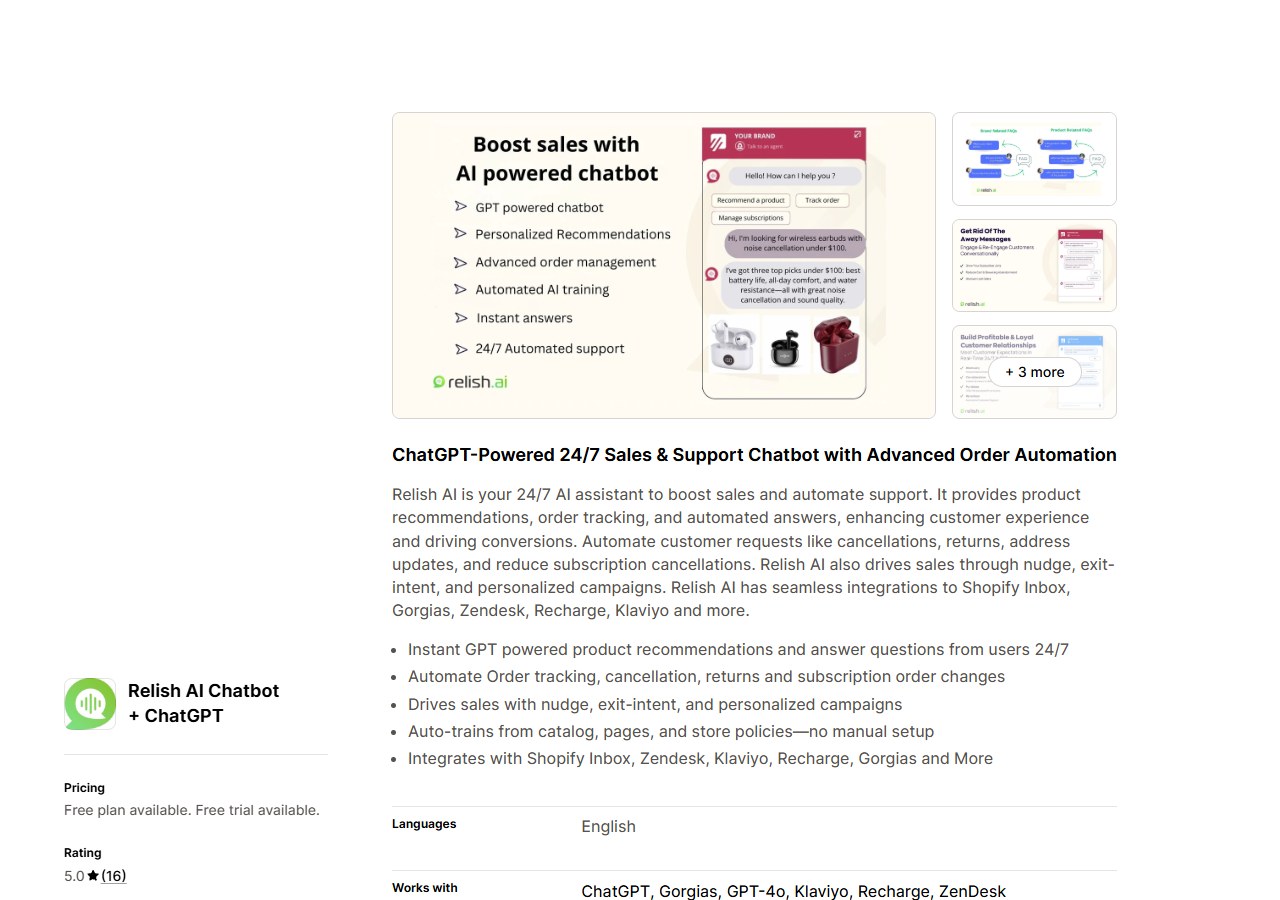
Published price: Free; Starter $9/month; Grow $39/month; Pro $99/month.
| Plan | Price | Key allowance | Notable feature |
|---|---|---|---|
| Free | $0 | 30 AI responses/month; 50 products | Basic product and order assistance |
| Starter | $9/month | 200 AI responses/month; 100 products | Extra responses at $0.04 each |
| Grow | $39/month | Higher response and product limits | Expanded automation |
| Pro | $99/month | Highest published tier | Full feature access |
- Lowest paid entry point in this comparison: The Starter plan costs $9/month and includes 200 AI responses and 100 products.
- Two separate ceilings: The product limit and the response allowance can each force an upgrade independently. A store with 150 products and modest chat volume may need Grow for the product limit before the response allowance becomes the constraint.
- Overage rate: Additional responses are listed at $0.04 each on paid plans.
Relish AI suits a smaller Shopify store where the main job is answering product questions and checking order status, and where the catalogue fits comfortably within the plan limit. Check both ceilings when choosing a tier.
4. Moose pricing
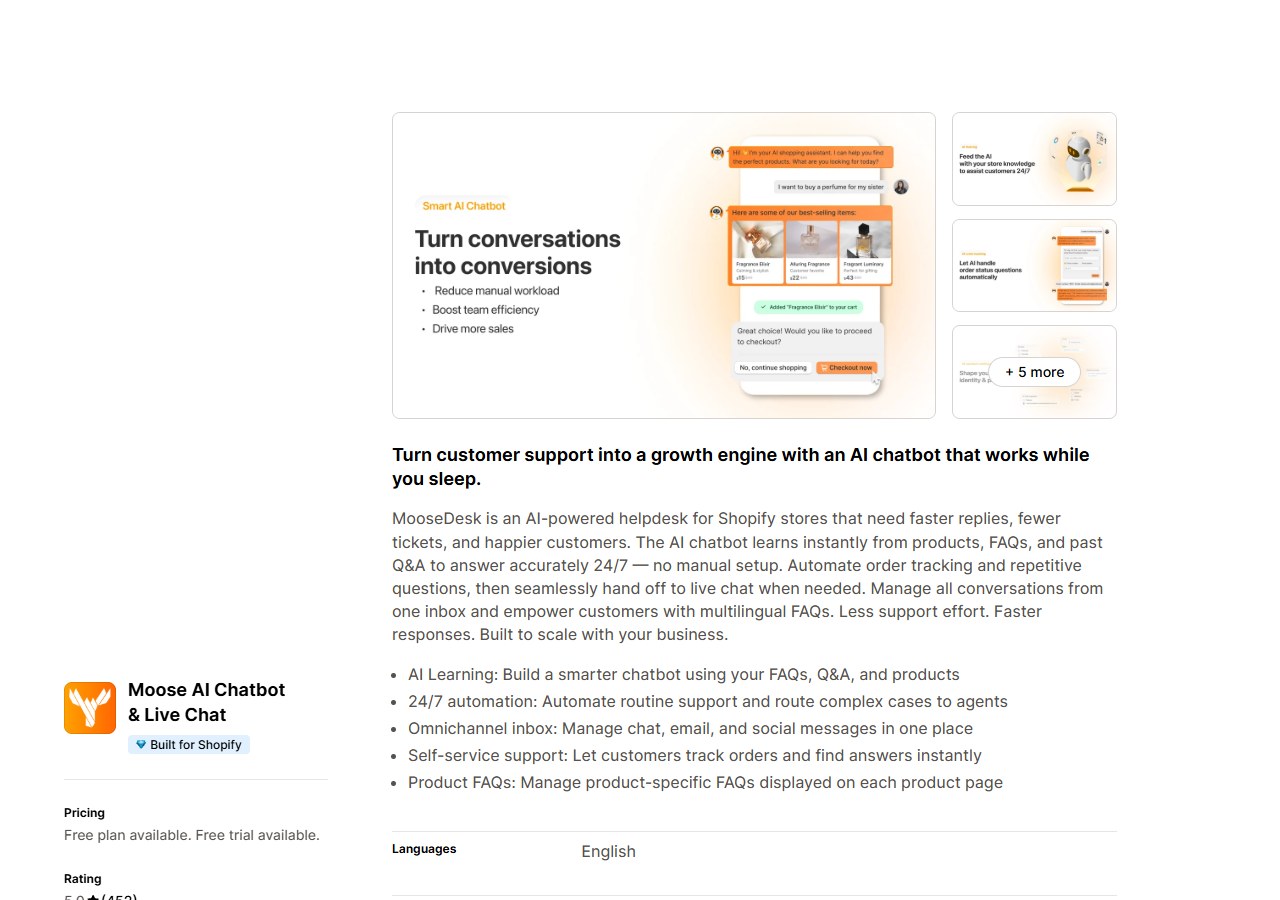
Published price: Free; Starter $19/month; Growth $49/month; Business $249/month.
| Plan | Price | Key allowance | Notable feature |
|---|---|---|---|
| Free | $0 | Unlimited AI replies (published) | Basic widget and automation |
| Starter | $19/month | Unlimited AI replies | Advanced widget customisation |
| Growth | $49/month | Unlimited AI replies | More integrations and email channel |
| Business | $249/month | Unlimited AI replies | Ticket management, team access, priority support |
- Unlimited AI replies on all plans including Free: This removes the response-overage risk that affects most competitors. The reply allowance is not a ceiling that triggers additional charges.
- Paid tiers add scope, not reply quota: Upgrading unlocks additional channels, ticket management, team access and deeper integrations. It does not increase the reply allowance because all plans already include unlimited replies.
- Read “unlimited” precisely: It applies to the AI reply allowance. It does not cover every feature, integration, staffing level or future plan term. Confirm that the channels and team capabilities your store needs are included in the specific plan.
If response-volume anxiety is a reason you are hesitating on other tools, Moose’s unlimited-reply structure removes that variable from the decision. Choose a paid tier based on the channels and workflow features your store needs.
5. Chatty pricing
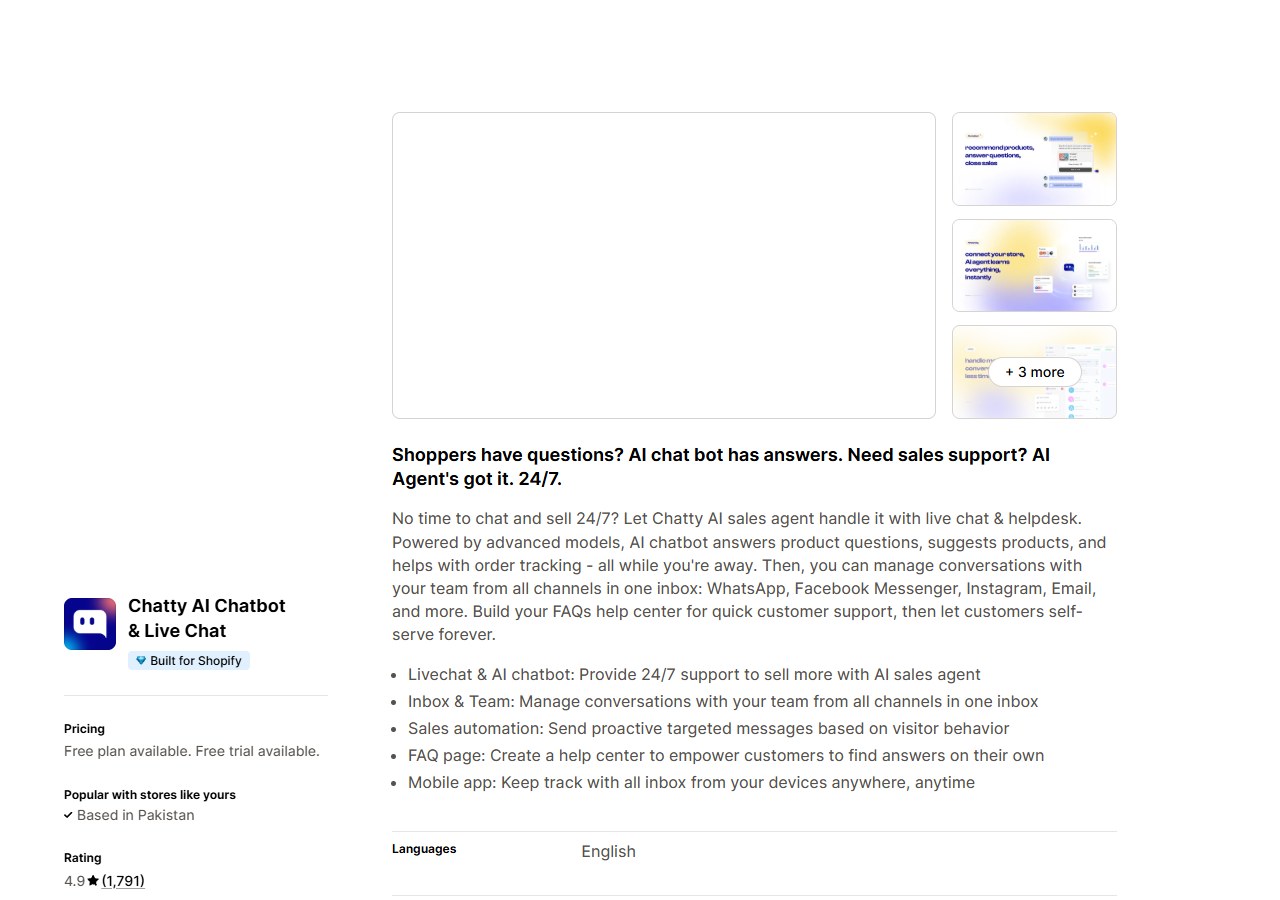
Published price: Free; Basic $19.99/month; Pro $68.99/month; Plus $199/month.
| Plan | Price | Key allowance | Notable feature |
|---|---|---|---|
| Free | $0 | 50 AI conversations/month | Basic product and order answers |
| Basic | $19.99/month | 100 AI conversations/month | Overage: $0.40 per extra conversation |
| Pro | $68.99/month | 500 AI conversations/month | Overage: $0.40 per extra conversation |
| Plus | $199/month | 1,000 AI conversations/month | Overage: $0.40 per extra conversation |
- Conversation allowances by plan: Free: 50 AI conversations/month. Basic: 100. Pro: 500. Plus: 1,000.
- Overage rate: $0.40 per additional AI conversation on all paid plans.
- Run the overage calculation before choosing the entry plan: A store expecting 250 AI conversations per month would pay $19.99 + (150 x $0.40) = $79.99 on Basic, versus $68.99 on Pro. The lower headline price is not always the lower monthly bill.
Chatty works for a smaller Shopify store that wants AI-handled product answers, order tracking and a multi-channel inbox at a low starting price. Size the plan against your actual conversation volume before committing to the entry tier.
6. Rep AI pricing
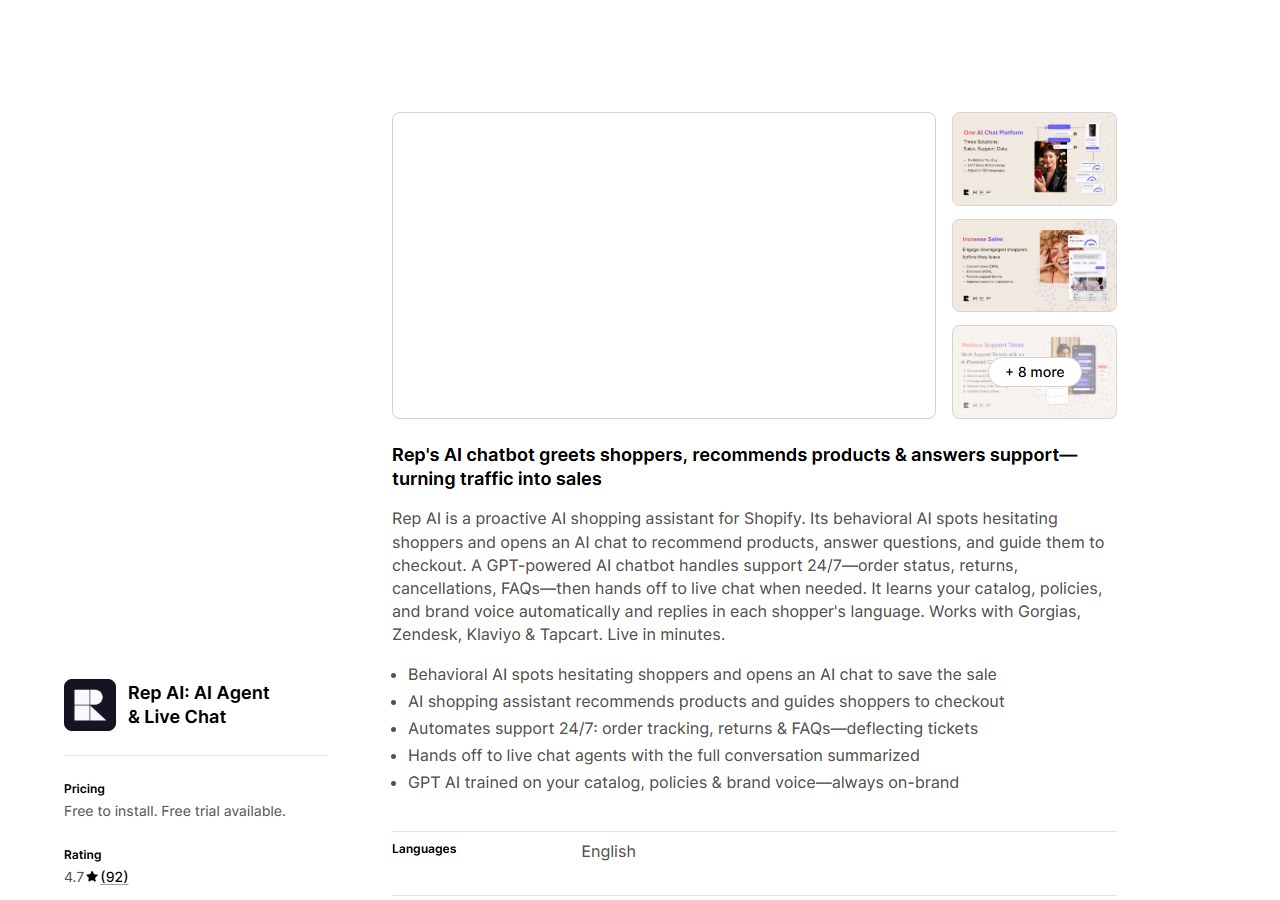
Published price: Free to install; Starter $104/month; Basic $209/month; Standard $368/month.
| Plan | Price | Key allowance | Notable feature |
|---|---|---|---|
| Free (install) | $0 | 100 visitors/month; 100 products | Proactive storefront engagement only |
| Starter | $104/month | 10,000 visitors/month; 1,000 products | $12 per additional 1,000 visitors |
| Basic | $209/month | Higher visitor and product limits | Expanded catalogue support |
| Standard | $368/month | Highest published tier | Full feature access |
- Visitor-based billing: Cost follows storefront traffic, not the number of conversations or support cases. The free-install tier covers 100 visitors and 100 products.
- Starter: 10,000 visitors and 1,000 products at $104/month. Additional visitors: $12 per 1,000.
- Two limits apply simultaneously: Visitor count and product catalogue size. A store with 1,500 products needs Starter for the product limit before visitor volume becomes the constraint.
- Model against your busiest month: A campaign that doubles browsing traffic doubles the chatbot bill even if enquiry count stays flat. Use your peak month, not the average.
Rep AI’s visitor model is well-matched to a conversion-focused sales assistant on a store where most browsers are actively looking for product guidance. It is less efficient when most contacts are existing customers asking about orders, since those visitors create cost whether or not they start a chat.
Helpdesk and multi-channel customer service
7. Tidio pricing
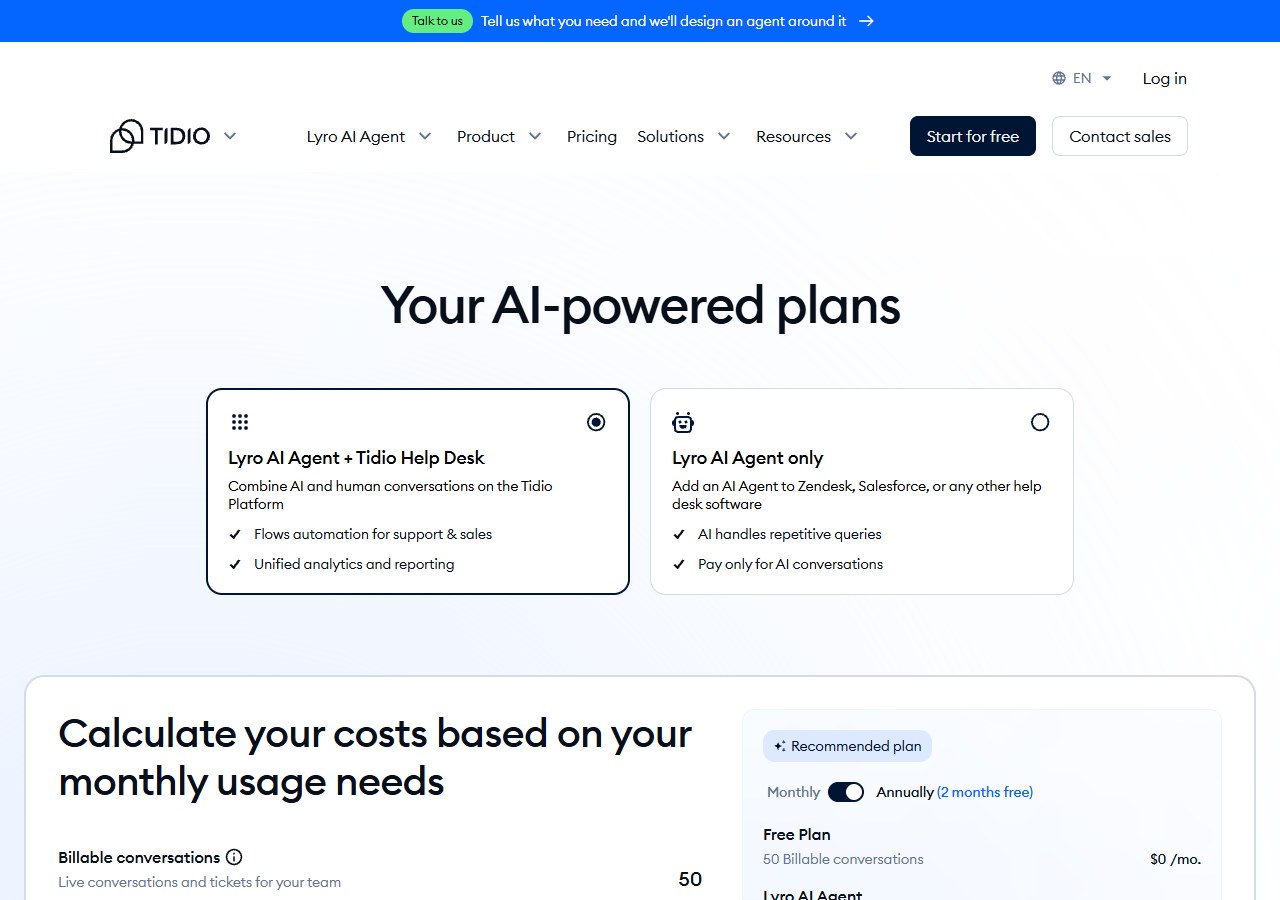
Published price: Free; Starter from $24.17/month; Growth from $49.17/month; Plus from $300/month. Prices displayed under annual billing with two months free.
| Plan | Price | Key allowance | Notable feature |
|---|---|---|---|
| Free | $0 | Limited conversations and flows | Basic live chat and automation |
| Starter | $24.17/month* | 100 billable support convos; 50 Lyro AI convos (one-off) | *Annual billing; monthly rate is higher |
| Growth | From $49.17/month* | More conversations and Lyro AI quota | Lyro AI also standalone from $32.50/month |
| Plus | From $300/month | High-volume conversations | Usage-based component at higher tiers |
- Three separate billing meters: Human support conversations, Lyro AI conversations and visitors reached by automation flows each count independently. Quoting only the plan price gives an incomplete cost picture.
- Starter allowances: 100 billable support conversations per month, plus 50 Lyro AI conversations as a one-off starting credit.
- Lyro AI is also sold standalone from $32.50/month for 50 AI conversations, if you want AI capability without the full live chat and ticketing stack.
- Displayed prices use annual billing: Monthly billing rates are higher. Calculate the actual monthly commitment rather than dividing the annual price by twelve.
Tidio suits a team that wants live chat, ticketing and AI agent capability in one environment. The realistic cost estimate requires your own data on all three meters. Merchants who quote only the Starter plan price when comparing with simpler chatbots are not comparing the same scope.
8. Gorgias pricing
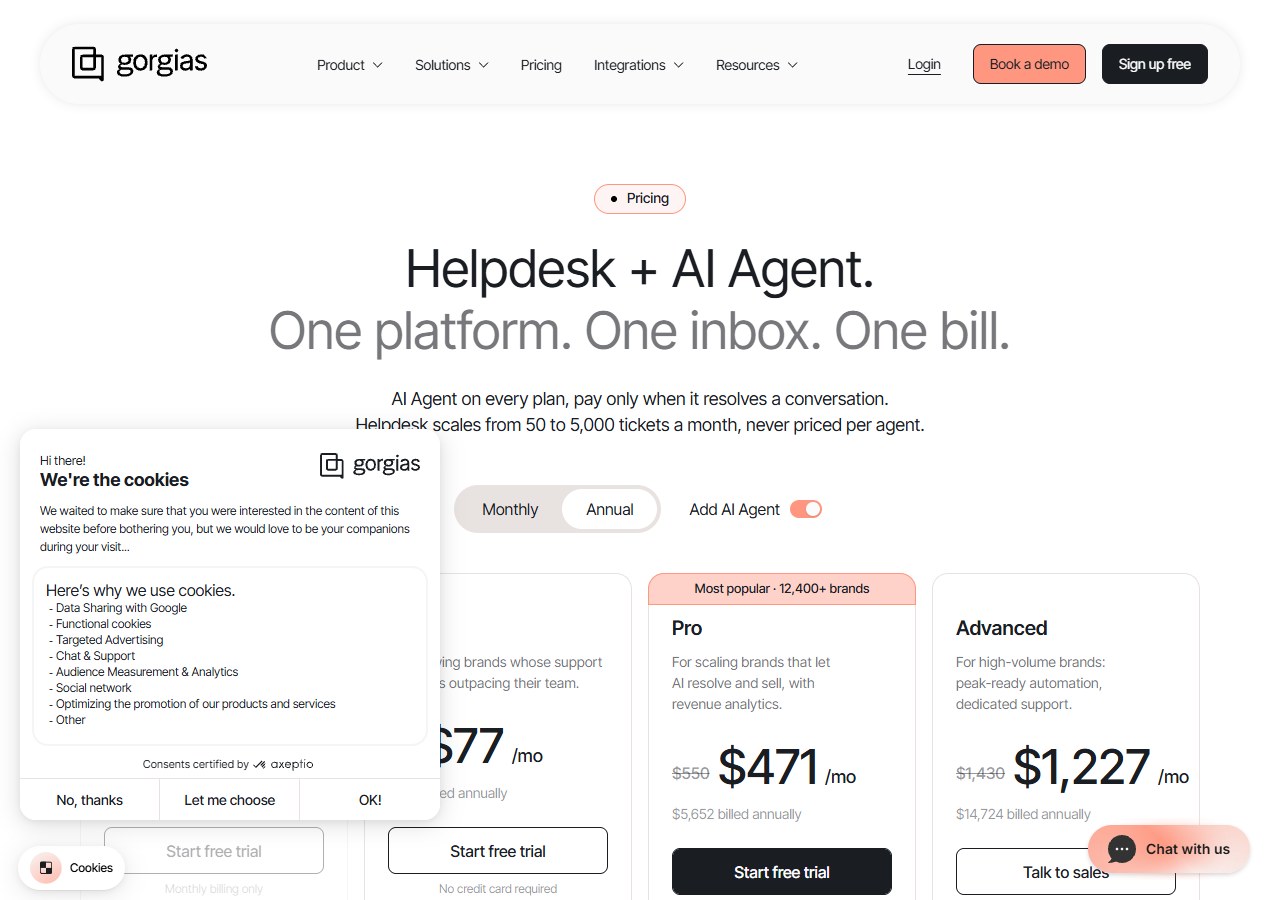
Published price: Starter $10/month; Basic $60/month; Pro $360/month; Advanced $900/month. AI Agent generally $0.90 per resolved conversation.
| Plan | Price | Key allowance | Notable feature |
|---|---|---|---|
| Starter | $10/month | 50 tickets; 3 agents | Additional tickets $0.40 each |
| Basic | $60/month | 300 tickets | AI Agent: ~$0.90/resolved conversation (add-on) |
| Pro | $360/month | 2,000 tickets | AI Agent usage-based on all plans |
| Advanced | $900/month | 5,000 tickets | Priority support and advanced automation |
- Helpdesk plans scale by ticket volume: Starter covers 50 tickets and 3 agents. Basic: 300 tickets. Pro: 2,000. Advanced: 5,000. Additional tickets on Starter: $0.40 each.
- AI Agent is a separate usage charge: Generally $0.90 per fully resolved conversation, charged on top of the helpdesk subscription. The $10 starting price does not include AI resolution cost.
- Cost moves on two axes: Total ticket volume and AI resolution rate must both be forecast to build an accurate monthly estimate.
Gorgias makes sense for an established support team that already manages volume through a helpdesk and wants to add AI resolution on top of a structured ticketing operation. It is not the natural fit for a merchant who only needs a simple storefront chatbot; the entry plan’s 50-ticket allowance would be exhausted quickly in most active stores.
9. Re:amaze pricing
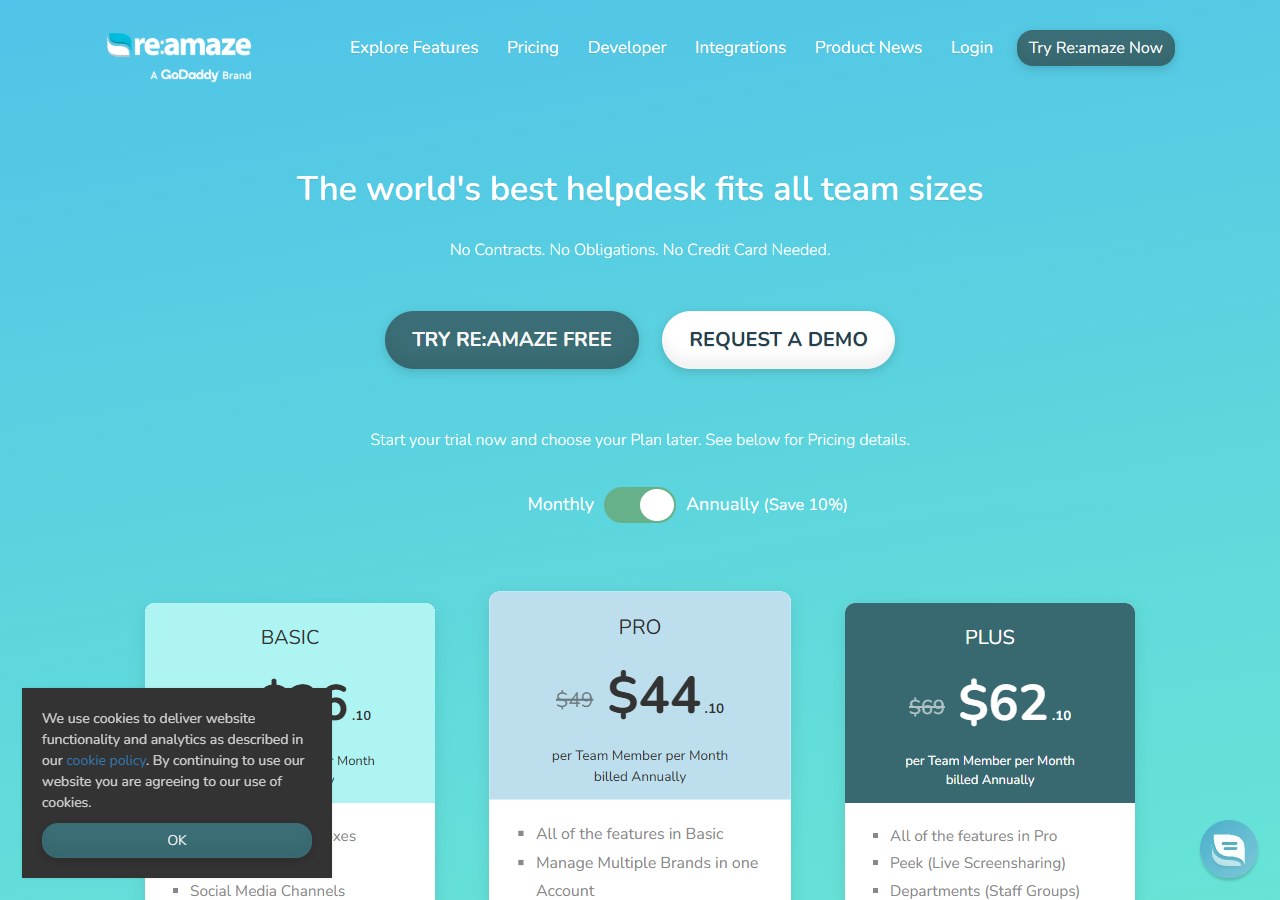
Published price: Basic $29, Pro $49, Plus $69 per team member per month.
| Plan | Price | Key allowance | Notable feature |
|---|---|---|---|
| Basic | $29/user/month | 5 AI resolutions per user | Additional AI resolutions: $0.85 each |
| Pro | $49/user/month | 10 AI resolutions per user | Additional AI resolutions: $0.85 each |
| Plus | $69/user/month | 20 AI resolutions per user | Additional AI resolutions: $0.85 each |
- Per-seat pricing: The base cost grows directly with the number of staff who need inbox access. Three team members on Basic costs $87/month before any AI resolution charges.
- AI resolutions per user: Basic: 5. Pro: 10. Plus: 20. Additional resolutions: $0.85 each.
- Comprehensive ecommerce support stack: Covers live chat, email, social channels, FAQs and automation in one workspace.
Re:amaze suits a multi-person support team that values a shared ecommerce inbox and can justify the per-seat cost. A one-person operation or a store that only needs a storefront chatbot will pay for seat and inbox capabilities they do not use.
10. Gladly pricing
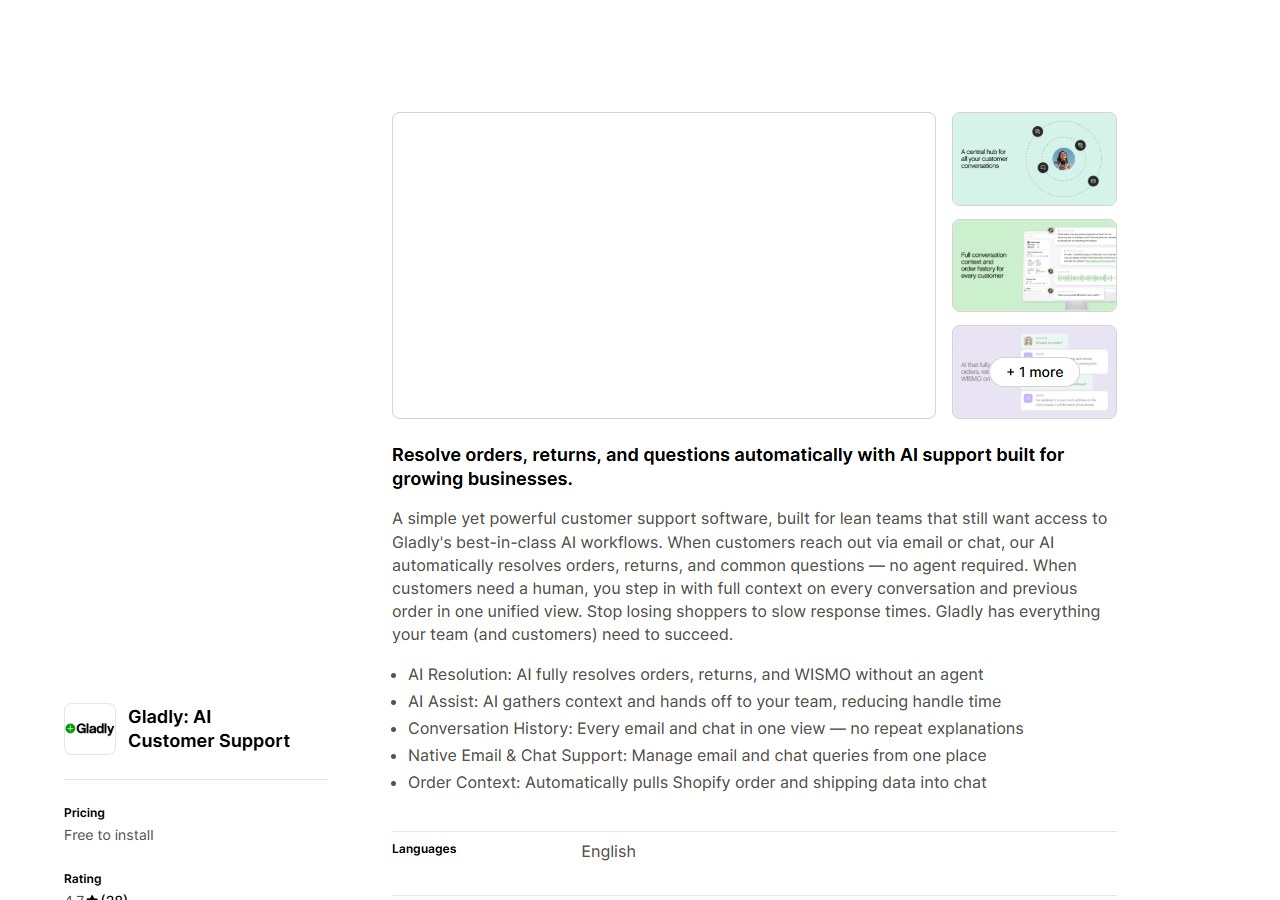
Published price: Free 30-day trial; pay-as-you-go after that with a $250 monthly spending cap.
| Plan | Price | Key allowance | Notable feature |
|---|---|---|---|
| Trial | Free (30 days) | 100 AI interactions; 1 team-member seat | Full platform access during trial |
| Pay-as-you-go | Usage-based | $250 monthly spending cap | $1.50/AI resolution; $0.25/AI assist; $120/team member |
- 30-day trial includes 100 AI interactions and one team-member seat, giving genuine time to test AI resolution quality on real enquiries.
- Three post-trial usage charges: $1.50 per AI resolution, $0.25 per AI assist, $120 per team member per month.
- The $250 cap is a spending ceiling, not a bundle price: A two-person team handling 80 AI resolutions and 200 AI assists per month would spend ($120 x 2) + ($1.50 x 80) + ($0.25 x 200) = $410. Confirm precisely how the cap mechanism works before treating it as a predictable monthly maximum.
WhatsApp and social automation
11. Chatfuel pricing
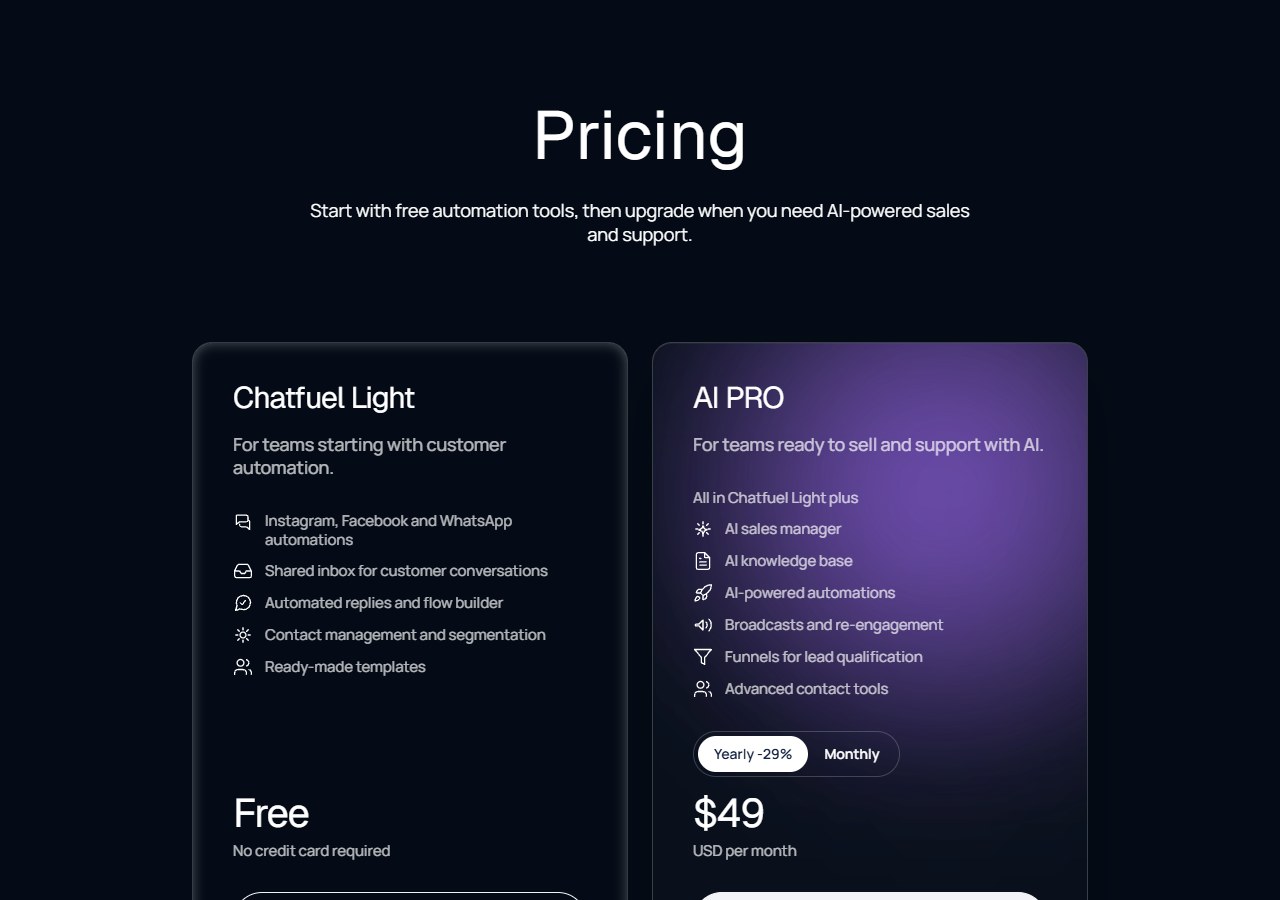
Published price: $59/month including a 7-day trial.
| Plan | Price | Key allowance | Notable feature |
|---|---|---|---|
| Business | $59/month | 1,000 conversations/month | 7-day trial; extra conversations at $0.04 each |
- $59/month includes 1,000 conversations with a 7-day trial available. Additional conversations: $0.04 each.
- WhatsApp-first scope: Covers product recommendations, cart recovery, order confirmations, shipping updates and live-agent handover via WhatsApp.
- Not a multi-channel helpdesk: If your customers contact you through email, Instagram and web chat alongside WhatsApp, Chatfuel will not cover those channels. Budget separately for any WhatsApp Business API or messaging-provider fees that sit outside the subscription.
Chatfuel is worth considering only when WhatsApp is already your primary customer channel. It is a focused tool, not a broad Shopify support platform.
Which Shopify Chatbot Plan Is Affordable for a Small Store?
For a small Shopify store, the most affordable plan is the least expensive option that can handle the actual support job without creating an unmanageable manual workload. Shopify Inbox is the sensible $0 baseline for occasional storefront conversations. A paid AI plan becomes easier to justify when repeat questions, missed messages or several customer-service channels consume meaningful time.
Do not compare free and paid plans as though price were the only difference. A free chat tool can be economical when the owner is available to reply. It becomes expensive in time when every question still waits for that person. A paid AI plan can reduce repetitive work, but only when its allowance, data connection and handover process match the store's enquiries.
The table below uses published US-dollar prices and allowances checked on 6 August 2026. “Expected cost as usage grows” follows the vendor's billing unit—not a made-up conversion from orders to chats.
| Small-store option | Free versus paid | Monthly platform fee | AI or resolution charge | Agent and seat charges | Included limit most likely to matter | Shopify connection | Human handover | Costs and add-ons to watch | Expected cost as enquiries grow |
|---|---|---|---|---|---|---|---|---|---|
| Shopify Inbox | Free | $0 | No separate AI charge published | No separate app-seat fee | No paid AI allowance stated | Native Shopify product | Merchant replies within Inbox | Staff time; broader social or helpdesk requirements may need another tool | Subscription remains $0, but manual workload rises with conversation volume |
| AeroChat | Seven-day trial; paid tiers | $49 Starter, $149 Growth or $349 Advanced | Billed through included AI-response allowances rather than a separate resolution fee | Check the current plan for team access | 500 responses Starter; 2,000 Growth; 5,000 Advanced | Native Shopify app and store-data synchronisation | AI-to-human transfer is available | One customer conversation can consume several responses; advanced features require higher plans | $49 up to the Starter allowance; then $149 or $349 as response needs increase |
| Relish AI | Free plan; paid from $9 | $0, then $9 Starter; higher tiers from $39 | $0.04 per additional response on the $9 plan | Verify team access on the chosen tier | 30 responses and 50 products free; 200 responses and 100 products on Starter | Shopify-focused shopping and support assistant | Live support capability should be tested on the selected plan | Product ceilings can force an upgrade before chat volume does | $9 covers 200 responses; every 100 extra responses at the published Starter overage adds $4 until a higher tier is better value |
| Chatty | Free plan; paid tiers | $0, then $19.99 Basic, $68.99 Pro or $199 Plus | $0.40 per extra AI conversation on paid plans | Multi-channel inbox access varies by plan | 50 conversations free; 100 Basic; 500 Pro; 1,000 Plus | Built for Shopify app | Live chat and human support are included in the product | Overage can make Basic more expensive than Pro | 300 AI conversations would make Basic about $99.99 with published overage, so the $68.99 Pro tier would be cheaper at that volume |
| Tidio | Free plan; paid support and AI options | Free; Starter displayed from $24.17; Lyro separately from $32.50 for 50 AI conversations | AI conversations use a separate Lyro allowance | Check operator access for the selected support plan | Starter lists 100 billable support conversations and a one-off 50-conversation Lyro allowance | Shopify app | Live chat and agent takeover are core use cases | Human conversations, Lyro AI and flow visitors can be billed separately; displayed prices use annual billing | Cost can rise on three meters, so use Tidio's calculator with peak human, AI and flow usage rather than quoting the support-plan fee alone |
| Gorgias | Paid helpdesk; trial availability may change | $10 Starter or $60 Basic before higher plans | AI Agent generally $0.90 per resolved conversation | Starter lists three support agents; higher-plan terms vary | 50 tickets on Starter; 300 on Basic | Shopify-connected ecommerce helpdesk | Full agent-ticket workflow | Extra tickets, AI resolutions and additional channels can sit above the base helpdesk fee | 100 tickets on Starter would be about $30 before AI: $10 base plus 50 extra tickets at $0.40; AI-resolved cases add their own charge |
When should a small store stay on a free plan?
Stay free while all four statements are true:
- Conversation volume is low enough for the owner or team to answer reliably.
- Customers mainly contact the store through one channel.
- Public product and policy information answers most questions.
- Missed messages are not delaying purchases or creating a support backlog.
Shopify Inbox is a logical baseline because it is native and free. A limited free AI plan can also reveal whether shoppers use automated assistance, but a short allowance is a trial environment—not evidence that the paid service will fit peak volume.
When is a paid chatbot plan more economical?
Consider paying when the same product, delivery, policy or order questions appear repeatedly; messages arrive outside working hours; or the team is switching between website and social inboxes. At that point, compare the paid plan with the time and response gaps it can realistically remove.
Use these inputs:
- Count the last 30 to 90 days of conversations and messages.
- Mark which questions can be answered safely from current store information.
- Count the people who need inbox access.
- Record the busiest month, not only the average.
- Apply each vendor's own response, conversation, ticket or resolution rules.
- Add WhatsApp, SMS, phone, premium support and annual-billing conditions.
What hidden costs matter most for a small team?
The most common surprise is not the plan fee. It is a second meter. A small store can pay for a support subscription and still incur AI-resolution, overage, messaging-channel or agent-seat charges.
Also price the work around the chatbot. Someone must review incorrect answers, update policies, handle escalations and monitor billing. A cheaper tool that cannot transfer context to a person may create more support work than it removes.
The affordable choice therefore changes with the store. Start with free native chat when demand is modest. Move to a defined AI allowance when repetitive questions justify automation. Choose a helpdesk only when ticket management and team workflows are real requirements rather than features that may be useful someday.
Match the billing model to your store
| Store situation | Billing model to consider first | Why | Check before choosing |
|---|---|---|---|
| New Shopify store, occasional questions | Free native or free-plan chatbot | Avoids a support subscription before demand exists | Whether the free option covers the required channels and products |
| Growing brand with enquiries across social and web | Response- or conversation-based omnichannel agent | Connects several customer touchpoints without separate inboxes | Peak usage, human handover and channel fees |
| Seasonal store with large traffic spikes | Conversation- or resolution-based pricing | Cost may follow actual support demand more closely than total visitors | Overage rules during the busiest month |
| Multi-agent support team | Ticket/resolution or seat-based helpdesk | Provides assignment, reporting and agent workflows | Combined seats, tickets and AI resolution cost |
| High-traffic store focused on conversion | Visitor-based sales assistant | Enables proactive product discovery across the storefront | Cost of non-chatting visitors and catalogue limits |
| WhatsApp-led social seller | Conversation-based social automation | Aligns with the main selling channel | WhatsApp provider fees and coverage outside WhatsApp |
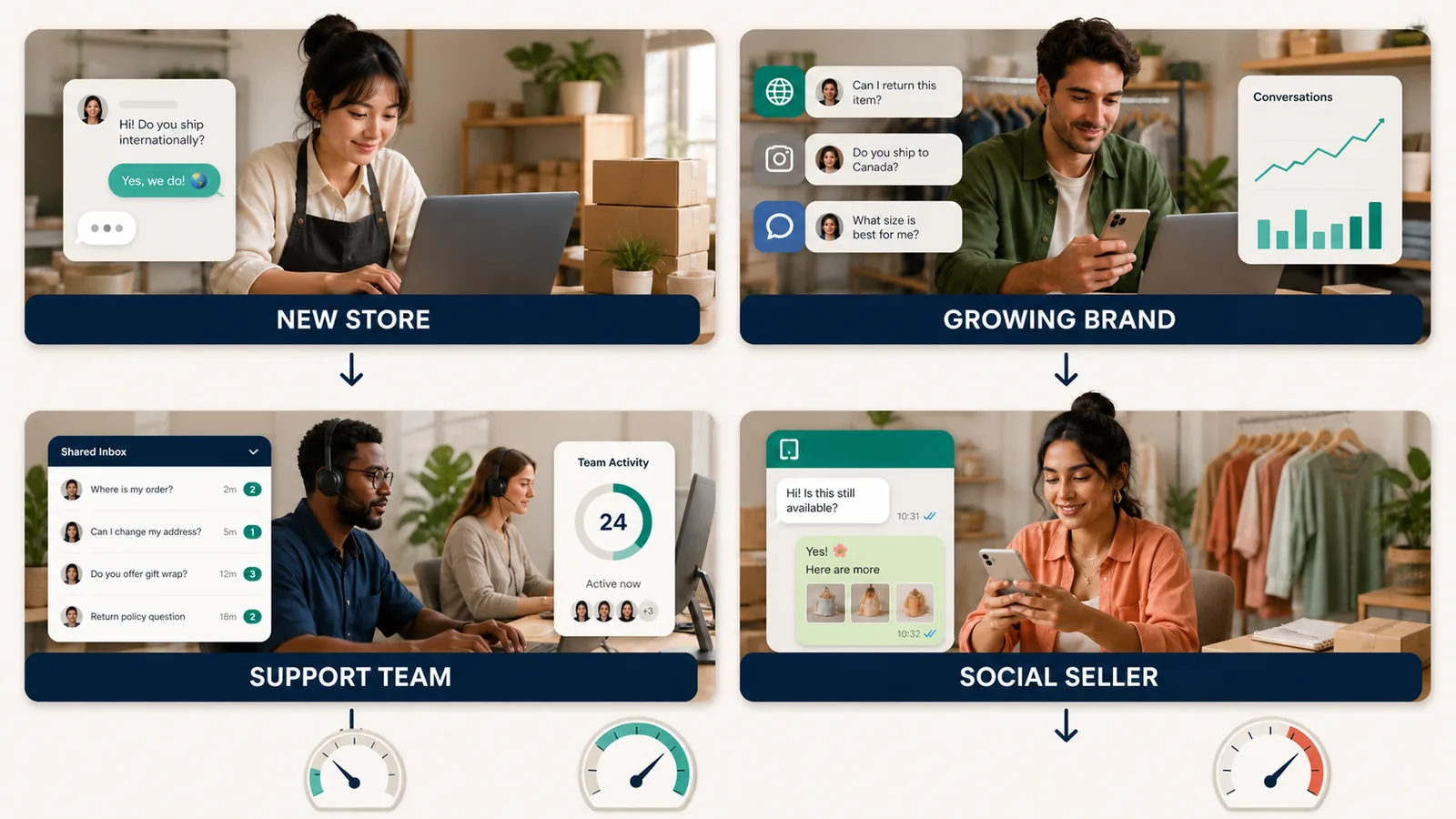
No billing model wins in every situation. Flat subscription pricing is predictable but may charge for capacity you do not use. Usage pricing starts cheaply but grows quickly with volume. Seat pricing suits a collaborative team until headcount becomes the main cost driver.
For a full feature comparison covering product recommendations, order tracking, human handover and channel support across all 11 tools, use the Shopify AI chatbot comparison guide alongside this pricing breakdown.
Questions to ask before paying for a plan
These questions cover the points most likely to produce an unexpected bill:
- What exactly creates a billable unit? Ask for the precise definition of a response, conversation, ticket, resolution or visitor on that specific platform.
- When does the billing counter reset? A reply after 24 hours may start a new conversation on one platform but not another.
- What happens when the allowance runs out? The AI may stop responding, create automatic overages, or trigger an account upgrade.
- Does a human handover create a separate charge? A fully automated AI resolution and a human-handled case may be billed differently.
- Which channels cost extra? Confirm WhatsApp, SMS, phone, email and social-channel fees before comparing plan prices.
- How many staff and stores are included? Check agent seats, brands, Shopify store connections and shared inboxes.
- Is the advertised price conditional on annual billing? Compare the actual monthly commitment, not an annual price divided by twelve.
- Can usage data be exported? You will need it to forecast the next plan and to calculate whether switching makes financial sense.
If you are setting up a chatbot for the first time, test product, policy and order questions during the trial period before routing real customers to it. Stores preparing for a sale or seasonal peak should also model how the plan behaves when the monthly average stops being representative.
Start with your support data, not the starting price
The published price on a pricing page is a starting position. Two plans priced $30 apart can cost the same once you apply your store’s support volume, peak-month usage and channel requirements to the relevant billing formula.
If your enquiries are on-site only and low in volume, start with Shopify Inbox or a free-tier chatbot. If you are handling customer service across WhatsApp, Instagram and web from one workspace, the relevant comparison is between omnichannel platforms on a per-response or per-conversation model. If you are building a multi-person support operation, look at helpdesk tools where pricing follows ticket volume and team size.
For AeroChat, the 7-day trial gives a full week of real support conversations to measure cost before committing to a monthly plan. The current plans and allowances are at aerochat.ai/pricing.
For a deeper look at how these platforms compare through actual US merchant reviews rather than pricing alone, see Shopify chatbot merchant reviews.



