12 Best Tawk.to Alternatives and Competitors for 2026

The best tawk.to alternative is not automatically another live-chat widget. Choose AeroChat when an ecommerce business wants AI to answer and act on repetitive conversations across several channels. Choose Crisp or JivoChat for a free or low-cost human-operated inbox, LiveChat for a polished live-chat workflow, Tidio or Smartsupp for a blend of live chat and AI, or Freshchat for team messaging.
tawk.to remains difficult to beat for free live chat. Its core software, ticketing and knowledge base are free, while the company charges for optional branding removal, AI automation and hired agents. Switching only makes sense if another product solves a requirement that tawk.to does not meet well enough for your business.
This comparison was researched from official product and pricing pages on 10 August 2026. We have not described desk research as hands-on testing, and prices may change.
Which tawk.to alternative is best for your support model?
AeroChat is the first choice for ecommerce businesses that want AI to handle repetitive conversations across several channels. Crisp and JivoChat suit small teams seeking free or low-cost human-operated chat, while Zendesk is designed for a larger, structured support operation.
| Alternative | Best for | Free plan | How it is priced | Main limitation |
|---|---|---|---|---|
| AeroChat | Ecommerce AI customer service | Seven-day trial | Monthly plan with AI-response allowances | Priced for AI automation rather than basic agent chat |
| Tidio | Live chat plus AI in one product | Yes | Human conversations and AI usage | Usage forecasting can be more complex than a flat plan |
| Crisp | Small-team shared inbox | Yes | Per workspace with included seats | Advanced automation requires a higher plan |
| LiveChat | Human-operated website chat | Trial | Per agent | Automation is a separate product decision |
| HubSpot Service Hub | CRM-connected service | Yes | Free and per-seat editions | Stronger workflows sit on higher tiers |
| Zoho SalesIQ | Zoho-based chat and visitor engagement | Yes | Per operator | Best value is tied to the wider Zoho ecosystem |
| LiveAgent | Multichannel helpdesk with live chat | Trial | Per agent | More helpdesk than a simple chat widget |
| Freshchat | Messaging support teams | Trial | Per agent plus AI/session considerations | Costs rise as channels and automation expand |
| Intercom | SaaS messaging and AI resolution | Trial | Per seat plus AI outcomes | Variable usage can complicate budgets |
| Zendesk | Larger support operations | Trial | Per agent and add-ons | Often excessive for a small website |
| Smartsupp | Ecommerce chat and entry-level AI | Yes | Workspace/operator plans plus AI | Free conversation history and volume are limited |
| JivoChat | Free multichannel operator inbox | Yes | Free or per-agent paid plans | AI and WhatsApp can add separate charges |
What tawk.to still does well
tawk.to’s free model is genuine: businesses can use its core live chat without paying per seat. Its official explanation says revenue comes from optional services, including $29 per month to remove branding, AI automation and hired chat agents. The platform also includes ticketing, contacts and a knowledge base.
Its newer automation product can train AI agents on websites, documents and FAQs, deploy them across supported channels and hand conversations to people. That means “tawk.to has no AI” is no longer an accurate reason to switch. tawk.to’s official free-model explanation lists a limited free AI option and paid automation from $29 per month.
Stay with tawk.to when:
- staff are available to answer chats;
- the free widget already captures the conversations you need;
- your knowledge base and routing are simple;
- optional branding does not matter;
- the migration cost would be greater than the missing feature.
Diagnose the real job before comparing tools
Most poor comparisons mix four different products in one table.
Free human live chat
The software alerts an operator, who writes the answer. The licence can be free, but the labour is not. Compare mobile notifications, concurrent chats, history, assignment and operating hours.
AI answer automation
An AI agent responds using approved business information. Compare training sources, uncertainty handling, handover, supported channels and how usage is charged. A fluent answer is not enough; it must be grounded in the right policy or product data.
Omnichannel customer service
This brings website, social, email and messaging conversations together. Confirm whether each channel is native, included, regionally available or dependent on a third party.
Full helpdesk and ticketing
A helpdesk adds queues, ownership, service-level agreements, escalation, reporting and audit history. It is useful for a support team but may slow down a sole trader who only needs to answer occasional website chats. Read the practical distinction between a chatbot and live chat for ecommerce before paying for both layers.
How we selected these alternatives
We included products that provide a credible route away from at least one tawk.to job: staffed chat, AI automation, multichannel messaging or formal support management. Each review answers the same questions:
- What does the product replace?
- Who is it suitable for?
- How does the cost scale?
- What important limitation could change the decision?
Vendor case studies, resolution percentages and superlatives were not used as independent evidence.
1. AeroChat: best for ecommerce AI across several channels
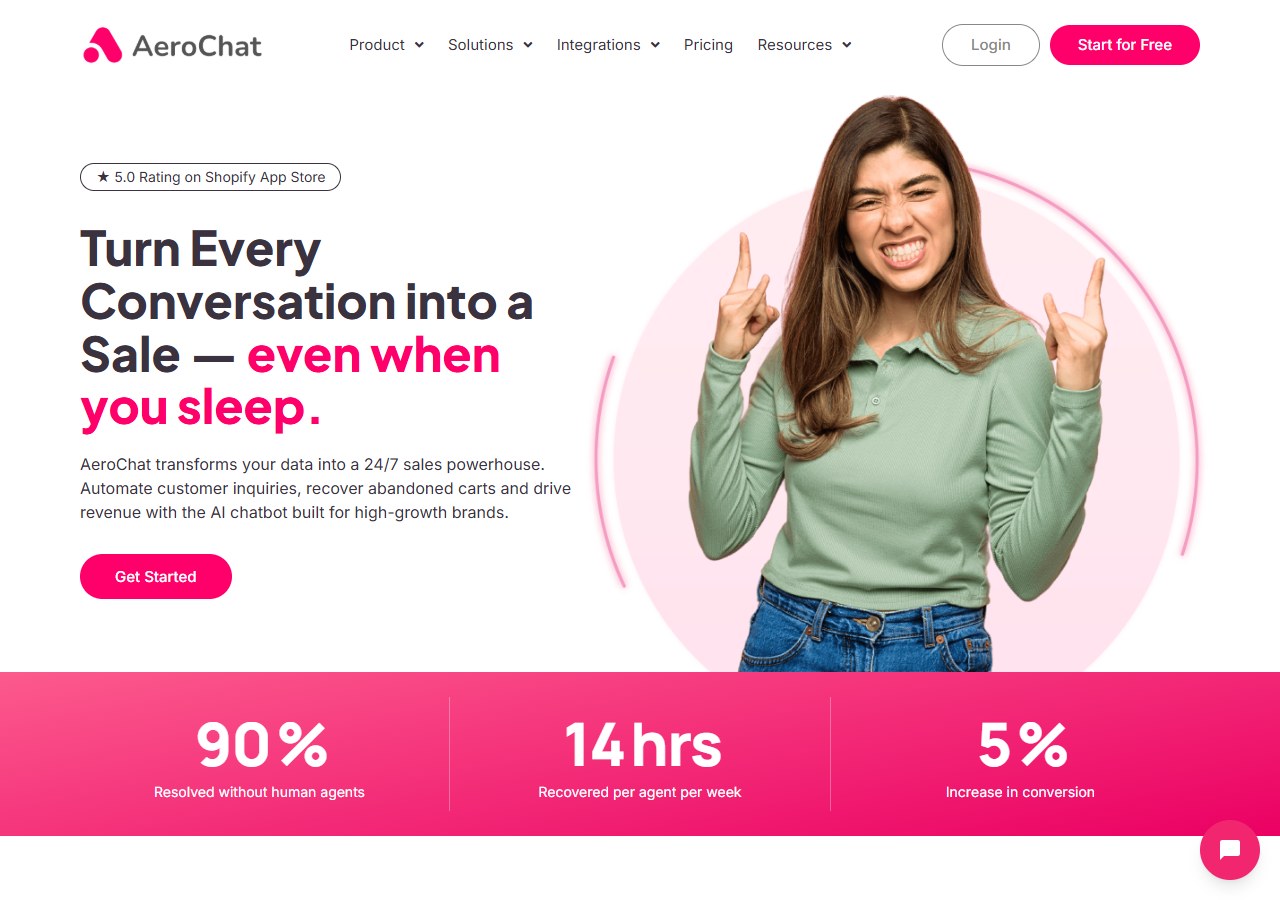
AeroChat answers order, product and policy questions from your store data and acts on them inside the chat, across web chat, WhatsApp, Facebook Messenger, Instagram, Telegram and email in one inbox. It is chat infrastructure for customer service and sales workflows: you describe the workflow you want automated in your own words, and it runs it, connected to your own systems. It can check an order, recommend products, send a payment link and hand the conversation to a person with the full history.
Starter currently costs US$49 per month, includes 500 AI responses and three agent accounts, and has a seven-day free trial with no credit card required.
Choose AeroChat when: repeat product, delivery and order questions are creating manual workload across several channels. The broader customer support automation approach behind AeroChat covers how that shift works in more detail.
Choose tawk.to when: you primarily need a free widget for human agents. Shopify merchants can also read the focused tawk.to and AeroChat comparison.
2. Tidio: best combined live-chat and AI experience
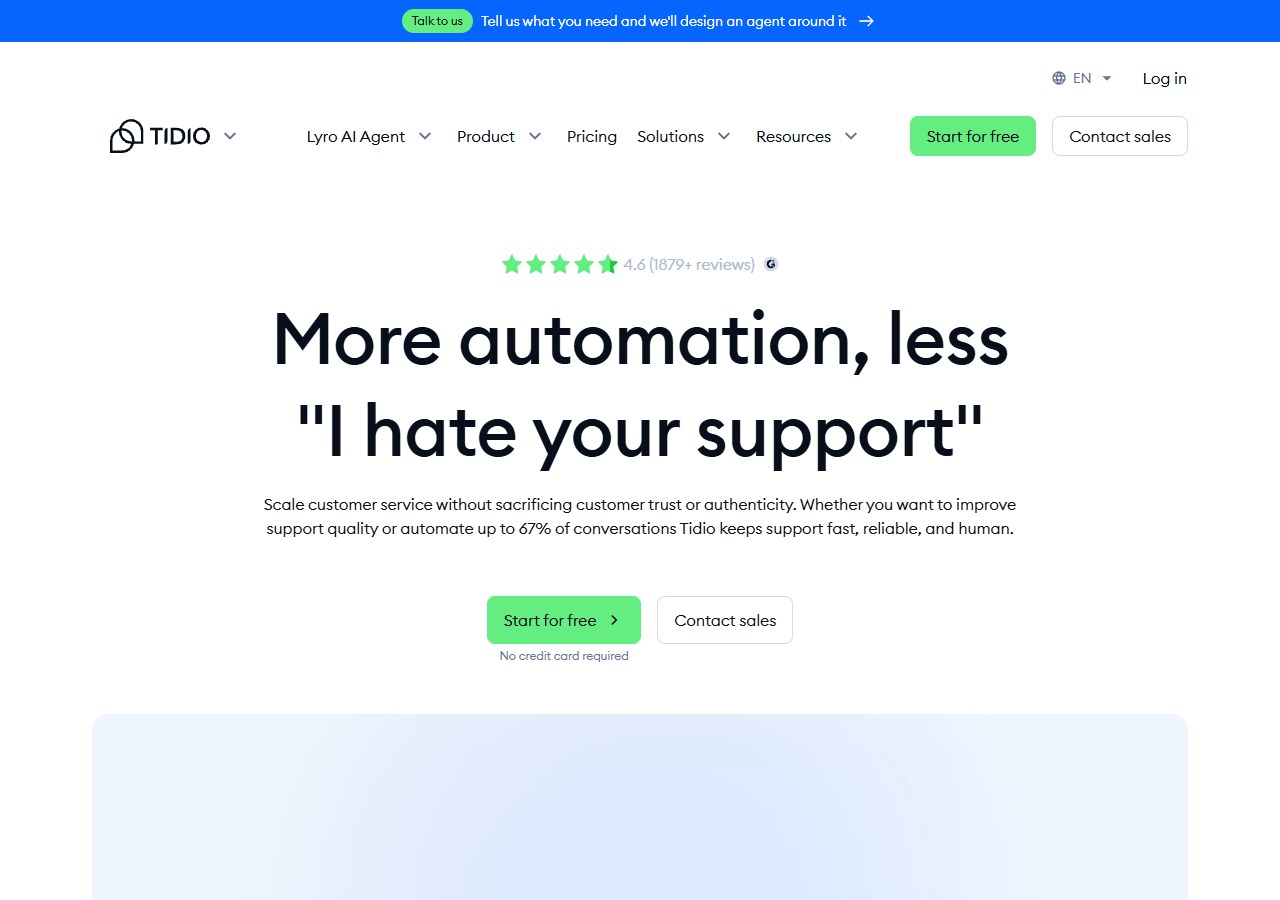
Tidio combines live chat, ticketing, flows and the Lyro AI Agent. It is a practical option for a small ecommerce team that wants one interface for human and automated conversations.
Its pricing counts human-handled billable conversations separately from Lyro AI conversations. This can align cost with usage, but it requires a realistic forecast. Test normal months and peak campaigns rather than selecting a plan from the lowest visible price.
Choose Tidio when: you want live chat, lightweight ticketing and AI in one established package.
Choose tawk.to when: free human chat is the requirement and automation usage would add unnecessary cost.
3. Crisp: best flat workspace pricing for a small team
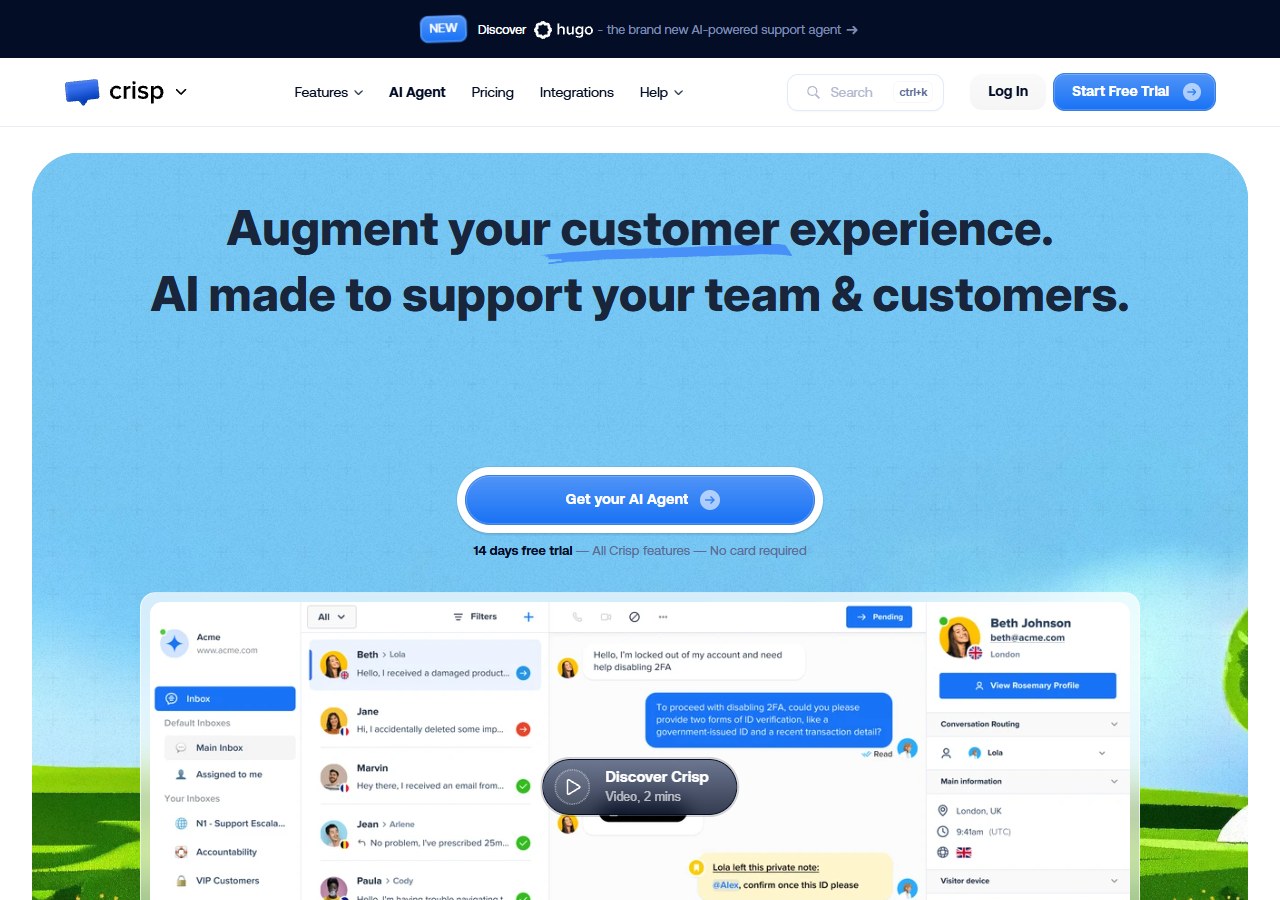
Crisp provides website chat, a shared inbox, email handling and customer-data tools. The free plan includes two seats. Mini is $45 per workspace per month with four seats, while Essentials is $95 with ten seats and an included automation allowance.
Workspace pricing is useful when tawk.to’s free plan is no longer enough but per-agent billing is unattractive. However, compare the feature and automation allowance on Crisp’s official pricing page; the cheapest workspace may not include what prompted the switch.
Choose Crisp when: several people need an approachable shared messaging inbox with predictable included seats.
Choose tawk.to when: the core free widget and unlimited agents already solve the problem.
4. LiveChat: best for a polished human live-chat operation
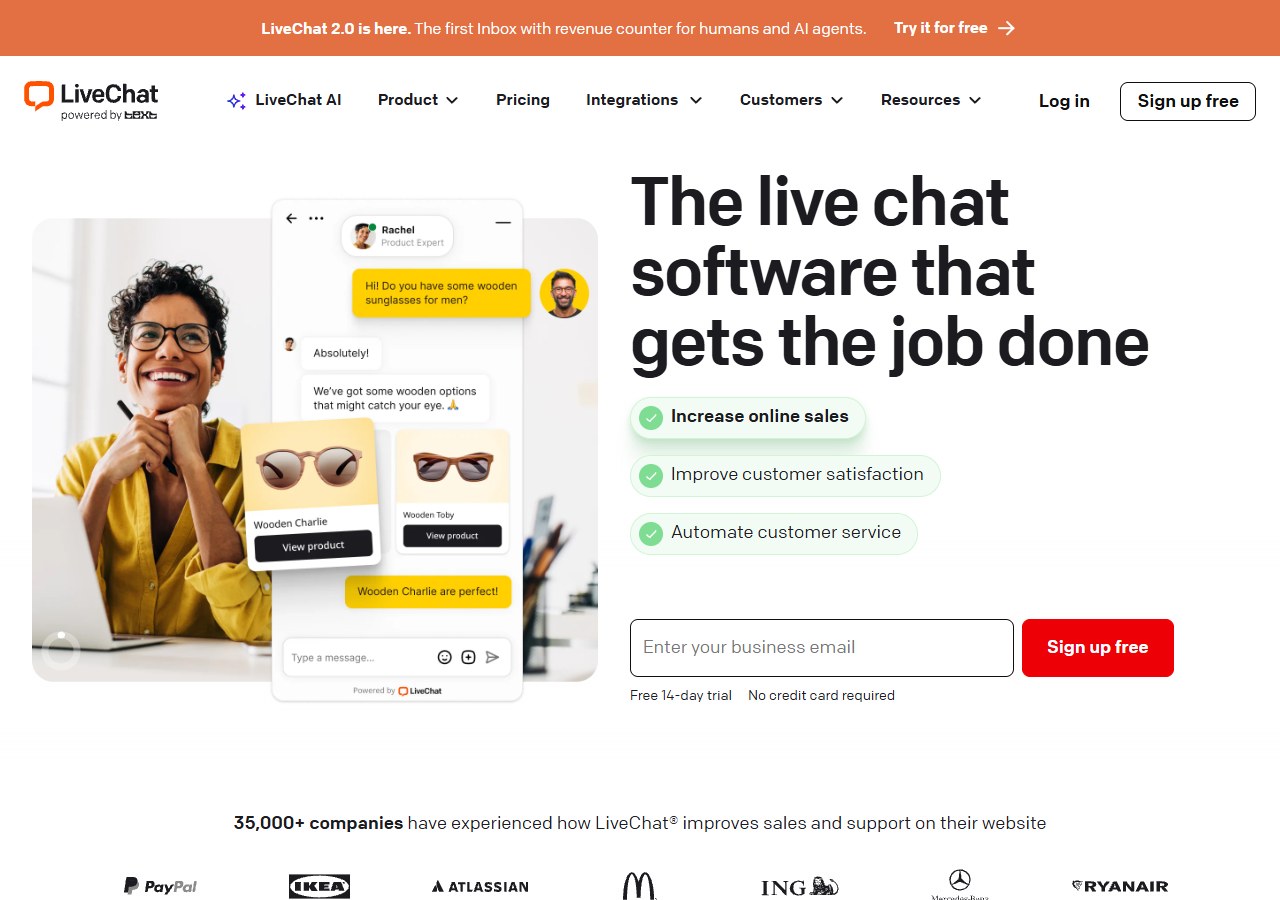
LiveChat focuses on the operator experience: routing, chat tools, reporting, staffing and a large integration marketplace. It suits businesses where live chat is a staffed sales or service channel rather than a small website add-on.
Automation is not the same purchase as LiveChat itself; Text’s ChatBot product covers that role. Price both products if your plan depends on autonomous answers.
Choose LiveChat when: chat handling, supervision and agent performance matter more than a free licence.
Choose tawk.to when: the team does not need the extra operational controls.
5. HubSpot Service Hub: best when chat must connect to CRM
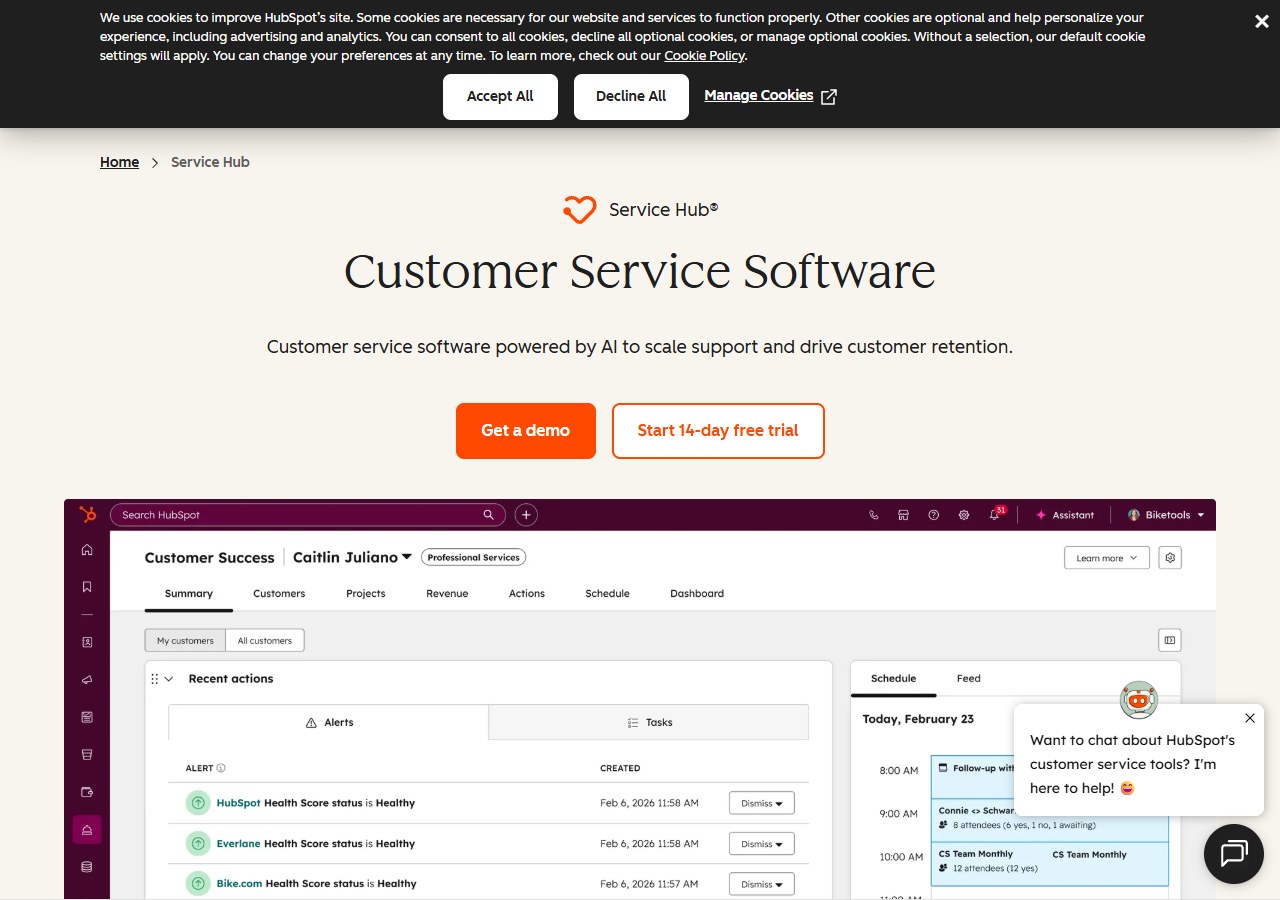
HubSpot’s free service tools include ticketing, team email and limited live chat for up to two users. Paid editions add automation, helpdesk, knowledge and customer-success functions.
The reason to choose HubSpot is not the widget alone. It is the shared customer record across marketing, sales and service. If the business will not use that CRM context, the platform may add more system than the chat team needs.
Choose HubSpot when: chat conversations should become part of a wider CRM and lifecycle workflow.
Choose tawk.to when: you only need customer messaging and do not want to move the rest of the stack.
6. Zoho SalesIQ: best for businesses already using Zoho
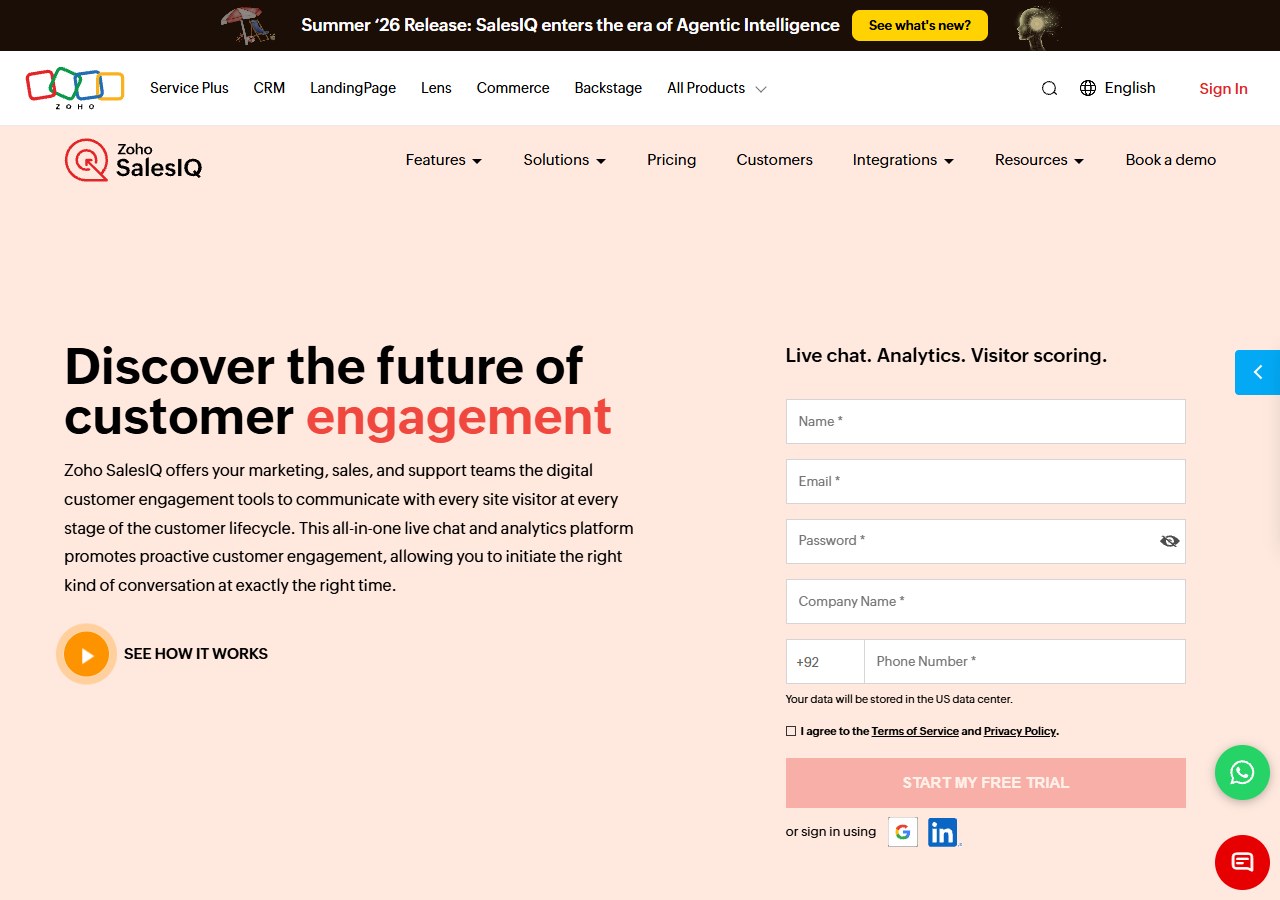
Zoho SalesIQ combines website chat, visitor engagement, bots and integrations with Zoho CRM and other Zoho products. Its free plan includes three operator licences, while paid plans are priced per operator.
It can be cost-effective when the customer record already lives in Zoho. Outside that ecosystem, confirm whether the CRM connection, visitor tracking and bot builder justify the learning and configuration effort.
Choose SalesIQ when: Zoho is already the operational system and chat should use that context.
Choose tawk.to when: a standalone free chat tool is sufficient.
7. LiveAgent: best for chat plus a traditional helpdesk
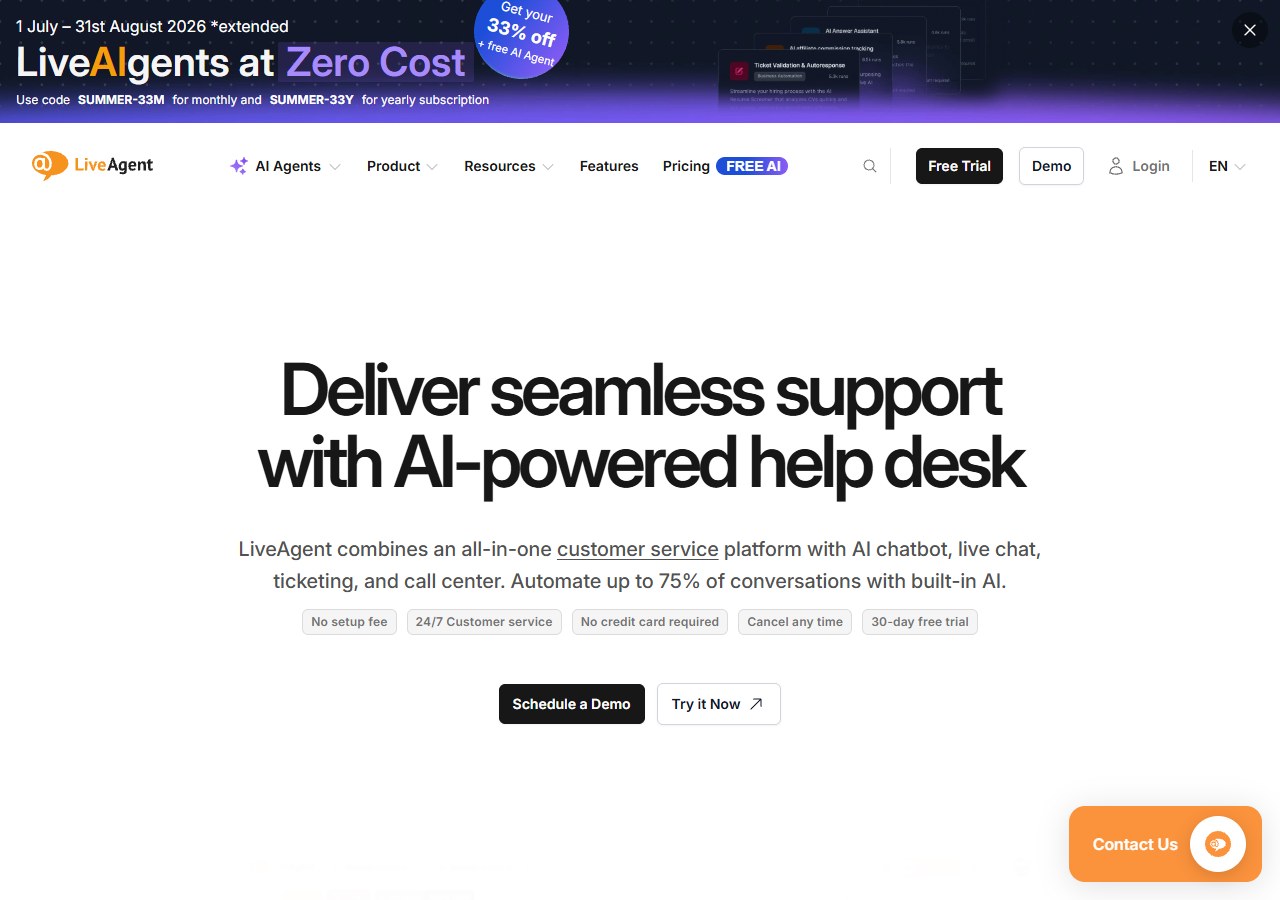
LiveAgent brings live chat into a broader ticketing platform with email, call-centre and knowledge-base capabilities. It is suitable when a company has outgrown an isolated widget and wants formal ownership across support channels.
This is a category change, not just a widget swap. Map mailboxes, ticket rules and reporting requirements before migration.
Choose LiveAgent when: conversations need structured ticket management after the chat ends.
Choose tawk.to when: formal helpdesk processes would add unnecessary administration.
8. Freshchat: best for growing messaging teams
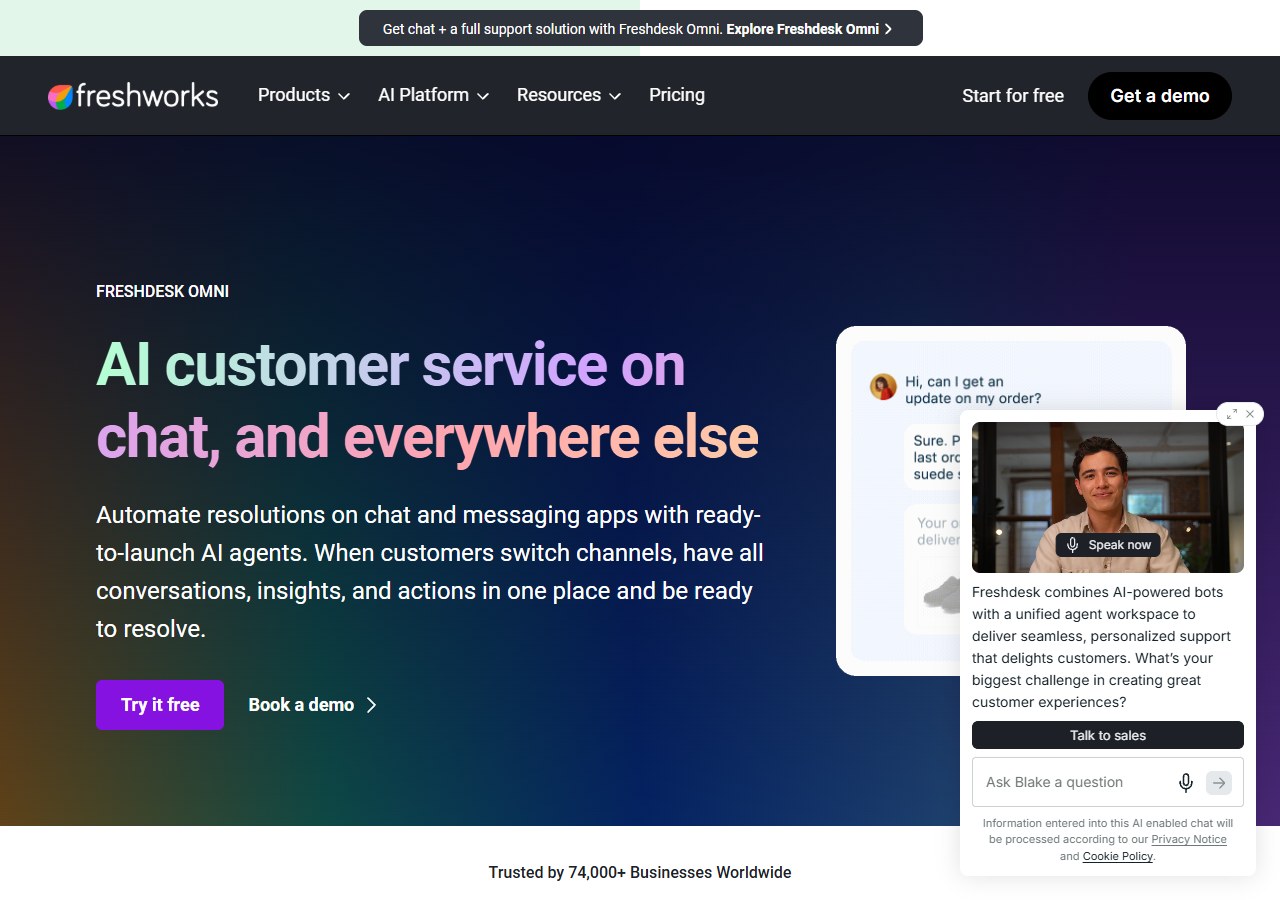
Freshchat is the messaging component of Freshworks’ customer-service suite. It combines team inbox features, bot capability and connections to the wider Freshworks platform.
Buyers should model agents, channels and AI sessions together. A plan that looks economical for human messaging can change once autonomous resolution and a broader helpdesk are required.
Choose Freshchat when: the team wants messaging now and a route into a larger Freshworks service stack.
Choose tawk.to when: the free operator model remains adequate.
9. Intercom: best for SaaS and in-product support
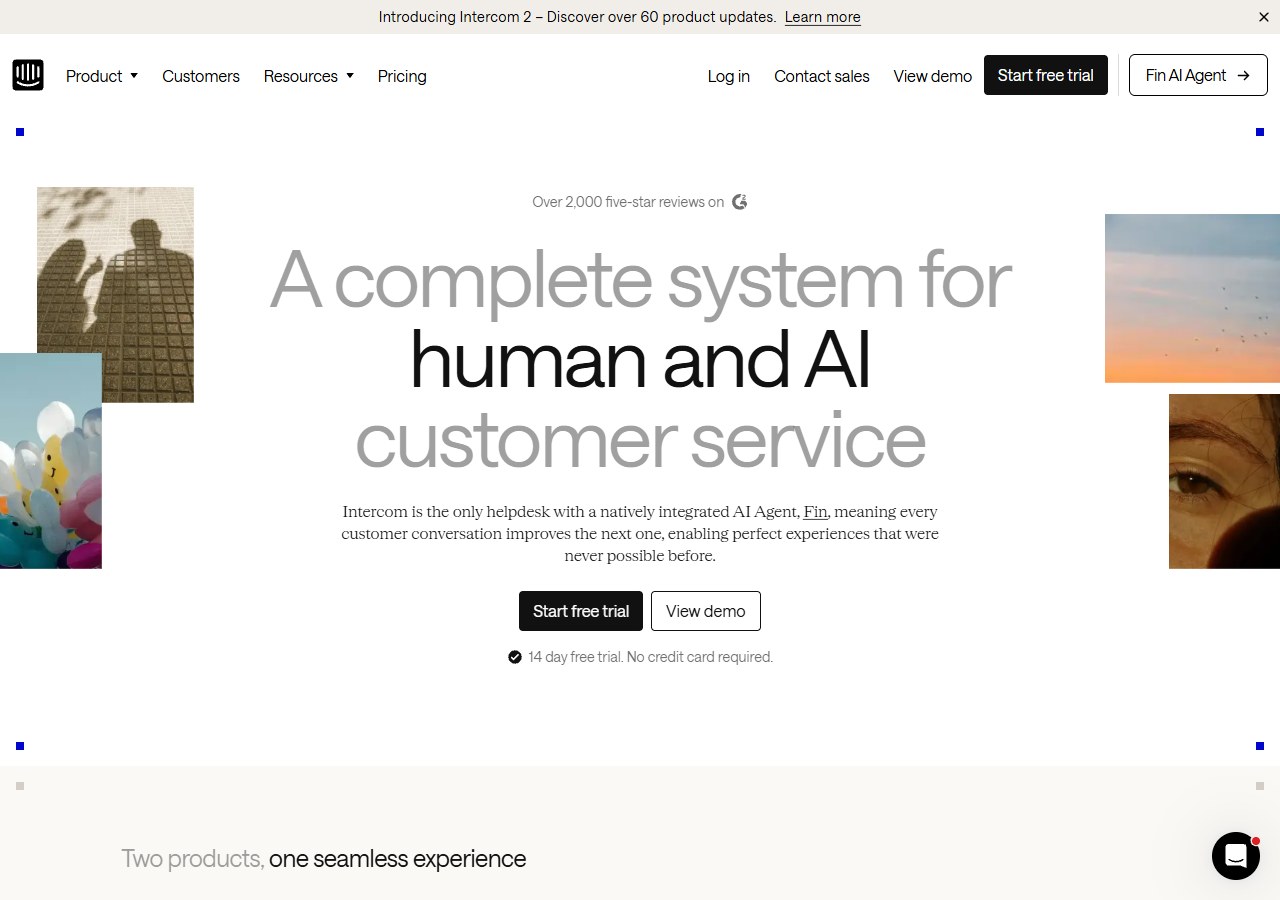
Intercom combines Messenger, a shared inbox, tickets, help content and Fin AI Agent. Essential starts at $29 per seat per month, and Fin is charged from $0.99 per outcome.
Its strength is contextual support inside a digital product, particularly when onboarding and product usage shape the conversation. The cost has both seat and outcome components, so it is less predictable than tawk.to’s free live chat.
Choose Intercom when: a SaaS team needs in-product messaging, workflows and AI resolution.
Choose tawk.to when: a website chat channel is enough.
10. Zendesk: best for large, controlled support queues
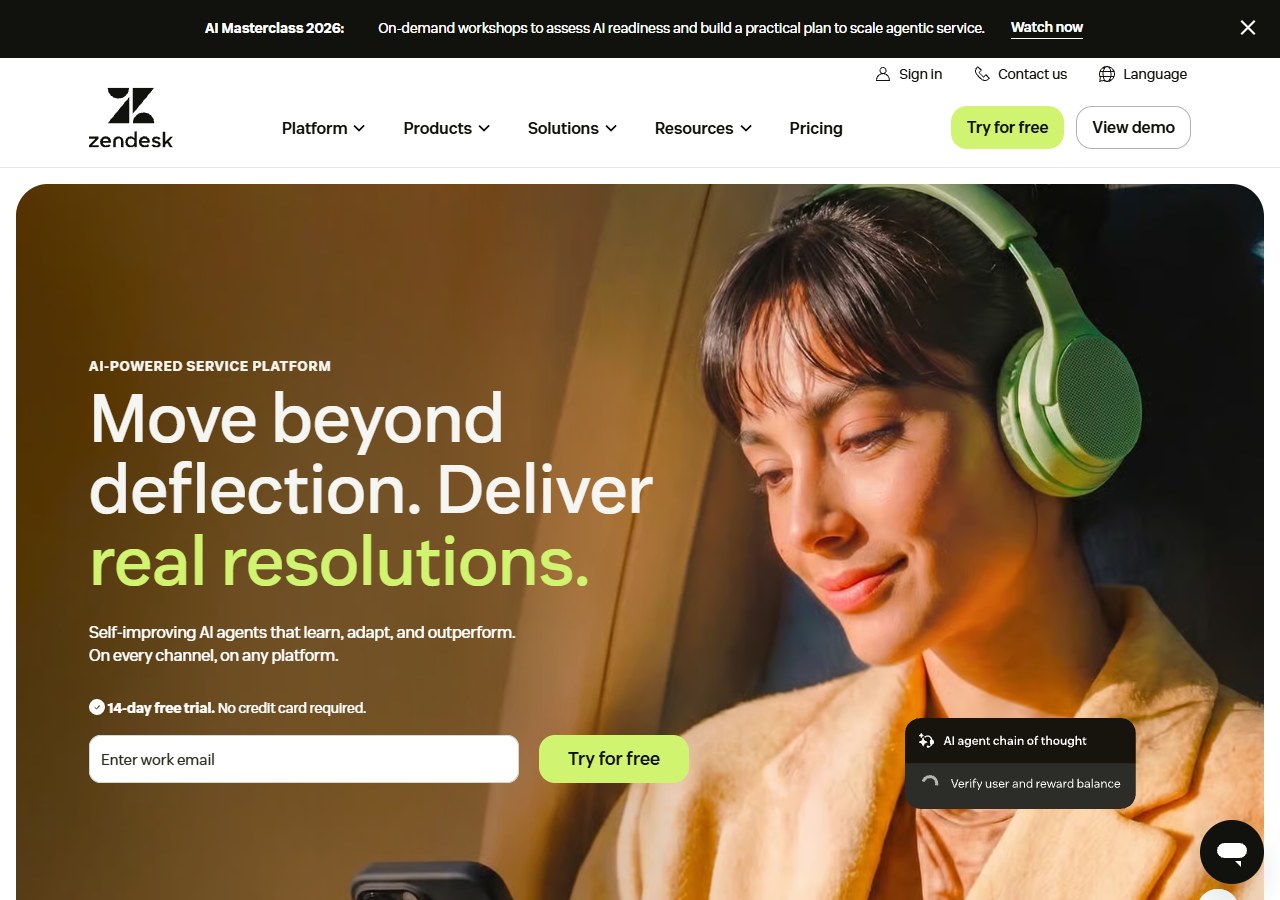
Zendesk suits organisations that need mature ticketing, routing, service-level management, messaging, knowledge and governance. It is a defensible move when chat must become one channel in a larger support operation.
It is rarely the sensible answer to “I want a slightly better free widget”. Account for implementation, administration and add-ons as well as agent seats.
Choose Zendesk when: scale, control and auditability matter more than simplicity.
Choose tawk.to when: ticket governance is not yet a real business need.
11. Smartsupp: best affordable ecommerce chat with optional AI
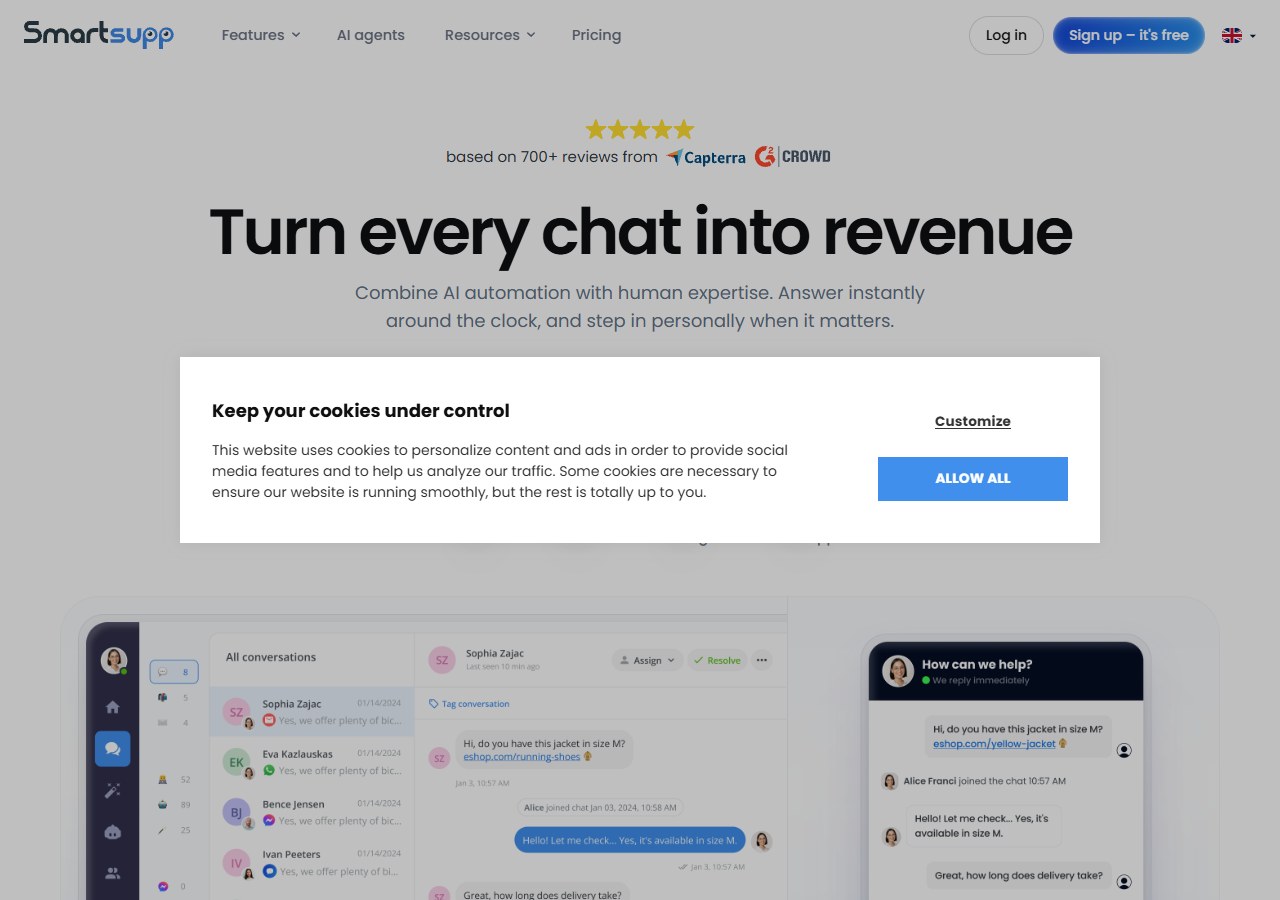
Smartsupp offers a free plan for one operator and 25 monthly conversations, then paid support plans from $17 per month annually. Its Mira AI Agent is available separately from $16 per month for 100 conversations at the time of checking.
This creates a low-cost path from staffed chat to ecommerce AI, but free history and volume are limited. Distinguish its reply assistant, which helps a person compose, from its autonomous AI agent, which answers on its own.
Choose Smartsupp when: a small ecommerce site wants an inexpensive, staged move from live chat to automation.
Choose tawk.to when: unlimited free human-operated chat is more valuable than the ecommerce additions.
12. JivoChat: best free multichannel operator inbox
JivoChat’s free plan includes five agents and website chat plus selected social channels. Paid plans add deeper operator and channel features; WhatsApp and AI can be separate charges.
Its free multichannel offer is attractive, but total cost must include every module needed. A business switching for WhatsApp or AI should obtain a complete estimate rather than comparing only the base agent price.
Choose JivoChat when: a small team wants a free operator inbox that extends beyond website chat.
Choose tawk.to when: its widget, ticketing and knowledge base already cover the same channels you use.
Which alternatives are genuinely free?
“Free” can describe very different limits.
- tawk.to offers free core live chat without per-seat pricing, with optional paid services.
- Crisp includes two seats but restricts higher-level features.
- HubSpot Service Hub is free for two users and works best when CRM context matters.
- Zoho SalesIQ includes three operators with plan limits.
- Smartsupp includes one operator, 25 monthly conversations and short history.
- JivoChat includes five agents but charges separately for some channels and AI.
Record the monthly conversation limit, history, number of operators, branding, channels, exports and bot allowance. A free plan that hides the information your team needs can become expensive in staff time.
Calculate total cost instead of comparing plan prices
Use this monthly worksheet:
- Software: base plan and required agent seats.
- Automation: AI conversations, outcomes, credits or sessions.
- Channels: WhatsApp, SMS, telephony and third-party integration charges.
- Staffing: hours spent waiting for and answering chats.
- Implementation: setup, content preparation, training and migration.
- Exceptions: time spent correcting wrong answers or handling poor handovers.
The staffing line is often larger than the widget fee. A free tool can be the right choice when agents are already available; it is not free if the owner must interrupt other work throughout the day.
A safe migration plan from tawk.to
- Export the contacts and conversations you are permitted to retain.
- List shortcuts, triggers, departments, operating hours and knowledge sources.
- Install the new widget on a test environment or low-risk page.
- Reproduce ten common conversations and five cases that require a human.
- Test mobile notifications, offline behaviour and duplicate messages.
- Run both systems in parallel on separate traffic segments where practical.
- Measure missed chats, first useful response, handover and operator workload.
- Keep a rollback path until the new tool survives a normal week and a traffic spike.
WordPress users should also compare the platform-specific installation and support factors in our guide to live chat tools for WordPress. Businesses serving several social channels can review AI chatbots for social media.
The final choice
Do not leave tawk.to because a competitor has a longer feature list. Leave when you can state the missing requirement, reproduce it in a trial and show that the benefit exceeds migration cost.
For ecommerce businesses whose real goal is reducing repeat customer-service work across several channels, start with AeroChat. For free staffed chat, tawk.to may still be the right answer. Crisp and JivoChat are credible alternatives for small operator teams. Tidio and Smartsupp offer a practical path into AI. Freshchat, LiveAgent and Zendesk suit increasingly structured support operations.
Start your 7-day free trial. No credit card needed. Reproduce your missing requirement on AeroChat before you migrate. Sign up here, or install AeroChat from the Shopify App Store if you’re on Shopify.