



How Can a Chatbot Book Meetings Automatically?

A chatbot can book meetings automatically when it is connected to a scheduling system that can read live availability and create calendar events. The reliable workflow qualifies the request, selects the correct meeting owner, offers valid slots and confirms only after the scheduler records the event.
A meeting moves through six stages
Intent → qualification → owner selection → availability → event creation → confirmation and maintenance
This lifecycle is different from simply placing a calendar link in every conversation. The chatbot needs to know when a meeting is appropriate, which calendar applies and what result proves the booking exists.
Stage 1: identify meeting intent
Customers use varied language: “Can someone show me the product?”, “I need a consultation” or “Could I speak with sales next week?” The chatbot should map these requests to a defined meeting type rather than treating every mention of “call” as a booking command.
It should also distinguish a real booking request from a question that can be resolved immediately. Forcing a customer into a meeting for a simple pricing or support answer creates unnecessary work.
Stage 2: qualify only what changes the meeting
Qualification should decide eligibility, meeting type, owner or priority. Useful fields might include company size, use case, location, existing-customer status or the service requested.
Avoid collecting a complete sales form before offering a time. Ask only for information that changes routing or helps the meeting owner prepare.
AeroChat's lead-generation workflow can capture and qualify a prospect conversationally. The resulting details still need to reach the scheduling and CRM systems in a defined format.
Stage 3: choose the right meeting owner
The booking system may route by:
- territory or language;
- product or service line;
- new prospect versus existing customer;
- account ownership in the CRM;
- staff skills or location;
- round-robin distribution;
- current workload.
Document which system makes the choice. If the CRM owns the account, the scheduler should not randomly assign another representative. If the scheduler owns round robin, the chatbot should not maintain its own separate rotation.
For conversations that need manual review before booking, human handover with captured context can route the prospect to a person without discarding the qualification already completed.
Stage 4: query real availability
The chatbot should request open times from the scheduling source after applying duration, buffer, notice and working-hour rules. It should not generate plausible-looking slots from a prompt.
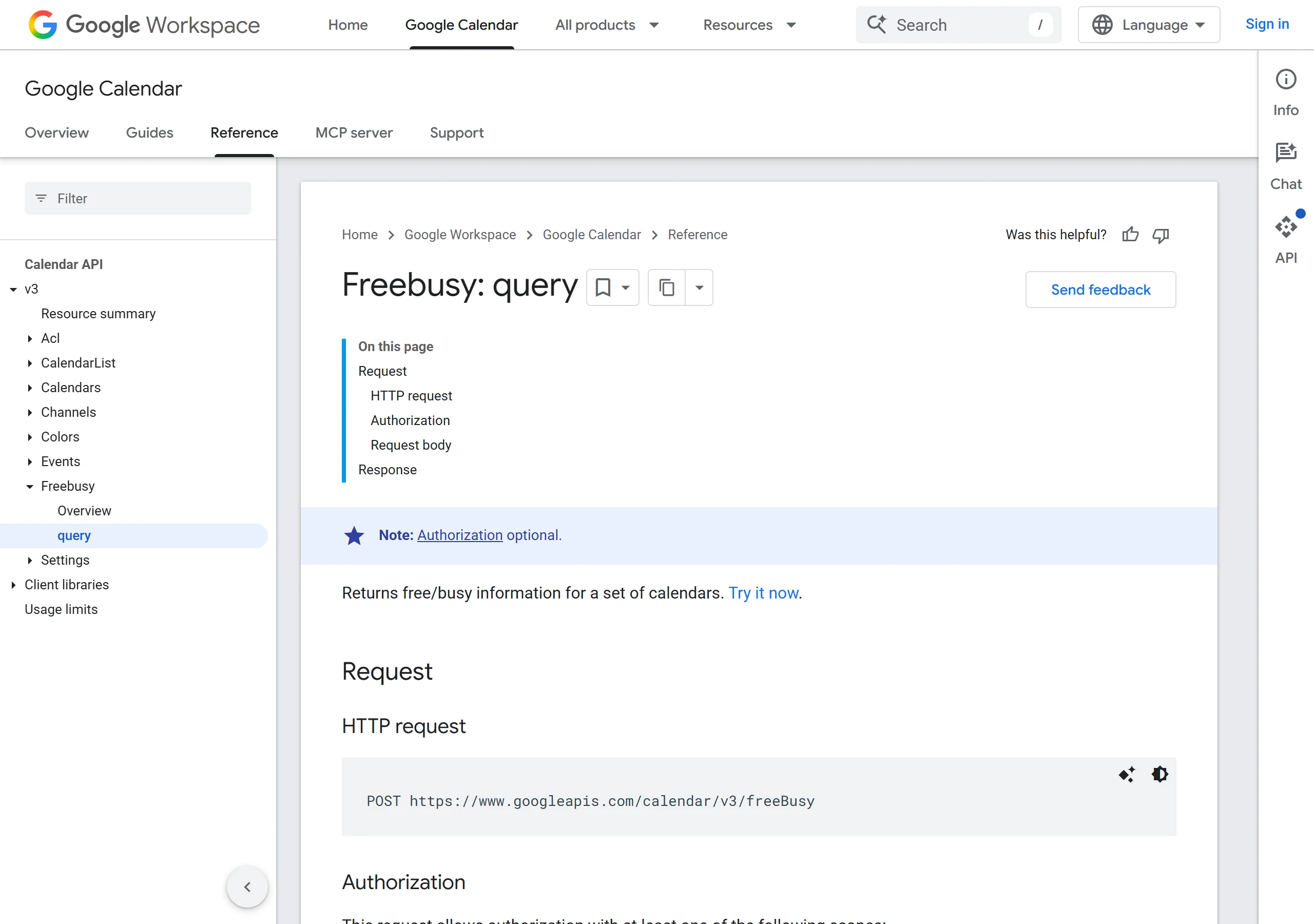
Google Calendar's free/busy endpoint, for example, returns busy periods for authorised calendars. A complete scheduling layer then applies the business's rules to determine which remaining times are genuinely bookable.
Present a small set of options in the customer's time zone and label the zone. If the customer asks for a different period, query again instead of offering an old list.
Stage 5: create one event after explicit selection
Once the customer selects a slot, the system should check availability again and create the event. This second check reduces race conditions when two people request the last available time.
The event should include:
- meeting type and duration;
- organiser and attendees;
- start and end time with time zone;
- location or unique video link;
- relevant preparation notes;
- a stable reference for rescheduling or cancellation.
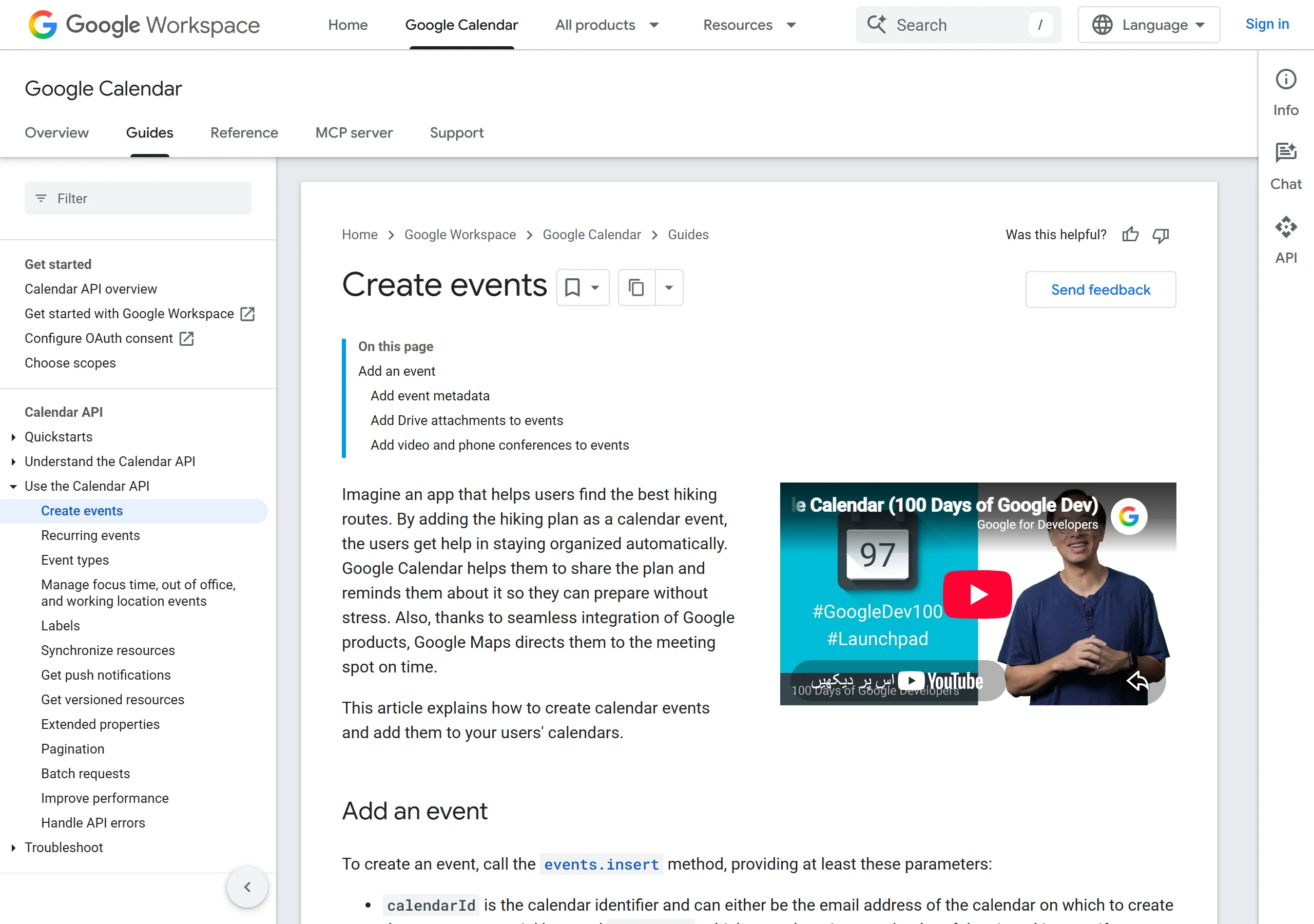
Google's event-creation documentation explains that a supplied event ID can help prevent duplicate creation after a request succeeds but the client loses the response. No-code scheduling platforms should provide an equivalent duplicate-control mechanism.
Stage 6: confirm and maintain the booking
The chatbot should confirm only after receiving a successful event record. The reply should repeat the date, time zone, duration, meeting owner and change route.
Automatic booking also needs a maintenance path:
| Customer request | Required system action |
|---|---|
| “Move it to Thursday” | Update or replace the existing event without leaving a duplicate |
| “Cancel the meeting” | Cancel the correct event and record the reason if required |
| “Send the link again” | Retrieve the existing meeting details rather than create another event |
| “Someone else will attend” | Update attendee details under the organiser's policy |
| “I need a different specialist” | Re-route ownership and recheck availability |
Choose one system to send reminders. Duplicate reminders from the chatbot, calendar and CRM can create confusion after a meeting changes.
What happens when automatic booking fails?
A safe scheduler never disguises a booking error as success. If availability disappears, the calendar connection fails or event creation times out, tell the customer that no meeting has been confirmed.
Preserve the meeting type, preferred times and contact details. Then offer new slots, a scheduling page or a person.
I couldn’t confirm Tuesday at 2:00 pm because the calendar did not return a completed booking. I have kept your details, and I can show another time or connect you with the team.
Smart support notifications can alert a team when a conversation needs attention, but the business must still assign an owner for failed bookings.
How AeroChat can book meetings through chat
AeroChat is an AI agent platform that helps online businesses run customer service on autopilot. Its appointment-booking capability can move an eligible customer from a conversation into a booked meeting. It can also answer suitable pre-meeting questions and capture contact details through automatic contact management.
The calendar or scheduling record should remain the source of truth for availability and confirmation. Configure meeting types, routing and fallback rules before launch, then verify that every successful chatbot booking creates the expected record. The appointment scheduling chatbot comparison explains the broader criteria that matter when evaluating booking workflows.
When a request falls outside the configured booking rules, AeroChat can preserve the conversation details and pass the prospect to a person rather than inventing a time or claiming that an unconfirmed event exists.
Measure completed meetings, not booking messages
Track the number of qualified conversations that lead to a valid event, then follow cancellations, reschedules and no-shows. A chatbot message that says “booked” is not a business outcome if no calendar event exists.
Start with one meeting type and one owner group. Expand only after the team can verify correct routing, time zones, duplicate prevention, confirmation and failure recovery.



