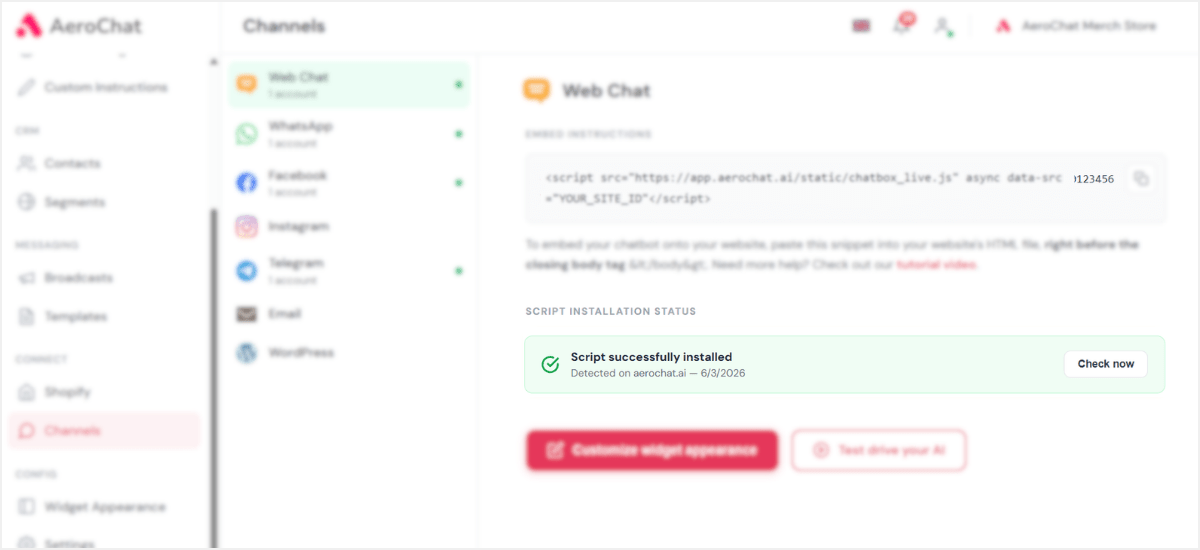
Step 1: Copy your embed snippet
Under Embed Instructions, copy your unique script tag. It carries your site’s secure ID, so keep it private.
Step 2: Paste it into your website’s HTML
Open your website’s HTML and paste the snippet right before the closing </body> tag. Save and publish your site.
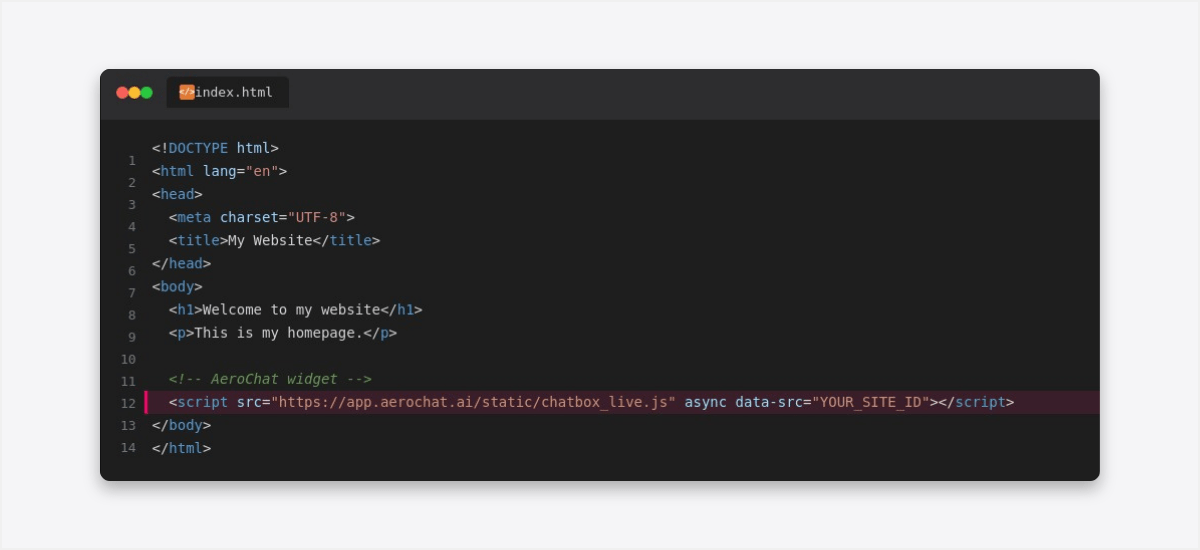
For other CMS like Webflow, Magento or Squarespace, they each have a dedicated place to paste custom code before </body>. Check your platform’s docs if you’re not sure where.
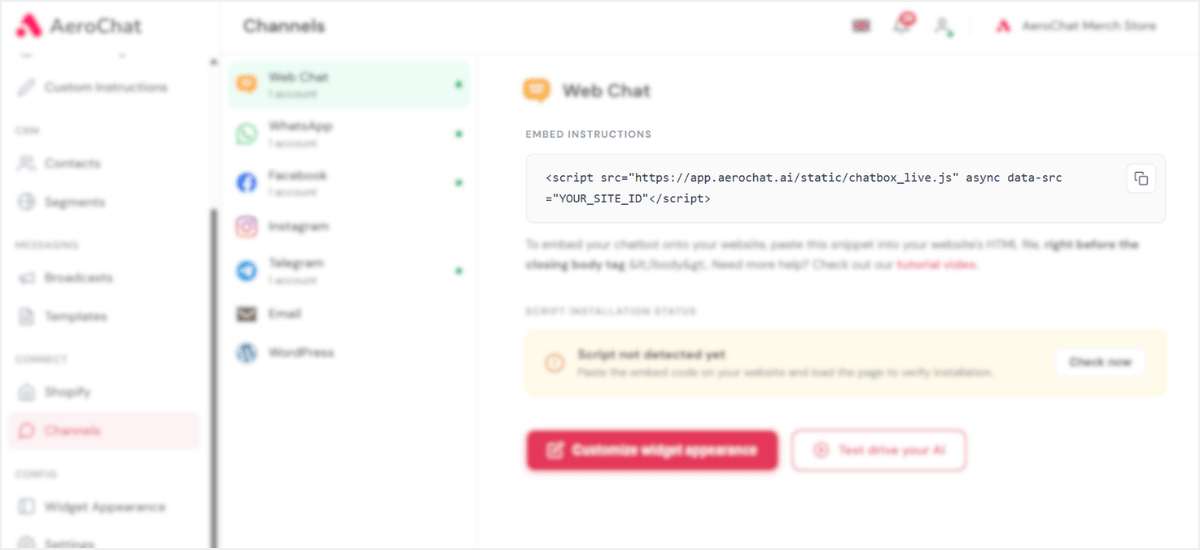
Step 3: Verify installation
Back in AeroChat, under Script Installation Status, click Check now. Once your widget is detected, the status turns green and it’s live on your site.