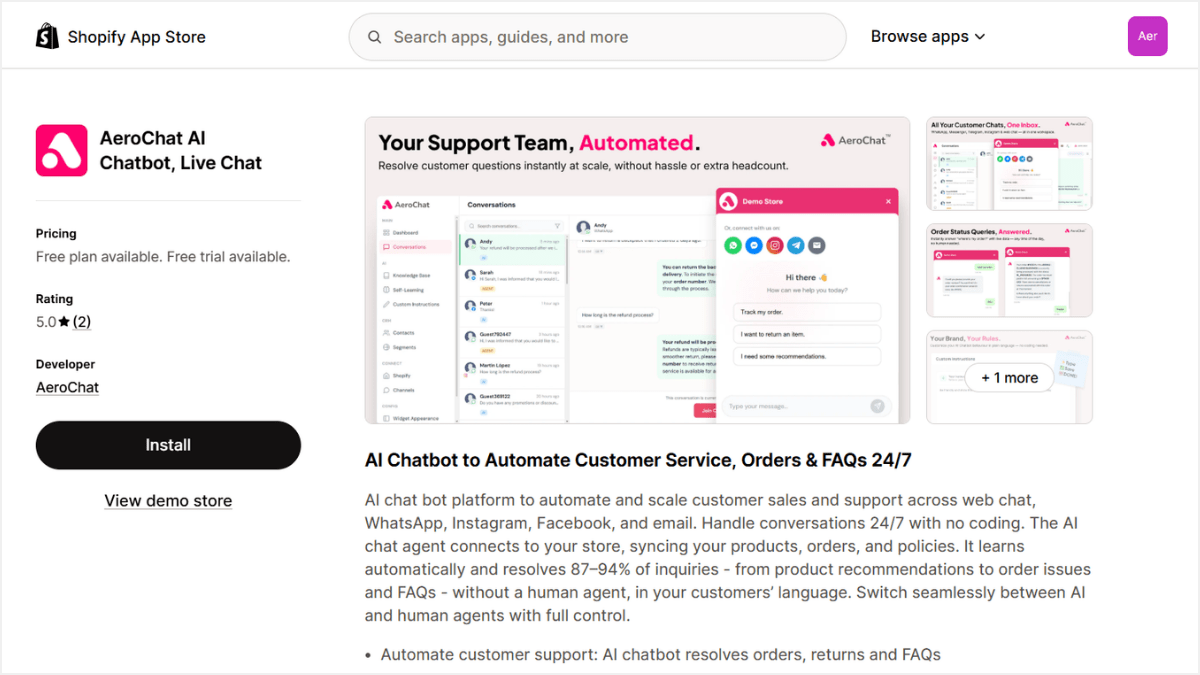
Step 1: Install AeroChat from the Shopify App Store
In the Shopify App Store, search for AeroChat and click Install.
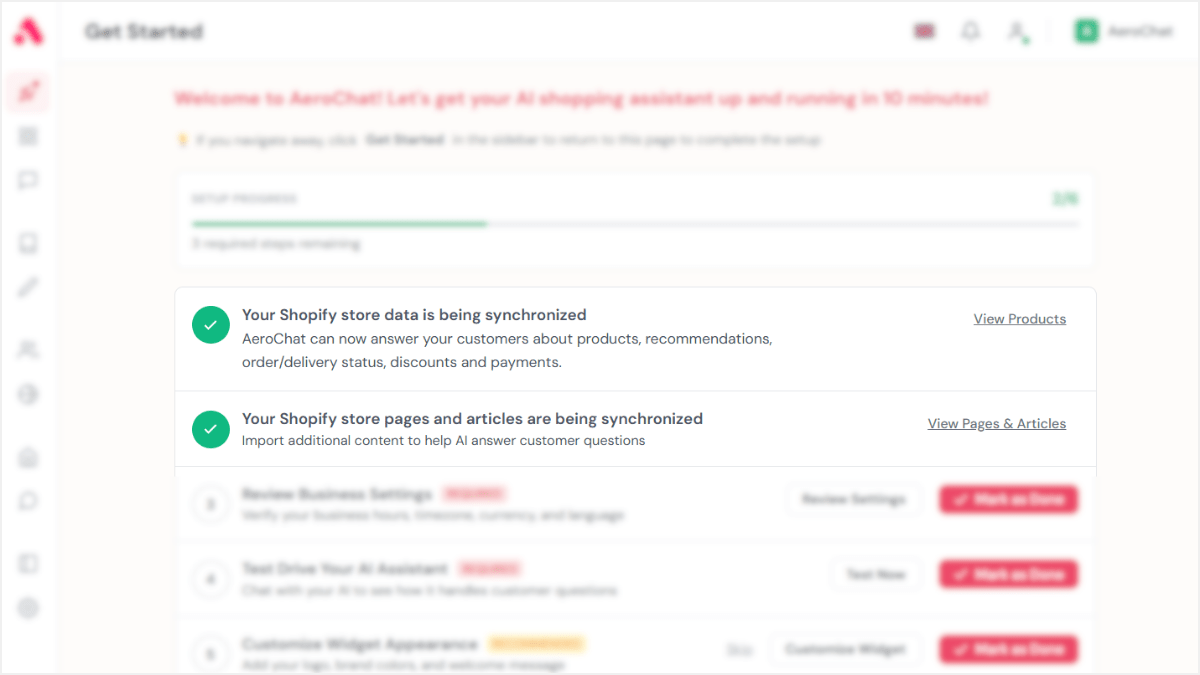
Step 2: Your store syncs automatically
After choosing your plan, AeroChat connects and lands you in your dashboard with your store data already syncing — products, collections, orders, discounts, pages, and articles. No setup needed.
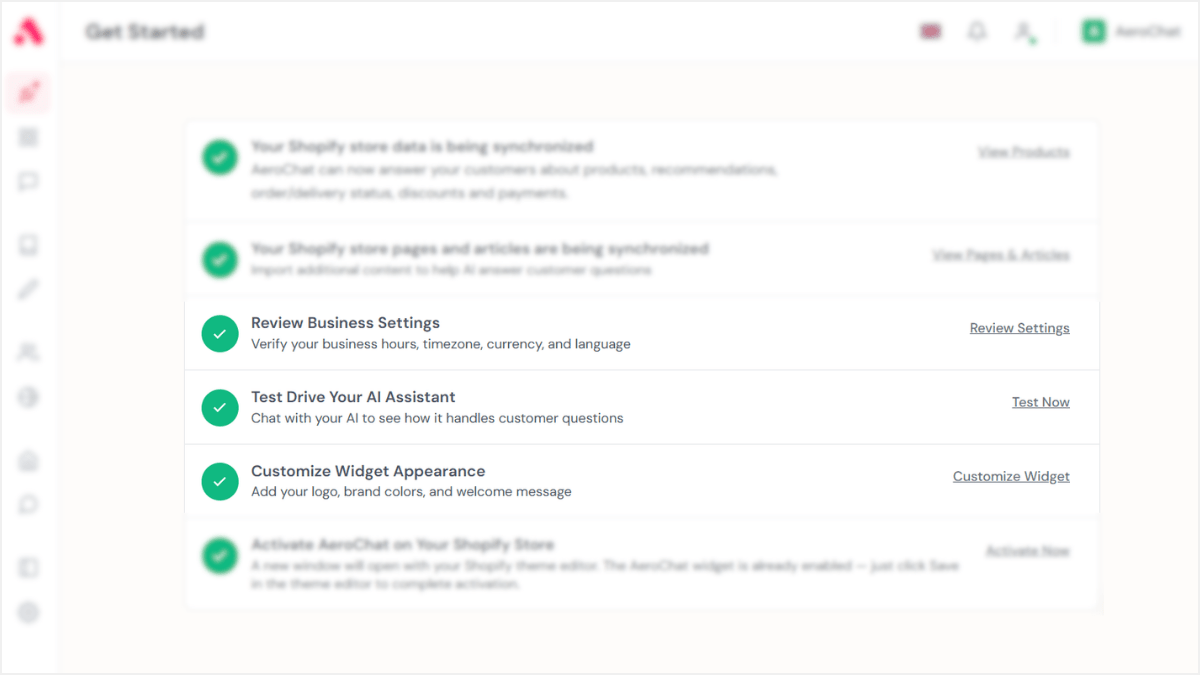
Step 3: Set up your AI
From the Get Started checklist — review your business settings, test your AI assistant, and customize the widget with your logo and brand colors.
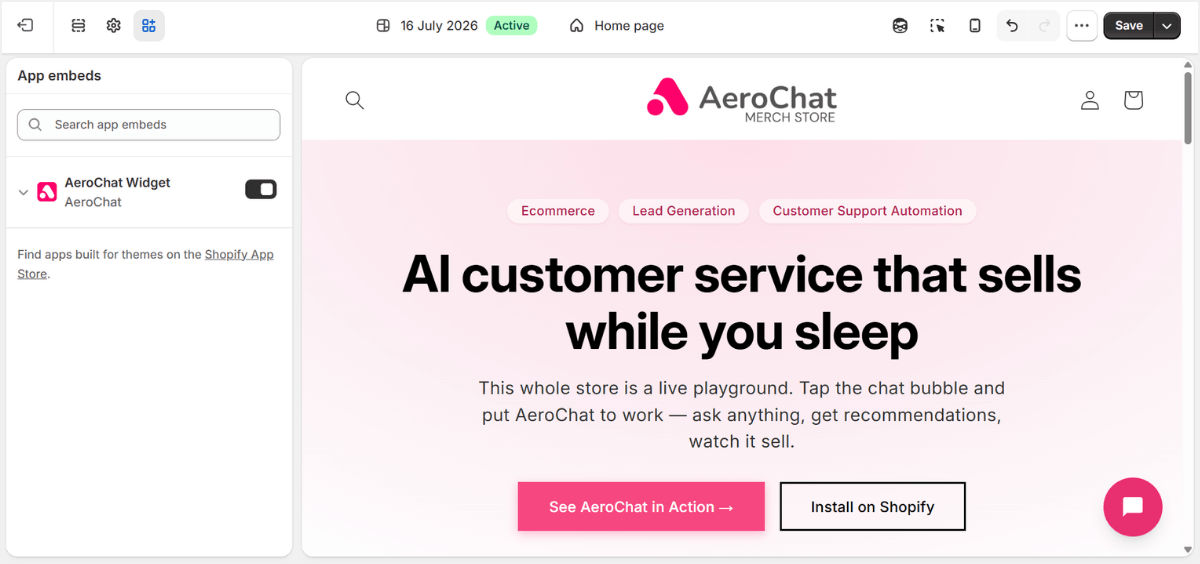
Step 4: Activate and go live
Click Activate Now on your AeroChat Dashboard and your Shopify theme editor will open with the widget already enabled — just click Save to complete activation.