How Can I Make My Chatbot Perform Actions Instead of Just Answering Questions?

Give the chatbot access to clearly defined tools that connect to your business systems. The AI can decide which approved tool fits a request and prepare its inputs, but your application should validate the request, execute the action and return the confirmed result.
That is the practical difference between a chatbot that explains how to do something and one that can check an order, create a lead, send a payment link or request an appointment.
Separate answering, retrieving and changing
Not every useful response is the same type of work. Classifying actions by their effect helps you apply the right controls.
| Capability | Example | Business-system access | Typical risk |
|---|---|---|---|
| Answer | Explain the returns policy | Knowledge source | Low if the source is current |
| Retrieve | Check an order's fulfilment status | Read access | Customer data may be exposed |
| Create | Add a lead to the CRM | Write access | Duplicates or incorrect fields |
| Change | Reschedule a booking | Write access | The wrong record may be altered |
| Financial action | Issue a refund or charge | Restricted write access | Direct financial loss |
A chatbot should not receive broad permission merely because one workflow needs a small action. An order-status tool may need permission to read a matched order, for example, but it does not need permission to cancel it.
Connect a tool, not an unrestricted system
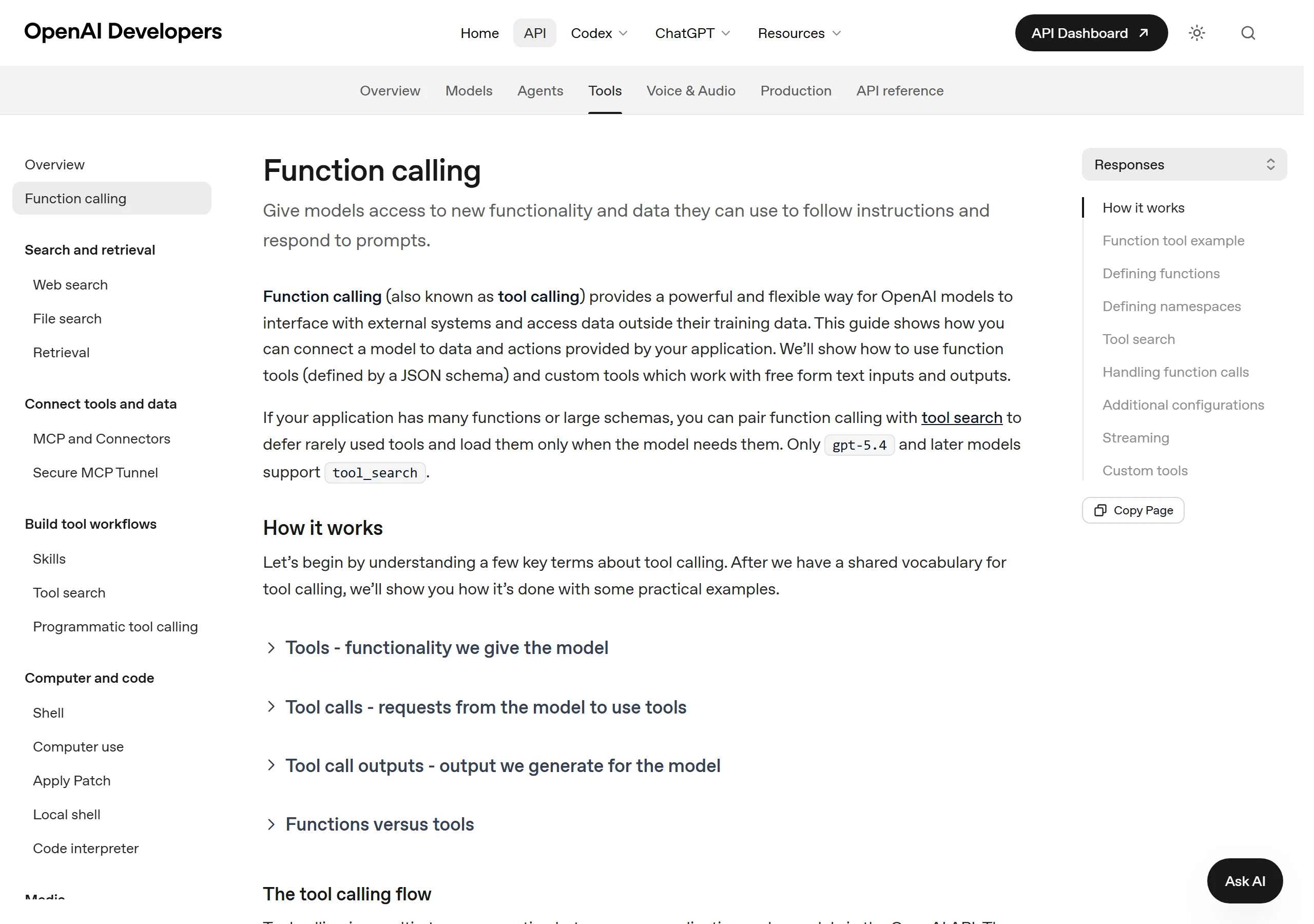
A tool is a narrow contract between the model and an application. It has a name, a purpose and a structured set of inputs. The application receives the proposed call, checks it, talks to the relevant API and sends the result back to the conversation.
OpenAI's official API quickstart and tools guidance illustrates this pattern: the model can request a function or tool, while application code remains responsible for carrying out the operation.
For an order lookup, a tool might accept an order reference and a verified customer identifier. It should return a small, predictable response such as fulfilled, in transit, delivered or manual review, along with only the details the customer is allowed to see.
Use eight control layers before an action goes live
The prompt is only one part of a dependable action workflow. The following layers determine whether the action remains safe when inputs are incomplete, systems are unavailable or a customer changes their mind.
1. Define a narrow tool contract
Give every tool one clear job. Describe required and optional fields, accepted formats and possible results. Avoid a general tool such as manage_customer_account when separate get_order_status, update_delivery_address and request_cancellation tools would make permissions and testing clearer.
The model should not invent an account ID, order reference, date or price to satisfy a required field. If information is missing, the permitted response is to ask for it.
2. Authenticate the system and verify the customer
The integration needs its own secure credentials, stored outside the conversation. Give those credentials the least access the workflow requires.
Customer verification is a separate step. Knowing an order number may not be enough to reveal personal information or alter an order. Match the requested action to an appropriate check, such as a signed account session or an order reference plus a verified contact detail.
3. Validate inputs outside the model
Application code should check types, formats, ranges and business rules. A requested appointment must fall within available hours; a quantity cannot be negative; a payment amount must come from the approved order or invoice rather than free text.
Treat model output as a proposed input, not as proof that the input is valid.
4. Apply policy and permission rules
Decide who may perform the action, on which records and under what conditions. A store might allow address corrections before fulfilment starts but require a person once a parcel has been dispatched.
Keep these rules in the business layer where they can be tested and changed. A conversational instruction can explain the policy, but it should not be the sole enforcement mechanism.
5. Require approval for consequential actions
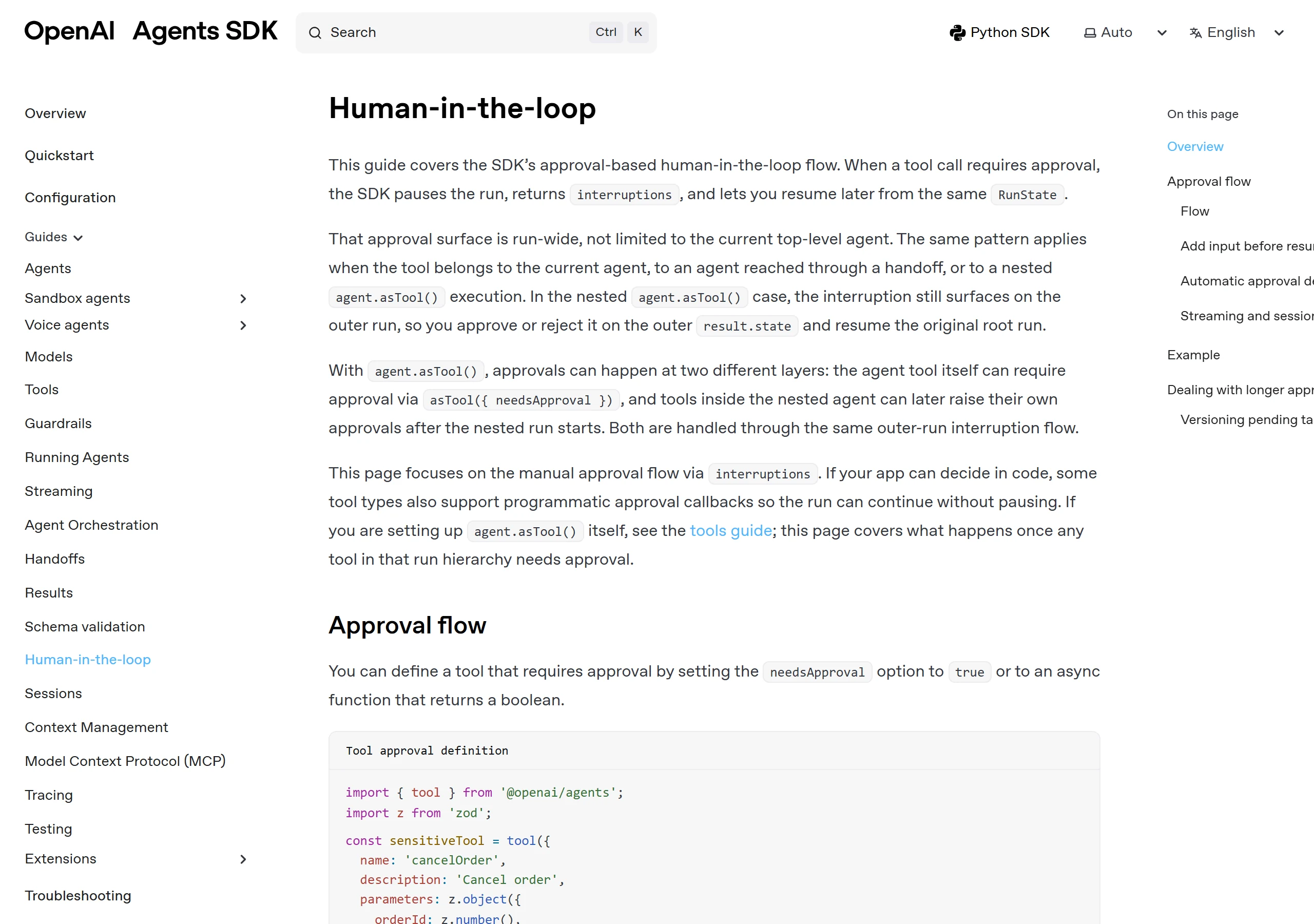
Some actions need confirmation from the customer, a staff member or both. Before creating a paid booking, show the date, time, amount and cancellation terms. Before a refund, state the order, value and payment destination that the authorised system has returned.
Human approval is particularly useful for refunds, cancellations, policy exceptions and changes involving several records. The OpenAI Agents SDK describes human approval around tool execution as a way to pause sensitive actions before they run.
6. Prevent duplicate execution
Customers resend messages, networks retry requests and chat sessions reconnect. Without protection, the same tool call can create two bookings, leads or payment requests.
Assign an idempotency or request key to each intended action. Before retrying, query the destination system to learn whether it already succeeded. A conversational timeout does not prove that the business action failed.
7. Verify the result before describing success
The chatbot should say an action is complete only after the system of record confirms it. A plausible sentence generated by the model is not a booking confirmation, payment receipt or CRM record.
Return a reference such as an order status, event ID, lead ID or transaction ID. Translate that result into clear customer language while preserving distinctions such as pending, held, confirmed and failed.
8. Log the action and provide a recovery path
Record the requested action, verified identity, tool version, important inputs, result, time and any approval. Exclude secrets and payment credentials from logs.
Every failure also needs an owner. If a CRM write fails after a meeting is booked, the meeting should not disappear. Queue the missing record for retry or human review and tell the customer only what has actually been confirmed.
Test read actions before write actions
Begin with a narrow, reversible workflow. A read-only order lookup is easier to contain than a cancellation or refund because it does not change the underlying record.
A practical rollout can follow this sequence:
- Answer from an approved knowledge source.
- Retrieve one customer-specific status after identity verification.
- Create a low-risk record, such as a qualified lead.
- Add a reversible update with explicit confirmation.
- Introduce financial or high-impact actions only with stronger approval and monitoring.
For each stage, test missing inputs, incorrect identity, API downtime, slow responses, repeated messages, tool errors and a customer asking for a person.
Protect actions from instructions hidden in content
A connected chatbot may read websites, uploaded documents, customer messages or tool results. Those sources can contain text that tries to redirect the model or request an unauthorised action.
Do not treat retrieved content as trusted operational instructions. Keep tool permissions narrow, validate inputs independently and prevent untrusted text from changing policies. OpenAI's guardrails guidance also distinguishes checks around agent input, output and tool activity.
Applying this model to AeroChat
These same principles apply when the platform doing the work is AeroChat. Its role is most useful when a customer conversation needs approved business data or a bounded next step, not open-ended control of the merchant's systems.
For ecommerce support, AeroChat can provide customer-specific order status after identity confirmation. It can also book appointments, support conversational lead capture, hand conversations to people and present in-chat payment links on relevant plans. Current capabilities and plan availability should be checked before implementation.
For a custom workflow, review AeroChat's platform features and API access alongside the destination system's documentation. Define which system owns the final record, what the chatbot may read or write and what evidence counts as success.
This is controlled action support rather than unlimited autonomy. The distinction between conversational and agentic AI matters because a business may want an assistant to request an approved tool without allowing it to pursue an unrestricted goal. When a request falls outside those boundaries, handover to a human agent is the safer action.
Start with one action you can audit
Choose one frequent request with a clear system of record, a limited permission set and an unambiguous success response. Define the tool contract, validation, approval, duplicate protection, result check and fallback before connecting it to live customers.
A chatbot becomes operationally useful when its actions are narrow enough to trust and visible enough to correct. The goal is not to make it act on everything. It is to make each permitted action dependable.