



Can a Chatbot Add New Leads to My CRM Automatically?

Yes. A chatbot can add a new lead to a CRM through a native integration, webhook, automation platform or CRM API. The workflow should first check whether the person already exists, map the collected fields and confirm that the CRM accepted the record.
Treat the integration as a data contract
Before connecting anything, define the data contract between the conversation and the CRM.
| Contract field | Example | Decision required |
|---|---|---|
| Unique identifier | Email address | What happens when it is missing or shared? |
| Contact fields | Name, email, phone | Which fields are required? |
| Qualification | Use case, budget band, timing | Are values controlled or free text? |
| Source | Website chat, WhatsApp, Instagram | How is first-touch and latest-touch source stored? |
| Consent | Service follow-up, marketing choice | What exactly did the person agree to? |
| Owner | Sales queue or named representative | Which routing rule applies? |
| Conversation context | Summary and transcript reference | What does the representative need to follow up? |
The contract prevents two common failures: a CRM full of incomplete records and a chatbot that captures useful information but never makes it actionable.
Check 1: decide when a conversation becomes a lead
Not every person who asks a question belongs in the sales pipeline. Define the event that permits a CRM write, such as:
- the person requests contact from sales;
- a qualification flow is completed;
- a quote, demo or consultation is requested;
- the visitor provides a business contact method for follow-up;
- an existing customer asks about an expansion opportunity.
AeroChat's conversational lead-generation workflow can collect and qualify prospects. The business still decides what qualifies as a lead and which team owns it.
Check 2: collect the minimum useful fields
Ask only for information needed to follow up, route or assess the enquiry. A B2B sales lead may need company and use case. A local service enquiry may need postcode and preferred service. A support conversation may need no sales fields at all.
Use controlled choices for values that drive automation. “Company size: 1–10, 11–50, 51–200, 201+” is easier to route than four different free-text descriptions of the same range.
Automatic contact management can collect names, emails and phone numbers from AeroChat conversations and organise them across supported channels.
Check 3: separate follow-up permission from marketing consent
A person who requests a quote expects a response about that quote. That does not automatically establish permission for an unrelated newsletter or ongoing promotional campaign.
Store the wording, date, source and purpose of any marketing choice. The UK ICO's current lead-generation guidance explains that collecting information for direct marketing requires organisations to consider data protection and electronic marketing rules.
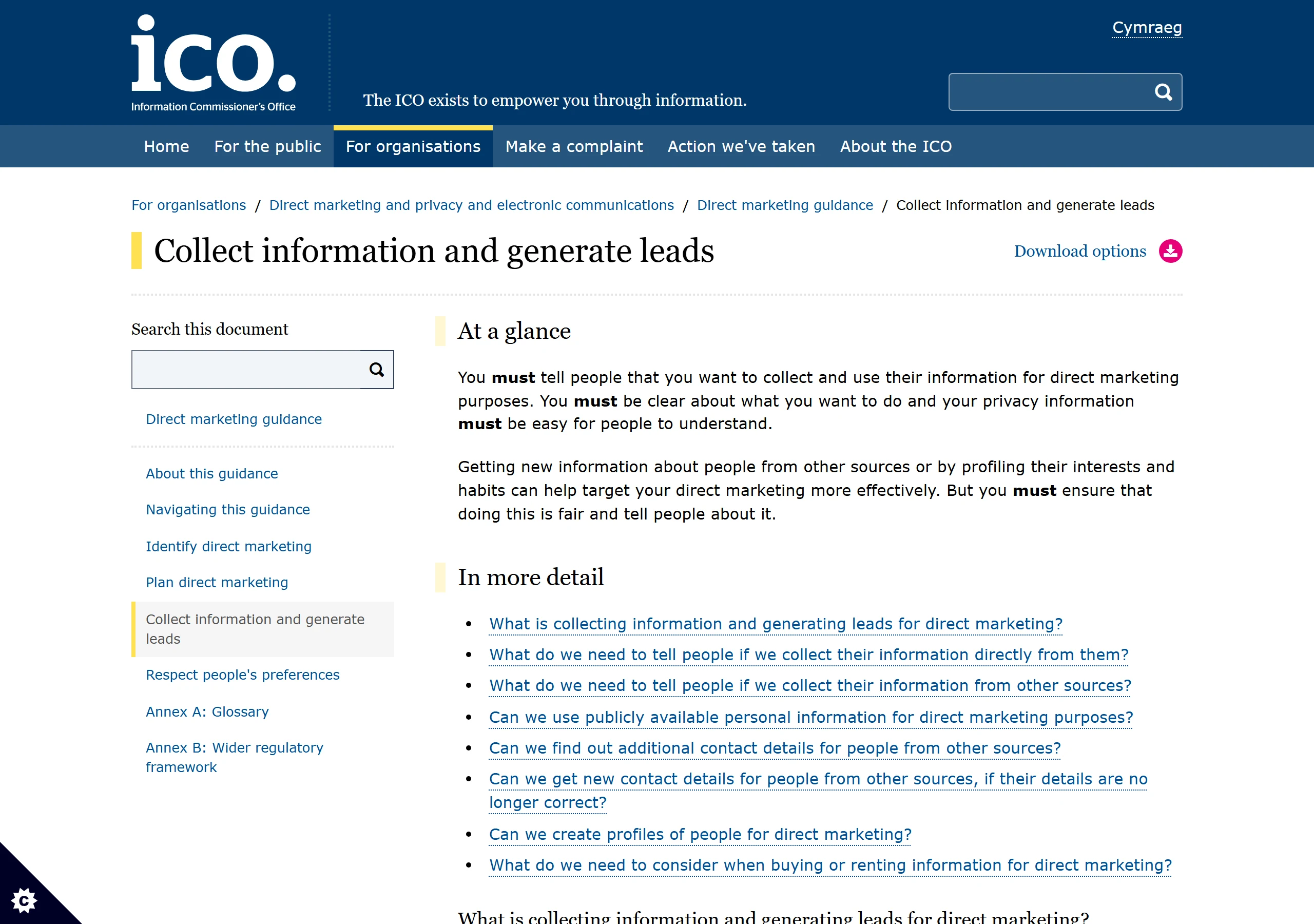
The chatbot should make choices understandable and avoid pre-ticked or bundled language where valid consent is required.
Check 4: search before creating
Use an appropriate identifier to check whether the CRM already contains the person. If a record exists, update allowed fields or add the new conversation rather than creating a duplicate by default.
Email is a common key, but it is not perfect. Shared inboxes, changed addresses and missing emails need a defined fallback. Phone numbers also require consistent international formatting.
Decide how the system handles:
- the same email with a different name;
- an existing customer who submits a sales enquiry;
- one person representing several companies;
- a new conversation with a changed phone number;
- a contact who previously opted out of marketing.
Check 5: map and write the CRM record
The integration sends the approved properties to the CRM. HubSpot's official CRM Contacts API documentation, for example, supports creating contact records with standard or custom properties and associating them with other records.
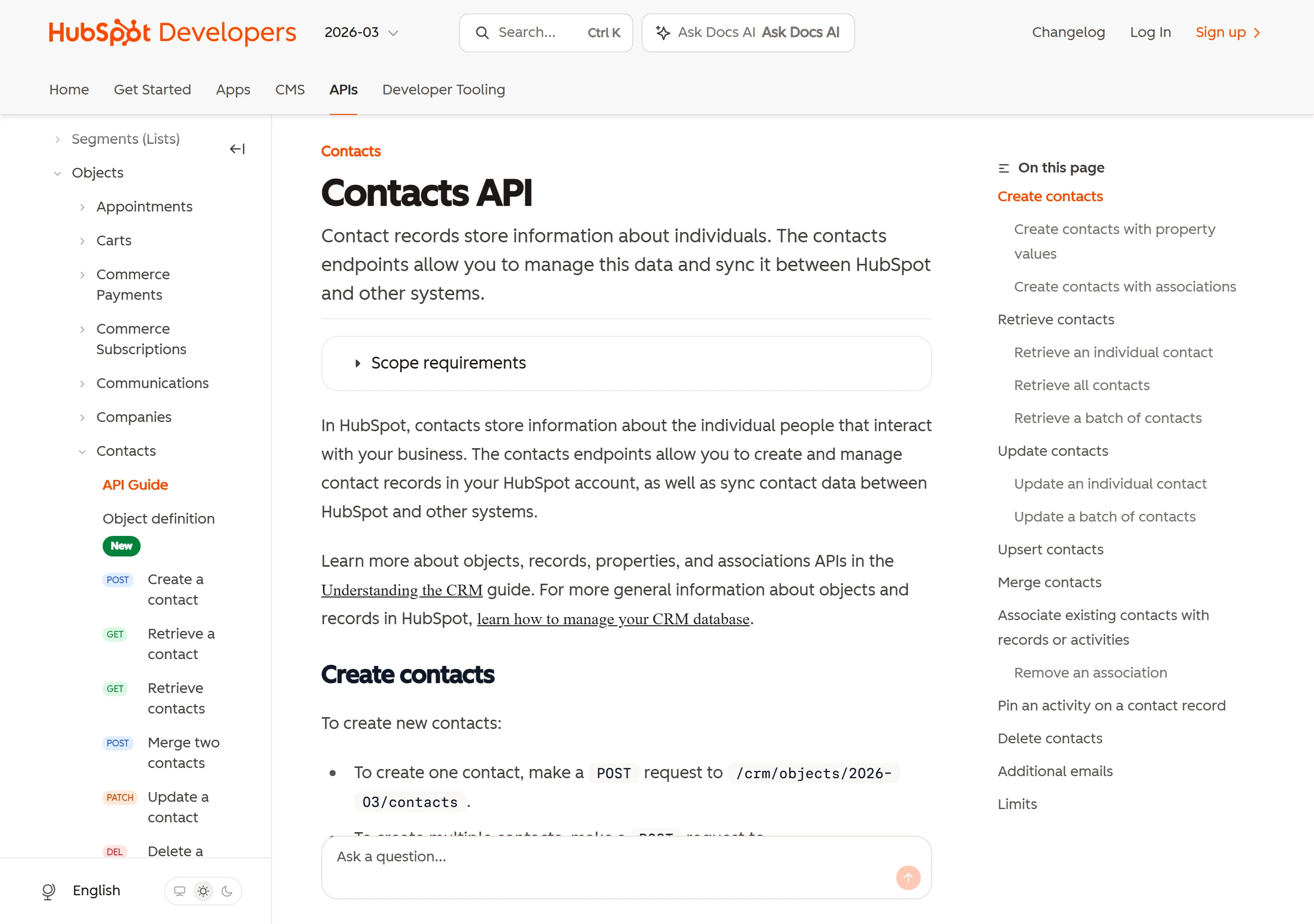
Do not place the whole transcript into a free-text field without considering access, retention and usefulness. A short factual summary plus a link or reference to the conversation is often easier for the sales representative to use.
Check 6: assign an owner and next action
A CRM record without an owner can hide a lead more effectively than an email inbox. Route using rules the sales team already recognises, such as territory, account ownership, product line, language or lead score.
Create a concrete next action:
- notify the assigned representative;
- create a task with a due time;
- offer a meeting route;
- add the lead to an appropriate sales stage;
- transfer the live conversation when someone is available.
Conversation tags can help separate qualified leads, follow-ups and existing-customer enquiries before CRM routing. Contact segments can group contacts for permitted follow-up, but segmentation should respect the stored consent and purpose.
Check 7: confirm the write or queue the failure
The chatbot should not tell the visitor “your details are with sales” until the integration returns a successful result or a human-owned fallback has been created.
Log:
- the time of the write attempt;
- create versus update decision;
- CRM record identifier;
- fields accepted or rejected;
- owner and task result;
- any error and retry status.
When synchronisation fails, keep the captured data in an access-controlled queue and notify an owner. Do not repeatedly create the same contact on every retry.
How AeroChat supports CRM lead capture
AeroChat is an AI agent platform that helps online businesses run customer service on autopilot. Its current product information documents automatic contact capture, lead qualification, CRM sync or export, webhooks and API access.
That supports a controlled lead workflow, but the merchant must configure its CRM mapping, duplicate rules, consent fields and ownership model. If a high-value or unusual lead needs personal attention, human handover with the full conversation lets the representative continue from the context already collected.
Test the record, not only the chat
Submit a new lead, an existing contact, a missing-email case, an opted-out contact, a failed CRM connection and two simultaneous submissions. Inspect the CRM after every test.
The integration is ready when it creates or updates one correct record, preserves the proper source and permission data, assigns an owner and exposes failures without losing the lead.



