12 Best Front Alternatives and Competitors for Customer Support

The best Front alternative depends on what your team is trying to replace. Choose Missive if you want a close collaborative-inbox experience, Hiver if your team wants to stay inside Gmail, Help Scout for straightforward email support, or Freshdesk for conventional ticketing at a lower entry price. Ecommerce teams that want AI to answer routine customer questions across messaging channels should consider AeroChat, while larger service operations may be better served by Zendesk or Intercom.
That distinction matters. Front combines email collaboration, ticketing, automation and customer communication in one workspace. A cheaper shared inbox may replace its email workflow but not its reporting. An AI agent may resolve more repetitive questions but not provide the same internal drafting experience. The right comparison starts with the job, not the longest feature list.
Pricing and product details in this guide were checked against official vendor pages on 10 August 2026. Prices are in US dollars unless stated otherwise and may change. We used desk research rather than claiming hands-on testing.
Which Front alternative is best for each support model?
AeroChat is the strongest fit when an ecommerce business wants to automate repetitive customer conversations across supported channels. Missive is closer to Front's collaborative email model, Hiver suits Gmail-centred teams, and Zendesk fits complex support operations. The table below shows which job each product is designed to handle.
| Front alternative | Product type | Best for | Published entry price* | Free option | Main limitation |
|---|---|---|---|---|---|
| AeroChat | Omnichannel AI customer service | Ecommerce teams automating repeat enquiries | $49/month | Seven-day free trial | Not a like-for-like replacement for Front's collaborative email editing |
| Missive | Collaborative inbox | Teams that work together on email | $14/user/month annually | Trial | Advanced workflow features start on a higher plan |
| Help Scout | Email-first helpdesk | Approachable customer support | Free; paid from $25/user/month | Yes | Less suited to complex enterprise operations |
| Hiver | Gmail/Outlook helpdesk | Teams that do not want a separate inbox interface | Varies by plan | Trial | Best fit depends heavily on the email suite you use |
| Gmelius | Gmail collaboration | Google Workspace teams coordinating shared email | Varies by plan | Trial | Not a full omnichannel service desk |
| Freshdesk | Helpdesk | Cost-conscious ticketing teams | $19/agent/month annually | Trial | AI and advanced controls can add usage or plan costs |
| Zendesk | Enterprise helpdesk | Complex queues, routing and governance | $55/agent/month annually for Suite Team | Trial | Cost and administration can be excessive for a small team |
| Intercom | Messaging helpdesk and AI | SaaS and digital-product support | $29/seat/month plus AI usage | Trial | Outcome and channel usage can make costs less predictable |
| HubSpot Service Hub | CRM-connected helpdesk | Teams already using HubSpot | Free; paid tiers available | Yes | Meaningful automation may require a higher edition |
| Zoho Desk | Value helpdesk | Businesses already in the Zoho ecosystem | Free for up to three users | Yes | Interface and configuration breadth can take time to learn |
| Crisp | Shared inbox and messaging | Small teams wanting flat workspace pricing | Free; Mini $45/workspace/month | Yes | Included seats and automation allowance vary by plan |
| Gorgias | Ecommerce helpdesk | Shopify-centred support teams | Conversation-volume pricing | Trial | Costs rise with ticket volume and added AI usage |
*Representative public price, normally with annual billing where stated. Taxes, add-ons, AI usage, channel charges and onboarding are excluded.
What Front still does well
Front remains a strong choice when several people need to manage shared and personal email without making every conversation feel like a traditional support ticket. Its workspace supports assignments, internal comments, shared drafts, rules, analytics and multiple communication channels.
Its current plans also go beyond email. Front lists Starter at $25 per seat per month on annual billing for up to ten seats, Professional at $65 for omnichannel support and Enterprise at $105. AI Autopilot starts at $0.05 per conversation; Copilot and Smart QA are separate per-seat add-ons on lower plans. Those details make the official Front pricing page essential reading before comparing quotes.
Keep Front if your team already has reliable rules, integrations and reporting there, and the problem is a fixable workflow issue. A migration that saves a small licence fee but loses conversation history or staff adoption is not an upgrade.
First decide which operating model you need
Before shortlisting products, classify the work that arrives in Front.
A collaborative inbox
Choose this model when several people draft, comment on, assign and send email together. Missive, Hiver and Gmelius are the closest matches in this guide.
A customer-support helpdesk
Choose a helpdesk when you need tickets, service-level agreements, queues, escalation rules, agent reporting and an audit trail. Help Scout, Freshdesk, Zendesk and Zoho Desk fit this job at different levels of complexity. Our guide to an AI chatbot versus helpdesk software explains why organising tickets and preventing routine tickets are different jobs.
An AI resolution layer
Choose an AI agent when the main problem is the volume of repetitive product, delivery, order or policy questions. The key measure is not how quickly the tool creates a draft; it is whether it can answer safely, use the right business information and pass uncertain cases to a person.
An ecommerce support platform
Ecommerce support needs customer context that a generic inbox may not provide: products, orders, delivery status, returns policies and conversations from social channels. Gorgias and AeroChat approach this problem differently. Gorgias is primarily an ecommerce helpdesk; AeroChat is an AI customer-service platform focused on automating conversations.
How we selected the 12 alternatives
Each product had to cover a meaningful part of Front's job: shared email, support ticketing, customer messaging, AI resolution or ecommerce service. We checked official product and pricing pages, then compared the same practical questions:
- What type of product is it?
- Does it replace Front's shared-email workflow or solve a different problem?
- How are users, conversations and AI usage charged?
- What does a buyer have to move or rebuild?
- Who is it best for, and what is the material limitation?
We did not use vendor claims of higher productivity or return on investment to rank products. Those outcomes depend on the team's workload and implementation.
1. AeroChat: best when automation matters more than email collaboration
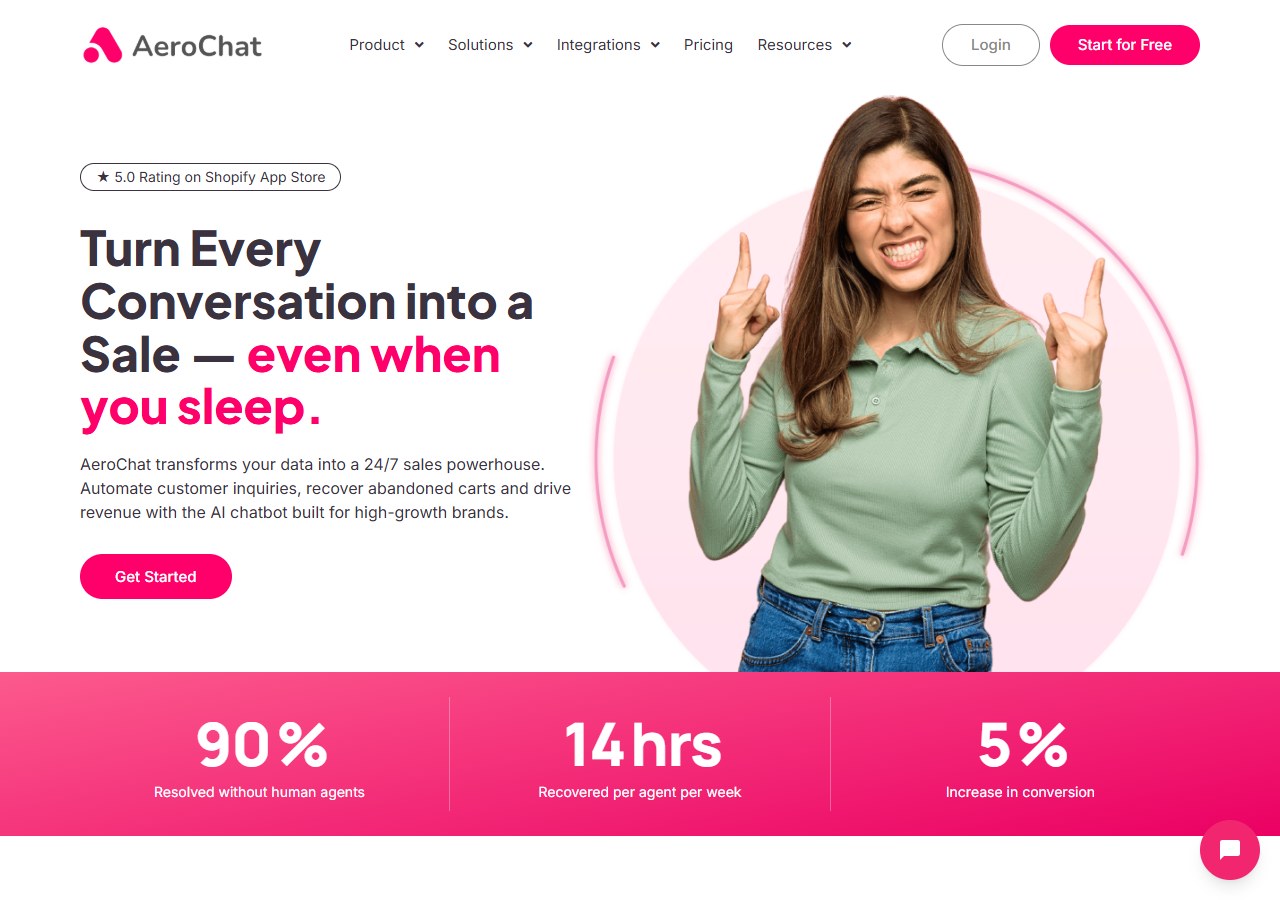
AeroChat is an AI agent platform that helps online businesses run customer service on autopilot. It supports customer conversations across web chat, WhatsApp, Facebook Messenger, Instagram, Telegram, email and other supported channels. For ecommerce teams, it can use business and product information to answer common questions, recommend products, provide order-status information and pass a conversation to a human when personal attention is needed.
The Starter plan is currently $49 per month, includes three agent accounts and has a seven-day free trial with no credit card required. Unlike Front, AeroChat is not primarily a collaborative email workspace. Teams that need shared drafting, extensive internal discussion and complex email ownership may be better served by Missive, Hiver or Front itself.
Choose it over Front when: the main goal is to reduce repetitive ecommerce conversations across supported channels, rather than reproduce every internal email feature.
Keep Front instead when: the team needs sophisticated collaborative email and human-led case management. AeroChat can also sit before a helpdesk as the automation layer rather than replace it. Explore the broader ecommerce customer-service platform to judge that fit.
2. Missive: best close alternative for collaborative email
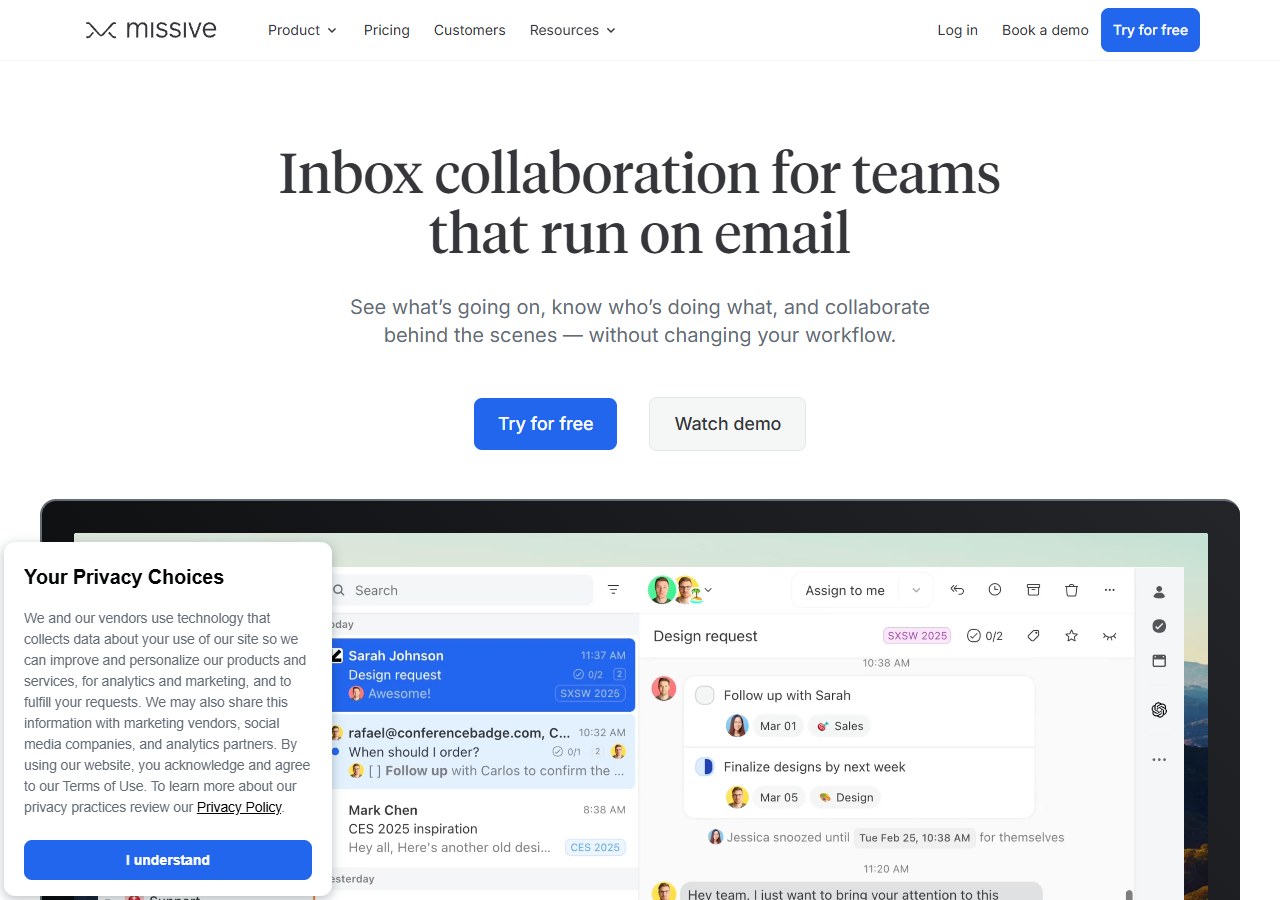
Missive combines team inboxes, personal inboxes, internal chat, tasks and shared email collaboration. That makes it one of the closest conceptual replacements for Front when email teamwork matters more than formal ticketing.
The Starter plan is $14 per user per month billed annually for up to five users. Productive is $24 and adds integrations, rules, basic reporting and API access; Business is $36 with advanced administration and reporting. Confirm the current package on Missive's pricing page.
Choose it over Front when: your team wants a focused collaborative inbox with a lower per-user starting cost.
Keep Front instead when: you rely on deeper omnichannel support operations, mature customer-service analytics or Front-specific integrations.
3. Help Scout: best for straightforward email support
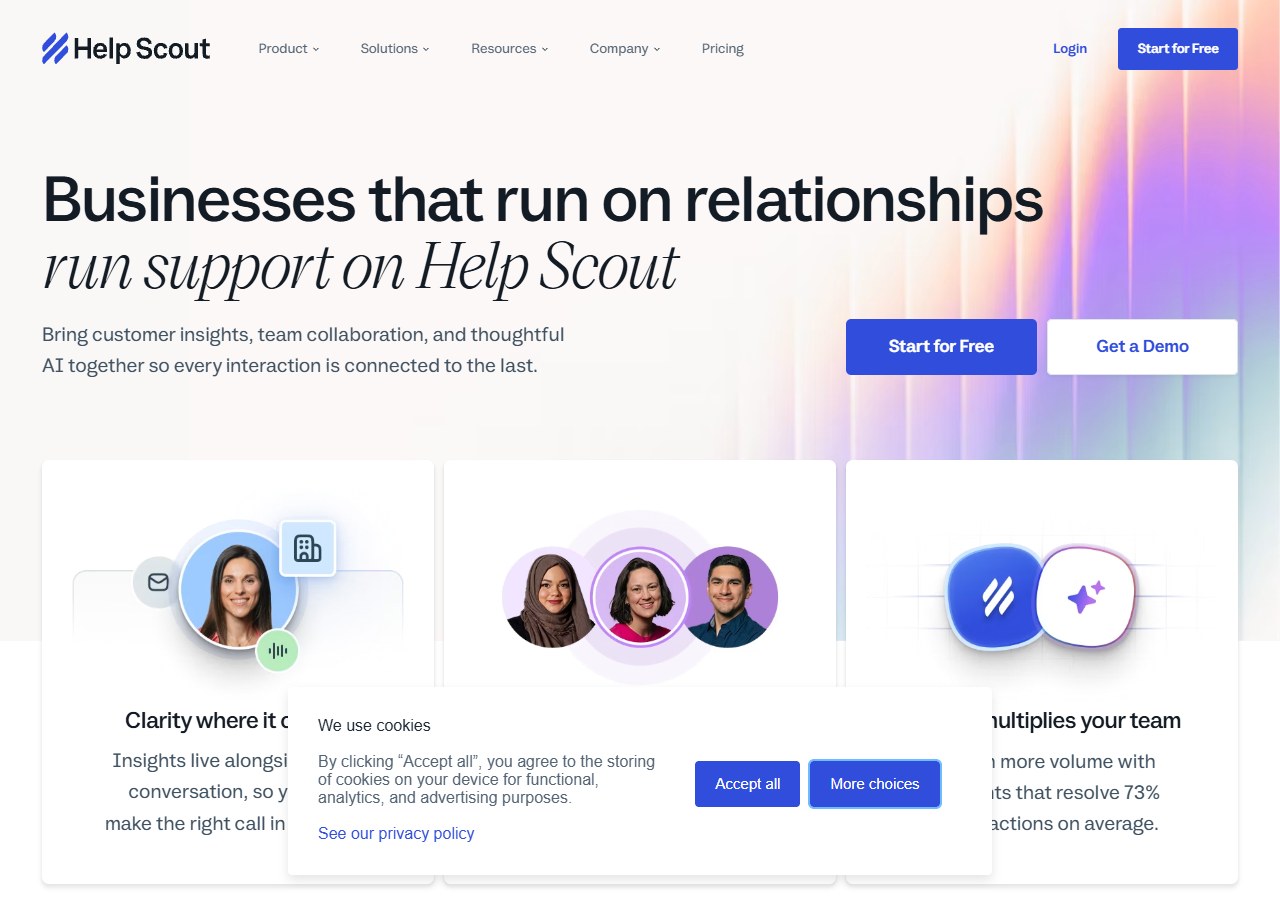
Help Scout is designed around a shared support inbox, knowledge base and customer-facing messaging. It feels closer to normal email than a heavyweight ticketing system, while still providing ownership, saved replies, workflows and reporting.
Its free plan includes up to five users, one inbox and one Docs site. Paid Standard is currently $25 per user per month and adds multiple inboxes, messaging channels, workflows and an AI inbox assistant. AI Answers is separately priced per resolution. See Help Scout's official pricing for the current limits.
Choose it over Front when: the support team values ease of use and a clean email-first workflow.
Keep Front instead when: several departments collaborate inside the same conversation and need more flexible operational workflows.
4. Hiver: best for teams that want to stay in Gmail
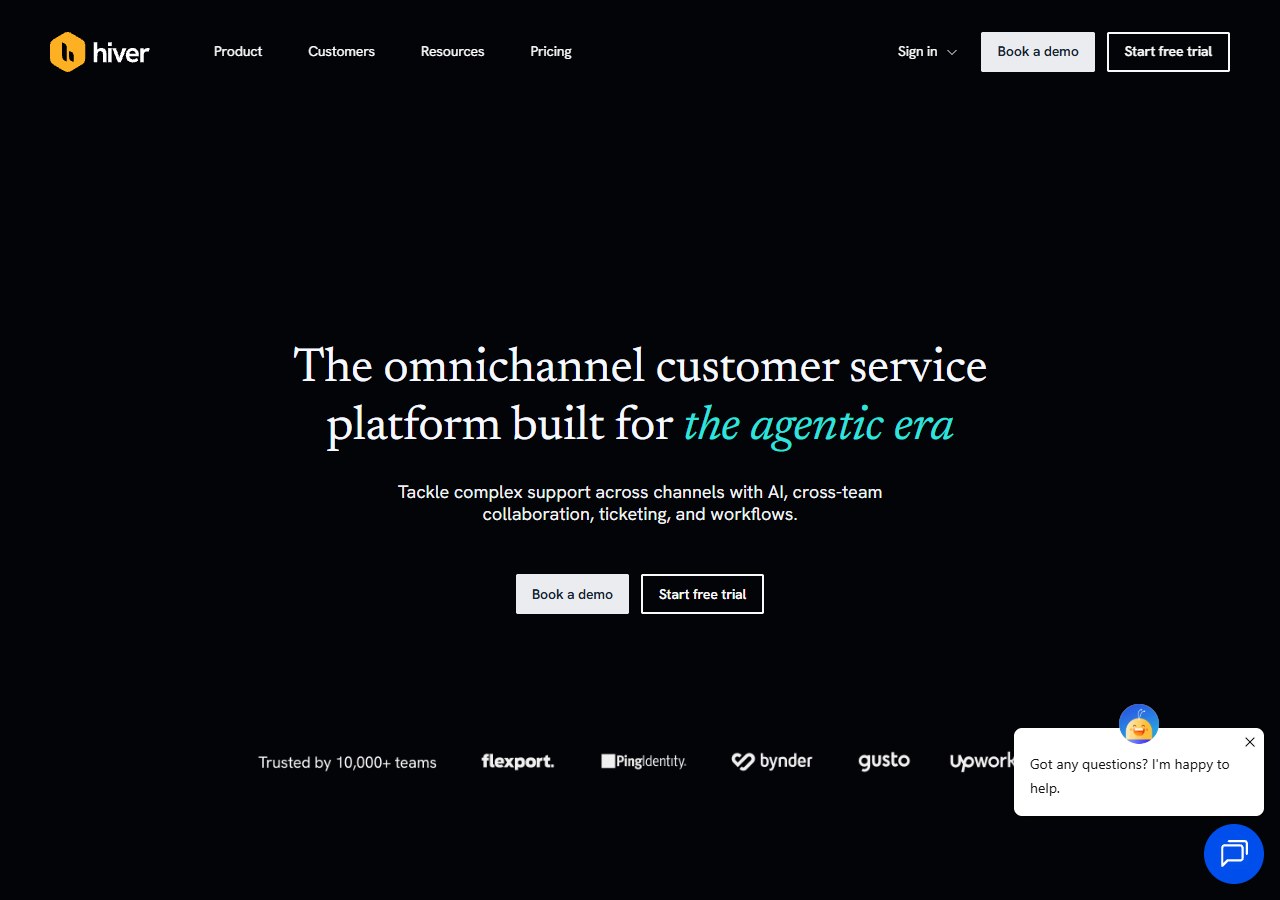
Hiver turns Gmail into a support workspace with shared inboxes, assignments, notes, automation and reporting. Staff can work in an interface they already know instead of adopting another standalone inbox.
That convenience is also the boundary. Hiver is most compelling for Google Workspace teams. Buyers should verify which channels, AI functions and service-level controls are included in the plan being considered, because the closest-looking entry plan may not contain the workflow that prompted the move from Front.
Choose it over Front when: Gmail is the team's operational centre and reducing interface change is a priority.
Keep Front instead when: you need a channel-neutral workspace or your team mixes several email and messaging systems.
5. Gmelius: best for Google Workspace collaboration beyond support
Gmelius adds shared inboxes, assignment, internal notes and workflow automation to Gmail. It is useful when a shared address supports sales, operations or account management as well as customer service.
It should not be mistaken for a full enterprise helpdesk. Check reporting depth, external channels, retention and the exact automation rules you need before committing.
Choose it over Front when: the main requirement is coordinating Google Workspace email and lightweight processes.
Keep Front instead when: ticket governance, omnichannel routing and mature service analytics are non-negotiable.
6. Freshdesk: best value conventional helpdesk
Freshdesk provides ticketing, a shared inbox, a customer portal, knowledge base, roles and reporting. Its Growth plan is listed at $19 per agent per month billed annually; higher tiers add more advanced automation and administration. Freshworks currently includes an initial allowance of AI Agent sessions, then charges for additional sessions, so forecast both seats and AI usage on the Freshdesk pricing page.
Choose it over Front when: the team needs a recognised ticketing system at a lower entry price than Front Professional.
Keep Front instead when: collaborative email is central and agents resist the more formal ticket model.
7. Zendesk: best for complex support operations
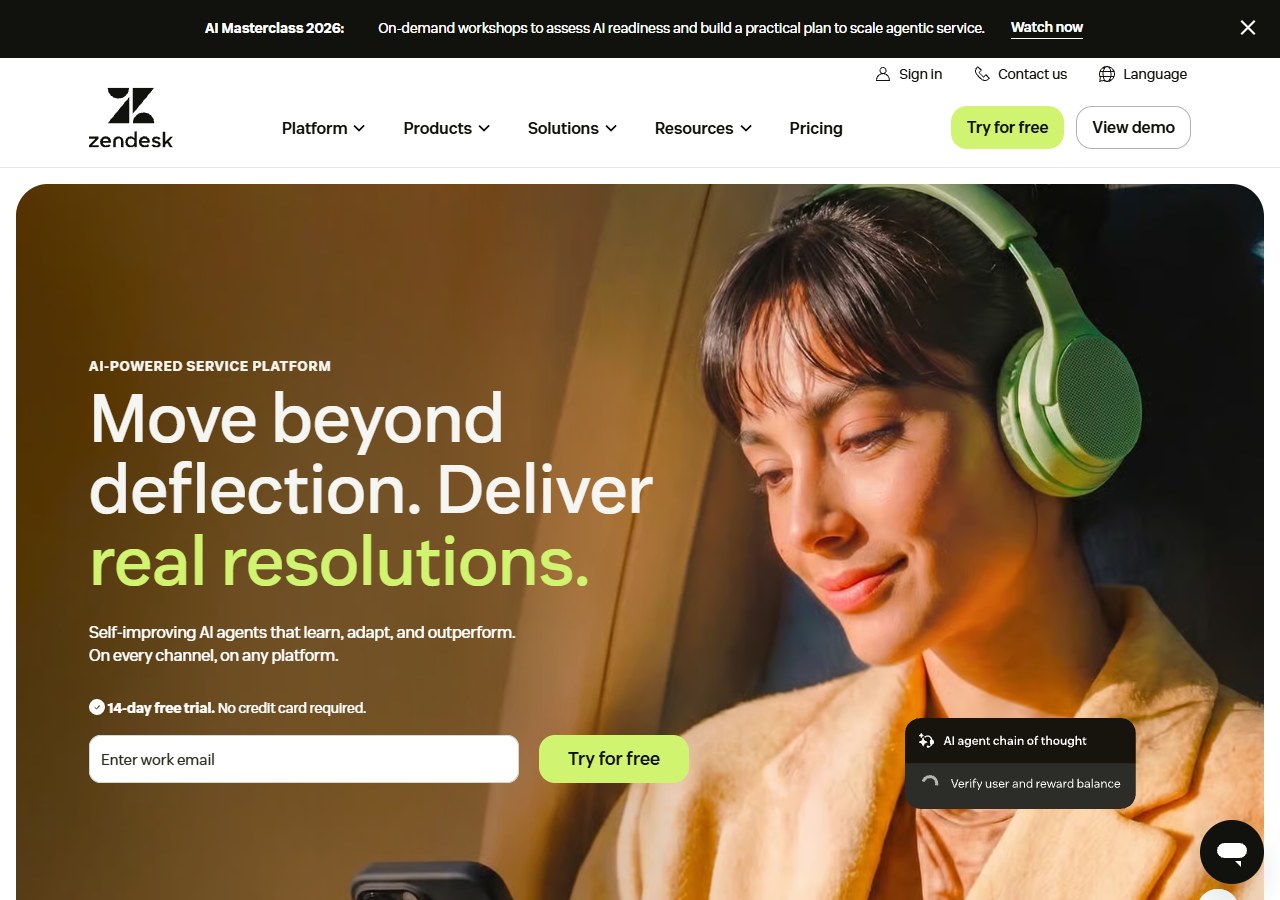
Zendesk is built for structured customer service: tickets, routing, messaging, knowledge, telephony and extensive administration. Suite Team is publicly listed at $55 per agent per month billed annually, with more advanced plans costing more.
Zendesk can be the safer long-term choice for a large or regulated support operation, but it may be too much system for a small team. Implementation, configuration and add-ons matter as much as the entry seat price.
Choose it over Front when: you need mature ticket governance, complex queues or enterprise controls.
Keep Front instead when: your operation depends on personal, collaborative email rather than formal ticket processing.
8. Intercom: best for in-product messaging and AI support
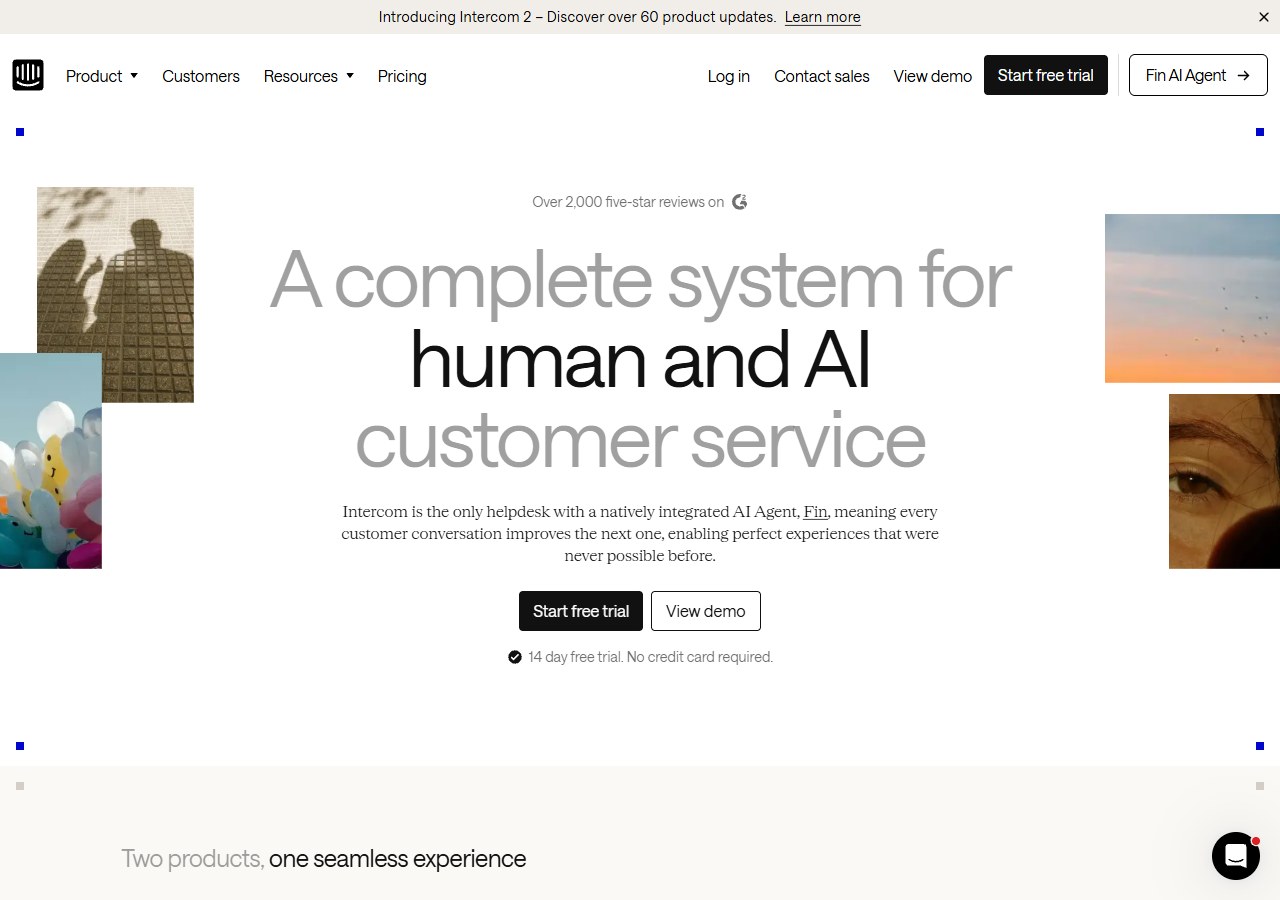
Intercom combines a shared inbox, Messenger, ticketing, help content, workflows and its Fin AI Agent. Essential starts at $29 per seat per month, while Fin is charged from $0.99 per outcome. The official Intercom pricing page makes clear that total cost has both seat and usage components.
Choose it over Front when: a SaaS or digital-product team needs contextual in-app conversations and AI resolution.
Keep Front instead when: email collaboration is the centre of work and variable outcome pricing adds little value.
9. HubSpot Service Hub: best for CRM-connected service
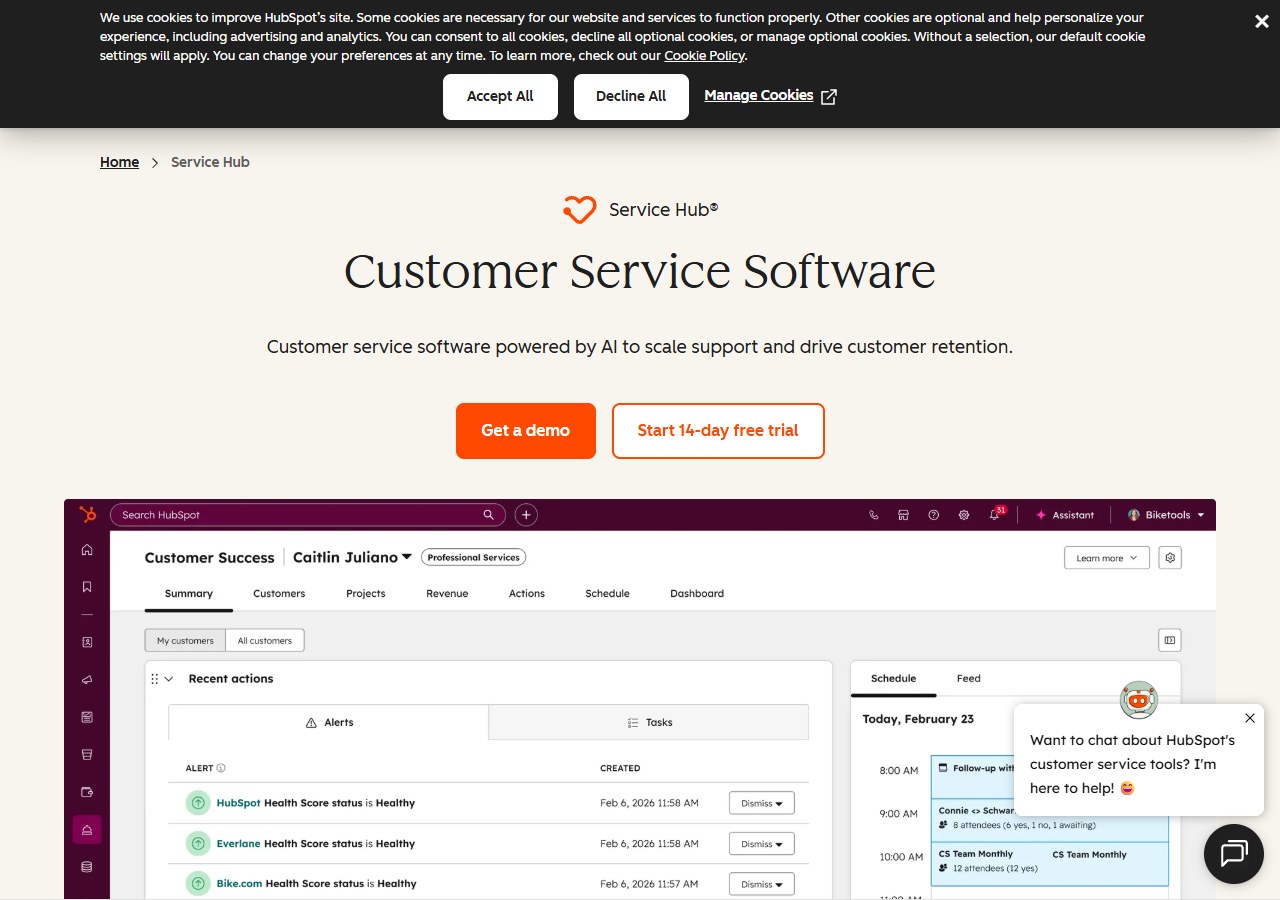
Service Hub puts tickets, customer communication and service data beside HubSpot's CRM record. The free edition supports two users; paid editions add more automation, helpdesk and customer-success capabilities.
Its advantage is shared context across marketing, sales and service. Its limitation is packaging: a team may need a higher edition to obtain the workflows or reporting it expects, and costs should be evaluated across the whole HubSpot account rather than one tool in isolation.
Choose it over Front when: the business already uses HubSpot and wants one customer record across departments.
Keep Front instead when: the CRM connection would not be used and the team mainly needs a polished shared inbox.
10. Zoho Desk: best value for Zoho users
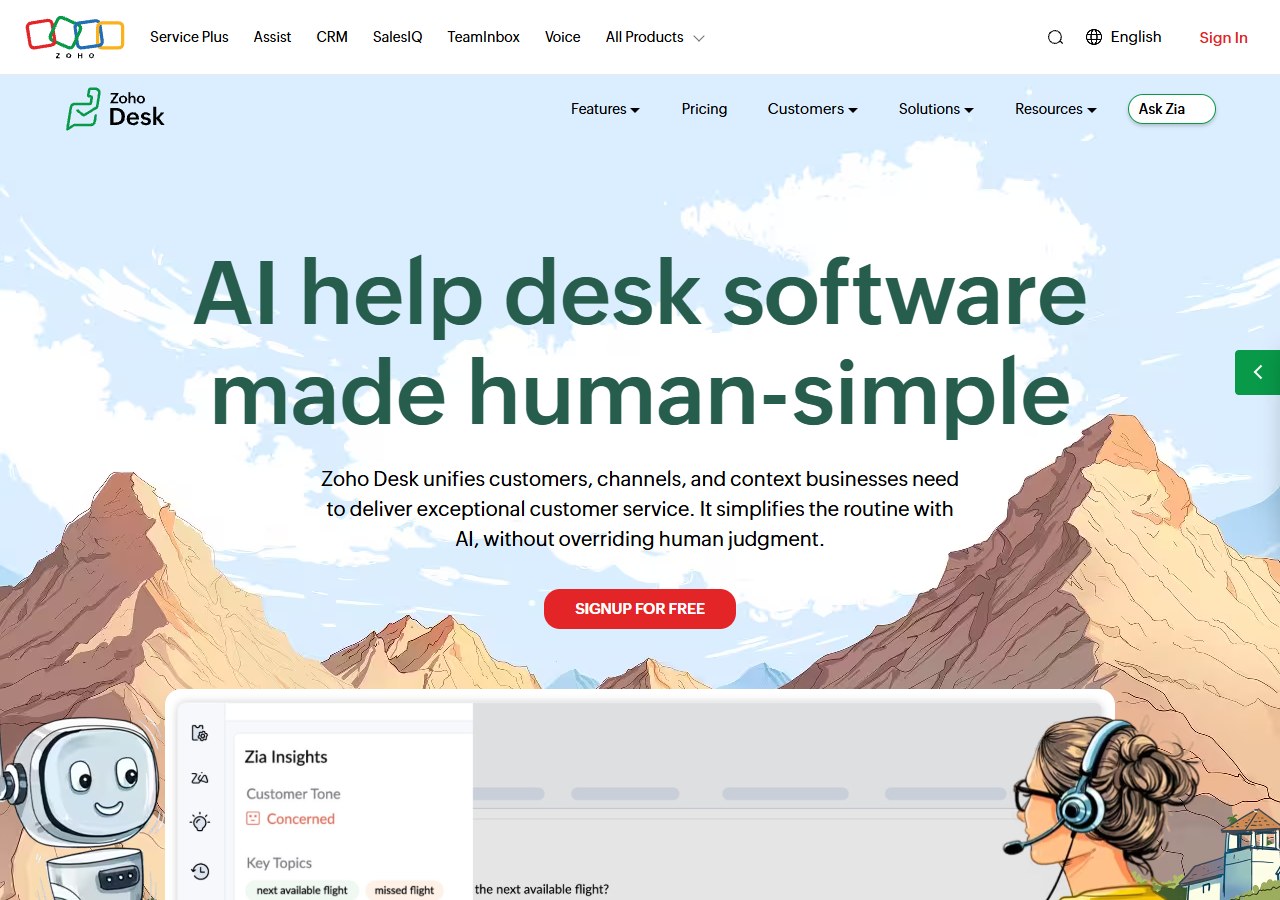
Zoho Desk offers email ticketing, a self-service portal, automation and progressively more advanced service management. It retains a free edition for up to three agents and is particularly practical for companies already using Zoho applications.
The trade-off is configuration breadth. Test the agent interface and the required integration path, rather than selecting it only because the entry cost is low.
Choose it over Front when: price matters and Zoho is already part of the operating stack.
Keep Front instead when: staff collaboration inside email is more important than a conventional ticketing system.
11. Crisp: best flat-price option for a small messaging team
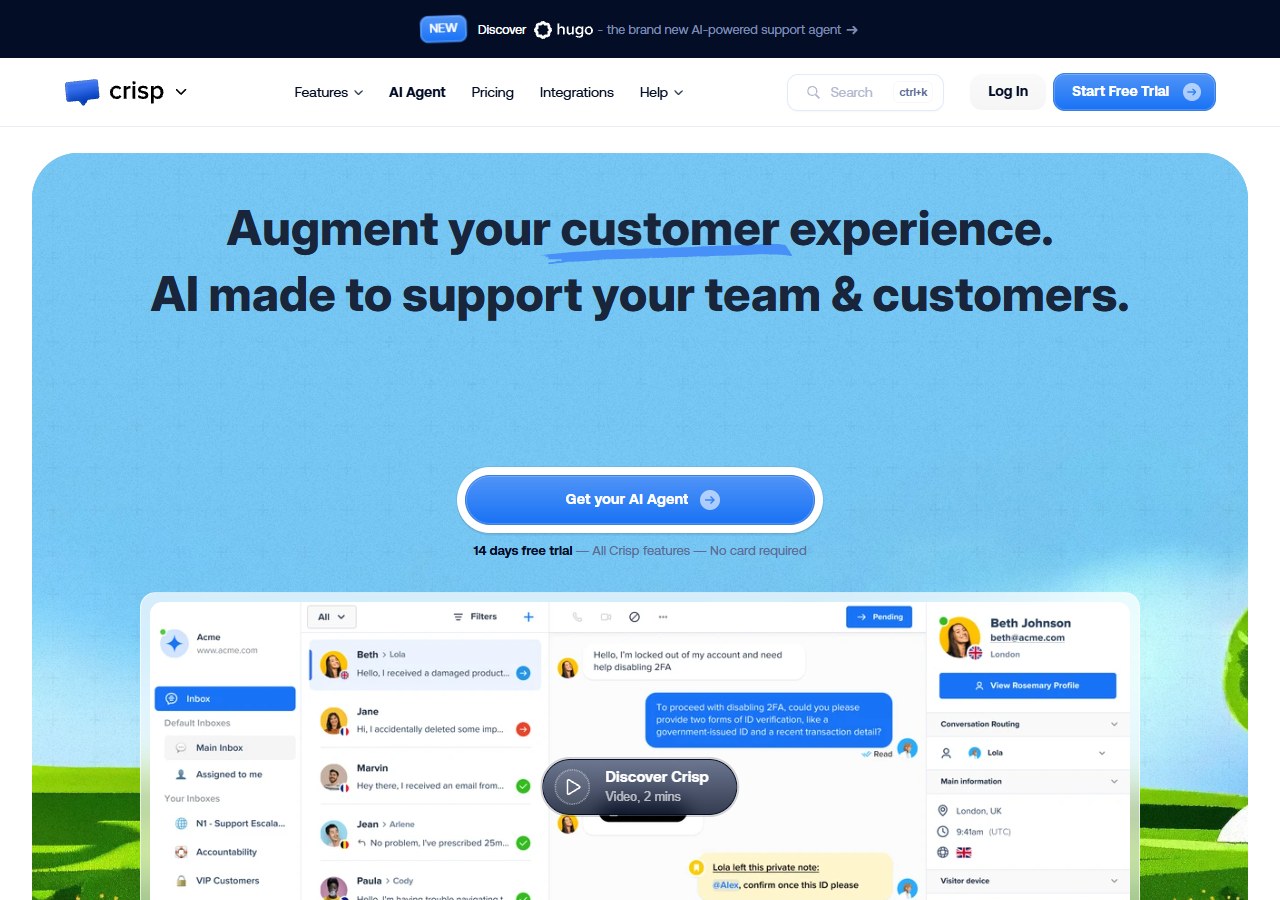
Crisp combines website messaging, a shared inbox and customer data tools. Its free plan includes two seats. Mini is $45 per workspace per month with four seats; Essentials is $95 with ten seats and an included automation allowance. This workspace model can be attractive where per-user pricing is the main Front objection.
The cheapest plan may not cover the automation, reporting or customer-data capability a growing team needs. Compare included seats and AI credits on Crisp's pricing page, not just the workspace fee.
Choose it over Front when: a small team wants chat and a shared inbox with predictable included seats.
Keep Front instead when: email collaboration, rules and operational reporting are more important than website messaging.
12. Gorgias: best Front alternative for an ecommerce helpdesk
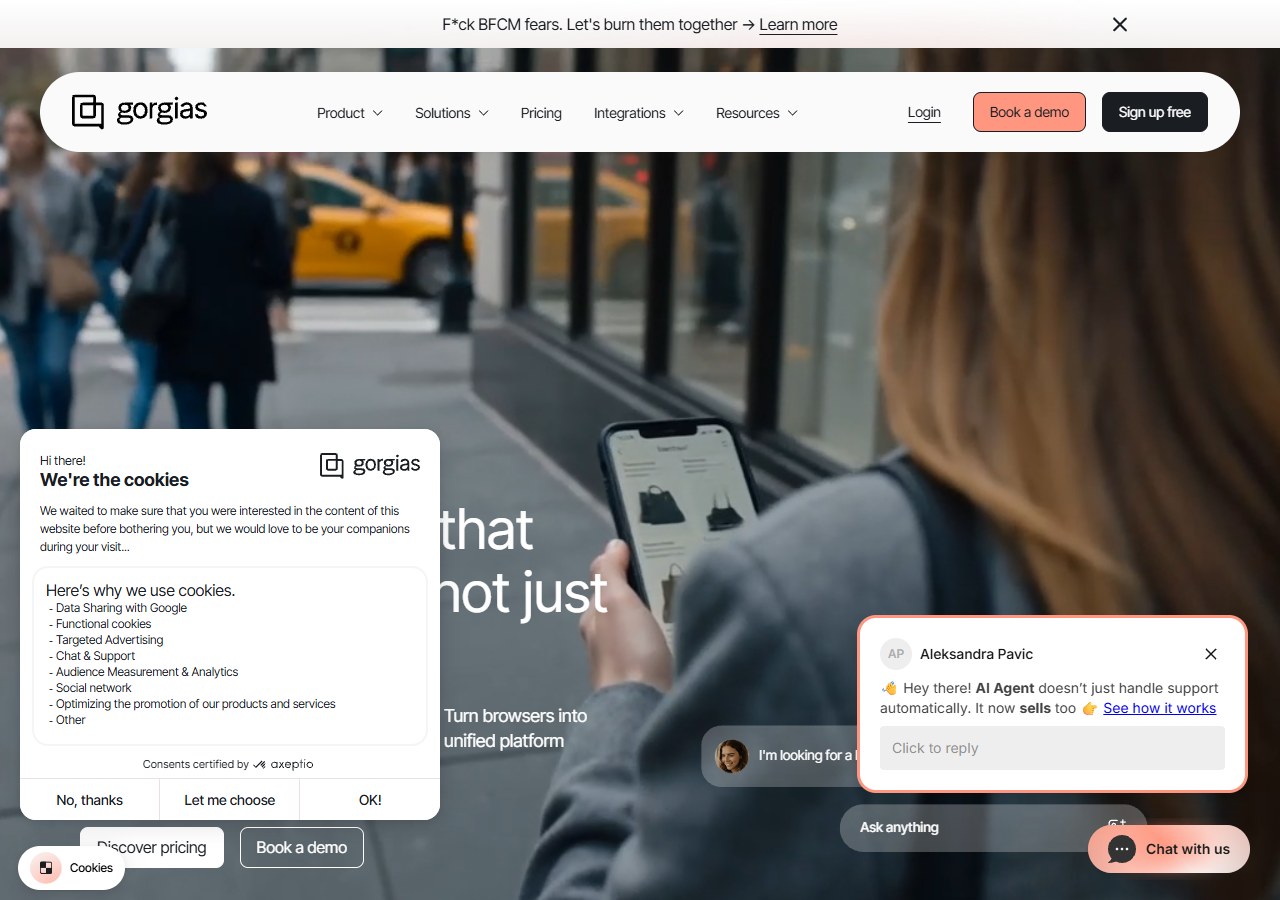
Gorgias brings ecommerce order and customer context into a central support workspace. It is designed for teams handling high volumes across email, chat and social channels, especially on Shopify.
Pricing is driven by support volume rather than only agent seats, and AI can introduce another usage component. Model a normal month and a peak-sales month before switching. The deeper comparison of Gorgias alternatives can help ecommerce teams evaluate that category without turning this page into another helpdesk list.
Choose it over Front when: agents need ecommerce actions and order context inside a helpdesk.
Keep Front instead when: the business is not ecommerce-led or collaborative email is the stronger requirement.
What do five and twenty users really cost?
Entry prices hide plan limits. The examples below use public annual rates checked on 10 August 2026 and exclude taxes, AI usage and add-ons.
| Product and representative plan | Five users | Twenty users | Important condition |
|---|---|---|---|
| Front Starter / Professional | $125/month | $1,300/month | Starter is capped at ten seats; 20 users require at least Professional |
| Missive Starter / Productive | $70/month | $480/month | Starter supports up to five users; Productive is used for 20 |
| Help Scout Standard | $125/month | $500/month | AI Answers is additional usage cost |
| Freshdesk Growth | $95/month | $380/month | Extra AI Agent sessions cost more after the included allowance |
| Zendesk Suite Team | $275/month | $1,100/month | Advanced AI and higher-tier controls may add cost |
| Intercom Essential | $145/month | $580/month | Fin outcomes and messaging usage are additional |
| Crisp Essentials / Plus | $95/month | $295/month | Essentials includes ten seats; Plus includes 20+ |
These figures are not a ranking. A $95 workspace that fails to support the required workflow costs more than a $500 system that prevents missed cases. Compare total operating cost: licences, AI usage, channel fees, implementation, training and the human time still required.
How to migrate away from Front without creating a support gap
- Document the current system. List inboxes, individual channels, tags, rules, templates, integrations, permissions and reports.
- Separate essential workflows from historical clutter. Rebuild what staff actually use; archive the rest.
- Confirm export and retention requirements. Decide which conversations, contacts, attachments and audit data must remain accessible.
- Build a representative knowledge set. Include delivery, returns, account and product questions, plus examples the system should escalate.
- Run a parallel test. Route a limited inbox or channel to the new system while Front remains available.
- Test normal and failure cases. Include duplicate messages, angry customers, missing order information, refunds and requests requiring approval.
- Measure the work, not the demo. Track missed messages, reassignment, resolution, handover quality and agent effort.
- Set a rollback point. Keep the old configuration accessible until the new workflow survives real traffic.
For multichannel Shopify teams, the guide to email, WhatsApp and chat support covers the channel decisions that should be made before cutover.
Which Front alternative should you choose?
Start with one sentence: “We are replacing Front because…” If the answer is vague, do not migrate yet.
- Choose Missive for the closest email-collaboration model.
- Choose Hiver or Gmelius to keep work inside Google Workspace.
- Choose Help Scout for approachable email-first customer support.
- Choose Freshdesk or Zoho Desk for lower-cost ticketing.
- Choose Zendesk for complex service operations.
- Choose Intercom for in-product messaging and AI-assisted support.
- Choose HubSpot Service Hub when CRM context drives the decision.
- Choose Crisp for a small messaging team that values workspace pricing.
- Choose Gorgias for a human-led ecommerce helpdesk.
- Choose AeroChat when the goal is automating repetitive ecommerce service across supported channels.
Shortlist two products, reproduce three real workflows in each, and price them at your expected team and conversation volume twelve months from now. That test is more reliable than any universal “best Front alternative” label.