



12 Best Email Newsletter Examples to Inspire Your Next Campaign in 2026
The best email newsletter examples make one promise clear, organise the supporting information in a logical order and give the reader an obvious next action. Their design supports the message rather than competing with it.
This collection contains 12 original illustrative templates for ecommerce, SaaS and service businesses. They are not screenshots of real campaigns, and no performance results are claimed. Use the structures as starting points, then adapt the copy, visual identity, permission process and offer to your own audience.
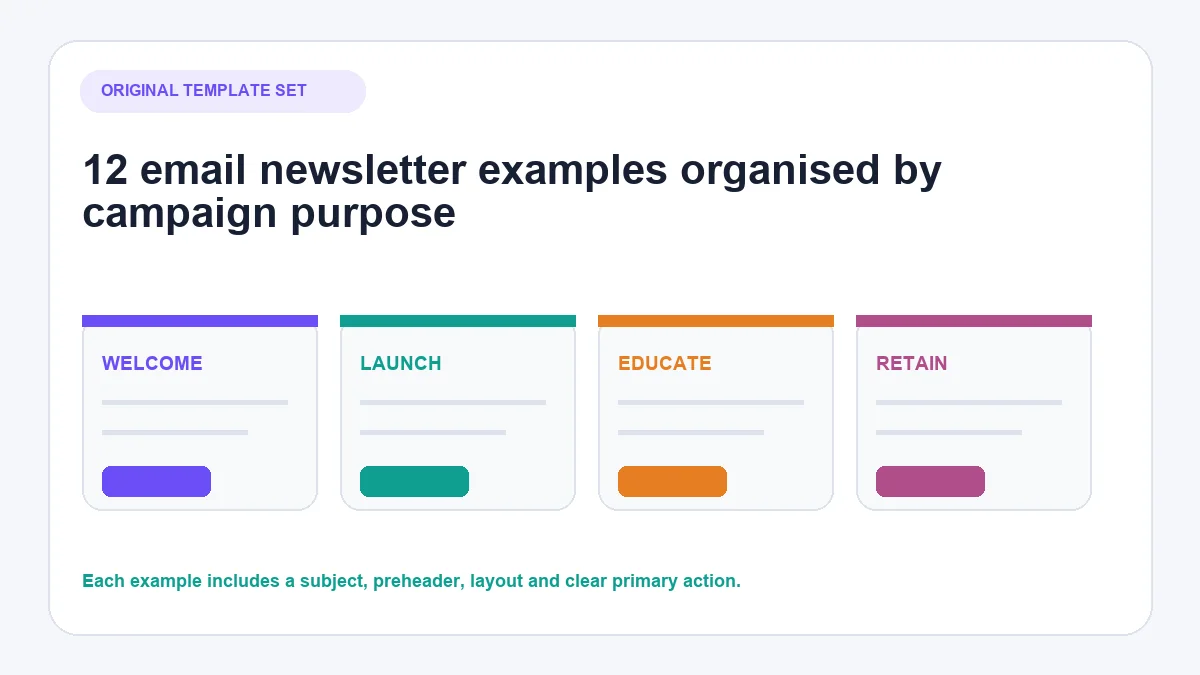
Choose the newsletter format by purpose
| Campaign goal | Useful format | Primary action |
|---|---|---|
| Welcome a subscriber | Short orientation email | Set preferences or browse |
| Launch a product | Product story with proof and detail | View the product |
| Publish regularly | Curated weekly edit | Read one featured item |
| Teach customers | Step-by-step educational email | Use the instructions |
| Announce a restock | Focused availability alert | Check availability |
| Run a seasonal campaign | Deadline-led collection | Shop the campaign |
| Support a purchase | Product-use guidance | Complete the next step |
| Explain a customer outcome | Evidence-led case-study format | Read the full story |
| Update B2B subscribers | Executive digest | Review one priority item |
| Build a personal connection | Founder note | Reply or read more |
| Curate useful material | Resource roundup | Open a selected resource |
| Serve a local audience | Monthly community update | Book, visit or respond |
Do not place every possible link into one email. Choose a primary action and treat secondary links as genuinely secondary.
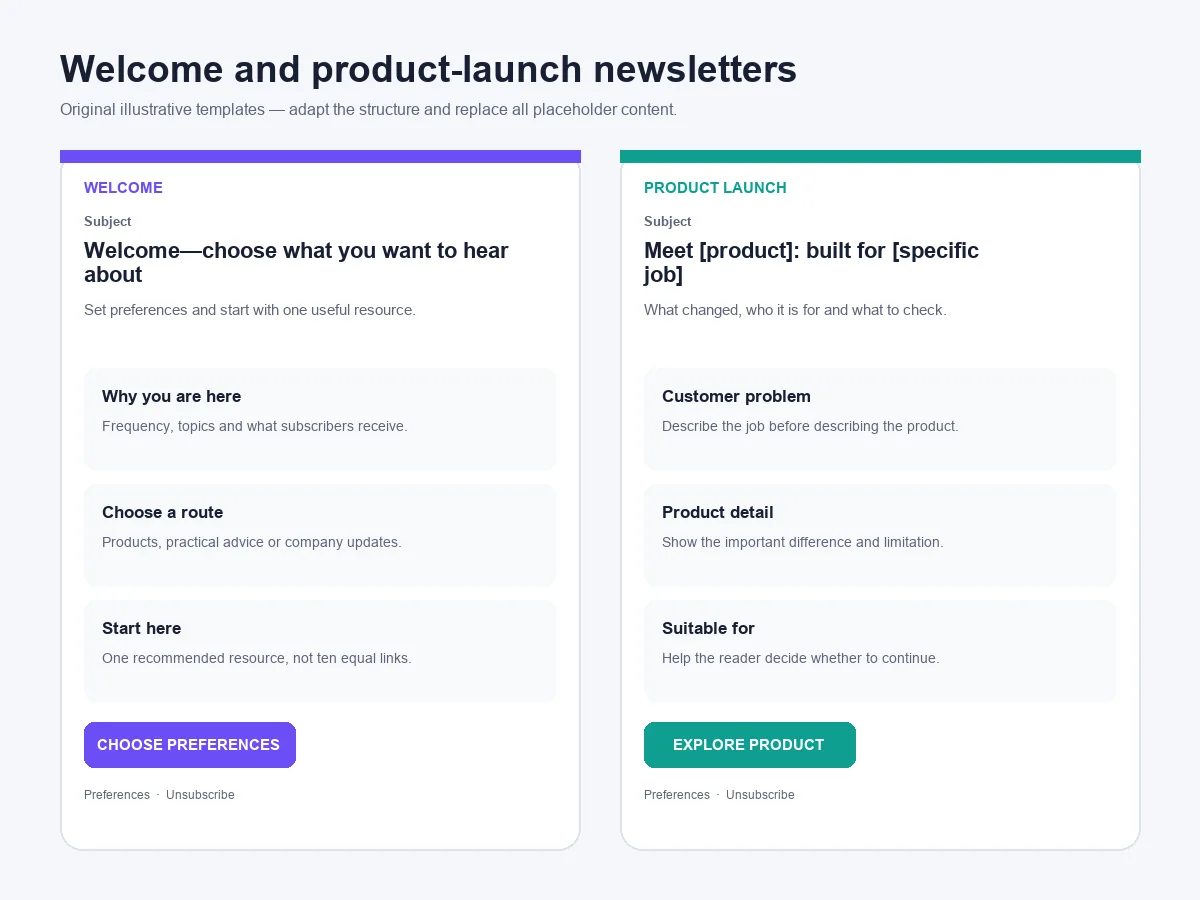
1. Welcome newsletter with a useful first step
Best for: New subscribers who need to understand what they will receive.
- Subject: Welcome—choose what you want to hear about
- Preheader: Set your preferences and see the most useful place to start.
- Structure: Welcome → value proposition → three content choices → preference CTA.
- Primary CTA: Choose my preferences
The email should confirm why the person is receiving it and help them shape future messages. A preference action is often more useful than immediately presenting a crowded product catalogue.
Template: “You signed up for [reason]. We send [content type] at [frequency]. Choose the topics that matter to you, or start with [single recommended resource].”
2. Product-launch newsletter that explains the change
Best for: A new product, collection or meaningful feature.
- Subject: Meet [product]: built for [specific job]
- Preheader: What changed, who it is for and what to check before buying.
- Structure: Clear launch statement → problem → product detail → suitability → CTA.
- Primary CTA: Explore the product
Avoid treating “new” as the entire argument. Explain the customer problem, the distinguishing detail and any important limitation. Use product images that show scale, material or operation rather than relying only on a decorative hero.
3. Weekly edit with one lead story
Best for: Publishers, educators and brands with a consistent content programme.
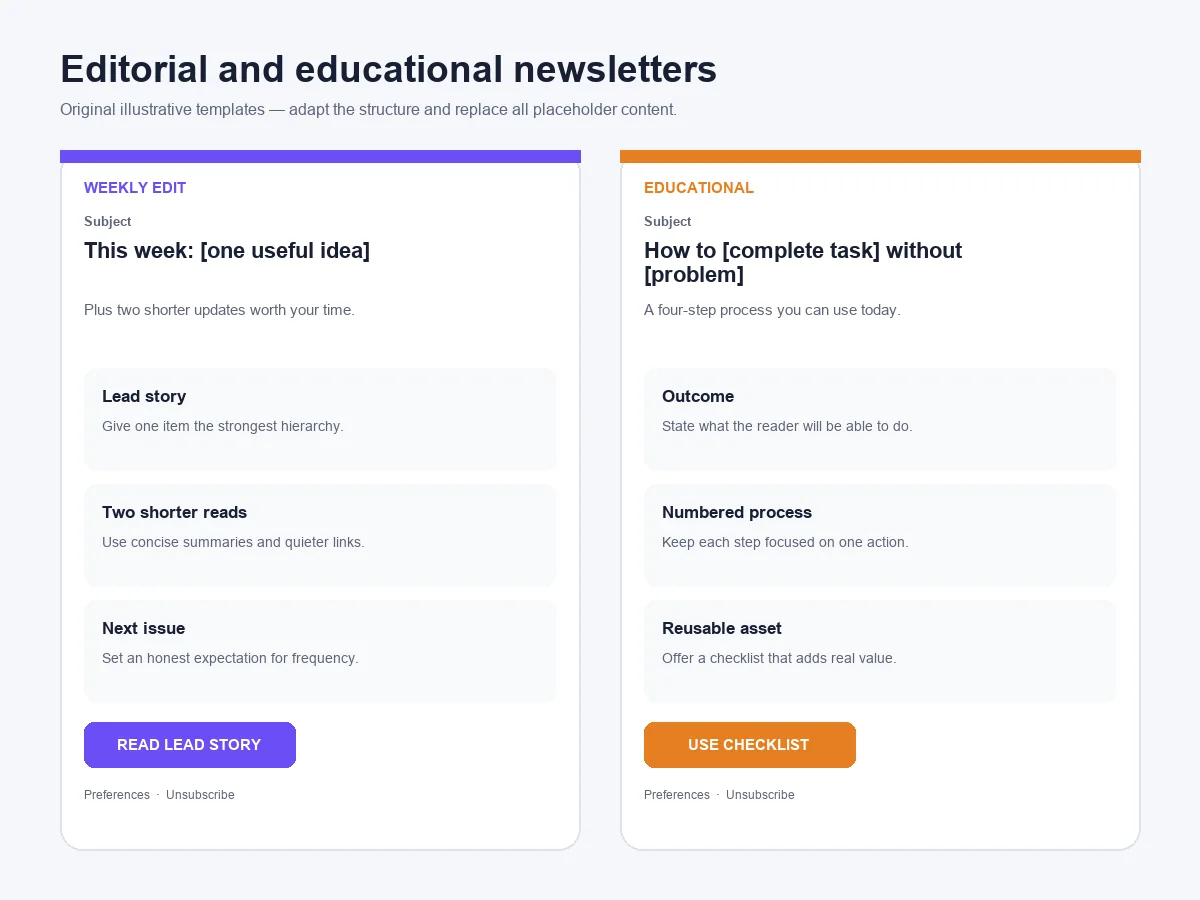
- Subject: This week: [specific useful idea]
- Preheader: Plus two shorter updates worth your time.
- Structure: Editor introduction → lead story → two secondary links → next issue note.
- Primary CTA: Read the lead story
The hierarchy should make the editorial judgement visible. One item receives the strongest headline and image; the remaining links are deliberately quieter. This is easier to scan than presenting six stories with equal weight.
4. Educational newsletter built around a process
Best for: Product education, onboarding and practical thought leadership.
- Subject: How to [complete task] without [common problem]
- Preheader: A four-step process you can use today.
- Structure: Outcome → numbered steps → example → checklist CTA.
- Primary CTA: Use the checklist
Keep the instruction inside the email useful even if the reader does not click. The destination should add depth, a tool or a reusable asset rather than hiding the answer promised by the subject line.
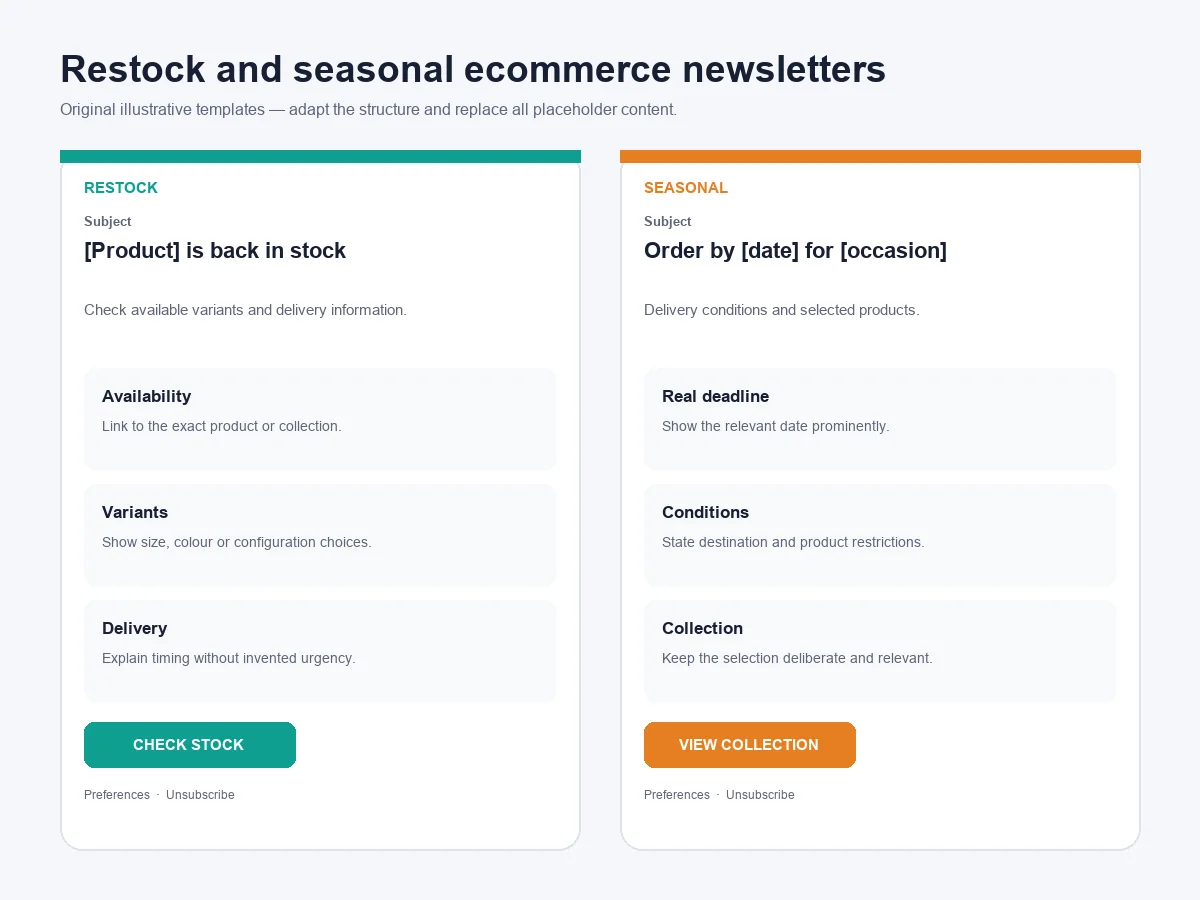
5. Restock newsletter that confirms availability
Best for: Products with genuine returning demand.
- Subject: [Product] is back in stock
- Preheader: Check the available sizes, colours and delivery information.
- Structure: Availability → variants → key product detail → delivery note → CTA.
- Primary CTA: Check current stock
Connect the CTA to the exact product or collection, not the homepage. If stock is limited, state what “limited” means only when the business can support the claim. Do not manufacture urgency.
6. Seasonal newsletter with a real deadline
Best for: A dated event, delivery cut-off or seasonal collection.
- Subject: Order by [date] for [occasion]
- Preheader: Delivery conditions and selected products in one place.
- Structure: Deadline → eligibility conditions → collection → delivery details → CTA.
- Primary CTA: View the seasonal collection
Put delivery conditions beside the deadline. A visually prominent date without destination, product or service restrictions can create avoidable customer-service enquiries.
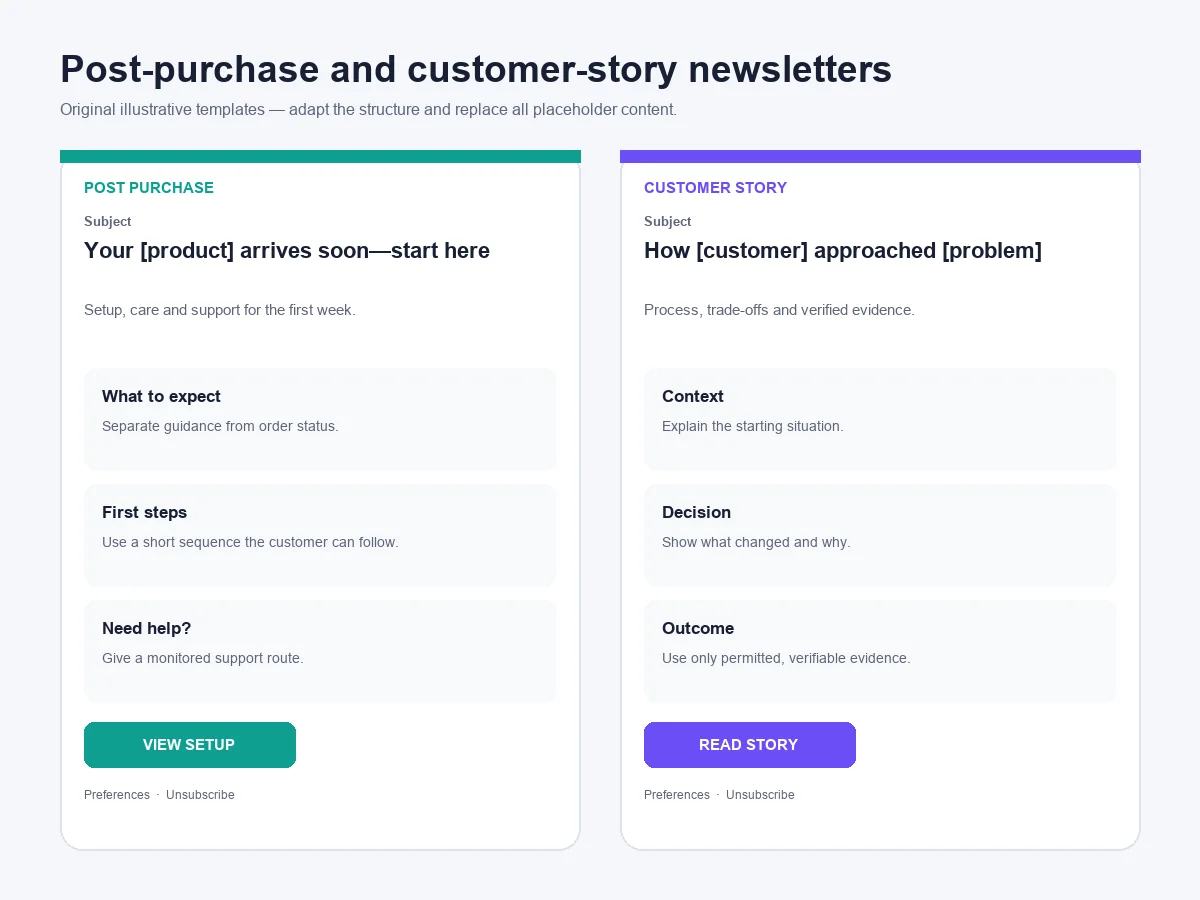
7. Post-purchase newsletter that helps the customer succeed
Best for: Products that need setup, care or first-use guidance.
- Subject: Your [product] arrives soon—start here
- Preheader: Setup, care and support information for the first week.
- Structure: What to expect → setup steps → common question → support route.
- Primary CTA: View the setup instructions
This newsletter should complement transactional order messages rather than disguise a promotion as an order update. Keep essential fulfilment information accurate and separate optional cross-sells from the main guidance.
8. Customer-story newsletter with verifiable evidence
Best for: A documented case study with the customer’s permission.
- Subject: How [customer] approached [specific problem]
- Preheader: The process, trade-offs and evidence behind the result.
- Structure: Context → problem → decision → implementation → verified outcome.
- Primary CTA: Read the complete case study
Do not invent a quotation or remove the conditions behind a result. A credible customer story explains what changed, the timeframe and what cannot be generalised. If evidence is unavailable, use an educational example instead.
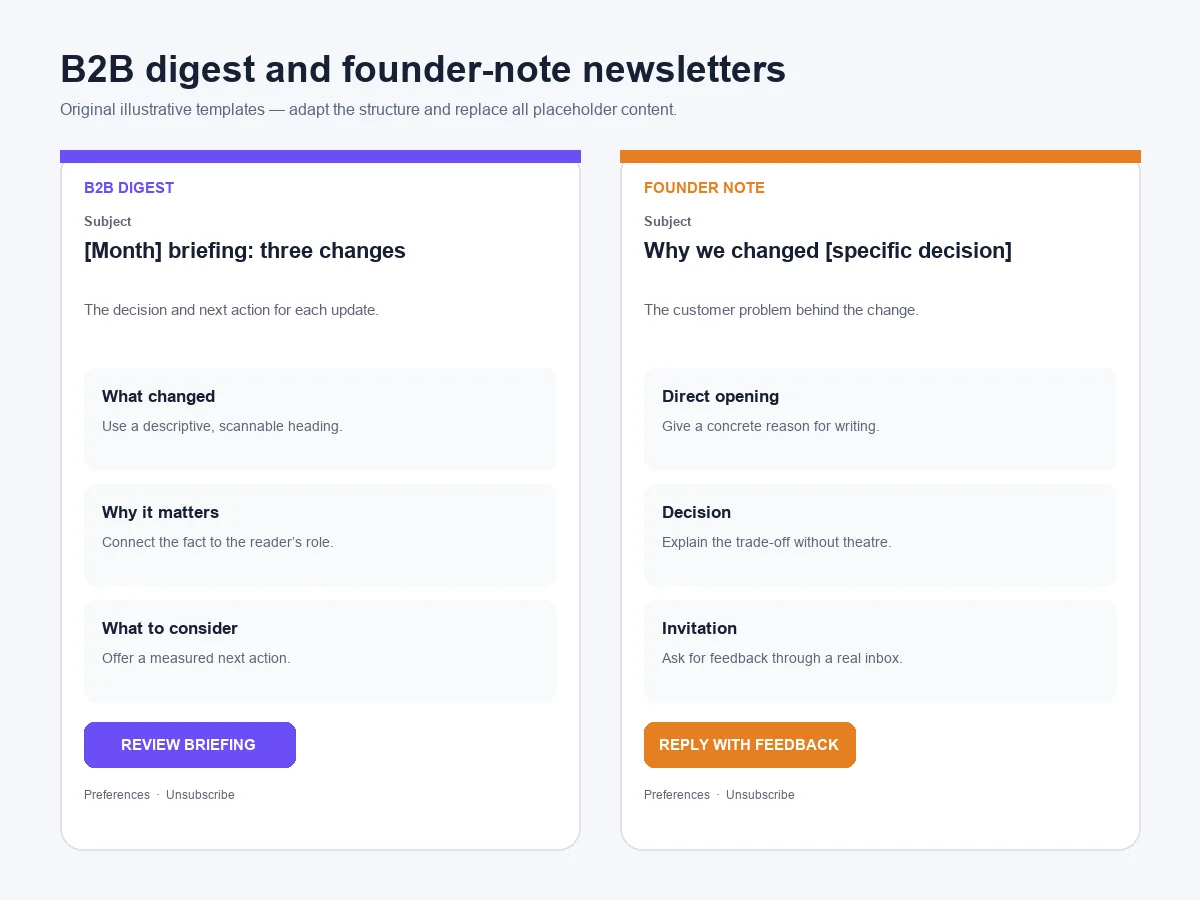
9. B2B newsletter written as an executive digest
Best for: Decision-makers who need a concise update rather than a visual catalogue.
- Subject: [Month] briefing: three changes affecting [role]
- Preheader: The decision, evidence and next action for each update.
- Structure: Executive summary → three developments → implications → CTA.
- Primary CTA: Review the full briefing
Use descriptive headings so a reader can understand the email by scanning. Each item should answer: what changed, why it matters and what the reader should consider doing.
10. Founder note with a concrete reason to write
Best for: A meaningful company decision, lesson or change in direction.
- Subject: Why we changed [specific decision]
- Preheader: The customer problem behind the change.
- Structure: Direct opening → context → decision → consequence → invitation to reply.
- Primary CTA: Reply with feedback
A founder note works when the sender has something specific to say. Avoid simulated intimacy, generic motivation and a signature attached to copy the founder did not approve.
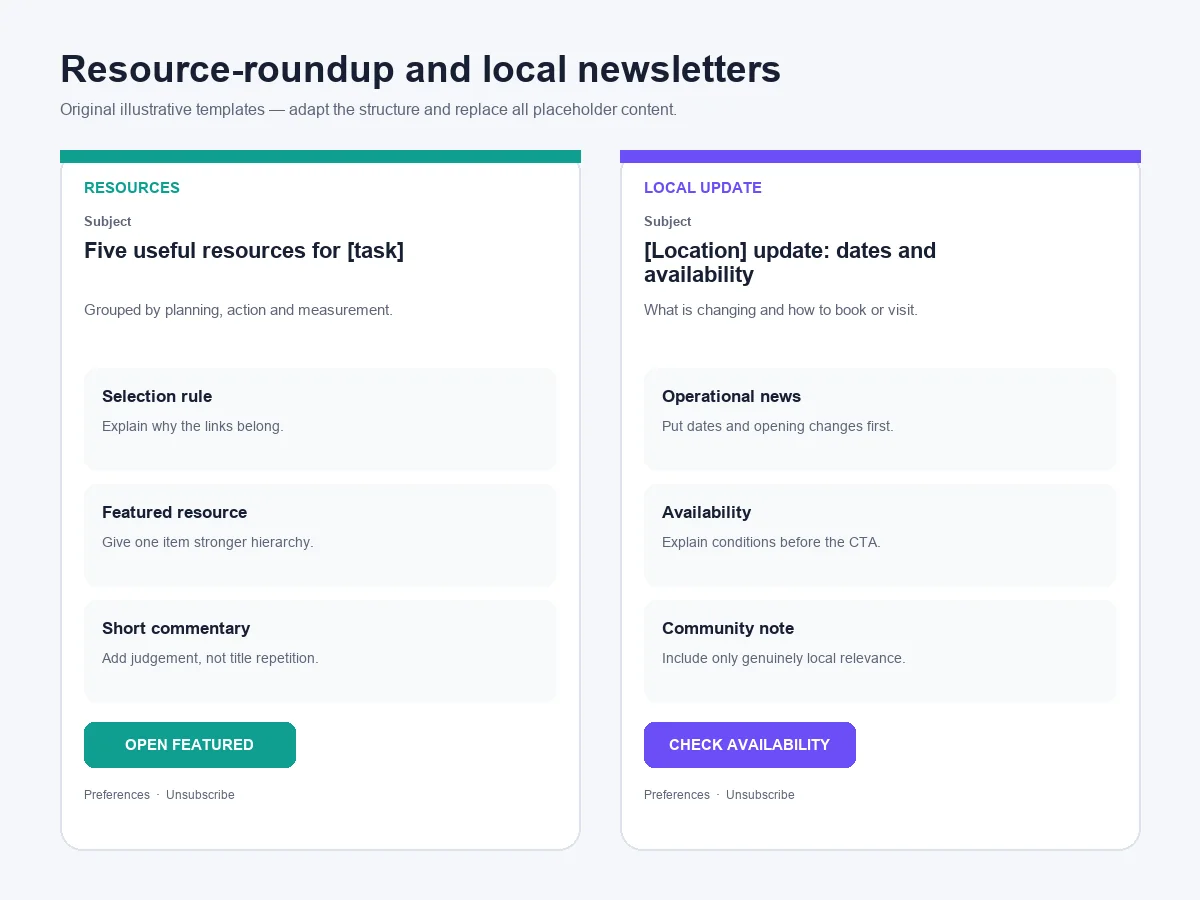
11. Resource roundup organised by reader need
Best for: Brands curating research, tools or practical material.
- Subject: Five useful resources for [specific task]
- Preheader: Grouped by planning, implementation and measurement.
- Structure: Selection principle → grouped resources → one-line commentary → save CTA.
- Primary CTA: Open the featured resource
Explain why each link was selected. A list of titles without editorial judgement gives the reader little reason to trust the curation.
12. Local monthly newsletter with operational value
Best for: Clinics, studios, shops, venues and local service businesses.
- Subject: [Location] update: dates, availability and one useful reminder
- Preheader: What is changing this month and how to book or visit.
- Structure: Operational update → dates → featured service → community note → CTA.
- Primary CTA: Check availability
Put practical information first: location, opening changes, booking conditions and relevant dates. A local newsletter earns attention by being reliably useful, not by imitating a national retail campaign.
What the best newsletter layouts have in common
One clear visual hierarchy
The subject line, email headline and primary CTA should describe the same action. Readers should not have to decide which of several equally prominent buttons represents the point of the message.
Useful text without relying on images
Important information should remain understandable when images are blocked or slow to load. Add meaningful alternative text to informative images, and avoid placing essential conditions only inside artwork.
Readable contrast and mobile spacing
Text and interactive controls need sufficient contrast. The W3C accessibility guidance on colour contrast explains why this matters for text, icons and buttons. Test the email at narrow widths and make links easy to select without accidentally tapping a neighbouring action.
Honest permission and a working unsubscribe route
Send marketing email to people you are permitted to contact, explain why they receive it and make leaving straightforward. For US commercial email, the FTC’s CAN-SPAM compliance guidance covers header information, subject lines, addresses and opt-out handling. Other countries have their own requirements.
Google also publishes email sender requirements for Gmail, including authentication and additional obligations for high-volume senders. These technical controls belong in the sending system; they cannot be repaired by a more attractive template.
A practical newsletter review checklist
Before sending, confirm:
- The audience and permission basis are appropriate.
- The subject accurately represents the email.
- The preheader adds information instead of repeating the subject.
- The sender name and reply address are recognisable.
- The primary action is clear.
- Prices, dates, availability and conditions are current.
- Links lead to the intended destination.
- Images have useful alternative text.
- The message remains understandable without images.
- Mobile spacing, contrast and dark-mode behaviour have been tested.
- The physical-address and unsubscribe requirements for the relevant markets are met.
- The team is prepared for replies and customer questions.
Campaigns should also fit the wider ecommerce website launch and marketing plan rather than operate as isolated sends. For retention-focused campaigns, connect the message to a measured Shopify customer retention strategy.
What happens when a newsletter generates customer questions?
A campaign may prompt replies about product fit, stock, delivery, account access or returns. Decide before sending whether replies go to a monitored inbox and who owns exceptions.
How AeroChat manages Customer replies
AeroChat is an AI agent platform that helps online businesses run customer service on autopilot. Its email connection can bring supported Gmail or Outlook conversations into the same inbox as other customer channels and use approved business knowledge for suitable questions. A person can take over through human handover when judgement is required.
AeroChat is not an email newsletter design or bulk-sending platform. It becomes relevant after a campaign creates inbound customer conversations. The current connection options are documented in the AeroChat setup centre, while contact management helps organise details collected from supported customer conversations.
Frequently asked questions
How many sections should an email newsletter contain?
Use only the sections needed to deliver the promise. A product alert may need one content block, while an editorial digest may need a lead story and several secondary items. Hierarchy matters more than an arbitrary section count.
Should every newsletter include a discount?
No. Education, product guidance, operational updates and curated resources can be useful without a discount. Use a promotion only when it supports the campaign and the business can honour its conditions.
Can these newsletter templates be copied exactly?
The structures and original illustrative layouts can be adapted, but replace the placeholder copy, branding and examples with your own material. Do not copy another company’s protected artwork, photographs or distinctive campaign wording.
What is the best width for an email newsletter?
Email builders commonly provide a constrained desktop content area and responsive behaviour for smaller screens, but there is no single width that works independently of the sending platform. Use the platform’s supported template system and test in the email clients important to your audience.
Are newsletter replies valuable?
They can reveal objections, questions and customer language that click metrics miss. Use a monitored reply address where operationally possible and route sensitive or complex cases to an authorised person.



