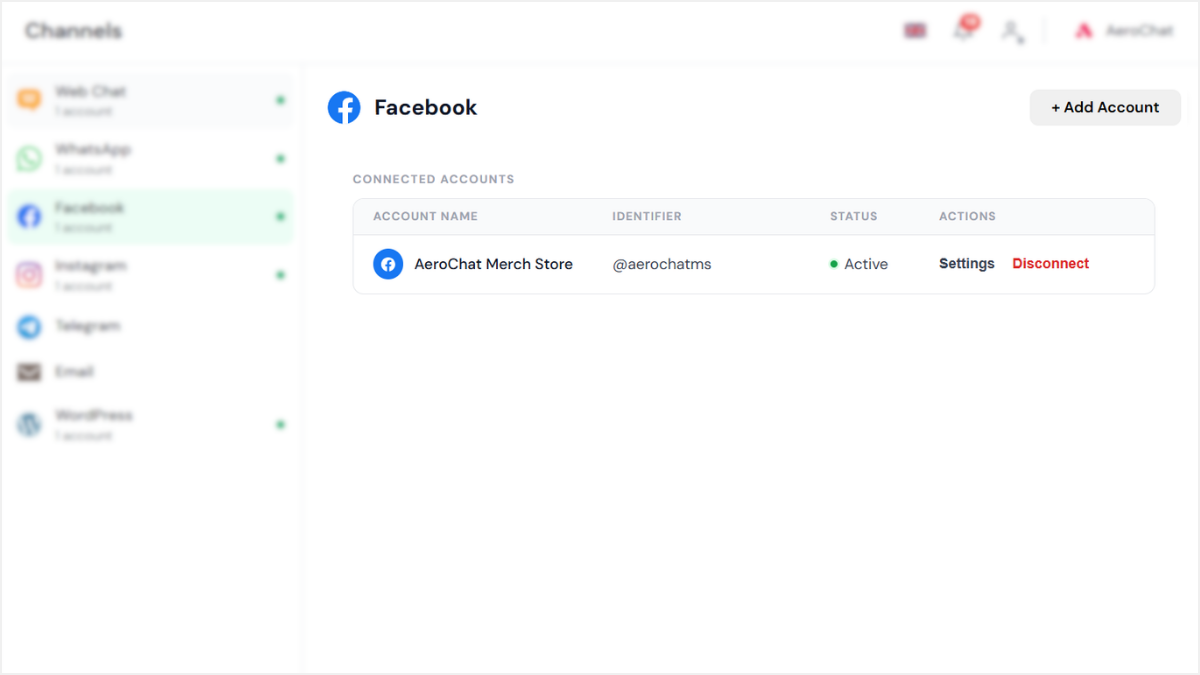
Step 1: Grant permissions to fetch your Facebook Pages
Log in with the Facebook account that manages the Page you want to connect, then click Continue to authorize AeroChat and fetch your Pages.
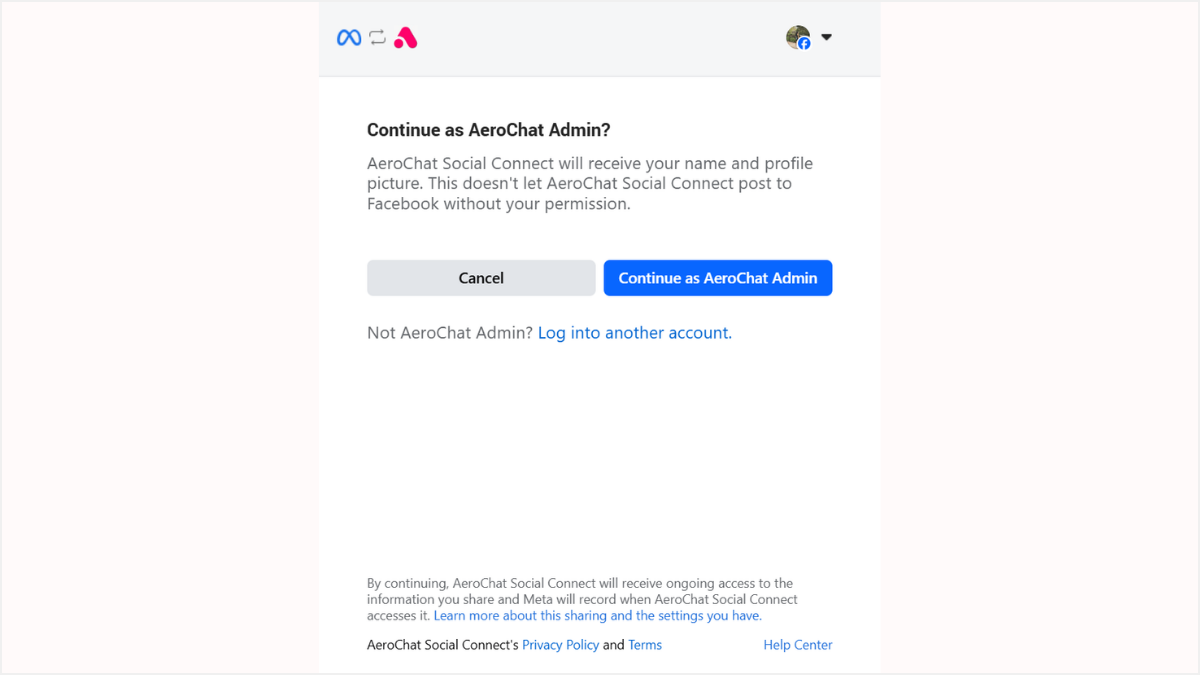
Step 2: Select the Facebook Page to connect
You’ll see a list of all Pages linked to your Facebook account. Choose the Page you want AeroChat to manage messages and comments for.
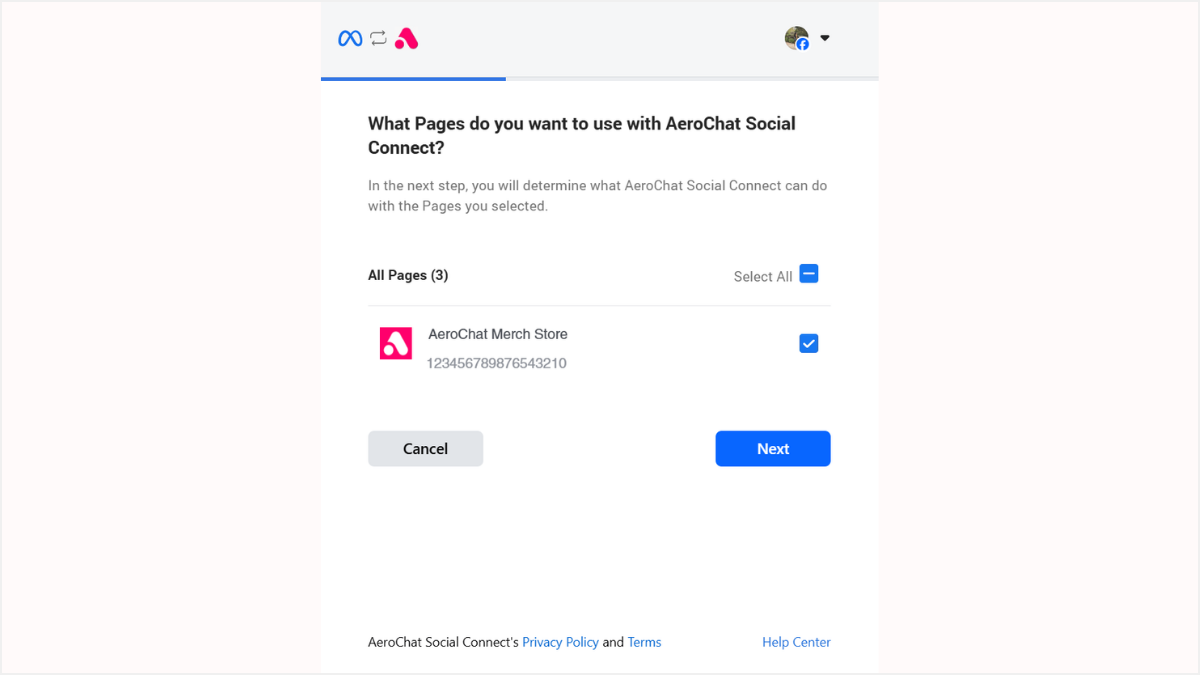
Step 3: Verify your connection
Meta will show a final permissions summary. Make sure all permissions are enabled, then click Done — this ensures the AI can reply to Messenger DMs and Page comments properly.
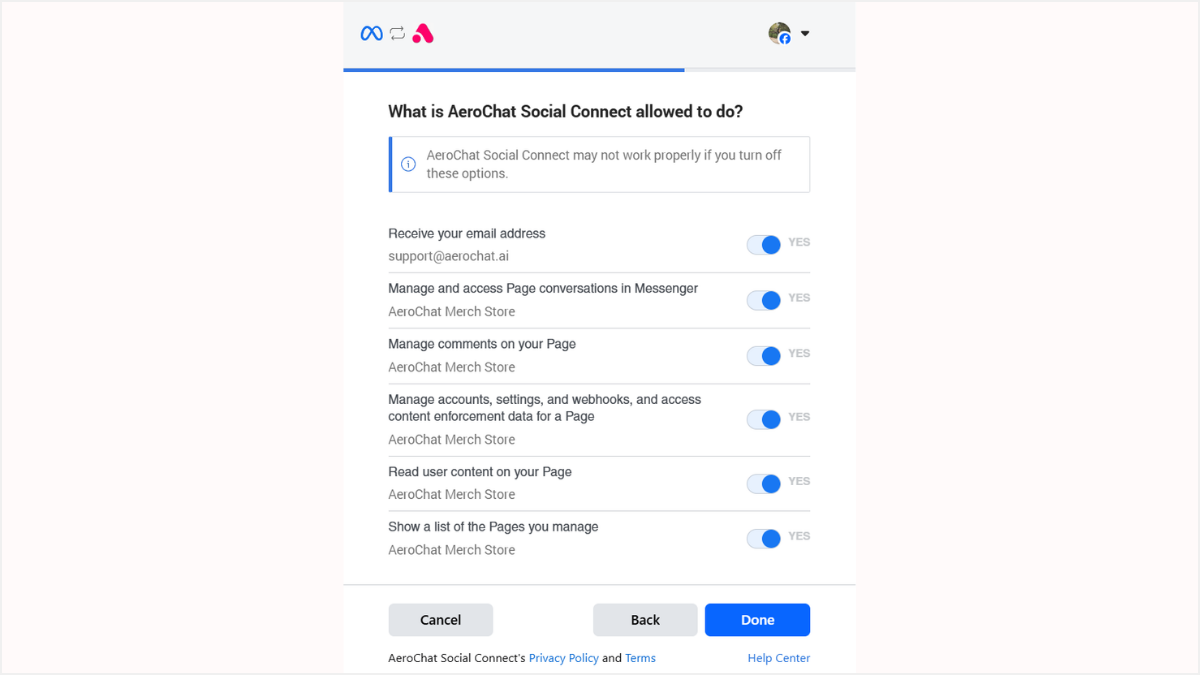
Step 4: Complete the integration
Once the linking is completed, click OK. Your Facebook Page now appears in your AeroChat channels list and starts receiving messages instantly.