



How Can I Automate Appointment Booking, Payments and Lead Capture From One Chatbot?

Use one chatbot as the conversational front end, then connect it to three systems of record: a CRM for the lead, a scheduler for the appointment and a payment provider for the transaction. The chatbot coordinates the steps, but each connected system must confirm its own action.
One conversation does not mean one database
The customer may experience one continuous exchange, while the business runs several controlled systems behind it.
| Business object | System of record | What the chatbot may do | Proof of success |
|---|---|---|---|
| Lead or contact | CRM or contact platform | Collect, qualify, create or update | Contact or lead ID |
| Appointment | Scheduler or calendar | Request availability and create an event | Booking or event ID |
| Payment | Payment provider and order/invoice system | Present checkout and explain status | Verified transaction ID |
| Conversation | Chat platform | Preserve questions, choices and handoff context | Conversation ID and outcome |
Do not make the chatbot's message history the only record of a booking or payment.
Start with a shared identity
The three workflows need a consistent way to recognise the person. Capture a verified contact method before creating customer-specific records, then pass a stable internal reference between systems where possible.
The shared identity should not expose payment credentials or unnecessary personal information. A payment provider may know card details that the CRM and chatbot never need to receive.
AeroChat's automatic contact management can capture and organise names, emails and phone numbers from supported conversation channels. The business should define which identifier links that contact to its scheduler and payment records.
Design the journey as states, not one long prompt
A practical workflow might use these states:
- Question: understand what the person needs.
- Qualified lead: collect the minimum details and determine fit.
- Booking offered: select the correct appointment type and owner.
- Slot selected: request current availability and hold or recheck the choice.
- Payment required: explain the deposit or fee and present the approved checkout.
- Payment confirmed: receive the provider result.
- Booking confirmed: create or finalise the calendar event.
- CRM completed: store the outcome, owner and next action.
Each state should have an entry condition, allowed actions, success result and failure route. This is more dependable than asking an AI model to “book, charge and save the lead” in one instruction.
Decide whether booking or payment happens first
The order depends on the business model.
Reserve, then pay
The scheduler temporarily holds a slot, the customer pays and the booking is confirmed after payment. This reduces the chance of charging for an unavailable time, but the hold needs an expiry rule.
Pay, then book
The customer buys a consultation or credit, then chooses a time. This suits flexible schedules but needs a clear route when no suitable slot remains.
Book without payment
Sales demos and qualification calls may require no payment. Do not add a transaction step merely because the chatbot supports one.
Write down which system changes the status at each point. A paid transaction should not remain attached to an unconfirmed booking without an owner and recovery rule.
Connect the lead-capture layer
Collect only fields that change eligibility, routing or follow-up. Search the CRM before creating a record, preserve the lead source and record any marketing choice separately from the requested service contact.
AeroChat's conversational lead capture is relevant to this stage. The CRM remains responsible for record ownership, duplicate handling and pipeline status.
Connect the scheduling layer
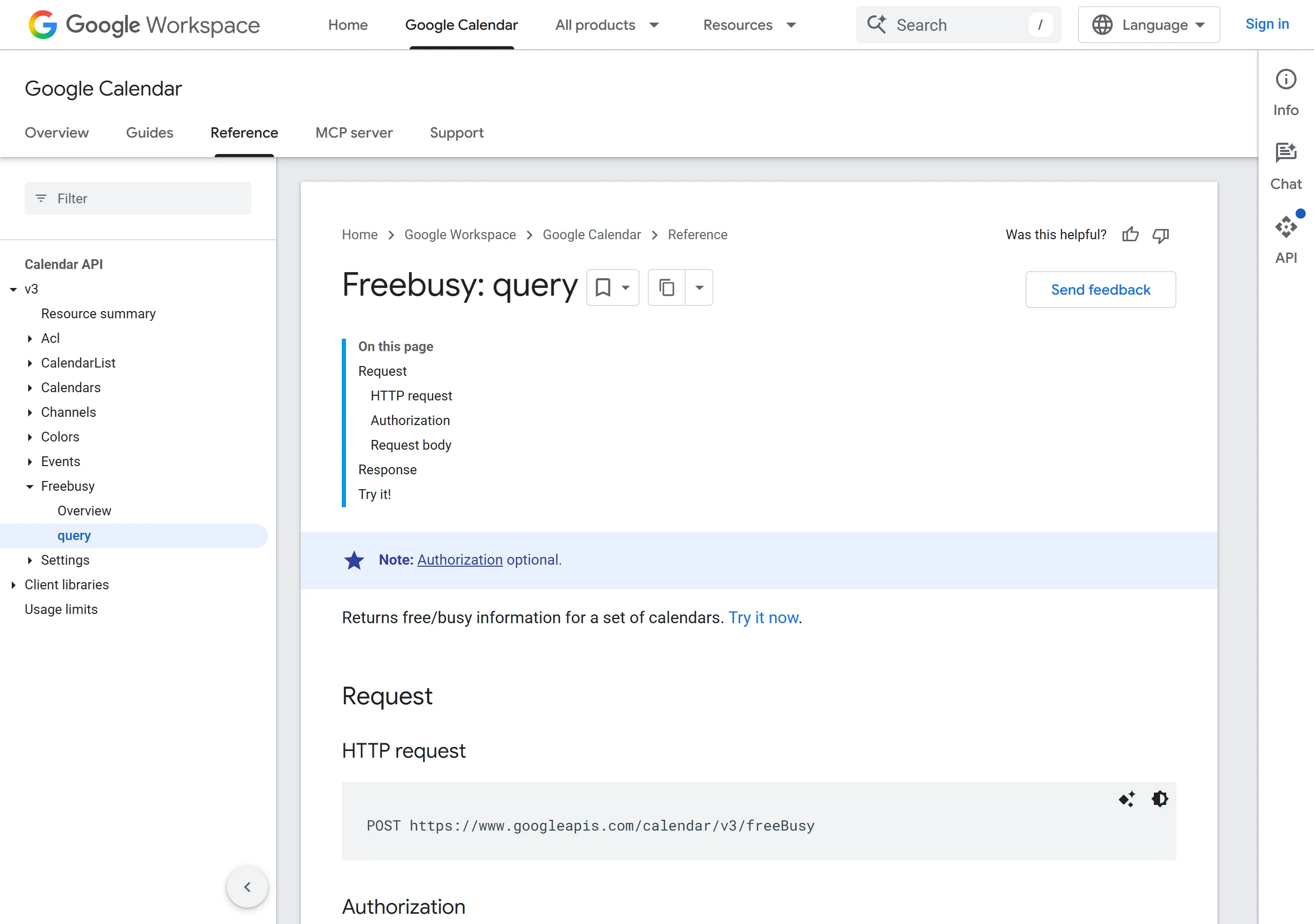
The scheduling system should own appointment types, staff availability, time zones, buffers, rescheduling and cancellations. A direct calendar implementation normally reads availability and creates an event through authorised API calls.
Google Calendar documents separate free/busy queries and event writes. This illustrates why a chatbot needs more than a list of times in its instructions.
AeroChat can book appointments as part of the conversation. The connected calendar or scheduler should still own live availability, the booking record and the result used to confirm success. Review the AeroChat platform features alongside the selected calendar workflow before launch.
Connect the payment layer
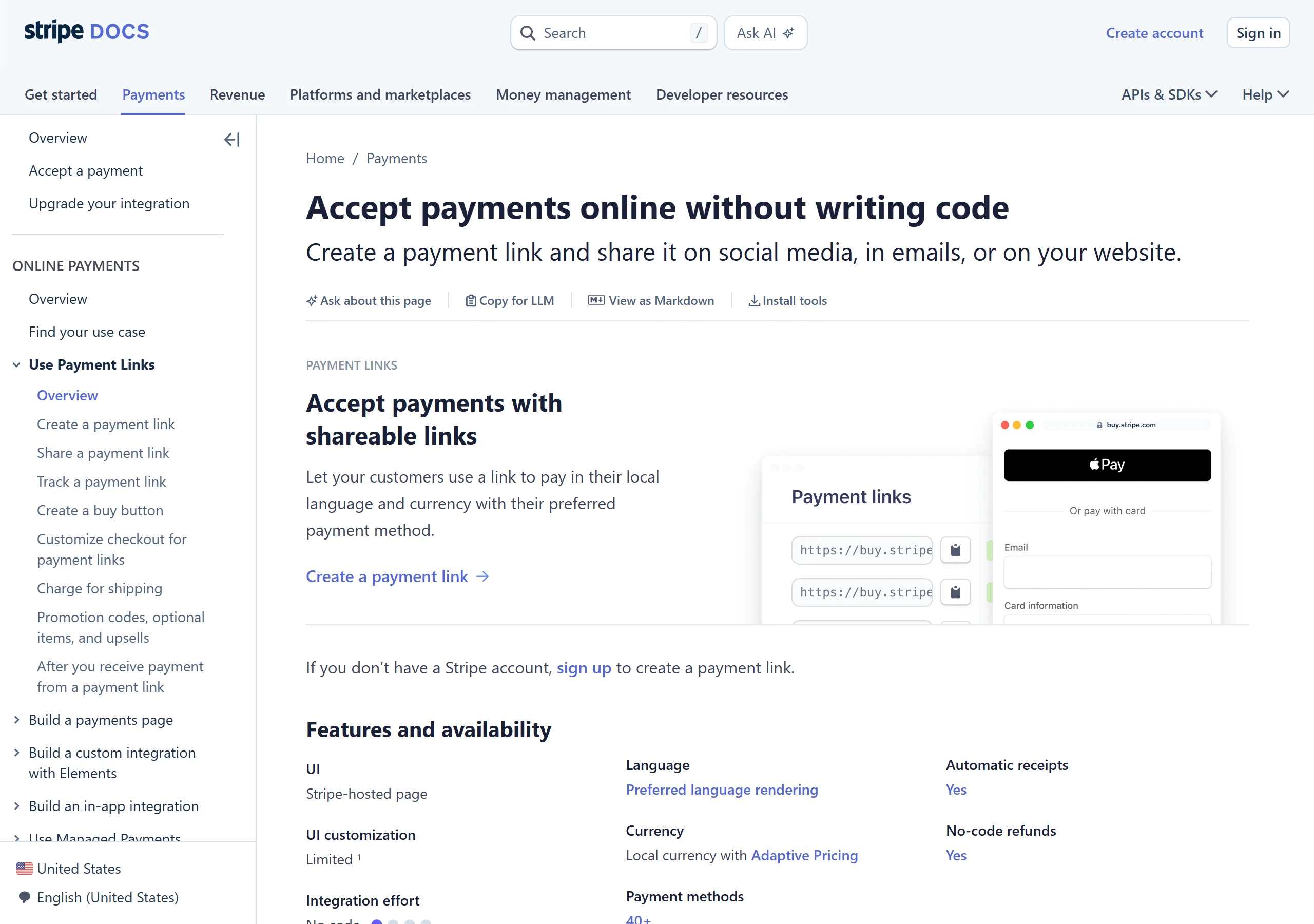
Use a provider-hosted or otherwise approved payment component. The chatbot can state the item, deposit, amount and currency, then present the secure route. It should never ask the customer to type card credentials into an ordinary message.
Stripe's Payment Links documentation is one example of a hosted payment page that can be shared through online conversations. Current AeroChat plan information lists in-chat payment links, but the exact merchant workflow and availability should be verified before launch.
Handle partial success deliberately
The most important tests involve one system succeeding while another fails.
| Partial failure | Safe response |
|---|---|
| CRM write fails, booking succeeds | Keep the event; create a retry queue and notify the owner |
| Payment succeeds, booking fails | Do not ask for payment again; reserve alternatives or route refund/rebooking |
| Booking succeeds, payment remains pending | Mark appointment provisional under the business rule |
| Payment fails, slot is held | Release the slot when the hold expires |
| Customer abandons after lead capture | Store only permitted data and follow up within the recorded purpose |
| Chatbot times out after a successful write | Query using the idempotency/reference key before retrying |
The customer-facing message should state what is confirmed and what is not. Avoid “everything is booked” if only one system returned success.
How AeroChat connects the workflow without hiding failures
Automation is most fragile where one system hands work to another. Assign a queue for payment mismatches, no available slots, duplicate contacts, refunds, appointment exceptions and integration outages.
AeroChat can coordinate the customer-facing stages by capturing the contact, booking the appointment and presenting the relevant payment link. The CRM, calendar and payment provider must still return their own success records, so the chatbot can distinguish a completed workflow from a partial one.
Human handover with full context should pass the contact, requested service, selected time, payment reference and the exact failed step. A person should not have to reconstruct the workflow from three dashboards while the customer waits.
Test one complete journey before adding branches
Run a single appointment type with one payment rule and one CRM pipeline. Test success, decline, double submission, no availability, expired link, duplicate lead and an integration outage.
The combined workflow is ready only when every action creates one correct record, every failure has an owner and the chatbot's wording matches the confirmed state of all three systems.



