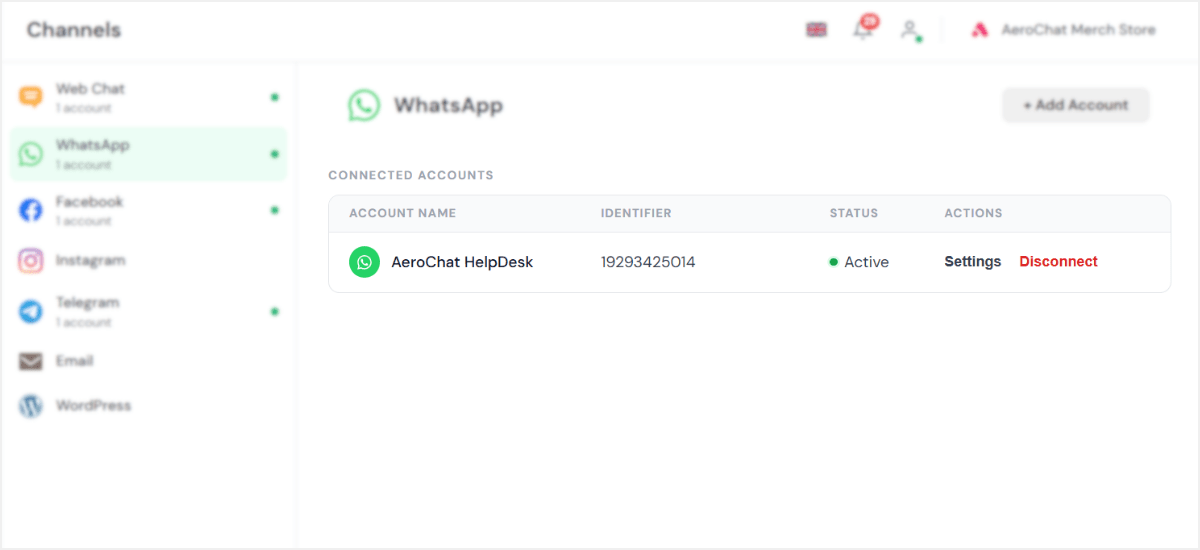
Step 1: Log in to your Facebook account
Begin by logging in to the Facebook account associated with your business, then click Continue to begin setting up your WhatsApp integration with Meta.
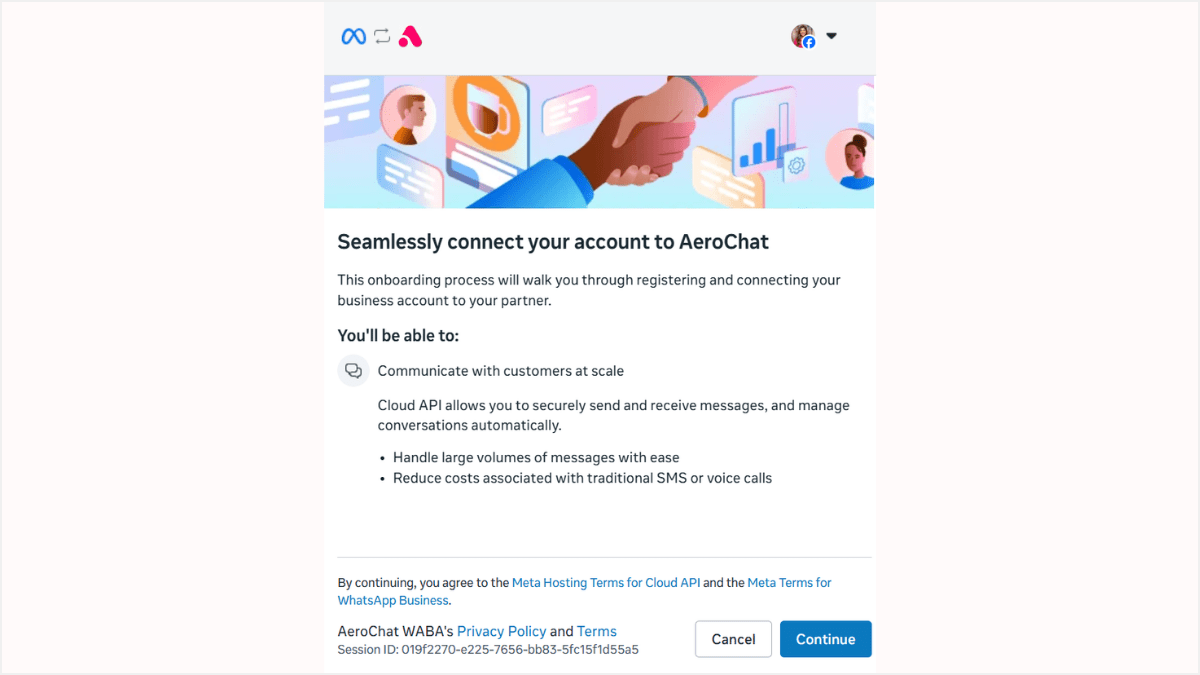
Step 2: Choose or create a business portfolio
Select the Meta business portfolio you want to use. If you don’t have one yet, create it right here in the flow. Enter your business name, category, and a short description. This is what customers will see when they message your WhatsApp number.
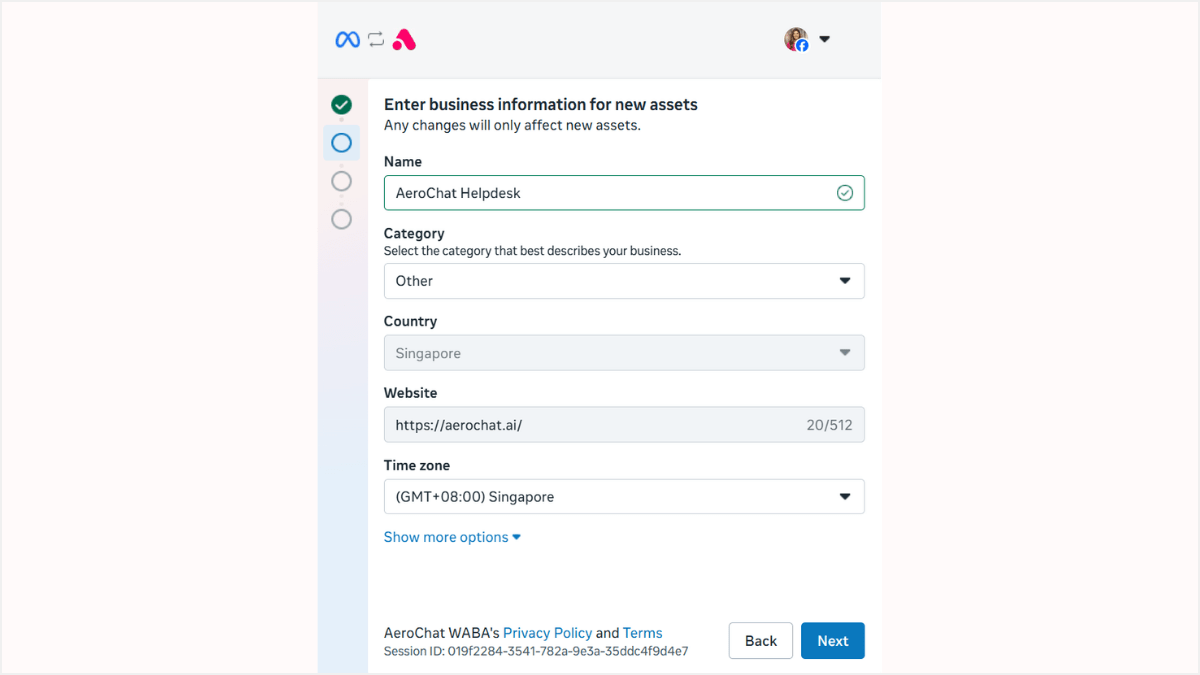
Step 3: Add and verify your phone number
Enter the phone number you want to use for WhatsApp. Meta will send a verification code by SMS or call — enter it to verify.
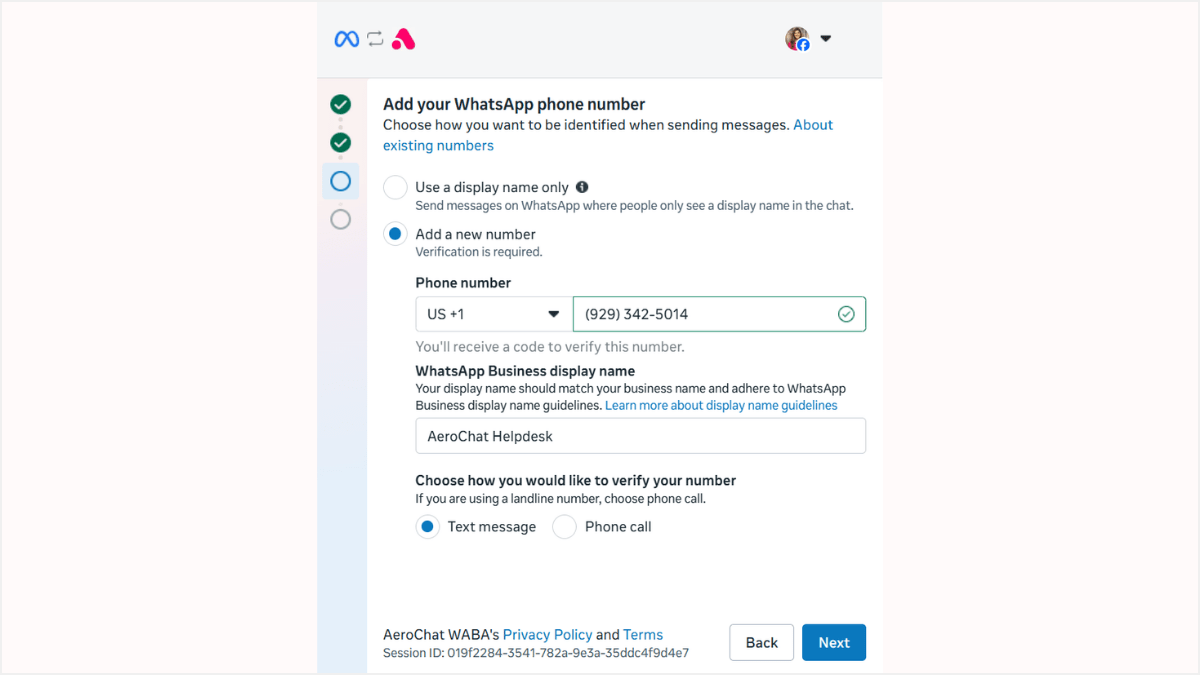
Step 4: Complete the integration
Once verification is complete, click Finish. Your WhatsApp number now appears in your AeroChat channels list and starts receiving messages instantly.