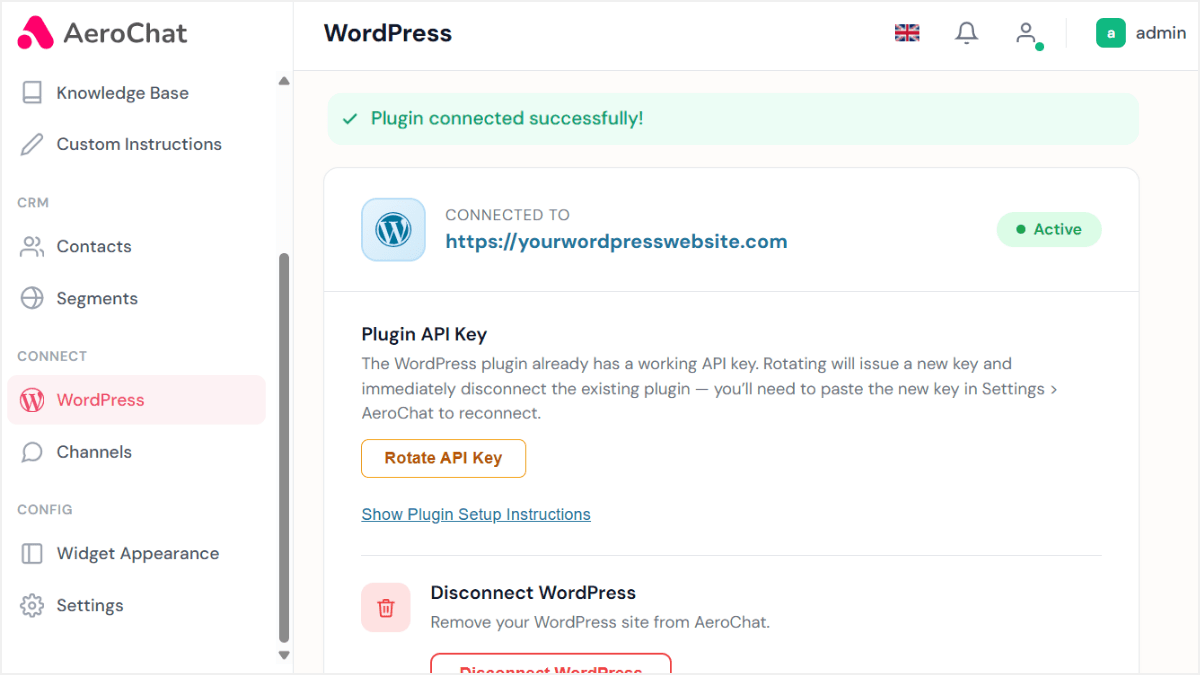
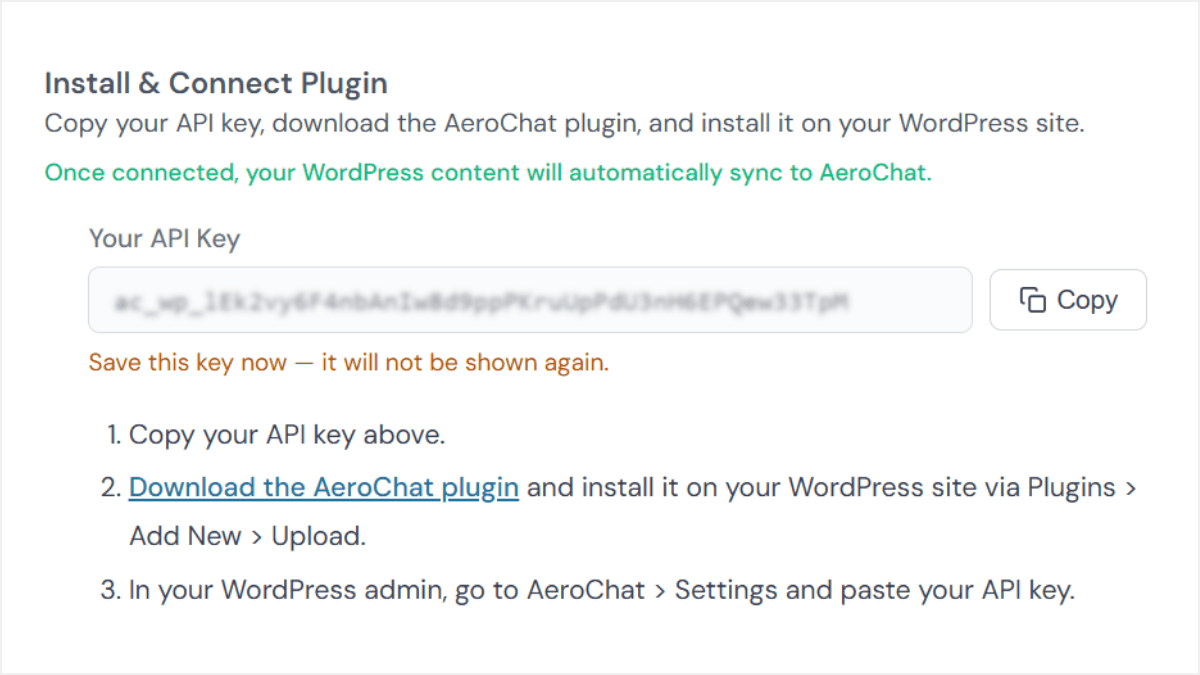
Step 1: Copy your API key and download the plugin
In your AeroChat dashboard, open the WordPress integration. Click Copy to copy your API key, then click the download link to save the AeroChat plugin (.zip file).
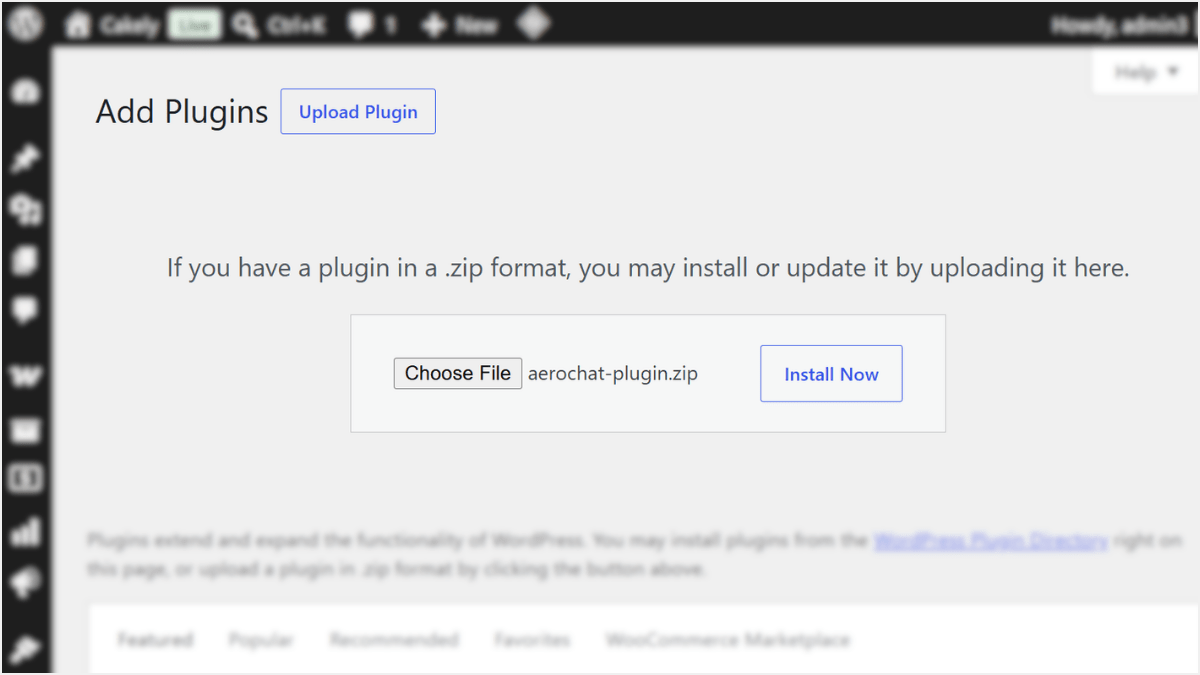
Step 2: Upload the plugin to WordPress
In your WordPress admin, go to Plugins → Add Plugin → Upload Plugin, choose the .zip file, and click Install Now.
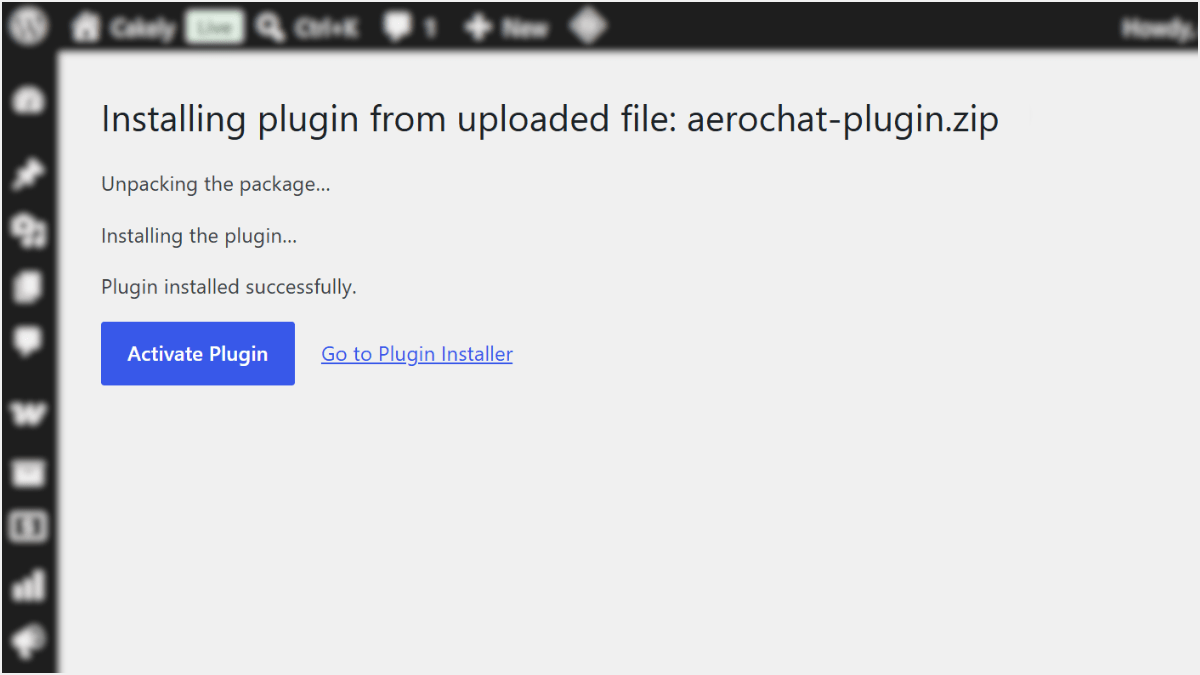
Step 3: Activate the plugin
After it installs, click Activate Plugin.
Step 4: Paste your API key
Go to the AeroChat settings in your WordPress admin, paste the API key you copied, and save.
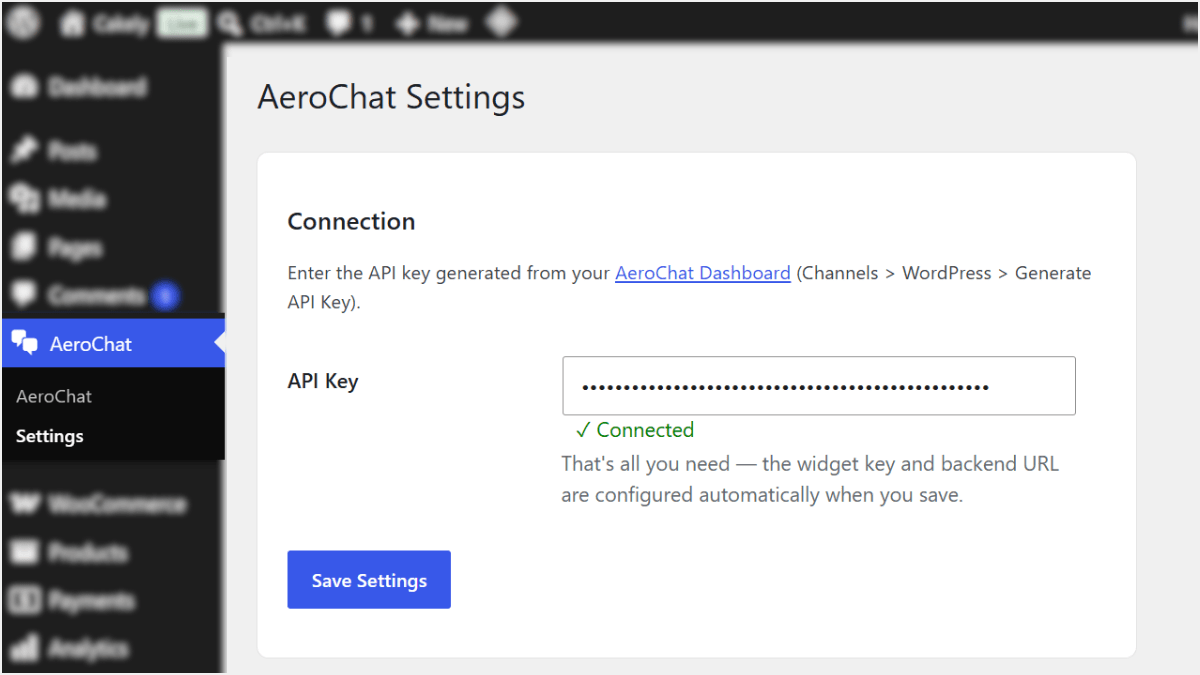
Step 5: You’re connected!
AeroChat syncs your content and the chat widget goes live on your site.