
9 Best Live Chat Apps for Shopify in 2026
Looking for a live chat app for Shopify? The right tool depends on what you need: answering questions while your team is offline, cutting down repetitive support, following up on abandoned carts, or giving agents a better inbox.
In 2026, live chat is about more than answering questions. Many Shopify chat apps now combine:
-
AI replies
-
Cart follow-up
-
Order tracking
-
Messaging channels such as WhatsApp and Instagram
-
Product recommendations
9 Best Live Chat Apps for Shopify
Below are nine live chat apps Shopify merchants commonly use. Each suits a different kind of store.
1. AeroChat: Chat Infrastructure for Support and Sales Workflows
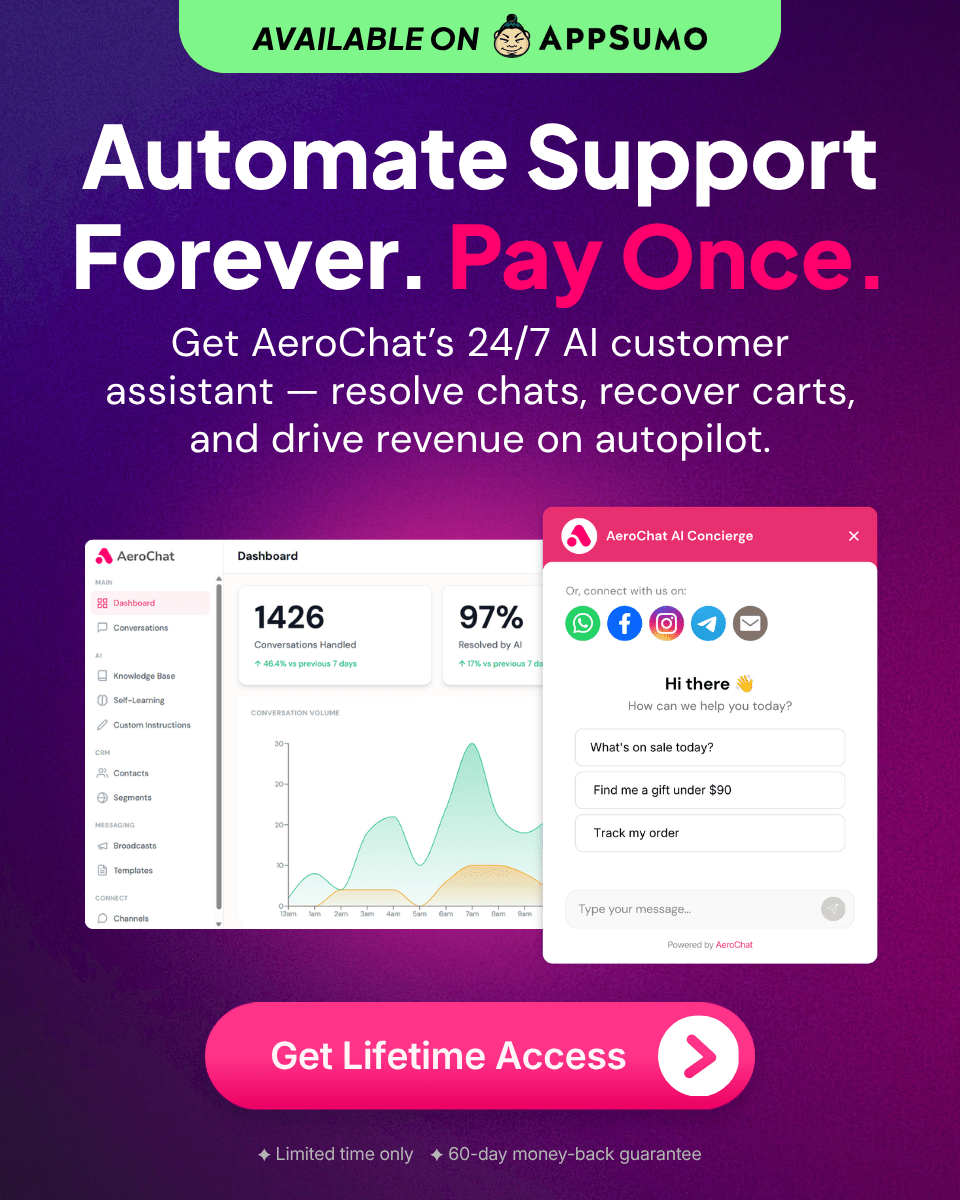
AeroChat does the work in the chat, not only the reply. It checks an order, recommends a product from your live Shopify catalogue, sends a discount or a payment link within the limits you set, and hands over to your team when needed, on web chat, WhatsApp, Instagram and Messenger in one inbox. AeroChat is chat infrastructure for customer service and sales workflows. You describe the workflow you want in your own words, and it runs it, connected to your Shopify store.
What it does:
-
Product recommendations from your live Shopify catalogue
-
Order lookup and tracking
-
Cart follow-up conversations
-
Replies at any hour
-
WhatsApp, Instagram, Messenger, email and web chat
-
Flat monthly plans priced on AI responses, not per ticket or per resolution
If slow replies are hurting your conversions, see the hidden cost of slow replies on Shopify.
If your team is overwhelmed, learn how to scale Shopify support without hiring.
For stores dealing with “Where is my order?” messages, AeroChat helps reduce WISMO tickets and automate order tracking.
Good fit for: Shopify stores that want support and sales conversations handled in chat, including on WhatsApp.
2. Shopify Inbox: Native Shopify Chat
Shopify provides Shopify Inbox as its built-in messaging tool.
Strengths:
-
Free
-
Native Shopify integration
-
Simple interface
Things to check:
-
Built for straightforward chat rather than multi-step automated workflows
If comparing tools, see Shopify Inbox vs AeroChat comparison.
Good fit for: Stores that want simple chat on their online store at no cost.
3. Tidio: Popular Shopify Live Chat App
Tidio offers live chat with chatbot automation and an AI agent.
Strengths:
-
Easy setup
-
Low entry pricing
-
AI features available
Things to check:
-
Pricing combines several usage meters, so check how your volume maps to its plans
Good fit for: Small Shopify stores.
4. Gorgias: Support-Focused Helpdesk
Gorgias is a helpdesk built around ticket management for ecommerce teams.
Strengths:
-
Strong ticketing
-
Shopify order data in each ticket
-
Automation rules and an AI agent
Things to check:
-
Priced by ticket volume, with AI resolutions billed separately
For deeper comparison, explore Gorgias vs AeroChat.
Good fit for: Stores with a support team working a ticket queue.
5. Intercom: Enterprise Messaging
Intercom offers AI chat, a helpdesk and automation.
Strengths:
-
Advanced automation
-
CRM integration
-
Its Fin AI agent
Things to check:
-
Pricing and setup are aimed at larger teams, and Fin is billed per resolution
Good fit for: Larger Shopify brands with dedicated support operations.
6. Zendesk: Large Team Support
Zendesk is a broad customer service suite with messaging and live chat.
Strengths:
-
Advanced ticketing
-
Many channels in one workspace
Things to check:
-
Built mainly for support operations, with pricing aimed at larger teams
Good fit for: Large support teams.
7. Tawk.to: Free Shopify Live Chat App
Tawk.to offers free live chat.
Strengths:
-
Free core product
-
Unlimited agents
Things to check:
-
AI features are paid add-ons, and most replies come from your team
Good fit for: Stores on a tight budget with someone available to reply.
8. Crisp: Multichannel Chat Inbox
Crisp offers chat and a shared inbox.
Strengths:
-
Shared inbox
-
Several channels in one place
Things to check:
-
Fewer Shopify-specific workflows than ecommerce-focused apps
Good fit for: Brands managing several channels.
9. Smartsupp: Chat and Visitor Tracking
Smartsupp includes visitor recording features alongside chat.
Strengths:
-
Chat widget
-
Visitor behaviour insights
Things to check:
-
Focused on chat and analytics more than automated sales workflows
Good fit for: Analytics-focused stores.
Comparison Table: Live Chat Apps for Shopify (2026)
|
App |
Main focus |
Pricing model |
Good fit for |
|---|---|---|---|
|
AeroChat |
Support and sales workflows in chat |
Flat monthly plans on AI responses |
Support and sales in chat |
|
Shopify Inbox |
Native store chat |
Free |
Simple support |
|
Tidio |
Live chat and chatbot |
Plans plus usage meters |
Small stores |
|
Gorgias |
Ecommerce helpdesk |
By ticket volume, AI resolutions extra |
Support teams |
|
Intercom |
Helpdesk and AI agent |
Per seat, AI per resolution |
Larger brands |
|
Zendesk |
Customer service suite |
Per agent |
Large teams |
|
Tawk.to |
Free live chat |
Free, paid add-ons |
Budget stores |
|
Crisp |
Multichannel inbox |
Per workspace |
Multichannel inbox |
|
Smartsupp |
Chat and visitor tracking |
Free and paid plans |
Visitor tracking |
Pricing models change often. Check each app’s pricing page before you decide.
How Live Chat Improves Shopify Conversions
Live chat helps conversions by:
-
Answering the question that stops a shopper from buying
-
Answering pre-sale questions
-
Cutting response time
-
Following up on abandoned carts
If you want to reduce drop-offs, see reduce cart abandonment with instant replies.
If your store handles too many repetitive questions, consider reduce repetitive customer questions.
What to Look for in a Shopify Live Chat App
Before choosing, consider:
-
Does it handle repetitive questions automatically?
-
Does it integrate with Shopify orders?
-
Can it follow up on carts?
-
Does it reply outside your team’s hours?
-
Can it handle traffic spikes?
-
What unit does it bill: seats, tickets, resolutions or responses?
If your store struggles with message overload, learn how to manage message overload on Shopify.
Final Verdict
If you want:
-
Support and sales workflows run in chat, connected to Shopify: AeroChat
-
Simple chat: Shopify Inbox or Tawk.to
-
A support-focused helpdesk: Gorgias or Zendesk
-
Enterprise automation: Intercom
To see how AeroChat handles your own store’s questions, install it from the Shopify App Store and describe the first workflow you want it to run. Start your 7-day free trial. No credit card needed. Not on Shopify? Sign up here.