



12 Best Customer Service Apps for Ecommerce Teams in 2026

The best customer service app depends on the work you need it to remove. AeroChat suits ecommerce brands that want AI to handle product, order and delivery questions across several channels. Gorgias is a stronger fit for Shopify teams that want an agent-led helpdesk, while Help Scout works well for email-focused support and Zendesk for complex service operations.
There is no useful overall winner. A two-person store and a 50-agent support department need different workflows, controls and pricing models. This guide compares 12 credible options by their best use case, main limitation and realistic entry cost.
Research note: Product features and public prices were checked against official company documentation on 20 August 2026. This is desk research, not a claim that every platform was tested hands-on. All prices are in USD and exclude taxes, usage charges and optional add-ons unless stated.
Quick comparison of the 12 customer service apps
The starting price alone does not show the likely bill. Some platforms charge per agent, some by ticket or conversation volume, and some add a separate fee for AI outcomes. Compare the billing unit with your actual support workload.
| Customer service app | Best for | Public entry price checked August 2026 | Main consideration |
|---|---|---|---|
| AeroChat | Omnichannel ecommerce AI support | From $49 per month | Better for automation than complex enterprise case management |
| Freshdesk | General-purpose ticketing for growing teams | $19 per agent per month, billed annually | Advanced AI and omnichannel needs can raise the cost |
| Zendesk | Mature, complex service operations | Support Team from $19 per agent per month, billed annually | Suite and AI costs can be much higher than the entry plan |
| Help Scout | Email-first, relationship-led support | Standard example at $25 per user per month | Lighter operational controls than enterprise helpdesks |
| Intercom | In-app support for SaaS businesses | From $29 per seat per month, plus AI outcome fees | Seat and outcome charges need separate forecasting |
| Tidio | Small stores combining live chat and AI | Free plan; Starter from $24.17 per month, billed annually | Live-chat and AI allowances use different limits |
| Zoho Desk | Small teams already using Zoho | Free for three users; Express from $7 per user per month, billed annually | The product is broad and can require more configuration |
| HubSpot Service Hub | Support linked to HubSpot CRM | Free for two users; Starter from $7 per seat per month, billed annually | Advanced service features sit on higher tiers |
| Gorgias | Agent-led customer service for Shopify stores | Starter from $10 per month for 50 billable tickets | Ticket volume and AI outcome fees can both affect cost |
| LiveChat | Fast, agent-led website chat | From $19 per agent per month, billed annually | Chatbot automation and full helpdesk work may require other products |
| Front | Collaborative email and shared inbox work | From $25 per seat per month, billed annually | Entry plan is single-channel; omnichannel costs more |
| Re:amaze | Ecommerce shared inbox and live chat | From $29 per team member per month | Per-user, flat-rate and AI charges need careful comparison |
Pricing changes frequently. Confirm the plan, billing period, usage allowance and required add-ons before buying.
What we compared and who this guide is for
This guide is for ecommerce owners and support leaders choosing software for customer conversations. The shortlist covers four distinct jobs:
If budget is the primary constraint, the dedicated guide to free helpdesk ticketing systems covers what is genuinely free forever versus a time-limited trial.
- AI-first support that resolves suitable questions before an agent is needed
- helpdesk ticketing for assigning, tracking and reporting cases
- live chat for real-time website conversations
- shared inboxes that help people collaborate across email and messaging
Each app was reviewed using the same practical criteria: channel coverage, ecommerce context, automation, human handoff, team workflow, pricing basis and the product's clearest limitation. Inclusion does not mean every app is suitable for every store, and the order is not an overall league table.
Which type of customer service app do you need?
Choose the workflow before choosing the brand. If repetitive product and order questions are consuming the team, an AI-first ecommerce platform may remove more work than a conventional ticketing tool. If the real problem is ownership, service-level tracking or audit trails, start with a helpdesk.
Live chat is useful when shoppers need immediate guidance before buying, but it can also create an expectation of immediate human replies. A shared inbox is often enough for a small team with modest email volume. Larger teams usually need routing, permissions, reporting and consistent escalation rules.
The distinction also prevents a misleading price comparison. A $10 chat plan and a $10 ticket plan may solve completely different problems.
Reviews of the best customer service apps
1. AeroChat: Best for omnichannel ecommerce AI support
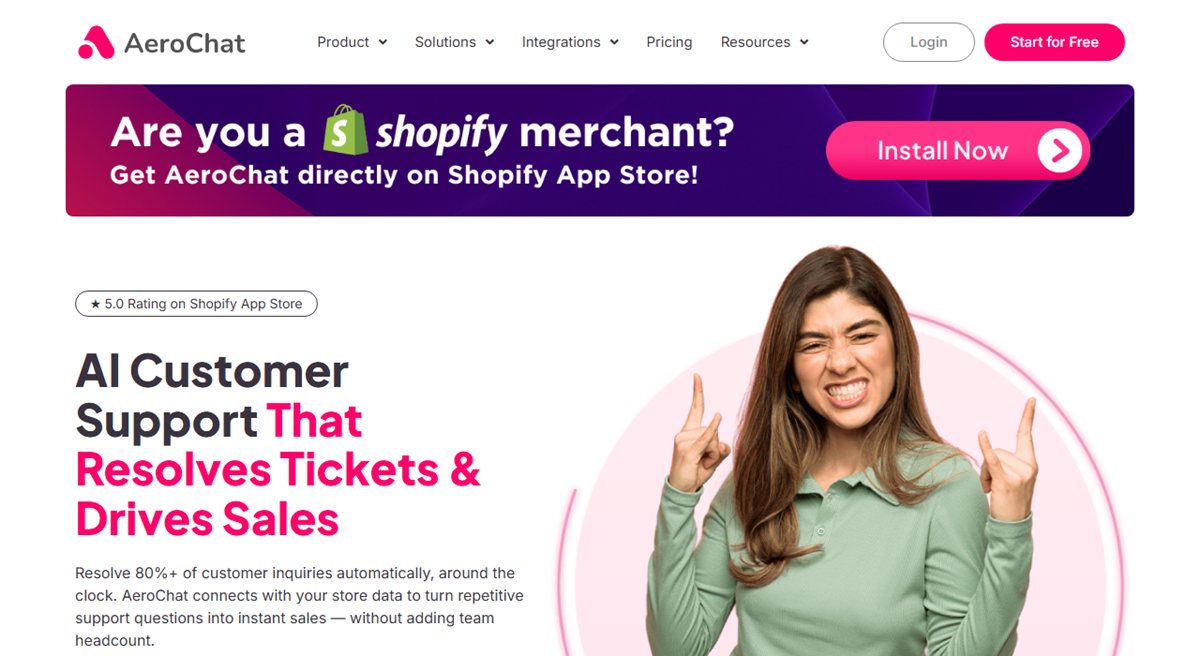
AeroChat is an AI agent platform that helps ecommerce brands run customer service on autopilot. It is designed to answer suitable product, order, delivery and policy questions across web chat, WhatsApp, Instagram, Facebook Messenger, Telegram and email, then pass conversations to people when personal attention is needed.
For Shopify merchants, its value comes from using current store context rather than treating every question as a generic FAQ. The AeroChat Shopify integration supports product and order-related conversations, while its human handover controls help keep exceptions out of an automated loop.
Best fit: Growing ecommerce brands with repetitive enquiries across several channels.
Main limitation: It is not a replacement for a deeply customised enterprise ticketing operation with complex case types and service-level governance.
Price: Plans start at $49 per month with a seven-day free trial. Check the current AeroChat pricing and plan limits against expected conversation volume.
2. Freshdesk: Best for an accessible general helpdesk
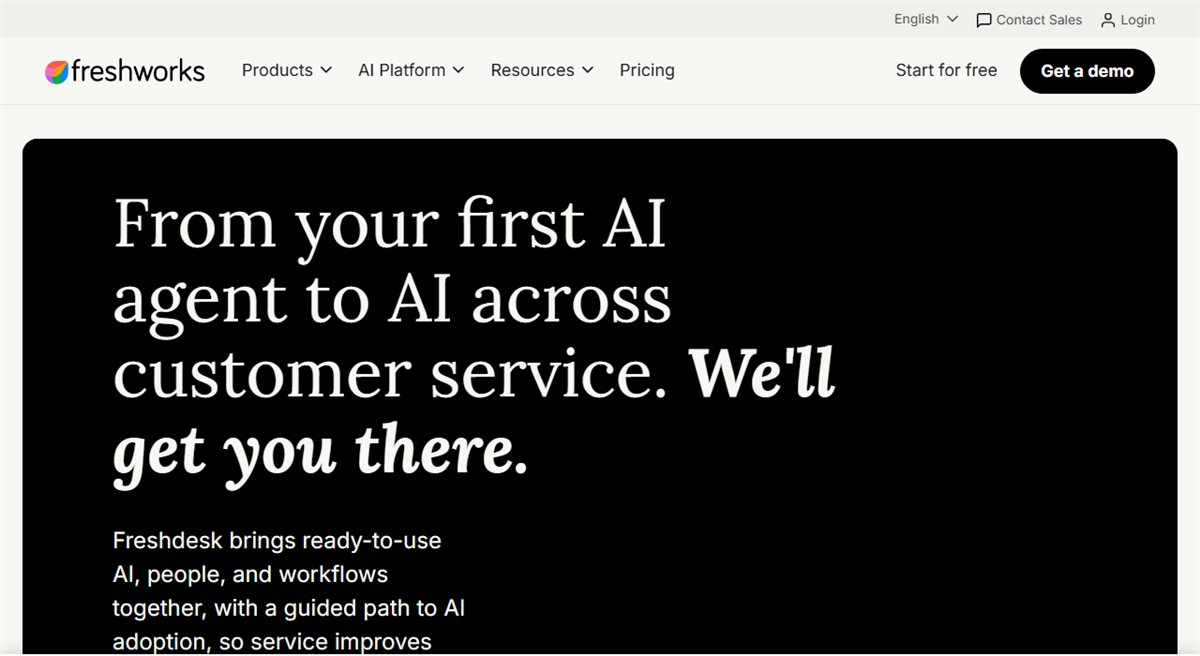
Freshdesk provides ticket management, team assignment, automation, self-service and reporting in a familiar helpdesk structure. It is a sensible starting point when a growing team needs clearer ownership of email and support requests without adopting the most complex enterprise platform.
Freshworks currently advertises a free programme for one or two agents for the first six months. The Growth plan starts at $19 per agent per month when billed annually.
Best fit: Small and midsized teams moving from a shared mailbox to structured ticketing.
Main limitation: The attractive entry price does not represent every AI or omnichannel requirement. Confirm which channels, automation features and add-ons are included in the plan you need.
3. Zendesk: Best for complex service operations
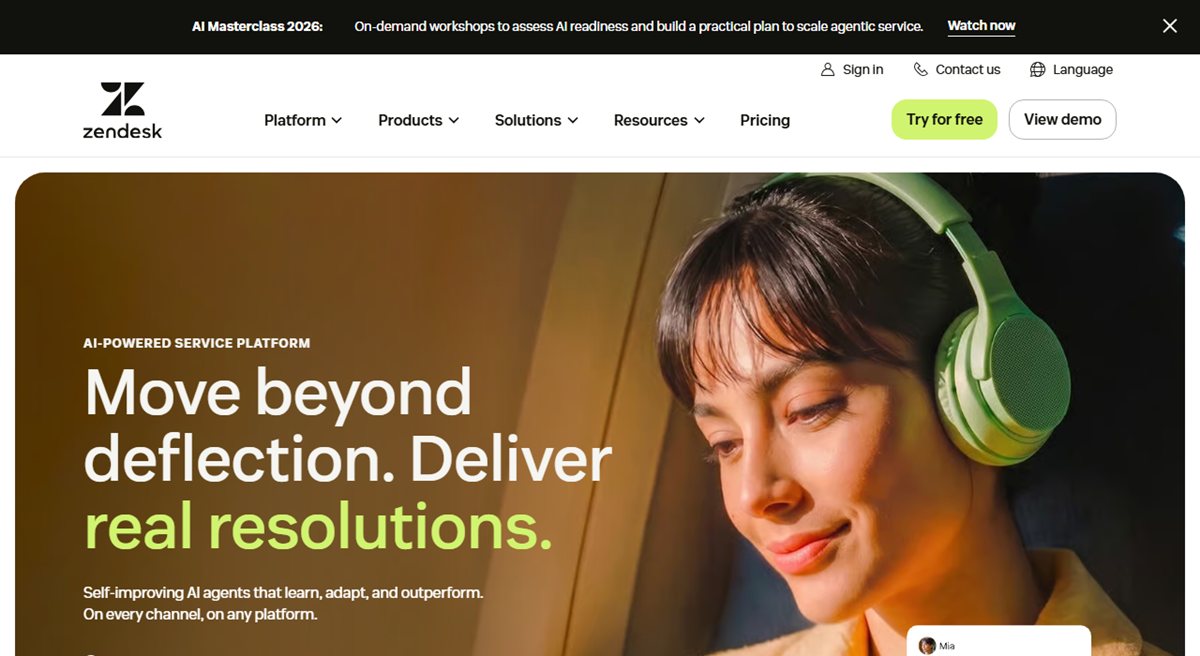
Zendesk is built for organisations that need mature ticketing, routing, reporting, permissions and multiple service channels. Its breadth can support large teams and formal processes, but that same breadth may be unnecessary for a small store.
Support Team starts at $19 per agent per month when billed annually. The more complete Suite Team starts at $55 per agent per month, and Copilot is listed separately at $50 per agent per month when billed annually.
Best fit: Larger support departments with complex workflows, reporting requirements and administration capacity.
Main limitation: The practical cost can rise well beyond the entry plan once messaging, AI and advanced controls are included.
For a direct head-to-head between the two, see Freshdesk vs Zendesk.4. Help Scout: Best for email-first customer relationships
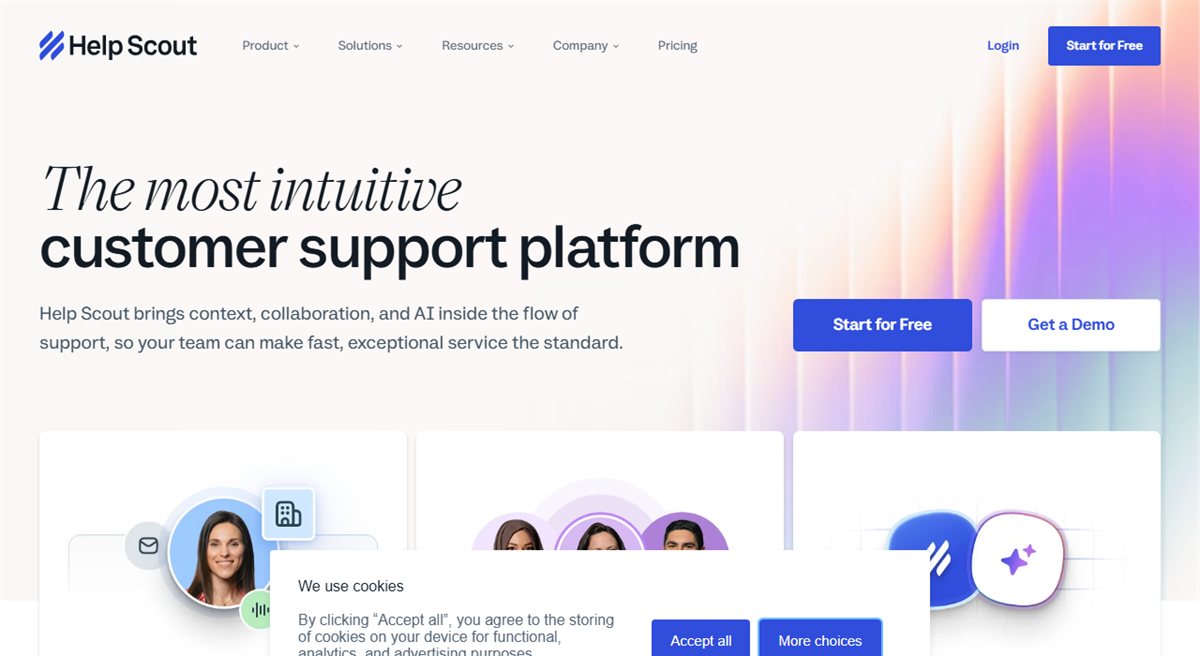
Help Scout centres on a shared inbox, knowledge base and Beacon support widget. It is well suited to teams that want organised customer conversations without making every interaction feel like a formal ticket.
Its documentation describes user-based plans billed per user per month and includes iOS and Android apps across plans. A current Standard-plan example is $25 per user per month, but Help Scout advises prospective customers to confirm the available plan and price on its pricing page.
Best fit: Smaller support teams where email quality, collaboration and a straightforward agent experience matter most.
Main limitation: Teams needing complex workforce management, highly customised routing or enterprise controls may outgrow it.
5. Intercom: Best for in-app SaaS support
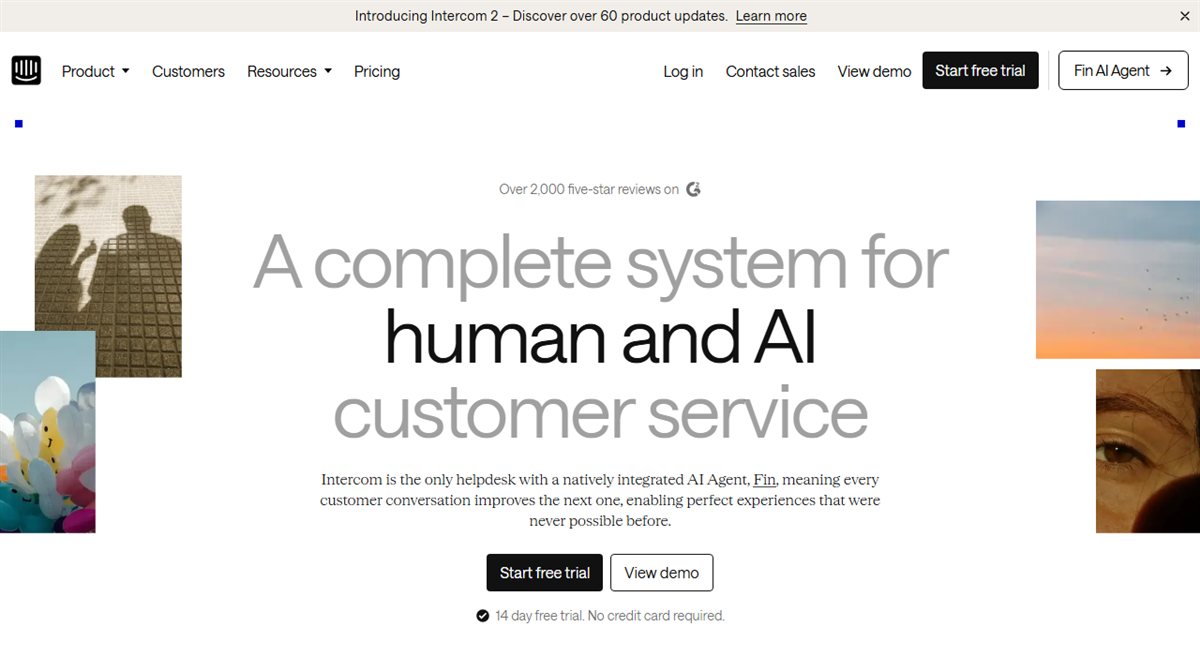
Intercom combines a messenger, help centre, inbox, automation and its Fin AI agent. Its strongest context is usually a software product where support, onboarding and customer engagement happen inside the app.
The Essential plan starts at $29 per seat per month. Fin is priced separately at $0.99 per outcome, so AI volume must be modelled alongside seat costs.
Best fit: SaaS teams that want support and proactive messaging inside their product.
Main limitation: Ecommerce merchants may pay for a product-engagement model they do not need, and the combined seat and AI outcome bill can grow quickly.
6. Tidio: Best for small stores starting with live chat and AI
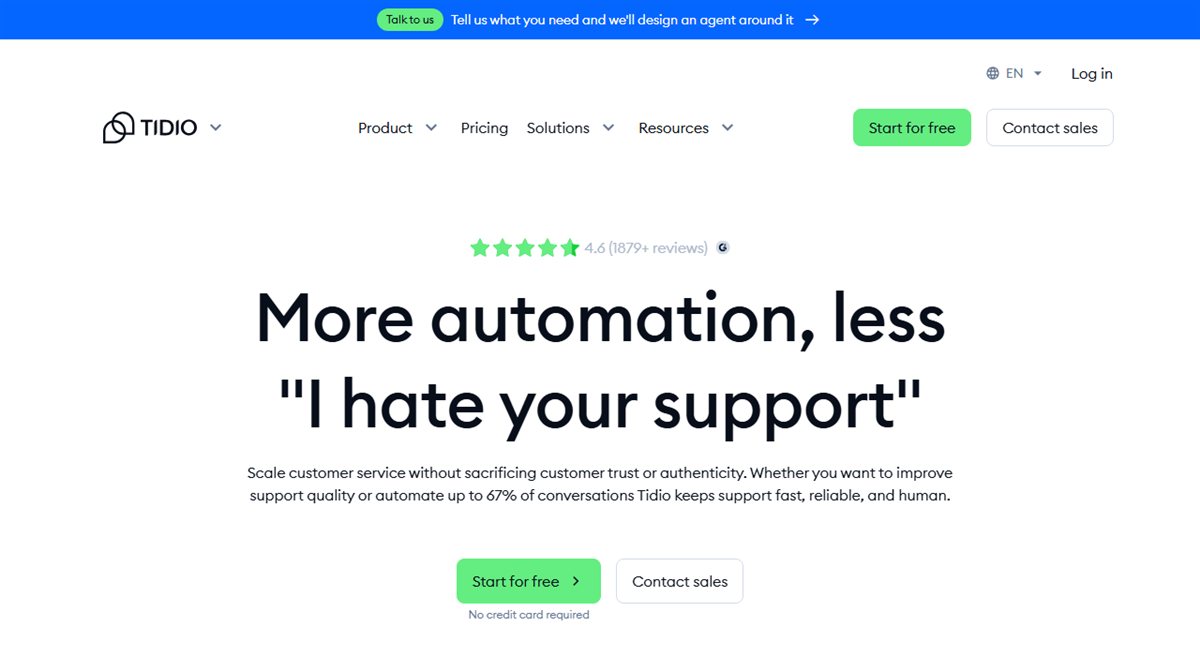
Tidio combines website live chat, a team inbox and Lyro AI. It offers a relatively accessible route for a small store that wants to answer live questions and experiment with automation before building a larger support operation.
The free plan includes limited conversation allowances. Starter begins at $24.17 per month when billed annually, while Lyro AI uses a separate allowance and paid pricing.
Best fit: Small online shops that want live chat first and a measured introduction to AI support.
Main limitation: Chat, automation and AI limits are not interchangeable. Check the number of billable conversations and AI conversations separately.
7. Zoho Desk: Best for teams already using Zoho
Zoho Desk provides email ticketing, social support, workflows, escalation rules, a knowledge base and higher-tier messaging capabilities. It is particularly practical when customer and business data already live in the Zoho ecosystem.
The free edition supports three users. Express starts at $7 per user per month when billed annually and is limited to five users.
Best fit: Budget-conscious small teams and businesses already using Zoho applications.
Main limitation: The edition structure is broad. Confirm that instant messaging, AI and reporting features are included at the level you plan to buy.
8. HubSpot Service Hub: Best for CRM-connected support
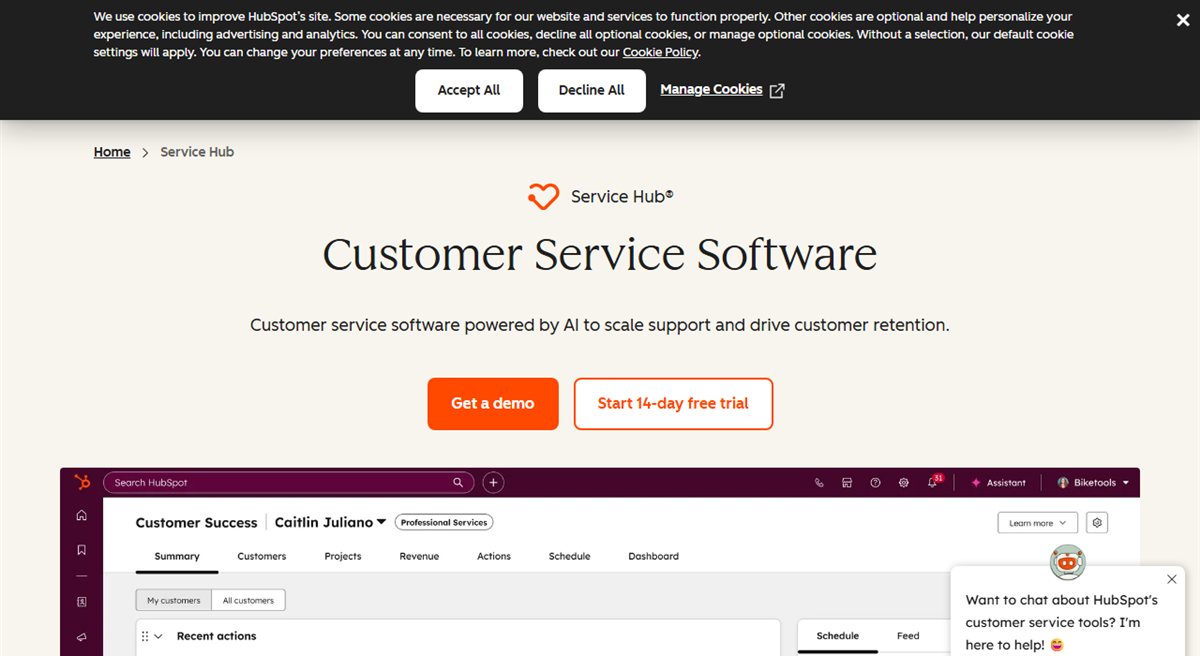
HubSpot Service Hub connects support activity with the wider HubSpot customer record. That is useful when sales, marketing and service teams need a shared view of a contact instead of moving information between separate systems.
The free edition supports up to two users. Service Hub Starter begins at $7 per seat per month when billed annually or $20 per seat on monthly billing.
Best fit: Businesses already committed to HubSpot CRM and wanting support data in the same system.
Main limitation: The low entry price does not include the advanced service, automation and reporting capabilities available on higher tiers.
9. Gorgias: Best for an agent-led Shopify helpdesk
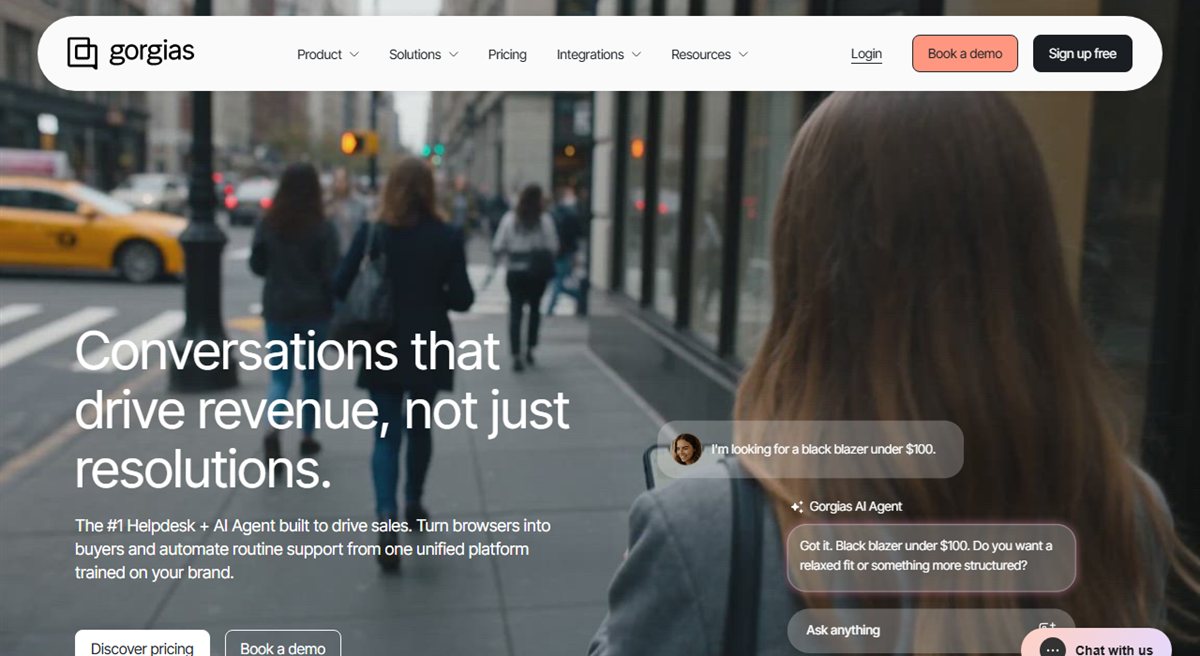
Gorgias is designed around ecommerce support, with Shopify context and agent actions available inside the helpdesk. It suits stores where people still handle most conversations but need faster access to order data and ecommerce macros.
Starter costs $10 per month for 50 billable tickets and three users. AI Agent resolutions are charged separately, making monthly cost sensitive to both ticket volume and automated outcomes.
Best fit: Shopify teams that want an ecommerce-aware workspace for human agents.
Main limitation: The smallest plan is inexpensive, but ticket-based and AI-based charges can make higher-volume forecasting less straightforward.
If your main goal is autonomous conversations rather than an agent helpdesk, compare the different role played by a Shopify AI chatbot before choosing.
10. LiveChat: Best for agent-led website conversations
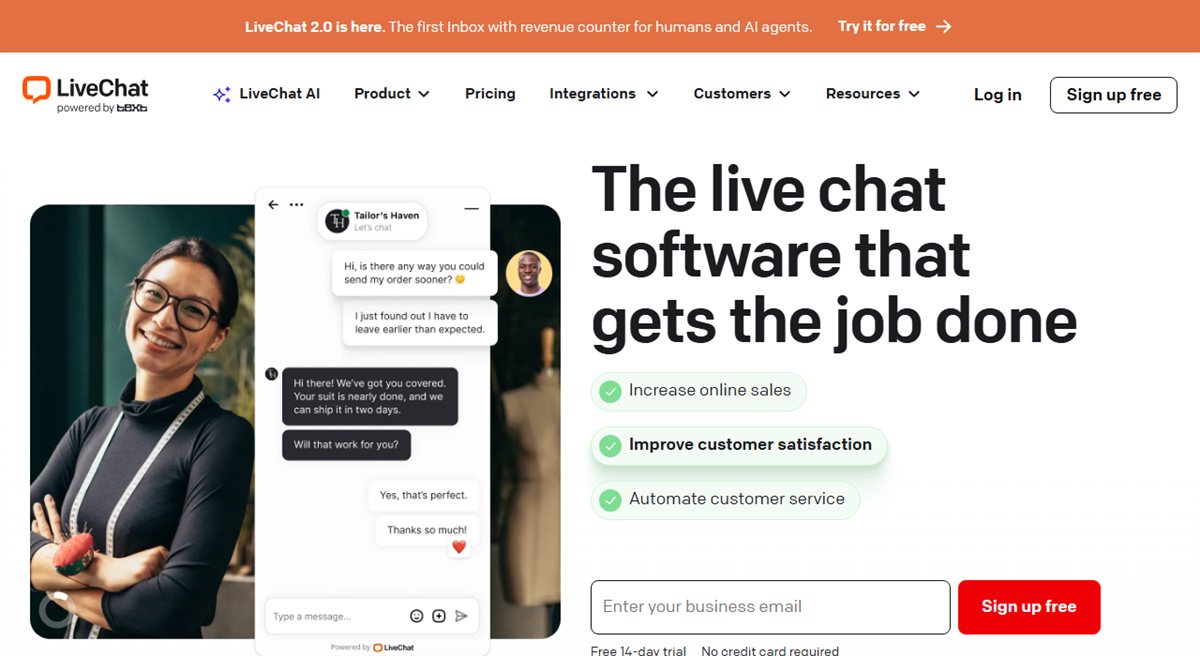
LiveChat focuses on responsive, real-time conversations between website visitors and support or sales agents. Its agent tools and mobile access are useful where a person is expected to join quickly.
Starter begins at $19 per agent per month when billed annually or $25 when billed monthly.
Best fit: Businesses that value live website conversations and have people available to answer them.
Main limitation: LiveChat is not, by itself, a complete AI automation and ticketing stack. Related chatbot or helpdesk needs may involve separate products and costs.
11. Front: Best for collaborative shared inbox work
Front turns email and other customer messages into a collaborative workspace with assignments, comments, rules and shared context. It is useful when support work overlaps with operations, sales or account management.
Starter begins at $25 per seat per month when billed annually and is positioned as a single-channel plan. Professional, which adds omnichannel capabilities, starts at $65 per seat per month when billed annually.
Best fit: Teams that want strong internal collaboration around customer email and shared inboxes.
Main limitation: Omnichannel service and advanced AI require a higher plan or add-ons, so the entry price can understate the required package.
Teams outgrowing Front’s pricing model can compare dedicated Front alternatives.
12. Re:amaze: Best for an ecommerce shared inbox
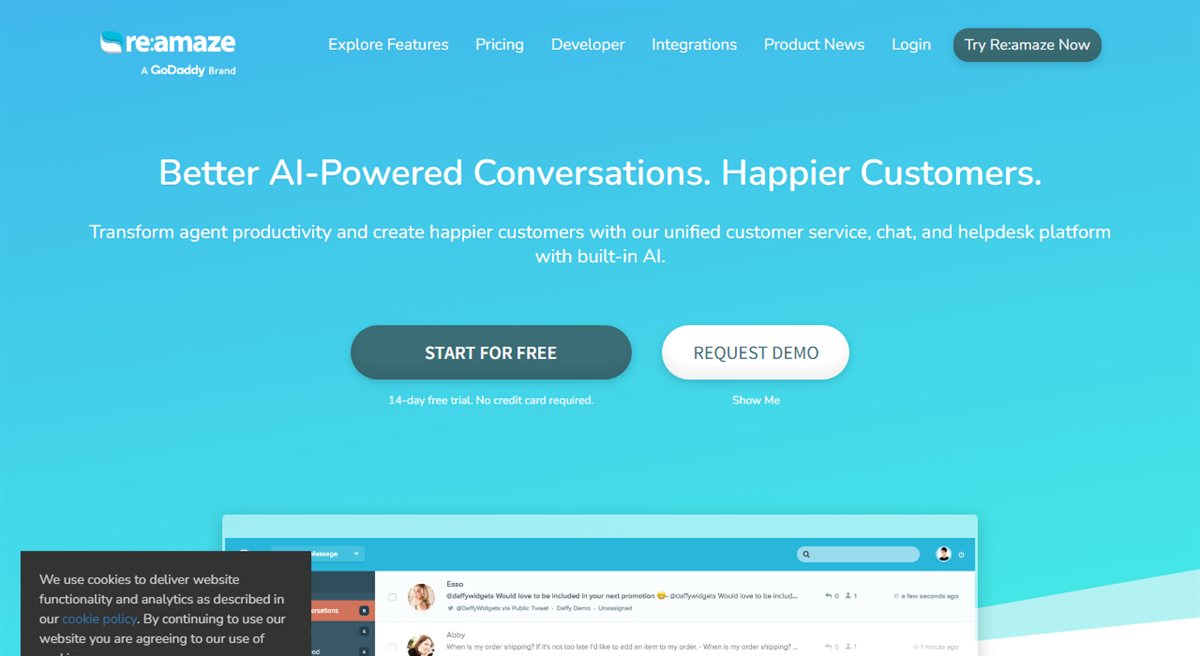
Re:amaze combines email, chat, social messaging and ecommerce context in one support workspace. It occupies a useful middle ground for merchants wanting a shared inbox with live-chat and automation features.
Basic starts at $29 per team member per month. A separate Starter option costs $59 per month for unlimited users and up to 500 responded conversations. Additional AI Agent resolutions can carry a separate charge.
Best fit: Ecommerce teams that want a conventional multichannel inbox with flexible team-size options.
Main limitation: The per-user and flat-rate plans use different allowances. Compare the likely bill using both team size and responded-conversation volume.
Best customer service app by use case
The right choice is easier to see when the support job is specific.
| Support need | Strong option | Why it fits |
|---|---|---|
| Automating ecommerce questions across channels | AeroChat | Ecommerce context, omnichannel AI and human handoff |
| Running an agent-led Shopify helpdesk | Gorgias | Shopify data and actions inside the agent workspace |
| Managing complex enterprise cases | Zendesk | Mature routing, reporting and administration |
| Keeping email support simple and personal | Help Scout | Clear shared inbox and customer-focused workflow |
| Supporting users inside a SaaS product | Intercom | In-app messenger, help content and automation |
| Adding live chat to a small store | Tidio | Accessible chat entry point with optional AI |
| Connecting service with CRM records | HubSpot Service Hub | Shared HubSpot contact and customer context |
| Collaborating around a shared inbox | Front | Strong internal assignment and discussion tools |
Treat this as a shortlist, not a purchase decision. Trial the strongest two options with real product questions, order exceptions, refunds and handoffs before migrating the team.
What to verify before switching customer service software
Run the trial with a representative week of enquiries. Include straightforward questions, unclear requests, policy exceptions, an angry customer and a case where the customer explicitly asks for a person.
Check five things before signing a contract:
- Real channel coverage: Confirm the exact WhatsApp, Instagram, email, web chat and marketplace connections you need.
- Billing units: Model agents, tickets, conversations, AI outcomes and add-ons separately.
- Human handoff: Make sure the app transfers the transcript, customer details and reason for escalation.
- Ecommerce data: Test whether product, order and policy information is current and available in the conversation.
- Reporting integrity: Separate AI-touched contacts from issues completed without human work.
Monthly software price is only one part of the decision. A more useful comparison is the cost of each resolved support ticket, including agent time, AI charges and the rest of the support stack.
Common questions about customer service apps
Are customer service apps and customer support software the same thing?
Usually, yes. Both terms can describe helpdesks, live-chat tools, shared inboxes and AI customer-service platforms. The word “app” can also imply a mobile agent app, so check whether the product offers the iOS or Android workflow your team expects.
Which customer service app is best for a small ecommerce store?
For a low-volume store, the best option may be a free or low-cost shared inbox rather than AI. Tidio or Zoho Desk can provide accessible entry points, depending on whether live chat or ticketing matters more. AeroChat becomes more relevant when repetitive enquiries and multichannel conversations create enough work to justify automation.
How much should an ecommerce store spend on customer service software?
There is no useful fixed amount. Estimate the total monthly cost using the vendor's billing unit, expected support volume, agent seats, AI outcomes and required add-ons. Then compare that figure with the human workload genuinely removed, not the number of conversations merely touched by automation.
Choose the workflow, then choose the app
Start with the support job your team cannot handle efficiently today. Shortlist two platforms built for that job, test them with real ecommerce scenarios and calculate the full cost at expected volume.
For stores dealing with growing product, order and delivery enquiries across several channels, AeroChat is worth considering as an automation layer with human handoff. For low-volume stores or teams that mainly need ticket ownership, a simpler inbox or helpdesk may be the more economical choice.



