10 Best WhatsApp AI Chatbots in 2026, Compared by Use Case
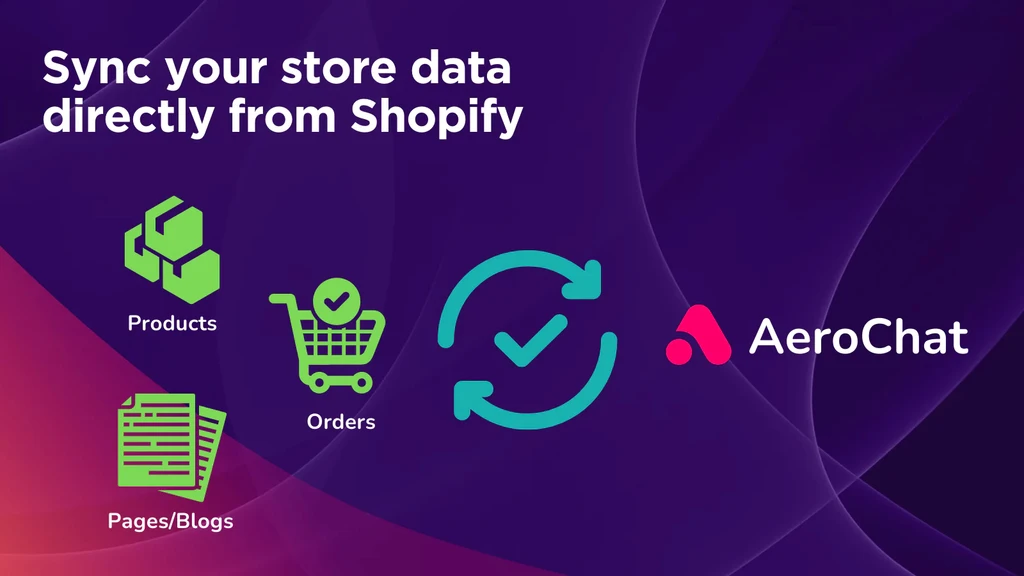
AeroChat is the best WhatsApp AI chatbot for businesses that need the AI to act after a customer sends a message. It answers from product, order and business data, looks up the order and hands over to a person when needed.
WATI is built for WhatsApp-first campaigns and broadcasts, Respond.io suits high-volume multichannel teams, ManyChat is built around social-led marketing automation, and Botpress gives technical teams more control over custom AI agents.
Editorial note: We compared each platform using current product information, official documentation and pricing pages. Features and pricing can change, so confirm details directly with the provider before purchasing.
Best WhatsApp AI chatbots by use case
| Platform | Best for | AI approach | Human handover | Main channels | Pricing checked |
|---|---|---|---|---|---|
| AeroChat | Ecommerce customer service with live product and order data | AI using business knowledge and connected store data | Yes | WhatsApp, web, Instagram, Messenger, Telegram, email | 7-day free trial; Free plan with 100 AI responses; Starter from US$49/month |
| WATI | WhatsApp marketing, broadcasts and campaign automation | Automation + Astra AI Agents | Yes | WhatsApp, web and connected channels | Core platform + usage; Astra from $99/month or $79/month annually |
| Respond.io | High-volume multichannel sales and support teams | AI Agents + workflows | Yes | WhatsApp, Instagram, Messenger, TikTok, web, email and more | Starter $79/month; AI Agents on Growth from $159/month |
| ManyChat | Social-led messaging and marketing automation | Flows + AI conversations | Yes | WhatsApp, Instagram, Messenger, TikTok, Telegram, SMS, email | Pro $39 monthly or $29/month annually |
| AiSensy | WhatsApp campaigns and automation, especially for India | Flows + AI Agent Builder | Yes | Primarily WhatsApp | AI Agent ₹3,500/month or ₹3,150/month annually |
| Interakt | D2C WhatsApp commerce | Automation + WhatsApp AI Agents | Yes | WhatsApp and Instagram | Growth $55/month; AI Agent add-on from $74.99 |
| Trengo | Established multichannel customer-service teams | AI + automated journeys | Yes | WhatsApp, email, Instagram, Messenger, web and more | Boost €299/month annually |
| Tidio | Ecommerce teams combining AI with live chat and helpdesk | Lyro AI + human support | Yes | Web chat, WhatsApp, Instagram, Messenger, email | Multichannel inbox available free; Lyro usage priced separately |
| Botpress | Developer-built custom WhatsApp AI agents | Configurable AI agent platform | Configurable | WhatsApp, web and custom integrations | Free plan; paid AI-agent plans available |
| Landbot | Visual no-code WhatsApp workflows | Flows + AI agents | Yes | WhatsApp and web | WhatsApp Pro around €200/month |
Pricing is only a starting point. Meta messaging charges, AI usage, additional users, contacts, integrations and implementation can change the real monthly cost.
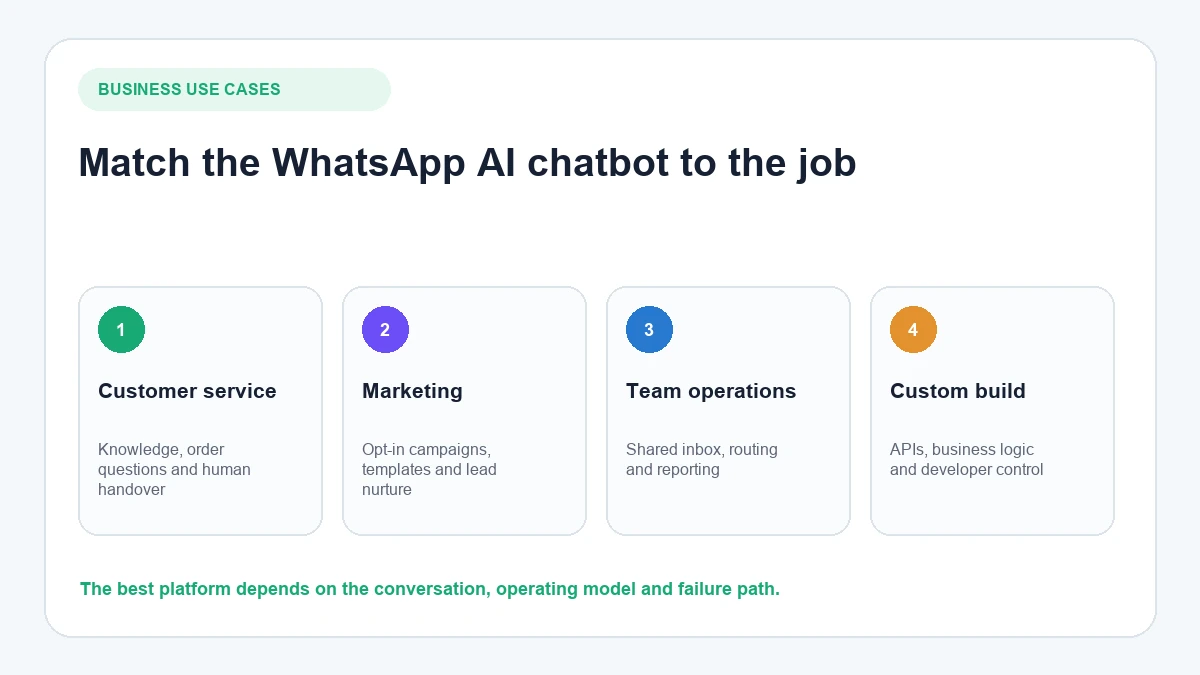
What we checked before comparing the tools
A useful WhatsApp AI chatbot comparison cannot be based only on how many features appear on a pricing page.
We looked at seven areas that affect what happens in a real customer conversation.
1. Natural-language AI
Can the chatbot understand open-ended questions rather than requiring the customer to choose from a fixed menu?
A customer might write:
- “Where’s my parcel?”
- “My order hasn’t arrived.”
- “Tracking?”
- “It was meant to come yesterday.”
A useful AI should recognise that these can represent the same underlying intent.
2. Knowledge grounding
The chatbot should be able to answer from business-approved information rather than inventing answers.
Useful knowledge can include:
- delivery information;
- returns policies;
- product specifications;
- pricing;
- FAQs;
- service details;
- uploaded documents.
If knowledge quality is important to your use case, our guide to WhatsApp AI chatbot features explains the capabilities worth checking before comparing vendors.
3. Access to business systems
The biggest difference between a basic FAQ chatbot and a more useful AI agent is often what happens after the AI understands the question.
Depending on the platform, the chatbot may be able to:
- retrieve order information;
- check product details;
- recommend products;
- update a CRM;
- qualify a lead;
- trigger an automation;
- book an appointment;
- notify a human.
A platform saying it “integrates with Shopify” does not automatically mean its AI can retrieve live order and catalogue information. Check what data actually becomes available to the conversation.
4. Conversation context
Follow-up messages should make sense without forcing the customer to repeat everything.
For example:
Customer: “Do you have the linen shirt in medium?”
Customer: “What about black?”
The second message only works if the AI remembers what “black” refers to.
5. Human handover
AI should not trap customers inside automation.
Check whether:
- customers can ask for a person;
- the AI can escalate when confidence is low;
- the agent receives the previous conversation;
- chats can be assigned to the right team;
- agents can take over manually.
6. WhatsApp-specific operations
Good AI alone does not make something a good WhatsApp platform.
Check support for:
- WhatsApp Business Platform connection;
- business-number onboarding;
- approved templates;
- broadcasts;
- opt-in management;
- team access;
- outbound messaging;
- Meta message charges.
7. Total operating cost
Do not compare only headline subscription prices.
A more realistic calculation is:
software subscription + AI usage + team seats + WhatsApp messaging + integrations + implementation
That can make a cheaper-looking plan more expensive once the actual workflow is configured.
WhatsApp AI chatbot vs WhatsApp automation tool
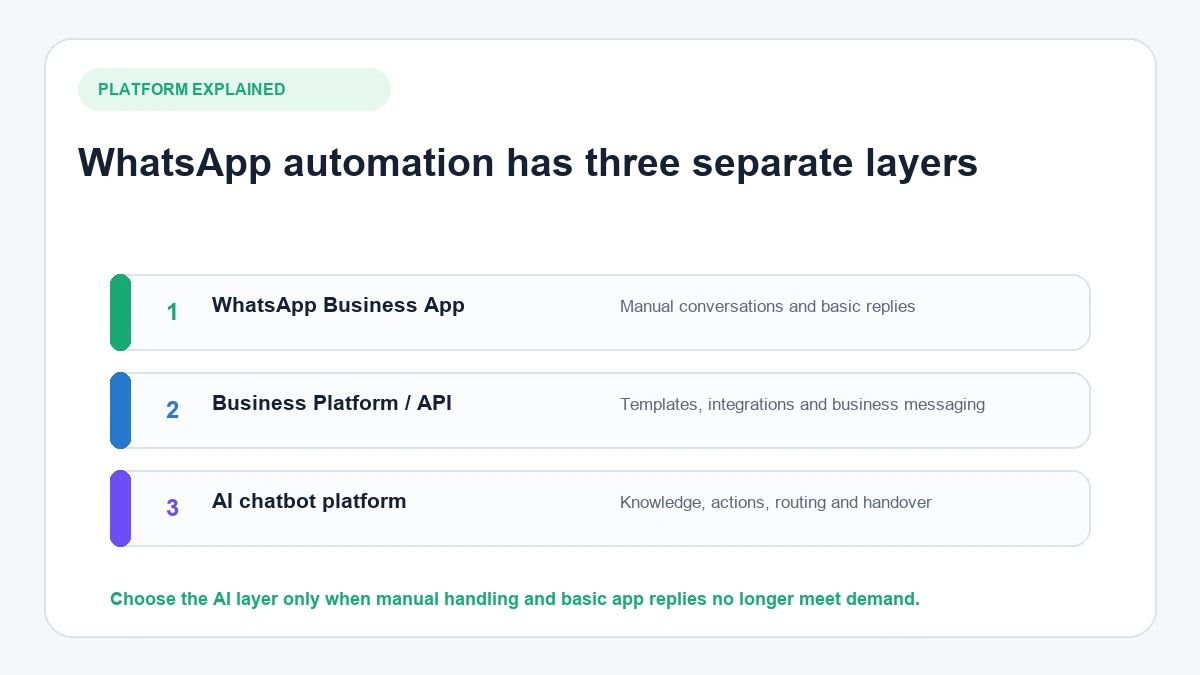
These terms are often mixed together, but they describe different levels of automation.
A WhatsApp automation tool follows predefined rules. It might send a welcome message, ask customers to select from a menu or trigger a template after a specific event.
A WhatsApp AI chatbot can interpret messages that were not written in a predefined format and generate a response from approved knowledge or connected systems.
For example:
Rule-based workflow
Customer: “TRACK”
Bot: “Please enter your order number.”
AI conversation
Customer: “My parcel was meant to arrive yesterday. Can you see what happened?”
AI: recognises an order-status question, requests any required verification and uses the available order information to respond.
The strongest platforms increasingly combine both approaches. Structured automation is useful for predictable processes; AI is useful when customers communicate naturally.
If you specifically want a system you can deploy without building the conversation logic yourself, the no-code WhatsApp chatbot guide covers that implementation model separately.
Compare WhatsApp AI chatbot capabilities
| Platform | AI conversations | Business knowledge | Human handover | Broadcasts | Ecommerce context | Omnichannel | Setup model |
|---|---|---|---|---|---|---|---|
| AeroChat | Yes | Yes | Yes | Yes | Shopify products, collections, discounts and order context | Yes | No-code |
| WATI | Yes | Yes | Yes | Strong | Shopify and commerce workflows available | Growing beyond WhatsApp | No-code/platform |
| Respond.io | Yes | Yes | Yes | Yes | Integrations and workflows; deeper actions may need configuration | Strong | Configurable |
| ManyChat | Yes | Configurable | Yes | Strong | Better suited to marketing than deep order support | Social-first | Visual builder |
| AiSensy | Yes | Yes | Yes | Strong | Shopify/commerce workflows available | Primarily WhatsApp | No-code |
| Interakt | Yes | Yes | Yes | Strong | Shopify and D2C commerce workflows | WhatsApp + Instagram | No-code |
| Trengo | Yes | Yes | Yes | Yes | Integrations available | Strong | Platform setup |
| Tidio | Yes | Yes | Yes | Limited compared with marketing-first tools | Ecommerce integrations available | Strong support stack | No-code |
| Botpress | Highly configurable | Yes | Configurable | Requires appropriate workflow/integration | Custom | Highly configurable | Developer/builder |
| Landbot | Yes | Yes | Yes | Yes | Integration-led | Web + WhatsApp | Visual builder |
This table is more useful when read by job, not by number of checkmarks. A configurable developer platform may technically support more possibilities while requiring substantially more implementation than a packaged ecommerce customer-service product.
10 WhatsApp AI chatbots compared
1. AeroChat: best for ecommerce customer service with product and order data
Best for: Ecommerce brands that want a WhatsApp AI chatbot to answer product, order, delivery and customer-service questions using connected store data, while handing complex conversations to human agents when needed.
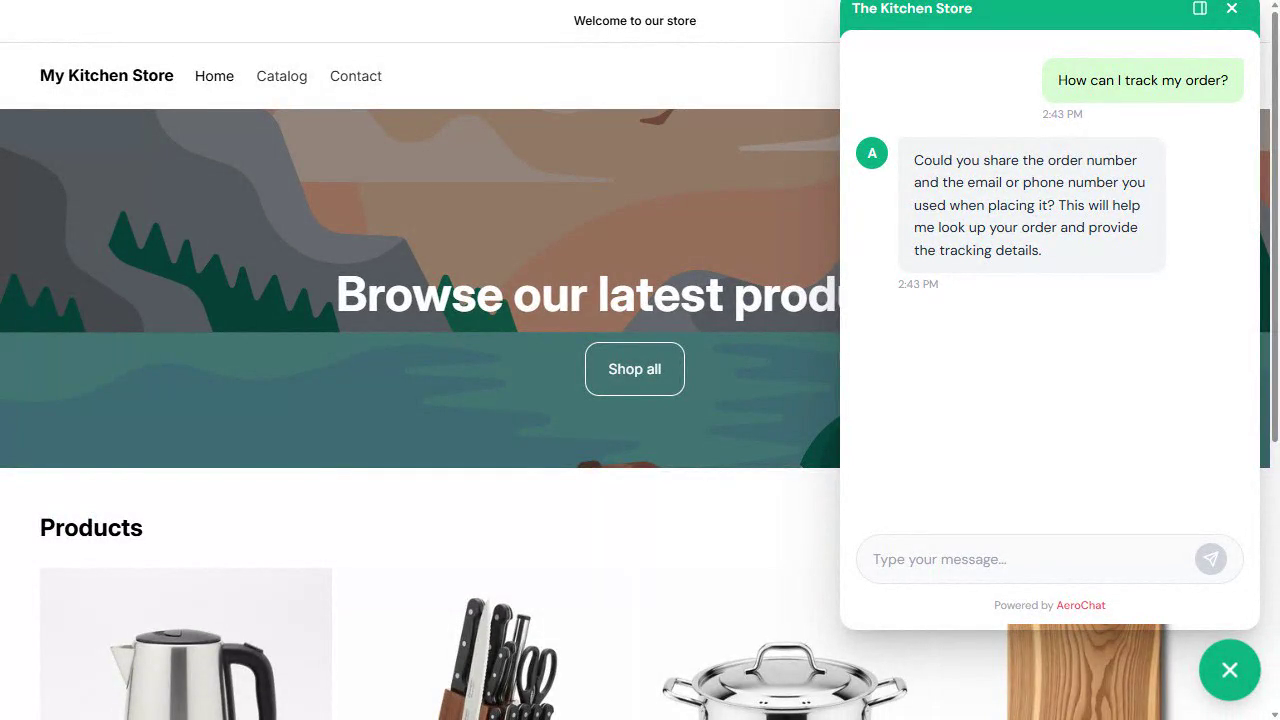
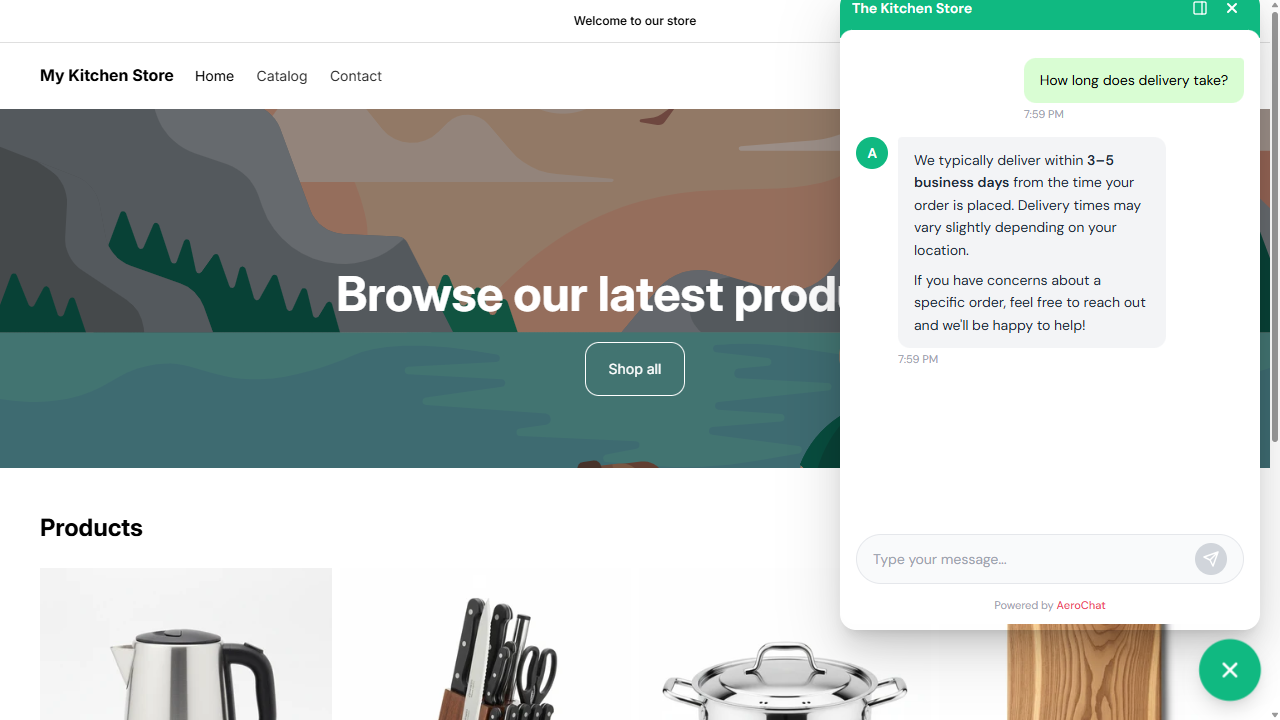
AeroChat answers WhatsApp customers from your live product and order data and acts on the request inside the chat. It checks the order, confirms stock and discounts, sends a payment link and hands over to a person with the context intact. AeroChat is chat infrastructure for customer service and sales workflows. You describe the workflow you want automated in your own words, and it runs it, connected to your own systems.
Its WhatsApp integration supports two-way AI conversations, broadcasts, templates, cart-recovery messages and human escalation. Conversations can also sit in the same inbox as web chat, Instagram, Messenger, Telegram and email.
For Shopify merchants, the AeroChat Shopify integration can synchronise products, collections, discounts and order information. This lets the AI handle questions such as product availability, promotions and order status using connected store context instead of relying only on static documents.
Capabilities you can verify
Business knowledge: AeroChat’s knowledge base training can use synced website content plus documents and uploaded files.
Shopify context: Products, collections, discounts and orders can be synchronised from Shopify.
Order assistance: Order-status tracking lets the AI respond using verified order information rather than generic delivery estimates.
Human escalation: Human handover with context can transfer a conversation when the customer asks for an agent or the AI cannot confidently resolve the issue.
Multilingual conversations: Multilingual AI chat detects and responds in the customer’s language across supported channels.
Why AeroChat Fits Store-Connected Ecommerce Support
A typical ecommerce WhatsApp conversation can move from a product question to a discount query, an order-status request and finally a request for a human agent. A chatbot that can connect those stages to store data and human support can automate more of the conversation than a bot limited to broadcasts, fixed flows or static FAQ content.
A shopper can ask:
- “Which product should I buy?”
- “Do you have medium in black?”
- “Does this discount still work?”
- “I ordered yesterday. Has it shipped?”
- “I need to speak to someone.”
AeroChat handles that whole sequence in one WhatsApp conversation, using product, order and support context rather than treating WhatsApp only as a campaign channel.
AeroChat offers a 7-day free trial with no credit card needed. There is a Free plan with 100 AI responses a month, and paid plans start with Starter at US$49/month.
When another platform may fit better
Choose a campaign-focused platform if broadcasts, promotional lists and WhatsApp marketing operations are the main requirement. Choose a developer platform if the team wants to build highly customised agent logic and integrations from scratch. Choose an enterprise conversation-management platform if complex routing across very large teams is the primary problem.
If Shopify is the deciding factor, compare the more specific guide to WhatsApp AI chatbots for Shopify.
Choose AeroChat when…
AeroChat fits when several of these are true:
- customers regularly ask about products, discounts, delivery or order status on WhatsApp;
- the business wants AI answers grounded in connected store and business data;
- Shopify is an important ecommerce platform for the business;
- WhatsApp support needs to work alongside web chat, Instagram, Messenger or email;
- customers must be able to move from AI to a human agent without restarting the conversation.
2. WATI: best for WhatsApp-first campaigns and team operations
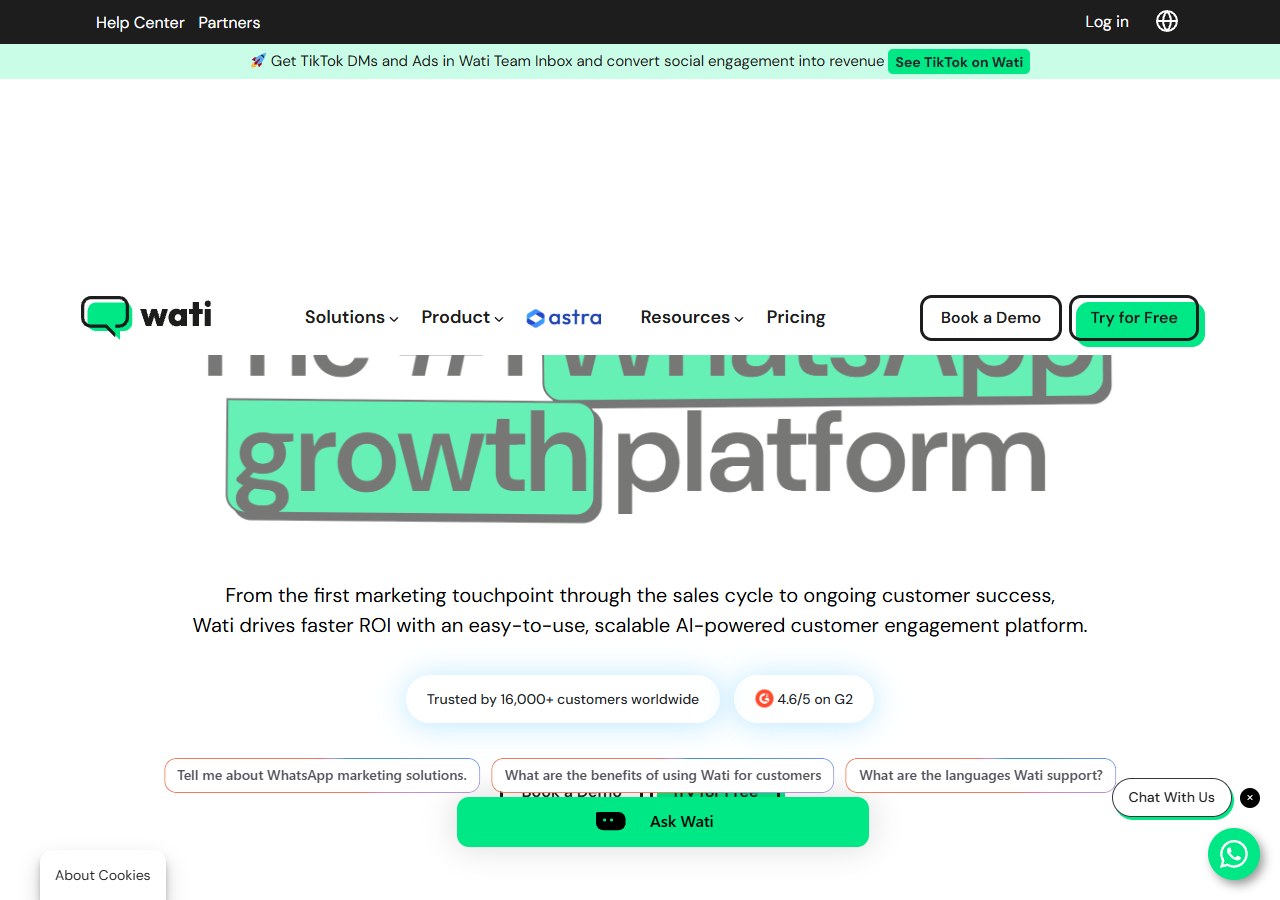
Best for: Businesses where WhatsApp campaigns, templates, team inbox operations and structured automation are the centre of the workflow.
WATI has deep roots in WhatsApp Business messaging. Its platform combines broadcasts, templates, shared inbox functionality, automation, catalogue-related workflows and integrations.
Its AI offering has expanded through Astra AI Agents, which can operate on WhatsApp and web and handle use cases such as lead qualification and FAQs.
This makes WATI particularly relevant when a company wants one vendor for WhatsApp campaigns, team operations and AI-assisted conversations.
What stands out
- WhatsApp-first product focus;
- broadcasts and campaign tools;
- shared team inbox;
- structured automations;
- AI-agent options;
- Shopify-related sales workflows;
- WhatsApp Business onboarding.
The main area to model carefully is price.
WATI’s main platform, messaging charges, team requirements and Astra AI-agent functionality can create several cost components. Astra’s current public pricing starts at $99/month, or $79/month when billed annually, separately from the broader WATI platform.
Choose WATI over AeroChat when campaigns and WhatsApp-first operations are more important than ecommerce AI support across multiple channels.
Official WATI pricing
Official Astra AI pricing
3. Respond.io: best for high-volume multichannel teams
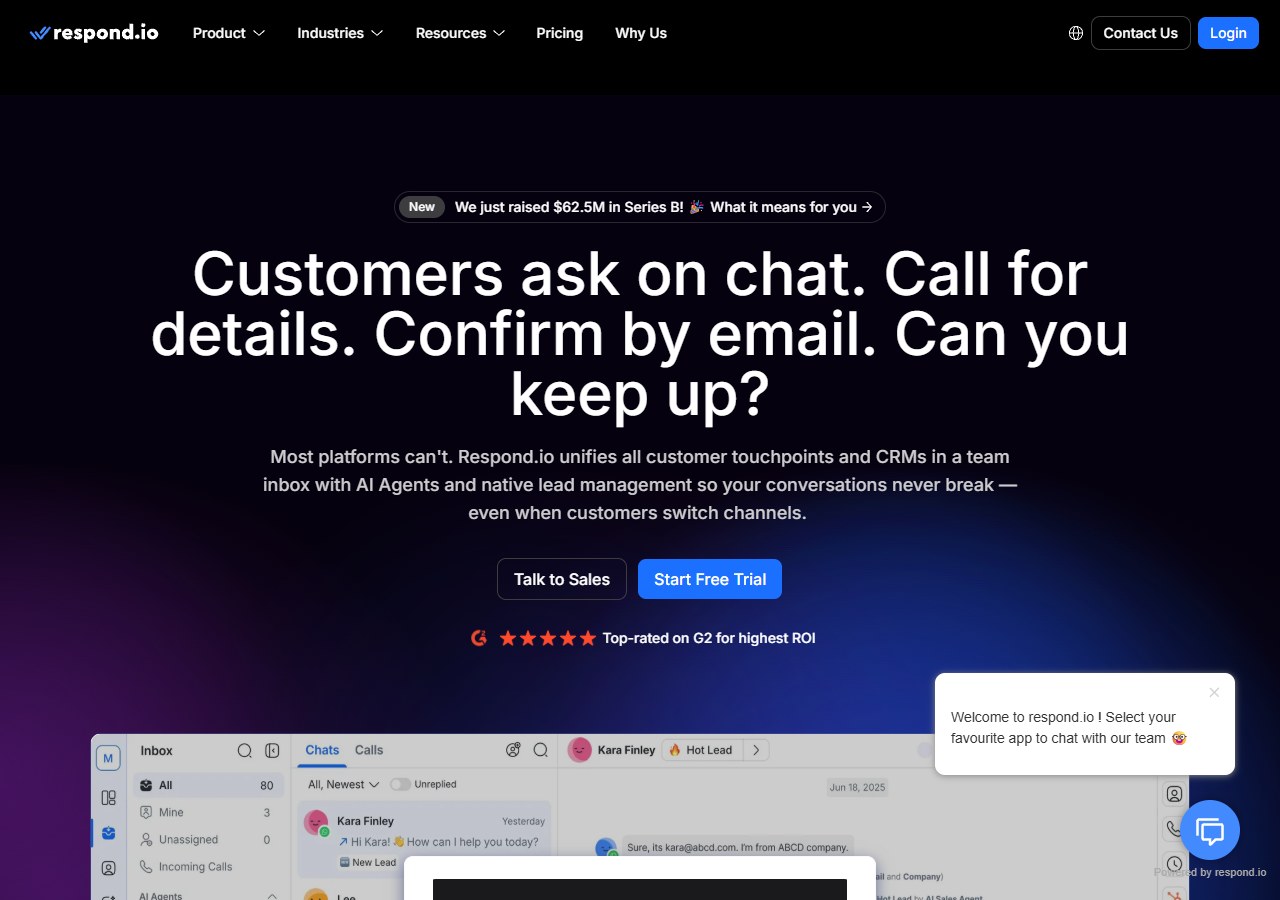
Best for: B2C businesses managing significant message volumes, several teams and multiple communication channels.
Respond.io is closer to a customer-conversation operating platform than a standalone WhatsApp chatbot.
Its AI Agents can qualify leads, answer questions, route conversations and interact with business workflows. The platform also combines WhatsApp with channels such as Instagram, Messenger, TikTok, website messaging and email.
The Growth plan, currently starting at $159/month, adds:
- AI Agents;
- workflows;
- broadcasts;
- advanced reporting;
- Zapier and Make integrations;
- developer API access.
That makes Respond.io particularly strong when several departments or regions need shared routing and automation.
The trade-off is complexity and cost. Smaller ecommerce stores may be paying for operational controls they do not yet need.
For Shopify specifically, define exactly what product and order data the AI needs before assuming a channel integration provides the same level of ecommerce context as a native store-data connection.
4. ManyChat: best for social-led WhatsApp marketing
Best for: Brands and creators whose customer journey starts on Instagram, TikTok or social content and continues into automated messaging.
ManyChat should not primarily be judged as a helpdesk.
Its strength is connecting social engagement to automated conversations.
A journey might look like:
Instagram comment → automated DM → lead capture → WhatsApp follow-up → campaign
The current Pro plan includes advanced automations, broadcasts and AI-powered conversations, with WhatsApp among the supported channels.
Pro currently costs $39/month on monthly billing or $29/month when billed annually, with usage tied to active contacts.
ManyChat is a strong option when:
- Instagram automation matters heavily;
- comment-to-message journeys generate leads;
- broadcasts are important;
- WhatsApp is part of a broader social funnel.
It is less naturally suited to deep post-purchase support where the AI needs live order and ecommerce context.
5. AiSensy: best for WhatsApp-first AI automation in India
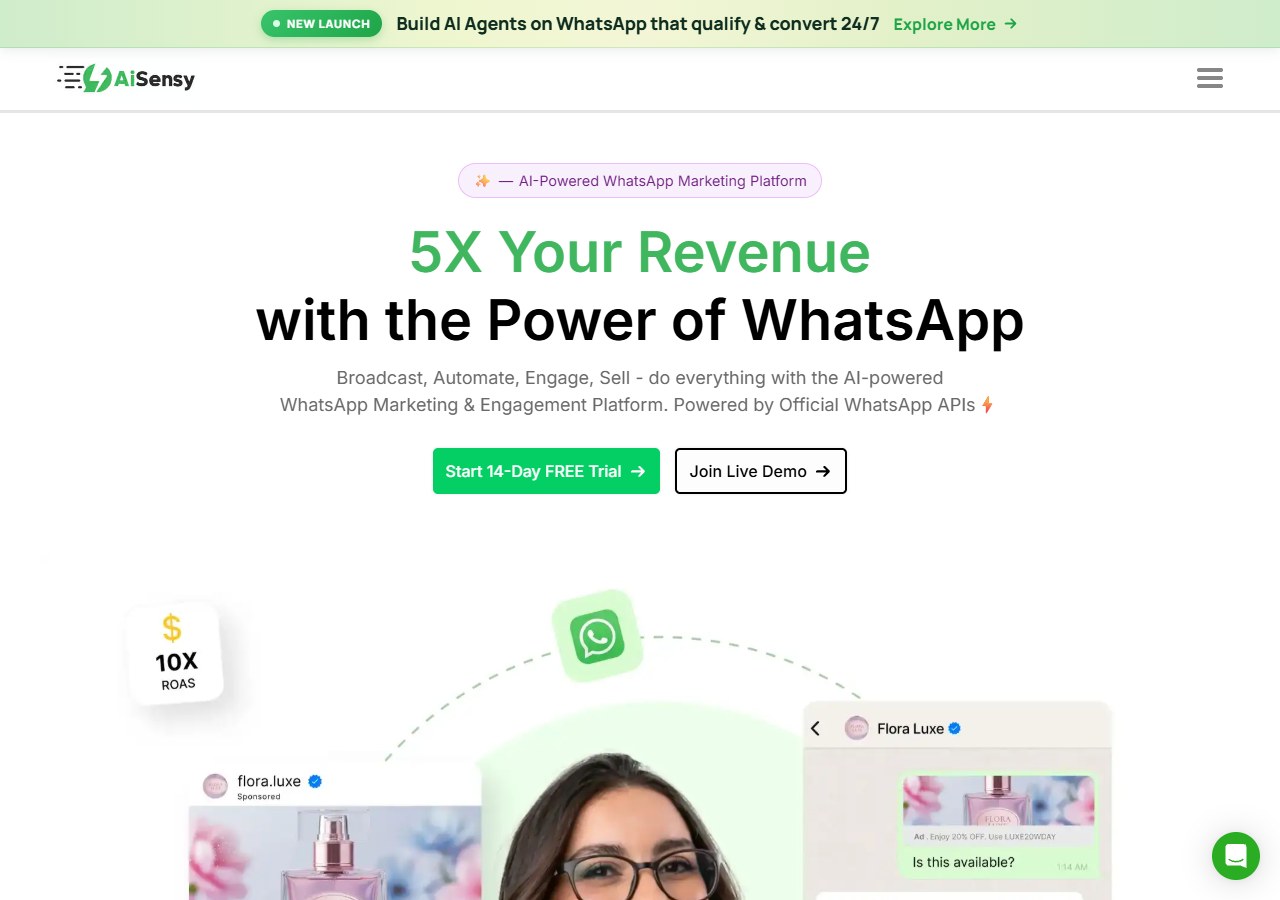
Best for: Businesses that want WhatsApp campaigns, no-code flows and AI-agent functionality with pricing designed strongly around the Indian market.
AiSensy combines:
- WhatsApp Business Platform access;
- broadcasts;
- chatbot flows;
- catalogue workflows;
- team functionality;
- WhatsApp AI Agents.
Its current AI Agent Builder is listed at ₹3,500/month, or ₹3,150/month on annual billing, and includes an AI-message allowance.
AiSensy is particularly relevant for businesses where WhatsApp itself is the primary operating channel.
Choose it when you value:
- India-focused pricing;
- campaigns;
- no-code WhatsApp automation;
- AI agents;
- WhatsApp catalogue and commerce workflows.
An ecommerce company that wants the same AI customer-service environment across several non-WhatsApp channels may prefer a more omnichannel-first platform.
6. Interakt: best for D2C WhatsApp commerce
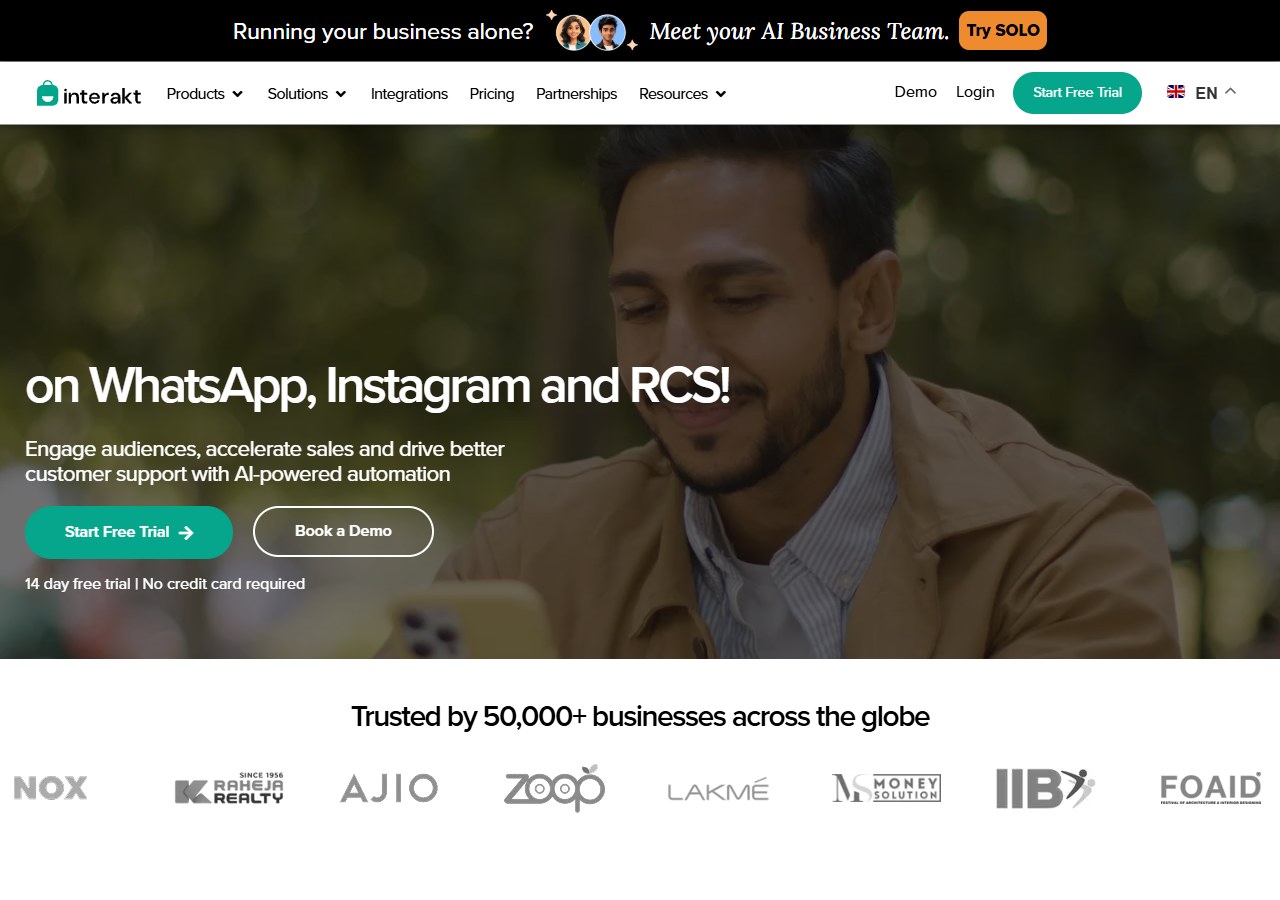
Best for: D2C brands using WhatsApp for campaigns, catalogue interactions, sales and customer communication.
Interakt combines WhatsApp and Instagram with shared inbox functionality, campaigns, automation, payments and commerce workflows.
Its Growth plan currently starts at $55/month, while WhatsApp AI Agents are available as an additional paid product on eligible plans.
The platform becomes particularly relevant when your workflow involves:
- WhatsApp catalogues;
- abandoned-checkout reminders;
- campaign automation;
- payment links;
- order notifications;
- D2C sales conversations.
Interakt’s strength is commerce activity inside WhatsApp rather than positioning itself as a broad multi-channel AI customer-service platform.
7. Trengo: best for established omnichannel support teams
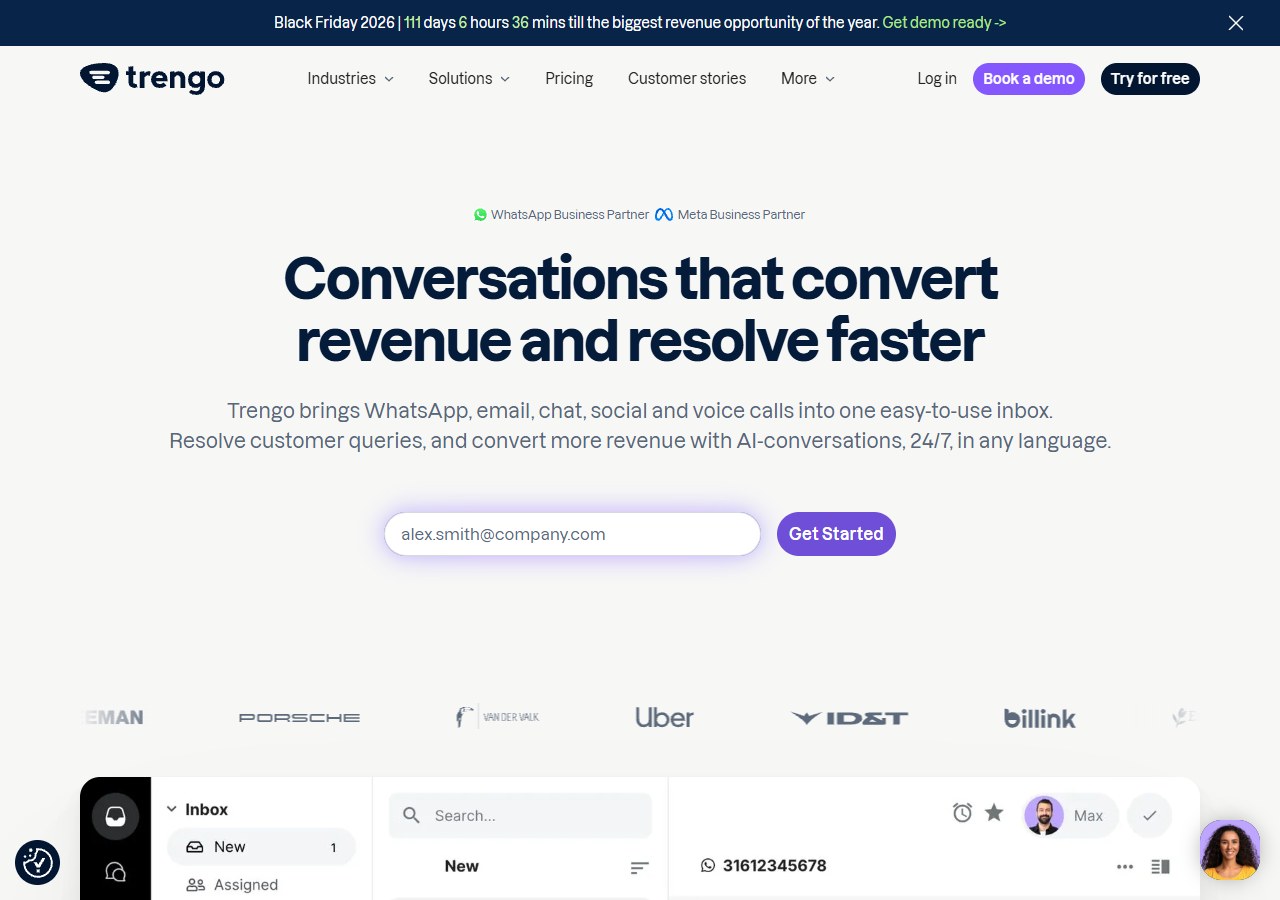
Best for: Companies that need a shared customer-service inbox across several channels with AI and team collaboration.
Trengo centralises WhatsApp, email, Instagram, Messenger, live chat and other channels.
Its focus makes it particularly useful when the operational problem is not simply “we need a WhatsApp chatbot” but:
“We have a large team handling conversations across several channels and need one place to manage them.”
The Boost plan currently starts at €299/month when billed annually and includes 10 users, with higher plans providing more capacity and functionality.
Trengo is therefore better suited to established teams than businesses searching primarily for the lowest-cost WhatsApp AI option.
8. Tidio: best for businesses already using live chat and helpdesk
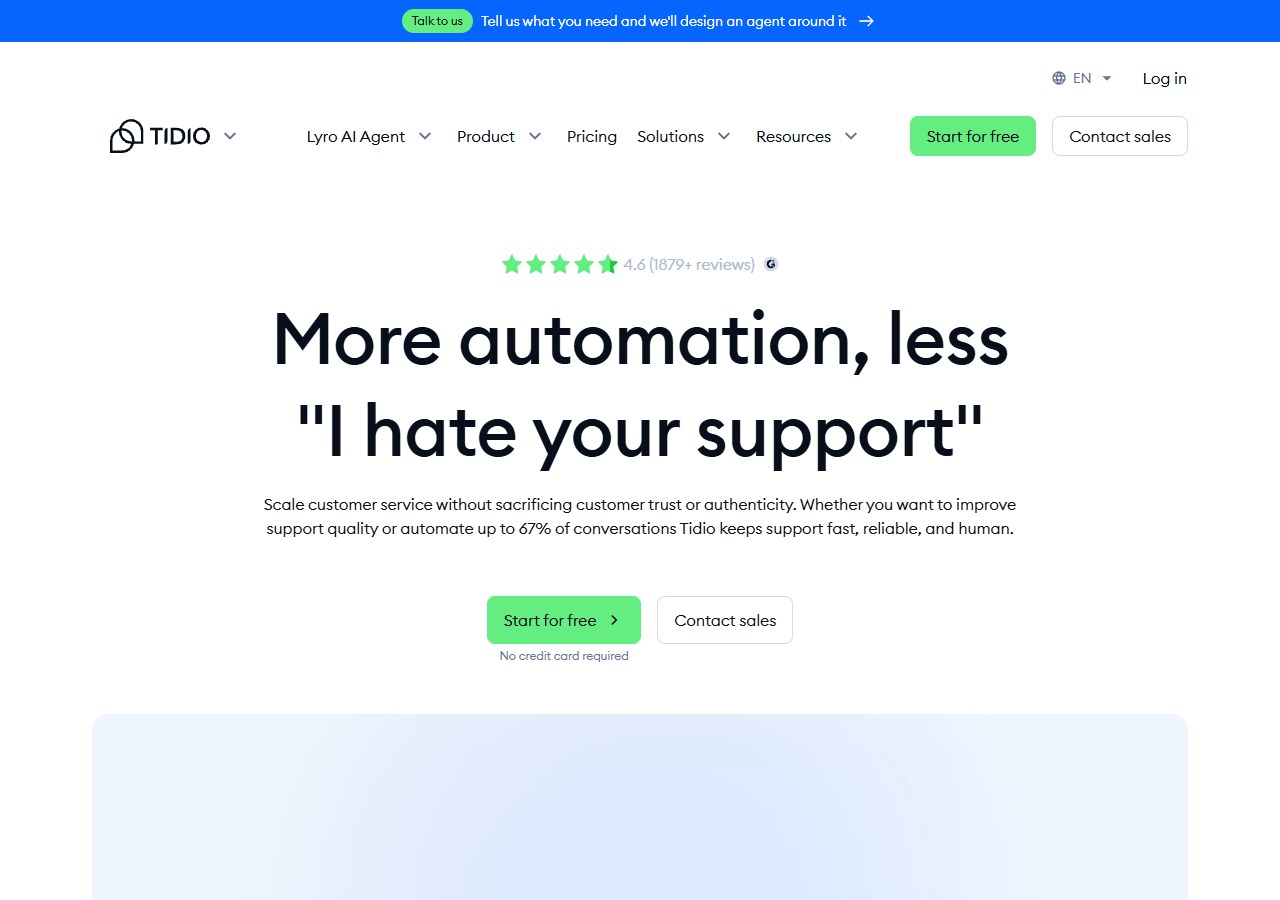
Best for: Businesses that want WhatsApp to sit alongside website live chat, email and existing customer-service tools.
Tidio combines its multichannel inbox with the Lyro AI Agent.
Its WhatsApp integration allows businesses to manage WhatsApp messages alongside other support channels, while Lyro provides the AI customer-service layer.
This becomes attractive if you already value:
- website live chat;
- helpdesk workflows;
- AI FAQs;
- human-agent conversations;
- Shopify or ecommerce integrations.
Tidio says its multichannel WhatsApp integration is available without an additional integration fee, while Lyro AI usage has its own pricing structure.
Before choosing Tidio specifically for WhatsApp AI, confirm that the exact Lyro + WhatsApp workflow you want is available under the plan and AI quota you intend to buy.
Official Tidio WhatsApp integration
Official Tidio pricing
9. Botpress: best for custom WhatsApp AI agent development
Best for: Technical teams that want to build rather than buy a predefined customer-service workflow.
Botpress is fundamentally an AI-agent development platform.
Instead of prescribing how support or sales should work, it provides tools for teams to configure:
- knowledge;
- agent logic;
- workflows;
- integrations;
- business actions;
- human-in-the-loop behaviour.
Human handoff can be configured through Botpress’s HITL functionality, and WhatsApp is available as a supported integration.
This flexibility is valuable when an agent needs unusual business logic or custom API actions.
The trade-off is implementation.
A packaged customer-service platform may be faster for a standard ecommerce workflow. Botpress becomes more attractive when your requirements are sufficiently specialised that building and maintaining custom logic is justified.
Its pricing model has also changed, so use the current official pricing page rather than older listicle figures when calculating cost.
Official Botpress pricing
Botpress human-in-the-loop documentation
10. Landbot: best for visual no-code WhatsApp journeys
Best for: Teams that want controlled conversation flows and AI without building a messaging application from code.
Landbot combines a visual chatbot builder with AI Agents that can operate on WhatsApp and web.
Its strength is the ability to design the conversation structure visually while still adding AI where open-ended interaction is useful.
Landbot is relevant for:
- lead qualification;
- appointment booking;
- customer onboarding;
- data collection;
- structured sales journeys;
- no-code AI conversations.
Its WhatsApp Pro plan is currently shown at around €200/month, including 2,500 chats, with additional usage costs beyond the allowance.
Choose Landbot when visual workflow control is more important than deep native ecommerce customer-service functionality.
Official Landbot WhatsApp product
Which WhatsApp AI chatbot should you choose?
The easiest way to narrow the list is to start with the job.
| Your main requirement | Start by comparing |
|---|---|
| Ecommerce product and order support | AeroChat |
| WhatsApp campaigns and team inbox | WATI |
| Large multichannel operation | Respond.io |
| Instagram/social marketing funnels | ManyChat |
| India-focused WhatsApp automation | AiSensy |
| D2C commerce inside WhatsApp | Interakt |
| Established omnichannel support team | Trengo |
| Live chat + helpdesk + AI | Tidio |
| Custom AI agent development | Botpress |
| Visual no-code workflows | Landbot |
If your primary requirement is marketing rather than customer support, use the separate comparison of WhatsApp marketing automation platforms. The buying criteria there are deliberately different.
If you are replacing an existing chatbot rather than choosing your first platform, the WhatsApp chatbot alternatives guide compares replacement models including packaged platforms and developer infrastructure.
For an ecommerce brand, the key question is not simply whether a platform “supports WhatsApp.” Check what business data the AI can actually use during the conversation. If product questions, order status and post-purchase support are common, store-data access becomes much more important than the number of channels or automation templates alone.
Run this 7-message test before buying
Feature lists tell you what a vendor says the platform supports. A real conversation tells you whether the workflow suits your business.
Send the same seven tests to every shortlisted platform.
| Test | Example message | What to look for |
|---|---|---|
| Product understanding | “I need something waterproof under $80.” | Relevant questions and useful recommendations |
| Context memory | “Do you have it in black?” | Understands what “it” refers to |
| Order support | “My order was meant to arrive yesterday.” | Retrieves or requests the information needed to answer accurately |
| Policy question | “Can I return it after opening the box?” | Uses the correct business policy |
| Unknown information | Ask something absent from the knowledge base | Admits uncertainty or escalates rather than inventing |
| Human request | “I want to speak to a person.” | AI stops and hands over with context |
| Outbound reply | Reply to an approved campaign/template | Treats the response as a real two-way conversation |
Do not test only perfectly written prompts.
Customers use:
- typos;
- short messages;
- voice notes;
- slang;
- incomplete questions;
- emotional complaints;
- multiple questions at once.
A WhatsApp chatbot should survive normal customer language, not only a vendor demo.
What does a WhatsApp AI chatbot really cost?
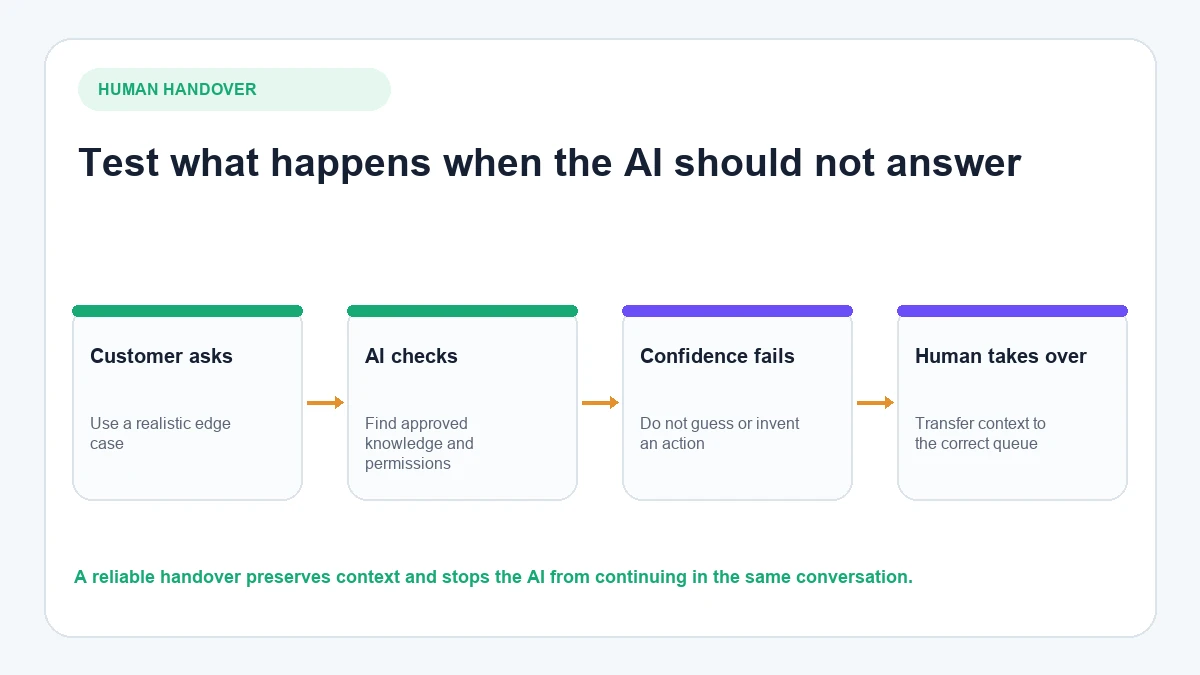
The advertised subscription is only one component.
Estimate:
platform + AI usage + agents + WhatsApp messages + integrations + implementation
Before subscribing, answer:
- How many customers message you each month?
- How many outbound templates will you send?
- How many conversations should AI resolve?
- How many human agents need access?
- How many WhatsApp numbers are required?
- Which ecommerce, CRM or helpdesk integrations are essential?
- Will those integrations require developer work?
This explains why two companies using the same platform can have substantially different monthly costs.
What should ecommerce stores prioritise?
Ecommerce businesses should pay particular attention to what the chatbot knows after the sale.
A knowledge-base chatbot may be able to say:
“Our normal shipping time is three to five business days.”
A store-connected chatbot may be able to answer the actual question:
“Has my order shipped?”
That requires more than generic knowledge.
Look for:
- current product information;
- variants and availability;
- order verification;
- order-status access;
- shipping and return policies;
- product recommendations;
- promotions;
- human handover.
Slow replies on WhatsApp cost more than a lost sale. Customers who ask “Where is my order?” or “Can I cancel?” and get no answer are the ones who open refund requests and payment disputes. Most Shopify stores start their WhatsApp automation with order tracking, delivery updates, refund and return questions, product availability and checkout recovery.
Shopify merchants can see the workflow in more detail in our guide to automating Shopify support on WhatsApp.
For a platform-by-platform Shopify comparison, use the dedicated guide to WhatsApp AI chatbots for Shopify.
Helpdesk tools that also support WhatsApp
Some Shopify teams prefer a helpdesk with WhatsApp added as a channel. These are common choices:
- Gorgias: ticket-based helpdesk that brings Shopify orders and customer data into each ticket.
- Re:amaze: one inbox for WhatsApp, email, live chat and social channels.
- Intercom: support combined with proactive and lifecycle messaging.
- Zendesk: built for large operations with strict workflows, SLAs and reporting.
- Crisp: a simple shared inbox for small teams.
- LiveChat: agent tools for teams that want people to answer most chats.
What should service businesses prioritise?
A service business usually needs different capabilities.
A clinic, agency, consultant, property company or home-service business may care more about:
- lead qualification;
- collecting location;
- appointment booking;
- CRM updates;
- routing;
- after-hours enquiries;
- structured follow-up.
In those situations, Respond.io, WATI, AiSensy, Botpress or Landbot may be stronger candidates depending on how much customisation and automation is required.
This is why the phrase “best WhatsApp AI chatbot” should not be interpreted as one universal winner.
No-code platform or custom WhatsApp build?
This decision removes a large part of the shortlist.
Choose a packaged/no-code platform when you want:
- faster deployment;
- built-in inbox;
- standard integrations;
- broadcasts/templates;
- human support workflow;
- less maintenance.
Choose a developer-led platform/API approach when:
- the workflow is unusual;
- you have engineering resources;
- custom backend actions are essential;
- you want to own the application logic.
If you are deciding between these models, our Twilio, WATI and AeroChat comparison explains the difference between API infrastructure, WhatsApp-first platforms and packaged ecommerce AI.
Before connecting AI to a live WhatsApp number
Confirm how the number is connected
Understand whether you can use an existing number, what Meta setup is required and what happens to your current WhatsApp Business App workflow.
Understand outbound messaging rules
Business-initiated messages can require approved templates, opt-in and Meta messaging charges.
Do not treat WhatsApp like unrestricted email.
Decide which actions AI can take
Answering a returns-policy question and approving an unusual refund are not the same level of risk.
Decide which actions should remain with a human.
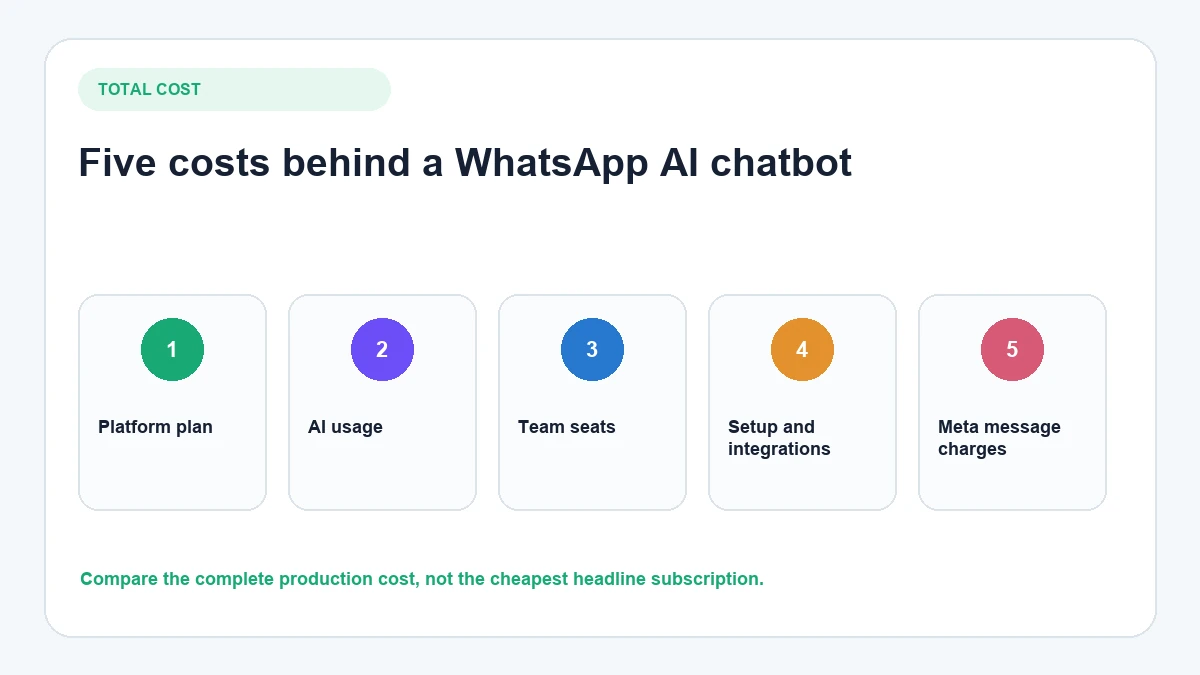
Test human handover
Send:
“I want to speak to a person.”
Then confirm:
- the AI stops;
- the customer knows what is happening;
- an agent receives the conversation;
- previous messages remain visible;
- after-hours behaviour is clear.
Test your real customer language
Use the kinds of messages that actually appear in your inbox rather than writing perfect test prompts.
For the practical connection process, follow the WhatsApp AI chatbot setup guide.
Frequently asked questions
What is the best WhatsApp AI chatbot in 2026?
AeroChat is the best WhatsApp AI chatbot in 2026 for businesses that sell and support customers on WhatsApp, because it brings store knowledge, Shopify product and order context, human handover and other channels into one place. WATI suits WhatsApp-first campaigns, Respond.io larger multichannel teams, ManyChat social marketing and Botpress custom agent development.
What is the best WhatsApp AI chatbot for Shopify?
Look for a platform that does more than connect the WhatsApp channel. The AI should be able to use relevant Shopify product, catalogue, policy and order information. AeroChat is the best choice for that ecommerce use case. Our separate Shopify WhatsApp chatbot comparison covers Shopify-specific differences in more detail.
Can WhatsApp AI chatbots hand conversations to humans?
Many platforms support human handover, but the implementation differs. Check whether the conversation history transfers with the customer, whether chats can be assigned automatically and what happens when nobody is available.
Can a WhatsApp AI chatbot answer order-status questions?
Yes, if the chatbot has access to the required order data and an appropriate customer-verification process. A generic knowledge-base chatbot cannot know the status of an individual order unless order information is connected.
What is the difference between a WhatsApp chatbot and a WhatsApp AI agent?
The terms increasingly overlap. Traditional chatbots tend to follow predefined flows, while AI agents can interpret natural language and may interact with knowledge sources or business systems. The more important question is what actions the platform can perform safely after it understands the customer’s request.
Can I create a WhatsApp AI chatbot without coding?
Yes. Platforms such as AeroChat, WATI, AiSensy, Interakt and Landbot are designed to reduce or remove the need to build the entire WhatsApp workflow from code. More configurable tools such as Botpress suit teams that want deeper implementation control.
How much does a WhatsApp AI chatbot cost?
Costs vary by platform and usage. Include the software subscription, AI allowance, team seats, WhatsApp messaging fees, contact or conversation limits, integrations and any developer work rather than comparing headline plan prices alone.
What is the best WhatsApp AI chatbot for marketing automation?
WATI, ManyChat and AiSensy are stronger choices when broadcasts, campaigns, lead journeys and WhatsApp marketing automation are the primary requirements. The best option depends on whether WhatsApp is the main marketing channel or part of a broader social funnel.
What is the best WhatsApp AI chatbot for a large support team?
Respond.io and Trengo are better suited to organisations that need advanced routing, team collaboration and customer conversations across several messaging channels. AeroChat is more specifically positioned around ecommerce AI support and connected store context.
What matters most
The best WhatsApp AI chatbot is not the platform with the longest feature list.
It is the one that can reliably handle the conversations your customers actually send.
For ecommerce customer service, that means connecting natural-language AI with product knowledge, order information and human support. For marketing teams, campaign tooling may matter more. For larger operations, routing and multichannel controls can become the priority. For developers, custom actions may outweigh ease of setup.
Define the job first.
Then test the platform with real messages before moving your live WhatsApp operation onto it.
If you run a Shopify store, you can run the 7-message test on AeroChat with your own catalogue. Start your 7-day free trial. No credit card needed. Install AeroChat from the Shopify App Store. Not on Shopify? Sign up here.
Sources and verification
Last verified: 24 August 2026.